Gemini Air commands that will change how you watch TV
Gemini Air commands that will change how you watch TV
Unleash the true potential of your Gemini Air with these power-user voice commands.

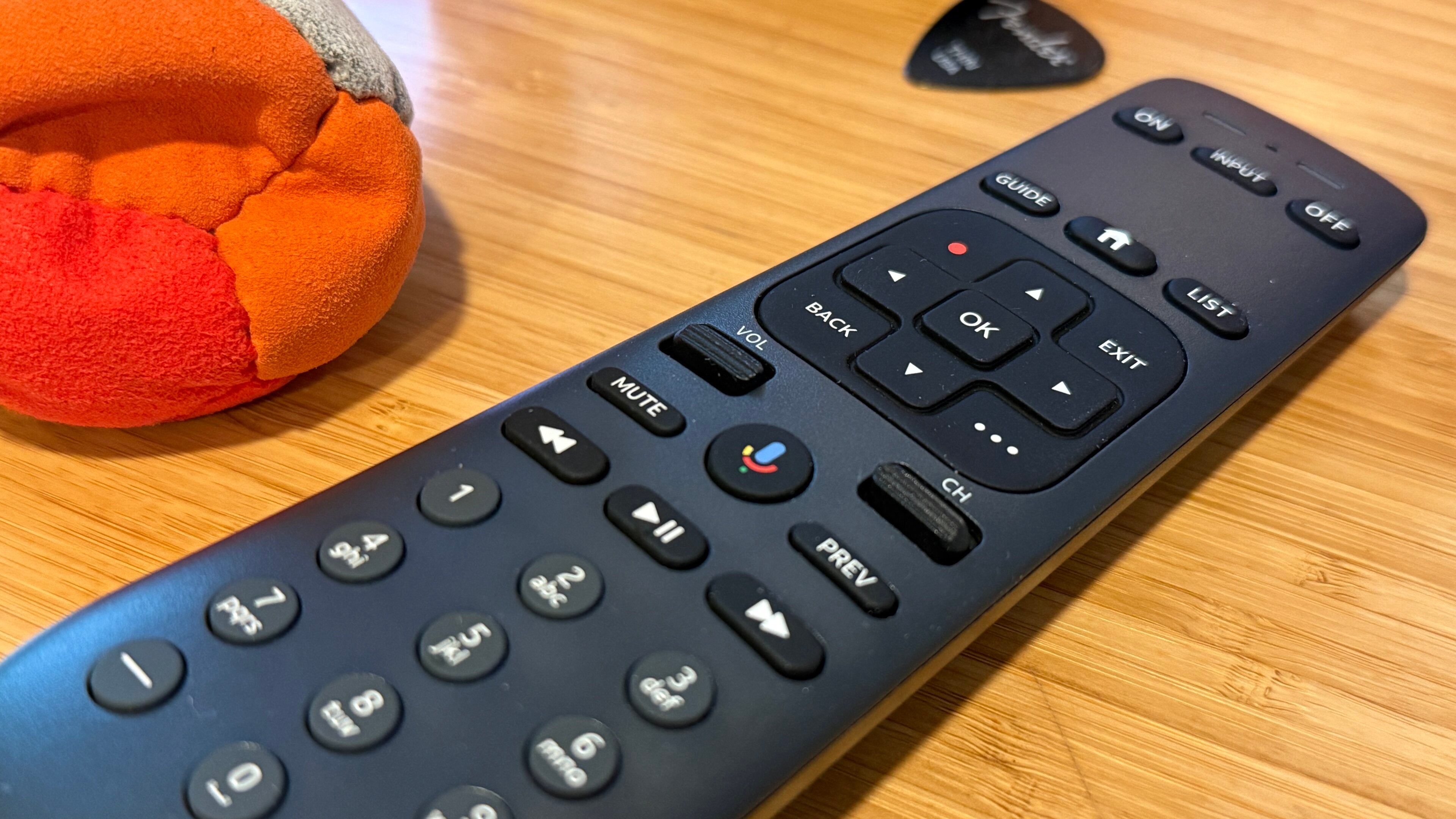
Cutting the cord doesn’t have to mean giving up the convenience of traditional cable. In fact, devices like the DIRECTV Gemini Air are designed to make streaming feel familiar while offering far more flexibility than the cable boxes of old.
The Gemini Air combines live TV, streaming apps, and voice controls into one compact device, making it a compelling option for anyone looking to simplify their entertainment setup. Instead of juggling multiple remotes or switching between different inputs, you can access your favorite live channels, on-demand content, and popular streaming services all with a single button press and the power of your voice.
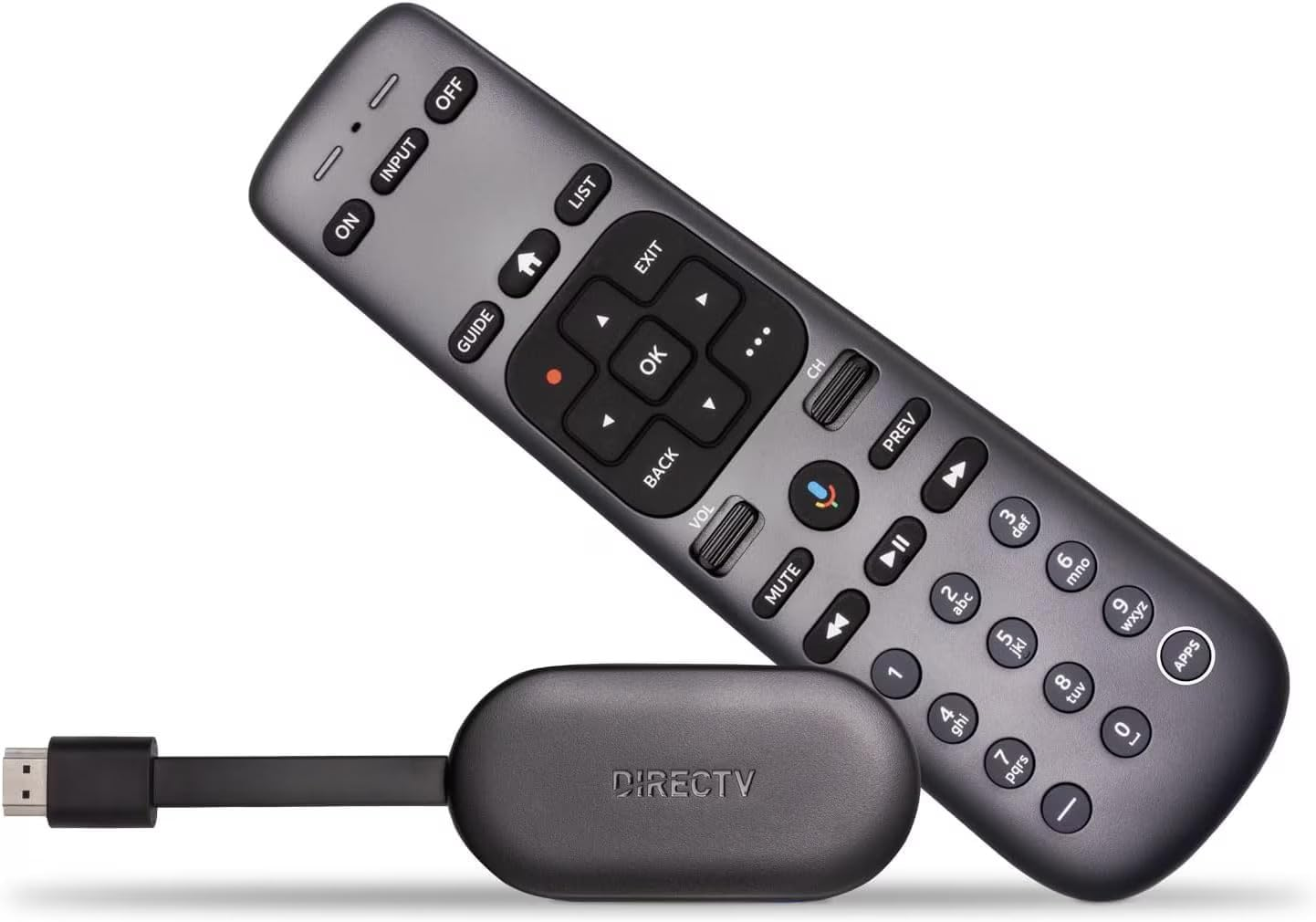
Gemini Air
From DIRECTV
The DIRECTV Gemini Air is a compact streaming device that brings live TV, on-demand content, and popular streaming apps together in one easy-to-use interface.
For households transitioning away from cable, that’s a big deal. The Gemini Air delivers many of the features viewers have come to expect from a traditional pay-TV experience — including a unified guide, easy navigation, and live television access — while adding the convenience and personalization of modern streaming platforms.
One feature that often gets overlooked, however, is voice control. While many people use it occasionally to search for a movie title, Gemini Air’s voice capabilities can do much more. Once you start using these commands regularly, you may find yourself reaching for other buttons less and less.
Here are some Gemini Air voice commands that can completely change the way you watch TV.
Common Gemini Air voice commands
“Open Peacock”
Skip the endless scrolling through app menus and get right to what you want. Simply ask Gemini Air to open your favorite streaming service and jump right into watching. Whether it’s Netflix, Peacock, Disney+, Max, or another supported app, launching content becomes nearly instantaneous.
“Play ‘The Bear’”
If you already know what you want to watch, voice search can save valuable time. Instead of typing out titles one letter at a time, just say the name of the show or movie. It’s especially helpful for longer titles or when searching using an on-screen keyboard feels like a chore.
“Show me comedy movies”
Not sure what you’re in the mood for? Ask Gemini Air to pull up movies and shows by genre, such as comedy, action, or drama. It’s an easy way to discover something new without wasting time browsing through recommendation rows.
“What’s on tonight?”
One of the things many cord-cutters miss about cable is the simplicity of flipping through a guide. Gemini Air helps bridge that gap by making it easier to explore live programming. Voice commands can help you quickly find what’s currently airing so you can spend more time watching and less time searching.
“Show me Mets games”
For sports fans, voice controls can be especially useful. Whether you’re looking for tonight’s game, upcoming matchups, or other sports-related programming, asking Gemini Air directly can help you get there faster than navigating through menus manually.
“Pause”
Sometimes the best voice commands are the simplest ones. Need to grab a snack, hit the head, or answer the door? Basic playback controls like pause, play, rewind, and fast-forward can all be activated using your voice (though arguably not as quickly as just tapping.
“Skip ahead 2 minutes”
Here’s one many Gemini Air users never realize exists. Instead of mashing the fast-forward button through commercials or slow scenes, you can ask Gemini Air to jump ahead by a specific amount of time. It’s fun to try to get the timing exactly right when skipping ahead.
Try commands like:
- “Skip back 30 seconds”
- “Fast-forward 10 minutes”
- “Rewind 1 minute”
“Turn up the volume”
Another one that probably isn’t a huge timesaver — but still works — is adjusting the volume without hunting for the right button.
“Show me movies with Michael J. Fox”
Whether seeking out “Back to the Future” or something a bit more obscure, you don’t have to remember exact titles to find something worth watching. Gemini Air can search by actor, director, and more, helping you rediscover favorites or uncover films you may have missed.
You can also try:
- “Show me movies directed by Christopher Nolan”
- “Find action movies with Dwayne Johnson”
- “Show me family movies from the 1990s”
“Turn on captions”
This one I use quite a bit, as captions seem to pop up when I don’t want them, or I’m left fumbling to find the menu to bring them up. Whether you’re watching late at night, trying not to wake sleeping family members, or simply prefer subtitles, voice commands make it easy to adjust accessibility settings on the fly.
“Show me free movies”
With so many streaming subscriptions available, it’s easy to lose track of what costs extra. Asking Gemini Air to surface free content available through your services can help you find something new without paying additional rental fees. It’s a surprisingly useful command for budget-conscious streamers.
“What can I watch with the kids?”
Family movie night often turns into family indecision night. Instead of endlessly browsing, ask Gemini Air for recommendations tailored to younger viewers. “Show me animated movies” or “Find family comedies” are a great start.
“Open settings”
Need to troubleshoot an issue, adjust your display settings, or manage connected devices? Voice commands can help you jump directly into the settings menu without navigating through several screens. It’s especially handy for users who aren’t as comfortable digging through menus.
“Show me recordings”
If your TV service includes DVR functionality, this command can take you straight to your saved content. No more hunting through menus to find the game you recorded last weekend or the series you’ve been meaning to catch up on.
“Go to live TV”
For many people switching from cable, the biggest adjustment is moving away from the familiar experience of channel surfing. Gemini Air makes that transition easier. A simple voice command can take you directly back to live programming, blending the best parts of traditional television with the convenience of streaming.
“What’s the weather?”
A favorite of my wife, the Gemini Air can also provide useful information beyond entertainment. Need to know if you’ll need an umbrella tomorrow? Want a quick update on the latest headlines or sports scores? Voice commands can help you stay informed without ever picking up your phone.
Why voice controls matter
The best features of a device often go unused or fade away, overshadowed by more powerful ones. Voice control is one that hits both of these more often than not.
That’s what makes Gemini Air such an appealing cable alternative. It combines the familiar experience of traditional television with the flexibility of streaming, while voice controls eliminate many of the minor frustrations of navigating modern entertainment platforms.
If you’ve recently cut the cord — or you’re considering making the switch — taking advantage of Gemini Air’s voice features is one of the easiest ways to upgrade your viewing experience.
Gemini Air
From DIRECTV
The DIRECTV Gemini Air is a compact streaming device that brings live TV, on-demand content, and popular streaming apps together in one easy-to-use interface.