How do you add and adjust profiles on Hulu?
How do you add and adjust profiles on Hulu?
Hulu makes account set-up easy once you have a subscription.


The library on Hulu is a little different than that of Disney+, its corporate sibling. Hulu is more of a general entertainment streamer, which means its content catalog has a lot more licensed titles in order to carry something for everyone who wants to watch.
That means setting up various profiles on Hulu for all the members of your household is highly important, so that everyone sees recommendations based on their specific tastes. A person who comes to the series for next-day streams of ABC primetime dramas probably doesn’t want to see animated shows for adults on their home page, and vice versa. We’ll give you more details on how to set up Hulu profiles here!
Everything you need to know about profiles on Hulu
How many profiles can you use on Hulu?
Hulu allows you to set up a total of seven profiles, including the account-holder’s original profile. That allows all members of the family to create their own, but remember, a Hulu subscription is intended to be used in one household.
How to set up new profiles on Hulu
On the Hulu website
- Hover over your profile icon once you’re logged into the streamer.
- Click the Manage Profiles button.
- On the next screen, click Add Profile to begin setting up the new profile of your choice.
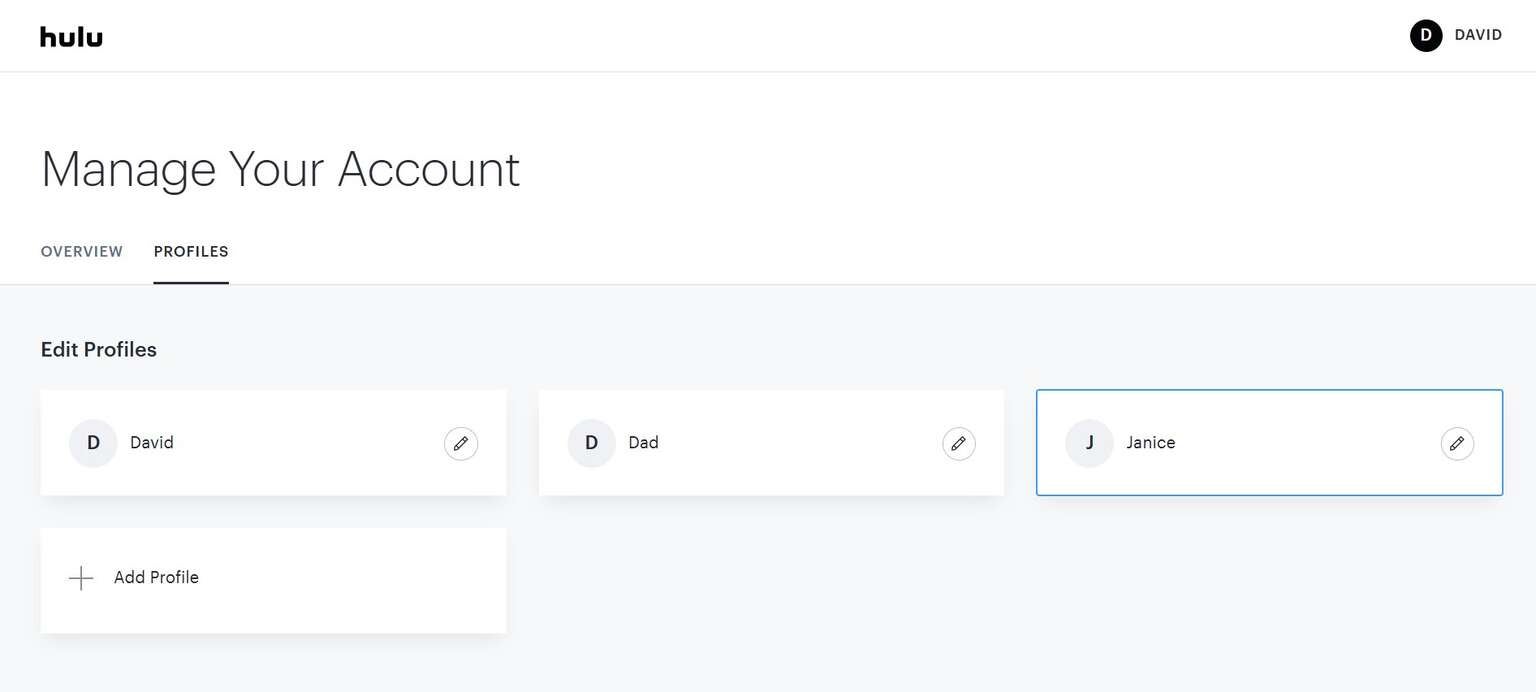
The Hulu profile creation screen on the web. Click to expand.
On the Hulu mobile app
-Open the Hulu app.
- Click the Account icon, then select your name to open the Profiles page.
- Tap New Profile, then fill out the required information to create a new profile.
On the Hulu connected TV app
- Open the Hulu app.
- The Profile selection screen will pop up when you open Hulu.
- Click New profile, then fill out the details and create the profile you want to make.
Can you transfer profiles with Hulu?
Yes, if you wish to transfer a Hulu profile to a new, paid Hulu subscription, you can do so! To proceed with a profile transfer, the person setting up a new account will want to try to log into Hulu on a connected TV in their new household.
Doing so will pull up a warning: “This TV doesn’t seem to be part of the Hulu Household for this account” Click the Create Account prompt, and you can start the profile transfer process to your new Hulu subscription. The owner of the original account will receive a request to approve the transfer of the profile to the new account and will have seven days to approve that request.
What settings can you edit in Hulu profiles?
To edit profile settings, proceed to the profile screen in the Settings menu on Hulu. You can then change your profile’s name, the owner’s birthdate, and the gender of the profile user.
You can also set up Parental Controls on Hulu profiles and enable a PIN to protect kids from wandering into non-kids profiles on the streaming service.
Can you delete a profile with Hulu?
To delete a profile on Hulu.com, return to the Manage Profiles section. Select the profile you want to delete, then in the Edit Profile pop-up window, click Delete.

Hulu
Hulu is a video streaming service that gives access to thousands of full seasons of exclusive series, hit movies, kids shows, and Hulu Originals like “Only Murders in the Building,” and “The Handmaid’s Tale.”