Unlock worry-free streaming and master smart tech with tips everyone should know
Unlock worry-free streaming and master smart tech with tips everyone should know
Keep movies, shows, and music flowing while staying safe, savvy, and in control.


Streaming gadgets have completely changed how homes enjoy entertainment. With a small device and Wi-Fi, endless movies, TV shows, and music are just a few clicks away. No more shuffling through DVDs or fiddling with extra cables. It’s simple, convenient, and surprisingly powerful.
Still, as easy as these devices make it to watch your favorite shows, they also connect to the internet, which means they hold bits of personal information, from email logins to viewing habits. Taking a few easy precautions can help keep that information safe. Adjusting a few settings, keeping things up to date, and staying aware of what’s connected can make streaming safer and more reliable.
Here are some simple ways to keep streaming devices protected and running smoothly!
Keep software up to date

Streaming devices run on built-in software known as firmware, the quiet engine that keeps everything working, from launching apps to connecting with the internet. Manufacturers release updates to patch up security gaps, fine-tune performance, and occasionally introduce new features that make streaming smoother or more enjoyable. Ignoring those updates can leave the door open to hackers, bugs, or apps that malfunction as intended.
Most devices handle updates automatically, installing them quietly in the background. Still, checking the settings once in a while can bring peace of mind that everything is current and secure. These updates often speed up navigation, improve app compatibility, and even freshen up the interface.
Use strong, unique passwords
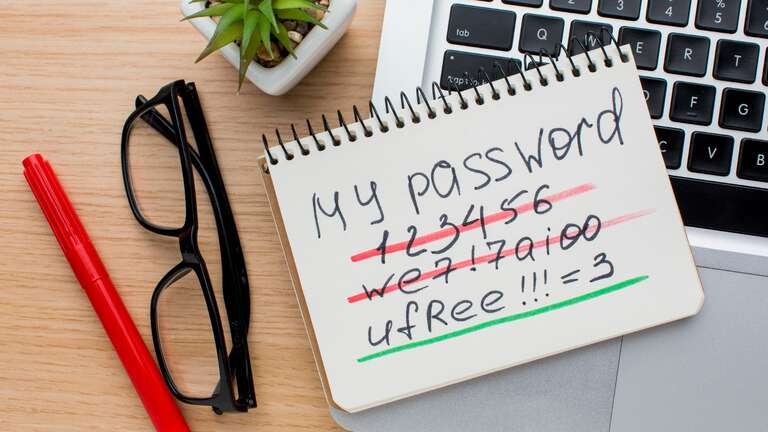
Every account linked to a TV streaming player or service benefits from a strong, unique password. Weak or recycled passwords make it easier for hackers to slip in, exposing personal details and entertainment subscriptions. A secure password mixes uppercase and lowercase letters, numbers, and symbols, forming a combination that’s tough to crack.
For anyone juggling several logins, password manager apps can take the pressure off. These digital organizers safely store login information, generate strong passwords automatically, and even send alerts if one has been reused or compromised. Pairing good passwords with smart habits like signing out after using a shared device, steering clear of public Wi-Fi for streaming, and updating passwords every so often creates a solid line of defense that keeps accounts safe and streaming uninterrupted.
Enable two-factor authentication
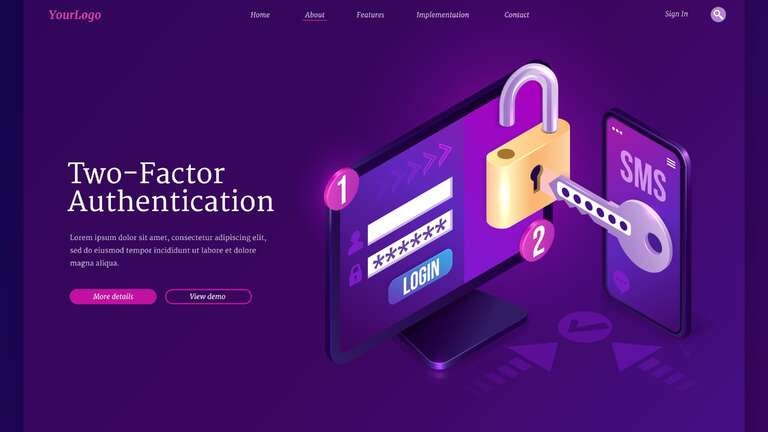
Two-factor authentication (2FA) adds an extra layer of security by requiring a second verification step in addition to a password, usually through a phone, email, or an authenticator app. After entering the usual password, a unique, time-sensitive code is sent to the chosen device or app, and this code must be entered before access is granted. This makes it much harder for hackers to gain entry, even if a password has been stolen or guessed.
Many popular streaming platforms, app stores, and device accounts support 2FA, and some offer options like push notifications or backup codes for convenience. Beyond the extra step, it also serves as an early warning system, sending alerts if someone tries to log in from an unfamiliar location. For anyone streaming at home, it’s a small step that makes a big difference in keeping accounts private and personal information safe.
Limit app permissions
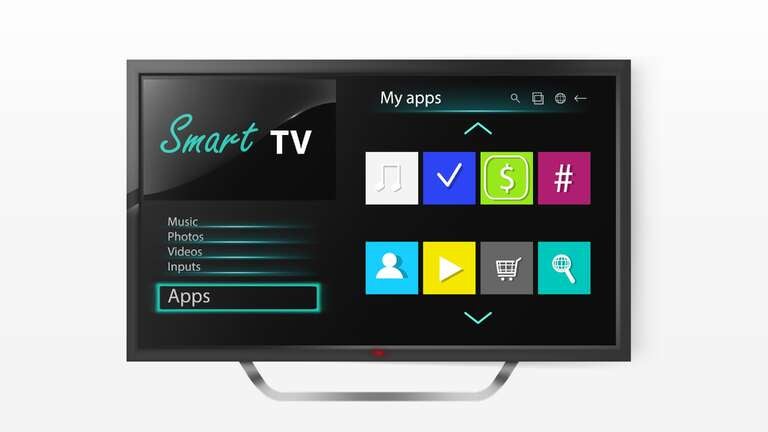
Streaming devices often request access to location, contacts, or other personal data. Limiting permissions to only what apps actually need helps preserve privacy without affecting how the device works. Taking a few minutes to review settings can reveal which apps are gathering extra data and allow you to switch off those permissions with just a few clicks.
Keeping permissions in check helps cut down on data tracking, unwanted ads, and other digital clutter. Most devices let users control access app by app, so it’s easy to decide who gets what. It’s a small bit of digital housekeeping that goes a long way toward keeping personal information private and technology working on your terms.
Secure your home network
A secure home Wi-Fi network is the quiet hero behind safe and reliable streaming. Modern routers use strong encryption, like WPA2 or WPA3, to keep outsiders off the network and protect every connected device. It’s worth taking a few minutes to make sure those settings are in place. Changing the router’s default password, turning off remote access, and limiting guest connections can make a big difference in keeping things secure.
Even small adjustments can help. Positioning the router in a central spot improves signal strength throughout the home, and keeping the router’s software up to date closes the door on potential security gaps. Turning off little-used features, such as WPS or UPnP, adds another layer of safety.
A well-protected network guards against hackers or malware and it helps everything run faster and smoother. With a few easy steps, streaming stays steady, private, and dependable across every room in the house.
Regularly monitor accounts

Keeping an eye on account activity is one of the simplest ways to stay safe online. Strange logins, unfamiliar devices, or sudden changes in settings can all signal that something isn’t right. Most streaming services now make it easy to see what’s happening behind the scenes, offering alerts and notifications whenever a new device connects or a login occurs from an unusual location. Taking a moment every so often to review these details can help stop small problems before they become serious ones.
It’s also a smart way to stay organized. Checking account activity can reveal old or forgotten subscriptions, helping trim down unnecessary charges and keep entertainment costs in check.
Use a VPN
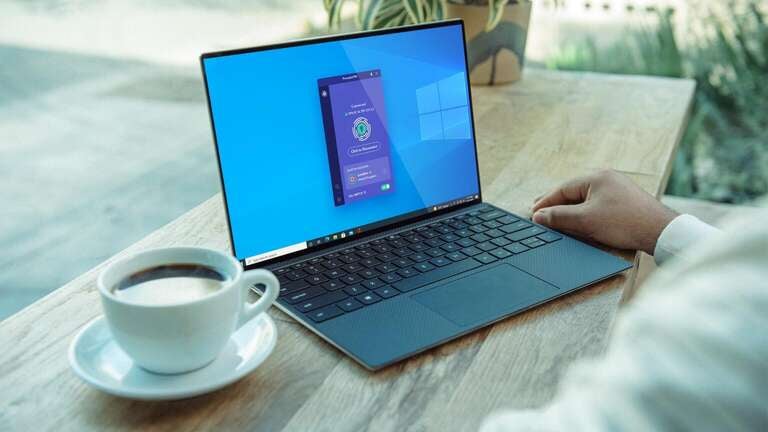
If you’re really looking to stay secure online no matter what, a VPN is a great option and something that everyone should be using. Not only does it keep you protected from threats and malware, but it also keeps prying eyes from snooping on your data and activity online. In addition, you can also use it on the go to get around geo-restrictions for streaming your home content.
There are plenty of VPN’s to choose from, but one of our favorites is NordVPN for its speed, security, and fair prices. You can get started for just a few dollars a month and have peace of mind no matter what you’re doing online.
Keeping streaming safe and private
Streaming devices have revolutionized home entertainment, making movies, shows, music, and more readily accessible. At the same time, they require a bit of attention to keep personal information safe. Updating software, using strong passwords, turning on two-factor authentication, managing app permissions, and keeping the home network secure all help make streaming safer and simpler.
Even small habits add up. Protecting devices and accounts keeps privacy strong without taking away convenience or enjoyment. These small steps enable streaming to continue as a source of entertainment, connection, and enjoyment.