How to set up and use profiles on YouTube TV
How to set up and use profiles on YouTube TV
What you need to know about using the YouTube TV profiles feature, including easy instructions for making new ones.

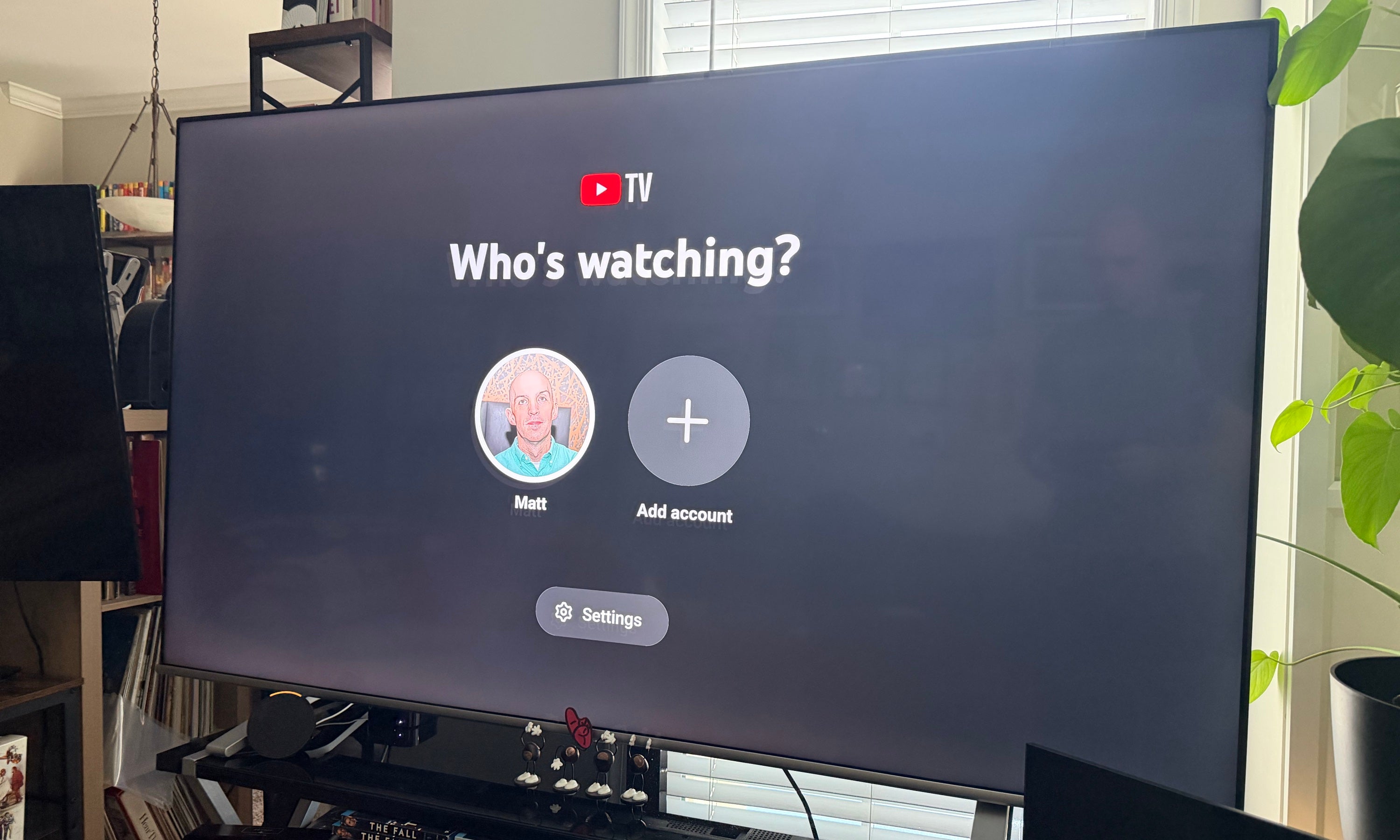
Having a streaming subscription to a service like YouTube TV is one thing, but sharing it with everyone else in your house is quite another. It’s not so easy to pick up where you left off when your favorite channels are buried beneath the last thing someone else watched. Many streaming services offer a profiles feature that allows users to set up a profile for everyone in the home, tracking viewing history, favorite channels, and more individually to allow each viewer to have their own digital space. Does YouTube TV do likewise? Find out what you need to know below
What you need to know about profiles on YouTube TV
Can you create profiles on YouTube TV?
Yes, you can create new user profiles on YouTube TV for multiple people in your household. This makes it much easier for everyone watching the YouTube TV subscription in your home to track their preferences and viewing history.
How many profiles can you make with YouTube TV?
YouTube TV customers can create up to six profiles in total: the account holder and five additional profiles.
How to create new profiles with YouTube TV
One thing you need to know before creating new profiles with YouTube TV: everyone who wants to create a profile will need a Google account of their own to link to the streamer. Once everyone has a Google account of their own, the YouTube TV subscriber can invite those accounts to join their own Google Family Group.
To add users to your Google Family Group:
- Open YouTube TV in a web browser.
- Tap your profile picture in the top-right corner, then click Settings.
- Choose Family sharing from the left-hand menu.
- Click Set Up (or Manage).
- Choose Create family group, then enter the Gmail addresses of the people you want to invite.
- Have each family member accept their invitation.
What are the perks of setting up YouTube TV profiles?
YouTube TV profiles allow each family member to record shows, movies, and sports events to their own private DVR library. Since YouTube TV has unlimited Cloud DVR, profiles let everyone in the home use the feature without stepping on anyone else’s toes.
Individual YouTube TV profiles also let viewers see personalized viewing recommendations and customize their home screen layout. Users can even favorite their own channels in the YouTube TV live guide on their profile for quicker access.
What parental controls do YouTube TV profiles offer?
YouTube TV subscribers with kids under 13 will want to set up Google Family Link, which will allow them to manage the Google Account permissions of their children directly. Doing so allows them to create Google Accounts for their kids, which can be linked to the home YouTube TV account.
To do so:
- Install the Google Family Link app on your Android or iOS device.
- Open the app and sign in with your Google Account (the same one linked to your YouTube TV subscription).
- Tap the + (Add child) button to create or link a kid’s account.
- Once the account is created, open Settings>Google>Parental controls on your child’s device.
- Set age restrictions for your child, and enable Require Approval for downloads and purchases.
Once you’ve done this, your child’s account will be locked out of age-inappropriate content when watching YouTube TV. Account owners can log into their YouTube TV account and switch settings any time to change the filters on their children’s content.

YouTube TV
YouTube TV is a live TV streaming service with more than 60 channels for $82.99/month. This plan includes local channels 32 of the top 35 cable channels, and regional sports networks (RSNs) in select markets. The base plan includes more than 100 live channels, including major broadcast networks like ABC, CBS, FOX, and NBC, as well as popular cable channels such as ESPN, CNN, FX, USA Network, and TNT. Local channels are included in most markets, making YouTube TV a full replacement for traditional cable for many viewers.