What you need to know to sign up for YouTube Music
What you need to know to sign up for YouTube Music
We’ll explain the features of a YouTube Music subscription, the price of each plan, and more here.

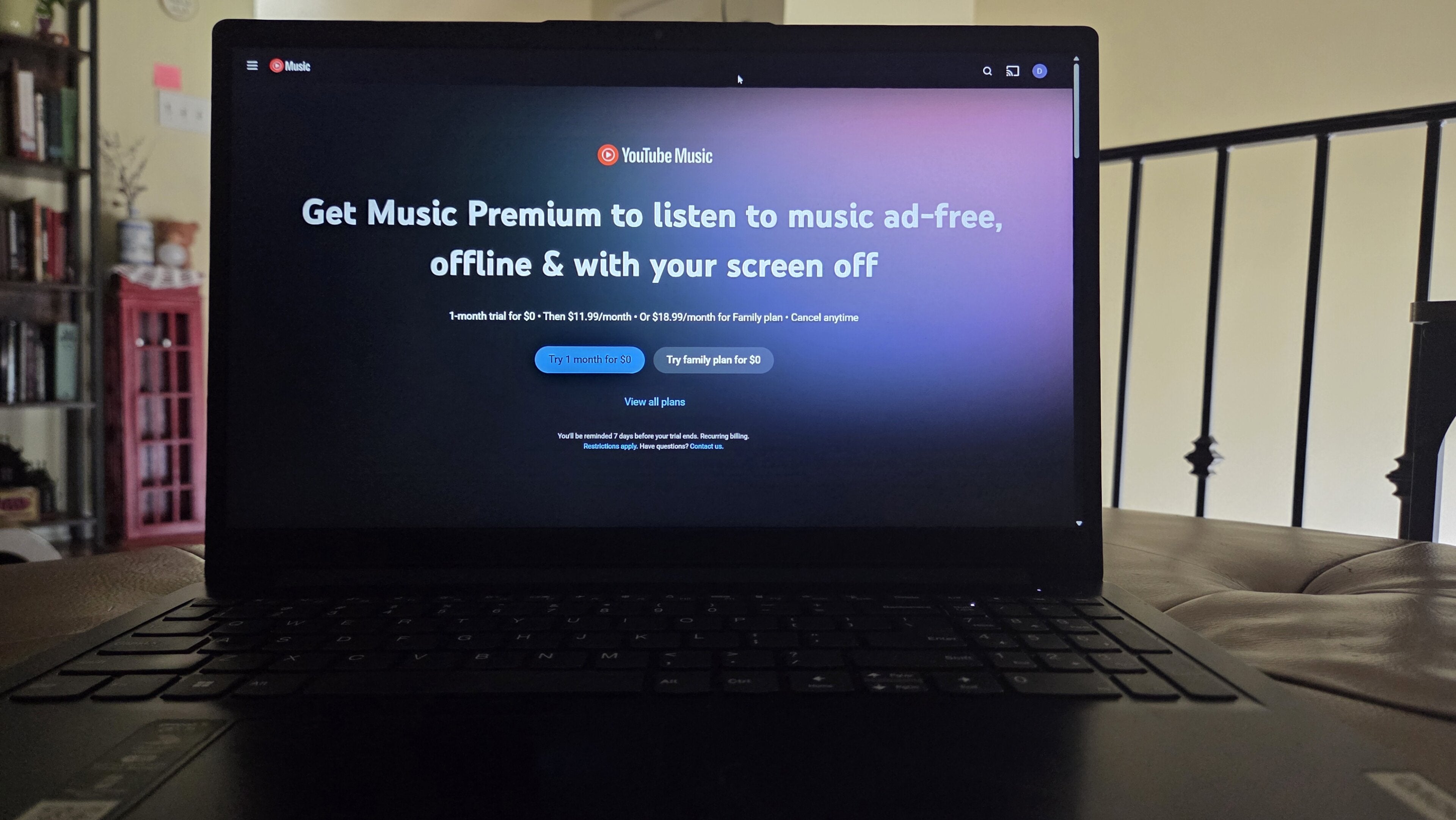
There are a wide range of music streaming services available, and like TV and movie streamers, they all offer a slightly different experience. That can make it tough for subscribers who are looking to sign up for a music streamer to know everything they need to in order to make the right choice.
The Streamable knows how tricky it can be, and we want to help. If you’re ready to sign up for YouTube Music, or at least want to know more about the service before picking one, keep reading. We’ll give you all the details you need to know before signing up for YouTube Music below!
Everything you need to know to sign up for YouTube Music
What is YouTube Music?
YouTube Music is an audio streaming service with a library of more than 100 million songs from thousands of popular artists. Its catalog includes videos, live performances, and podcasts as well as music, and it offers a free tier that allows for playback of select songs, the ability to make playlists, and create custom radio stations.
Premium subscription plans include these features and much more, including ad-free playback, background play, offline downloads, and AI-generated radio stations. YouTube Music has something for each budget available, much like other subscription services under the company’s umbrella, such as YouTube TV.
How much are YouTube Music plans?
| Plan name | Price | Number of premium accounts |
|---|---|---|
| Free | $0 | 0 |
| Individual | $12 per month $120 per year |
1 |
| Family | $19 per month $180 per year |
5 |
| Student | $6 per month (eligible students only) |
1 |
How to sign up for YouTube Music
While you can subscribe to YouTube Music on web browsers or mobile devices, you cannot sign up for an account for the first time through the YouTube app for connected TV devices. You can still use YouTube Music on smart TVs and streaming players, but you will have to subscribe to Premium on your phone or a web browser.
On a mobile device
- Download the YouTube Music app in the Google Play Store or Apple App Store.
- Open the app, and click the Get Music Premium button at the bottom of the screen.
- Follow on-screen prompts to finish subscribing.
On a browser
- Click here to sign up for a YouTube Music Premium subscription.
- Choose your plan and click “Try 1 month for $0.”
- Log in with your Google account.
- Enter payment details and follow on-screen prompts to finish signing up.
Does YouTube Music have a free trial?
Yes, new YouTube Music Premium subscribers can enjoy a one-month free trial of the service. This trial is available on the Individual, Family, and Student plans. Once the trial ends, YouTube Music will auto-renew at the standard subscription rate.
Do you have to make an account to use YouTube Music?
Yes. Even if you want to use the free features available on YouTube Music, you will have to link it to an existing Google account. As with most other YouTube products, an active Google account is required to listen to YouTube Music.
What are the benefits of YouTube Music?
YouTube Music Premium offers a long list of features that music lovers will go crazy for. The streamer allows subscribers to listen to tracks, albums, and remixes without ads, minimize the YouTube Music app and listen to it in the background on your phone, download tracks for offline listening, and use audio-only mode to help listeners preserve their mobile data.
Exclusive content like fan-made mashups, niche remixes, and more is available on YouTube Music, thanks to its interconnection with the larger YouTube database. It also meshes well with other services and devices in the Google ecosystem, which is popular in hundreds of millions of households around the world.
How to modify an existing YouTube Music subscription
If you use YouTube Music’s free tier, but are ready to upgrade to a Premium account, the easiest way to do so is on a web browser.
- Click here to open your YouTube Music home page.
- Click your profile icon in the top-right corner.
- Click Get Music Premium.
- Follow on-screen prompts to finish signing up.
Where is YouTube Music available?
YouTube Music is currently available in 119 countries and territories around the world. Listeners can subscribe in the Americas, Europe, parts of Africa and Asia, and Oceania. That allows customers to know that their YouTube Music subscription will follow them almost everywhere in the world.