T-Mobile’s Binge On lets you stream without using data
T-Mobile’s Binge On lets you stream without using data
Select T-Mobile customers can use binge on to stream on their phones as much as they want.

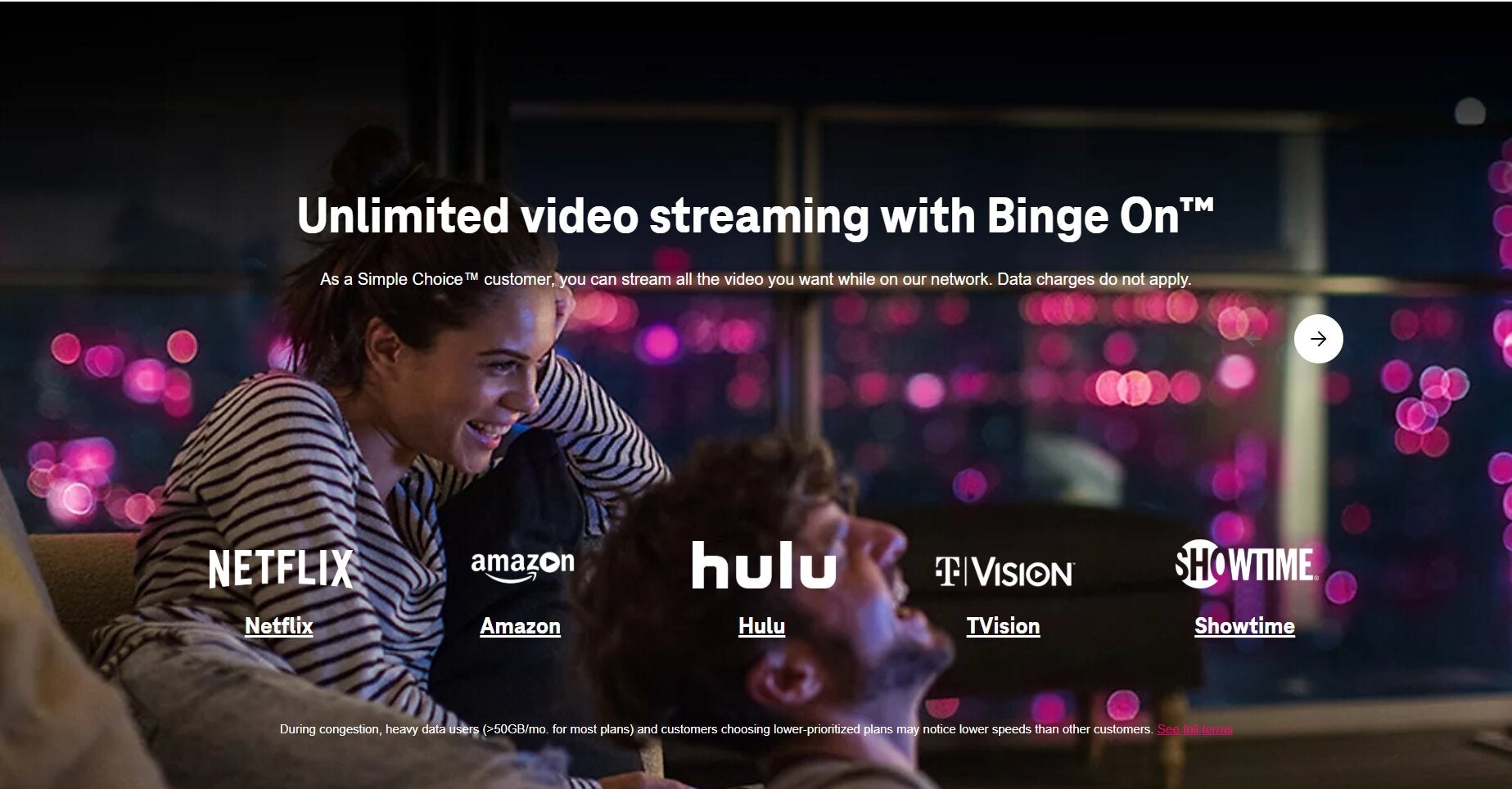
Are you a T-Mobile Simple Choice plan customer? If so, Binge On might be the best benefit of your subscription that you’re not using. Binge On allows T-Mobile Simple Choice plan holders to stream as much video as they want, and it works with some of the most popular streamers on the market. Learn everything you need to know about Binge On from our streaming experts here!
Everything you need to know about T-Mobile’s Binge On

What is Binge On from T-Mobile?
Binge On optimizes video streaming for mobile devices so viewers can stream more video using the same amount of data.
In addition, every qualifying T-Mobile Simple Choice customer with 3GB or more of data can stream unlimited video from select services without having to use their high-speed data at all.
How do you enable Binge On?
Binge On is automatically enabled for eligible customers. To determine if yours is active, use your phone to dial #BNG# (or #264#). If your Binge On is enabled, you will see the message “Binge On is Currently Enabled.”
To disable Binge On, dial #263# and follow the on-screen instructions. You can also disable it from the My T-Mobile dashboard or on the T-Mobile app.
Which services does Binge On work with?
Binge On works with Netflix, Hulu, Max, ESPN, Paramount+ with SHOWTIME, STARZ, YouTube, and more streaming platforms.
Does Binge On cost extra?
No, as long as you have a Simple Choice plan, you can watch Binge On at no additional cost.
What video quality will you get while streaming Binge On?
Binge On’s optimized video streams are at 480p, which is DVD quality but does not approach full 1080p HD or Ultra-High-Definition 4K.
Who is eligible to use Binge On?
Existing T-Mobile customers with a Simple Choice plan can use Binge On. It’s not available with T-Mobile ONE or Magenta plans, and unfortunately, the Simple Choice plan is currently only available for T-Mobile business customers and is not offered as a choice to new residential subscribers.
Can you stream via apps and browsers using Binge On?
Yes, Binge On allows you to watch video while streaming through a given service’s app, or if you are watching on a web browser on your mobile device instead.
Can you stream with Binge on while traveling?
Binge On is only available to T-Mobile Simple Choice users in the United States. The service cannot be used when traveling outside the U.S.
Can you use Binge On with a tablet?
If a phone screen is a little too small for your taste, you can also use the Binge On feature while streaming on a tablet. You can even use your tablet as a hotspot and stream on your laptop if you wish.