Moving soon? Here’s how easy it is to switch from T-Mobile 5G Home Internet to T-Mobile Fiber
Moving soon? Here’s how easy it is to switch from T-Mobile 5G Home Internet to T-Mobile Fiber
T-Mobile Fiber may already be available at your new address.

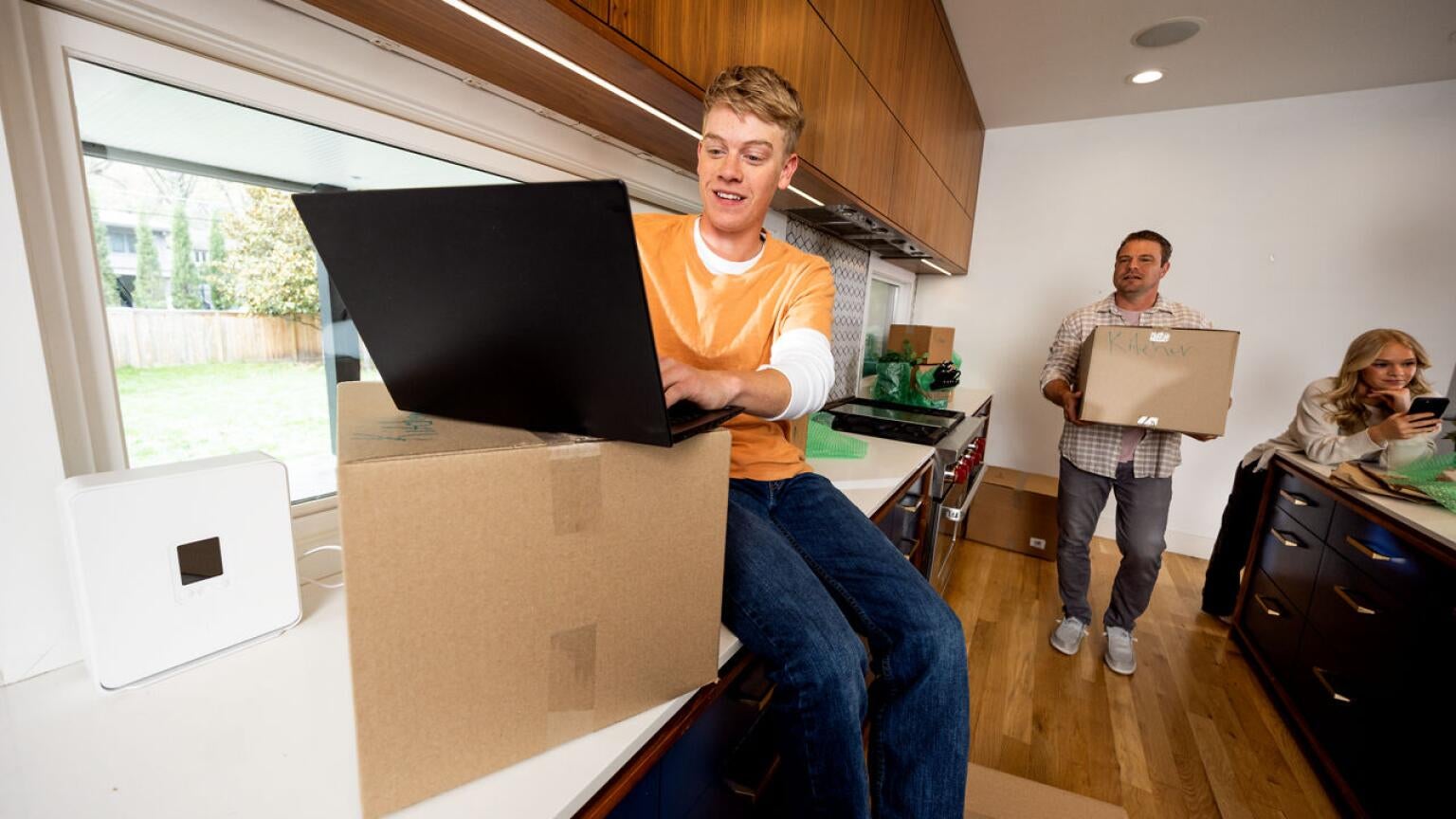
Moving season is here, and for many households, a new address means choosing an internet service provider. If you’re already a T-Mobile customer, you may be wondering whether you can easily switch from your current T-Mobile 5G Home Internet service to T-Mobile Fiber when you move.
The good news is that T-Mobile makes the process relatively straightforward. In fact, the company allows customers to switch between the services whenever they’re eligible, especially since neither service requires a long-term contract. That flexibility can be particularly helpful if you’re moving from an area that hasn’t yet received Fiber service to one that does.

T-Mobile Fiber
Starting at $35/month with AutoPay. Plus taxes and fees.
Can you switch from T-Mobile 5G Home Internet to T-Mobile Fiber?
According to T-Mobile, customers who qualify for both services can choose whichever broadband option best fits their needs and switch between T-Mobile Fiber and T-Mobile 5G Home Internet without being locked into an annual contract.
That means if your current home doesn’t yet have T-Mobile Fiber service while it continues its nationwide rollout, but your new address is in one of the many cities nationwide that do, you can easily transition to the new service rather than searching for a new provider.
For many movers, that’s a much easier process than scheduling a new installation, waiting for construction, or dealing with cancellation fees from another provider.
How to check availability at your new address
Before you move, the first step is checking service availability at your new home.
T-Mobile determines eligibility for both T-Mobile Fiber and T-Mobile 5G Home Internet on an address-by-address basis. T-Mobile Fiber is available in many cities across the U.S., and T-Mobile is adding more every month.
You can check availability directly through T-Mobile’s website to see if T-Mobile Fiber is available in your new home.
What you’ll need to do
The process is generally simple:
- Check your new address for eligibility.
- Contact T-Mobile before your move.
- Have your service updated to the new address.
- Receive or activate the appropriate equipment.
For existing T-Mobile 5G Home Internet customers, T-Mobile specifically requires customers to notify the company before moving because service is approved for a specific address. Moving without updating your address could impact service or support eligibility.
If you’re moving from T-Mobile 5G Home Internet to T-Mobile Fiber, T-Mobile can help transition your account to the appropriate service for the new location.
The Bottom Line
If you’re moving and are lucky enough to have T-Mobile Fiber available at your new home, switching is usually straightforward. The key is checking availability at your new address before moving and contacting T-Mobile to update your service.
Because both services operate without annual contracts, customers can switch between the services as their circumstances change. Just remember that eligibility is determined by your new address, so it’s worth checking availability as soon as your move is on the calendar.