Here’s how to disable motion smoothing on Panasonic TVs
Here’s how to disable motion smoothing on Panasonic TVs
If you use a Panasonic set and want to turn off motion smoothing, we’ve got the solution for you here!

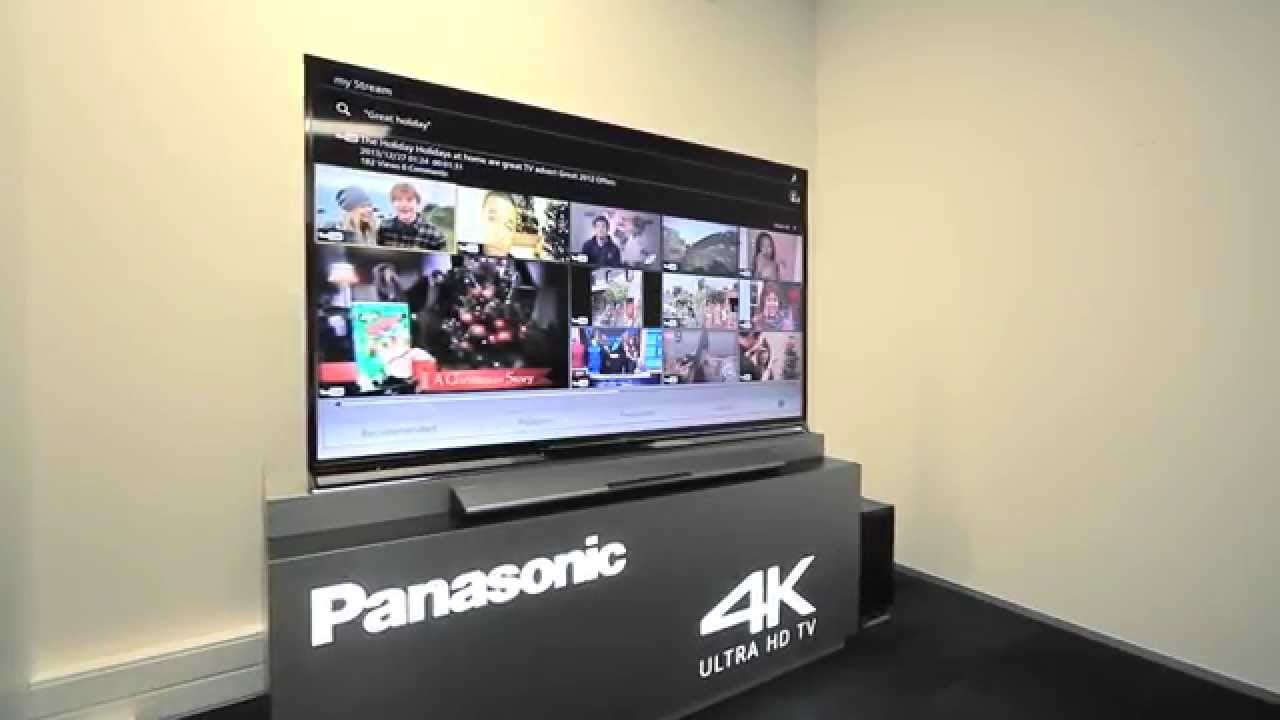
It seems that TVs have more settings and features than ever these days, in an effort to make sure viewers have fewer and fewer excuses not to watch. One of the most common settings you’ll find on a modern smart TV is motion smoothing, that dreaded “feature” that can wreak havoc with your eyes and make you feel like you’re watching a soap opera instead of a blockbuster movie or prestige TV show.
Fortunately, most TV manufacturers allow you to turn off motion smoothing if you don’t want it. If you own a Panasonic TV, we’ll show you how to turn off the motion smoothing setting in just a few clicks of your remote button.
What you need to know to turn off motion smoothing on a Panasonic TV
What is motion smoothing called on a Panasonic TV?
That depends on what operating system or model of Panasonic TV you’re using. If your set is a Panasonic Viera TV, motion smoothing will be called Intelligent Frame Creation. Panasonic also manufactures sets under the Fire TV brand, which calls motion smoothing Motion Processing.
How to turn off motion smoothing on Panasonic Viera TVs
If your Panasonic set is part of the Viera line, you can easily turn off motion smoothing any time you like. To do this, simply:
- Press “Menu” on the remote.
- Select picture settings.
- Navigate to Intelligent Frame Creation.
- Toggle the setting to Off.
How to turn off motion smoothing on Panasonic Fire TVs
The process for turning off motion smoothing on a Panasonic Fire TV is equally simple. We’ve written an article about how to disable this setting on Fire TV sets already; click here to find that article and get instructions on how to end motion smoothing on your Fire TV.
Is motion smoothing automatically enabled with Panasonic TVs?
Yes, you’ll have to turn off motion smoothing manually on your Panasonic TV when you don’t want the setting in use. Otherwise, Panasonic sets come out of the box with motion smoothing enabled.
Can you turn motion smoothing back on with Panasonic TVs?
Yes, turning off motion smoothing does not disable the setting permanently. Simply follow the process above and toggle the setting back to on if you want to watch motion smoothing with a live sporting event or other programming.