What’s the difference between Android TV and Google TV?
What’s the difference between Android TV and Google TV?
Is there any practical difference between Android TV and Google TV? Find out what you need to know.

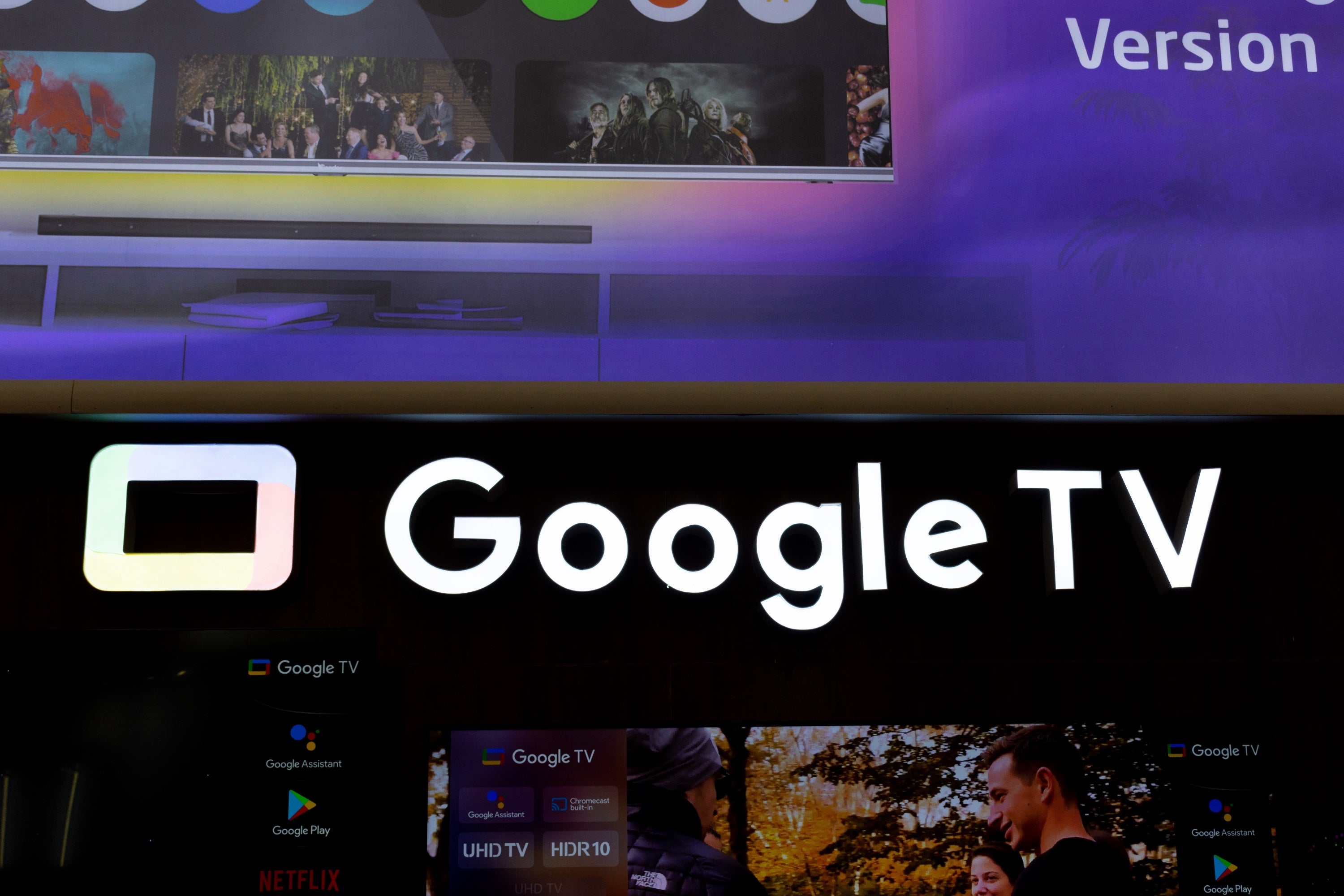
One of the trickiest things to navigate as a streaming novice is the terminology. Audiences have to know the difference between on-demand streaming and live TV streaming and other such nuances, and companies don’t make it easier — take Apple, for example, which gave its set-top streaming player and its video streaming service the same name: Apple TV. Google has also opted to make things somewhat confusing. The company has launched both Android TV and Google TV, and both can be called operating systems. So, what’s the difference between Android TV and Google TV? What’s the same about these programs? We’ll straighten out all the confusion here.
Everything you need to know about the differences between Android TV and Google TV
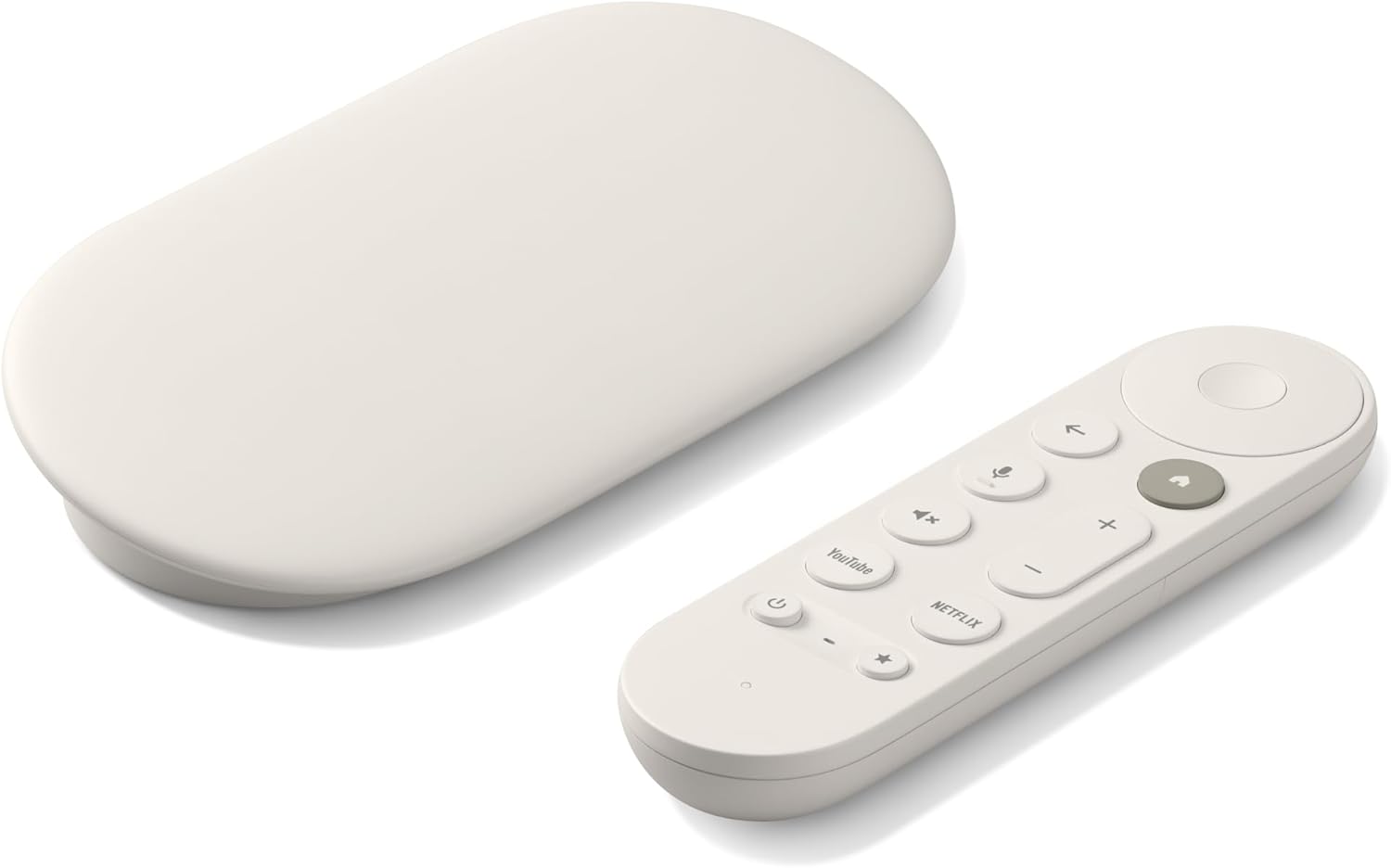
Google TV Streamer 4K
Normally $150
The Google TV Streamer 4K is a high-quality streaming player. It uses the Google TV operating system and allows viewers to download top live and on-demand streaming apps, as well as hundreds of free streaming channels.
What is Android TV?
Android TV is a smart TV operating system, but a very bare-bones one. Its app-centric design organizes rows by individual apps and offers preview channels below those rows. Each app-dedicated row is populated with TV shows and movies it thinks the viewer will like. If you enjoy content carousels with labels like “Sci-fi favorites for you” or “Horror movies we think you’ll love,” you won’t see them on Android TV, since it can’t draw recommendations from across your downloaded apps all at once.
What is Google TV?
The best way to think of Google TV is as a polished skin that’s been laid over the Android TV operating system. The Google TV user interface makes for a much more unified experience, since it can learn about your preferences to draw recommendations from across multiple apps and show them to you all at once.
That means that, unlike Android TV, the Google TV home screen can show you recommendations from streamers like Disney+, Netflix, and HBO Max all in the same row. It even aggregates these recommendations in a For You tab, and links your system-wide watchlist to your Google account, which means you can access it from multiple devices. Google TV also comes with a companion mobile app for Android and iOS devices for deep cross-device integration.
Google TV was first introduced as a way for its parent company to combat app fatigue on Android TV. Instead of scrolling through each app’s content one title at a time, viewers get a much better picture of what’s available across their chosen apps, and can see recommendations from multiple services at a glance.
Do all Google TV devices have Android TV?
Yes, Google TV is built on top of the Android TV operating system. Any devices that label themselves as having the Google TV operating system actually run Android TV, with the Google TV interface laid over it.
Do all Android TV devices have Google TV?
No, there are still devices that operate with the Android TV operating system but have not added the Google TV layer. Most new devices from Google now use the Google TV standard, but some third-party TVs and devices, especially older ones, are still running Android TV.
Which devices come with Google TV?
Viewers can find the Google TV operating system on modern streaming players like the Google TV Streamer 4K; Unlike Amazon and Roku, Google opts to limit its current hardware line to a single device. However, Google also licenses the use of Google TV to smart TVs from a wide range of manufacturers, like Hisense, Sony, and TCL.
Which devices come with Android TV?
Although Google TV has become the standard for many devices that run Android TV, not all come with the upgraded interface. The high-performance NVIDIA Shield is the most high-profile device that still uses the Android TV OS, but users can still find it on budget streaming devices and older smart TVs, as well.
Can you switch Google TV back to Android TV?
You can’t really toggle the Google TV interface all the way back to that of Android TV, but you can come close by switching to Apps Only mode in your Google TV’s settings. This will show you a simple grid of installed app icons, stripping away cross-platform recommendations and tailored feeds. Doing so will also turn off the Google Assistant voice search and your global Watchist.
To turn on Apps Only mode on Google TV:
- Go to Settings (gear icon) on your Google TV home screen.
- Select Accounts & Sign In and click your main profile.
- Toggle Apps Only mode to On.
Google TV Streamer 4K
Normally $150
The Google TV Streamer 4K is a high-quality streaming player. It uses the Google TV operating system and allows viewers to download top live and on-demand streaming apps, as well as hundreds of free streaming channels.