ANTHBOT M9 review: Compact wire-free mowing for smaller lawns
ANTHBOT M9 review: Compact wire-free mowing for smaller lawns
Want to stream more and stress less? A robot lawnmower could be your new best friend.

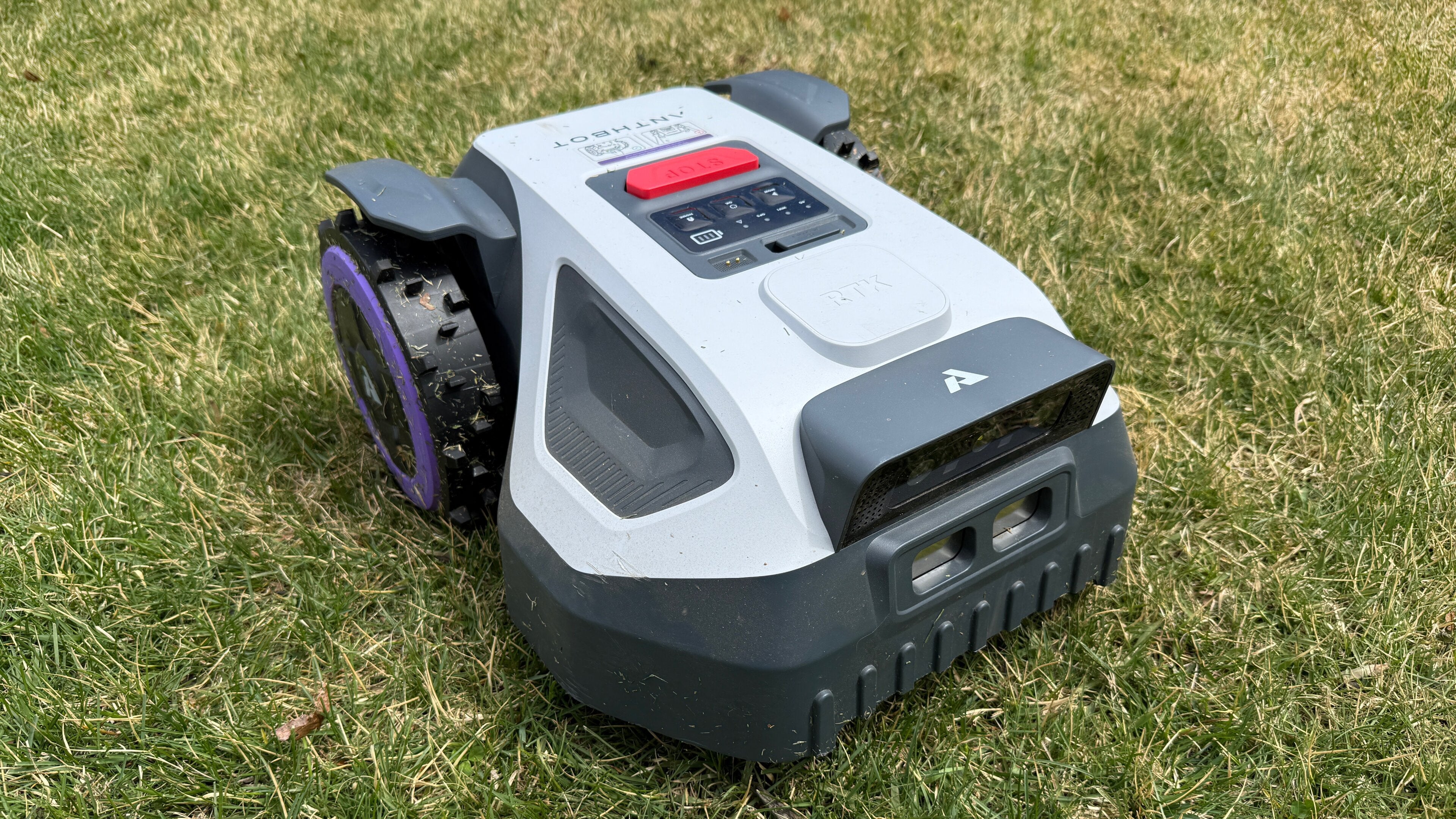
Last year, I got my hands on my first robot lawnmower, the ANTHBOT Genie 3000. While I was a bit skeptical about how well it would work in my nearly one-acre yard — or even whether it would work at all — it easily won me over and surpassed my expectations within a few weeks. I said it then, and I’ll say it now — a robot lawnmower is easily one of the best quality of life accessories out there. Not only does it save me hours upon hours of yard work every week, freeing me up to spend more time binge-watching my favorite shows, but it also keeps my lawn looking amazing with very little effort.
While I still absolutely love my Genie 3000, the folks at ANTHBOT were kind enough to send along the latest version, the ANTHBOT M9, with a streamlined design, under-the-hood improvements, and plenty of new features. I’ve been testing it out for the last few weeks, and I can easily say that this newer, less expensive model is an easy add-on for anyone looking to recoup hours of yard work and turn them into quality streaming time, alone or with the family. Let’s cut right in!
Everything you need to know about the ANTHBOT M9

ANTHBOT M9 robot lawnmower review
The ANTHBOT M9 isn’t a direct replacement for the Genie 3000. I’ll simply be comparing them here and there, so don’t think that the lower profile or shorter runtime should be considered an upgrade, because it’s not. Rather, the M9 boasts a bunch of new features, and while it can still handle larger areas, it is meant for smaller spaces.
The M9 sells for $800 but brings along plenty in a smaller package. Designed for lawns up to 1000m², the M9 is a totally wire-free option that uses RTK and vision for full coverage of your yard. The compact size lets it fit easily through narrower areas and into smaller spaces. You can easily make any necessary changes, like mowing direction and cutting height, directly in the app, and after a setup that takes under an hour, you’ll have care-free automated mowing and never look back.
Best for:
- Small to medium lawns (up to 1,000m² / 0.25 acres)
- Urban and suburban homes
- Narrow pathways, segmented yards, front/back yard splits
Skip if:
- You have a large property of over 1/2 acre
- You’re concerned with run time
What’s new with the ANTHBOT M9?
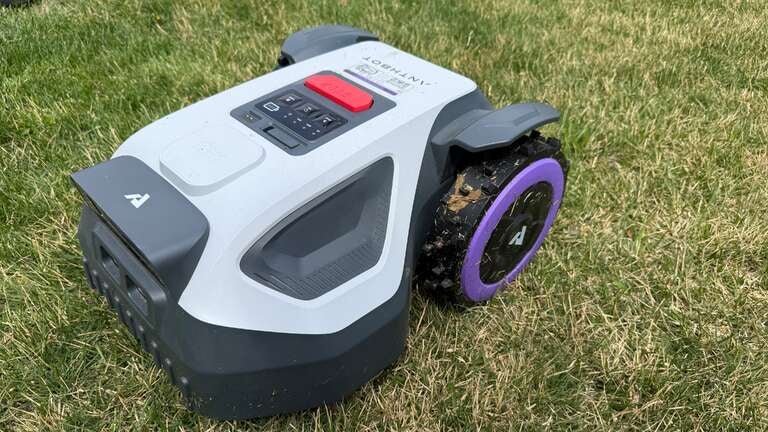
The M9 features a compact design with a smaller chassis than the Genie 3000, allowing it to fit through narrow openings and make tighter turns. Those with smaller yards, side yards, narrow pathways, or tight corners will find the M9 perfectly fits the bill. It’s easier to store for the winter thanks to its smaller size, and it takes up less yard space for parking, allowing for more placement options.
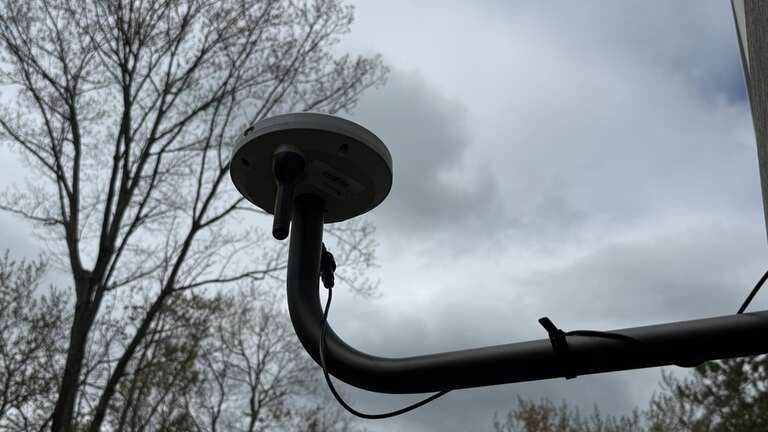
The RTK antenna easily mounts to the included pole for multiple placement options, or you can opt for an RTK wall mount, as I did, for a bit extra. In my opinion, it was well worth the extra money to not have to worry about something moving the RTK pole or even having to readjust in the spring. If the RTK moves even a bit, you may have to remap your yard, which can be a pain in some cases. Ensuring the RTK remains stationary can be a huge time-saver in the long run.
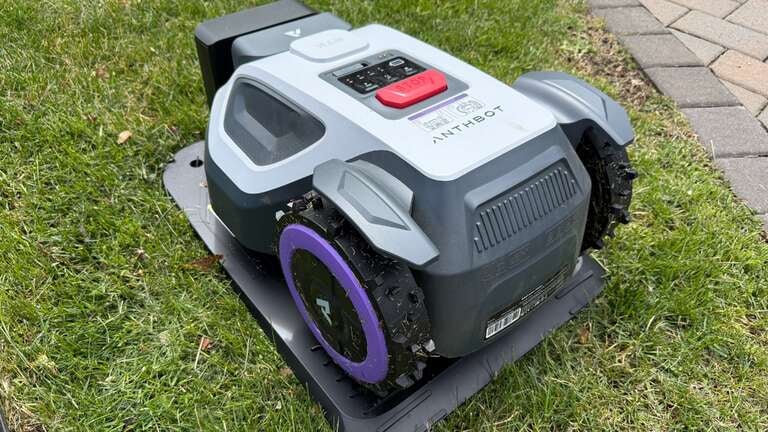
The M9 runs on RTK using GPS from 155 satellites and also has dual cameras (vs. four on the Genie) for vision and AI-powered obstacle avoidance. On occasion, I had trouble with the GPS signal, but it was mostly due to poor weather during my testing that prevented a clear view of the sky. Most days, the M9 has no issues with signal, and even lets you dive into signal details in the app so you know exactly what you’re getting — a very welcome feature.
Perhaps the best new feature is the lower price point. Starting at around $800, the M9 is well below the Genie 3000’s original $1,400 price tag. For the cost of a new, regular ol’ lawnmower, you can easily grab an M9 with money left over and be well on your way to automated lawncare.
ANTHBOT M9 vs Genie 3000
Again, I’m not comparing the M9 here as a direct replacement for the Genie 3000 because it’s not, but simply providing a comparison to make the specs more relatable depending on your use case and needs.
| Feature | ANTHBOT M9 | ANTHBOT Genie 3000 |
|---|---|---|
| Max Lawn Coverage | Up to 1,000m² (0.25 acres) | Up to 3,600m² (0.89 acres) |
| Target Yard Type | Small/urban/suburban | Medium to large lawns |
| Navigation | Full-Band RTK + Dual Vision + 4G | Full-Band RTK + Quad Camera + 4G |
| Cameras | 2 HDR cameras | 4 AI cameras |
| Narrow Passage Support | Yes (as narrow as 65cm) | More limited |
| Cutting Width | 20cm / 7.9 in | 20cm / 7.9 in |
| Cutting Height | 30–70mm app-controlled | 30–70mm app-controlled |
| Slope Capability | 24° / 45% | 24° / 45% |
| Zones | Up to 20 zones | Up to 30 zones |
| Edge Mowing | Improved on-edge mowing | Standard edge trimming |
| Waterproof Rating | IPX6 | IPX6 |
| Price | ~$769 MSRP | ~$1,399–$1,599 MSRP |
| Warranty | Up to 3 years | Typically shorter depending on retailer |
Design and setup
Having done it a few times already with various mowers, setting up the M9 took me under 30 minutes, but new users might be closer to an hour depending on factors like familiarity and yard layout. In the box you’ll find the mower, charging dock (base station? Parking spot?), RTK antenna and pole, and all the assorted cables and manuals you’ll need.
You’ll first want to find a good home for your mower, which could be anywhere that’s accessible to power and has access to your yard. Mine sits nicely on the side of my house, out of the way but easily able to reach all the areas it needs to mow. I’ve seen many users put their dock inside a garage, a shed, or under an awning, so whatever works best for your use case.
Included are screws/spikes to secure the dock to the ground, which is necessary to make sure it doesn’t move and screw up your mapping — positioning is important! The RTK should be mounted nearby with a clear view of the sky to ensure the best GPS signal. The included cable for the RTK is a bit short, though, so if you want to place it farther away, you’ll need an extension. With my Genie 3000, I originally had the RTK too close to my house, so the signal wasn’t terribly strong. After adding a wall mount and moving it further out, I picked it up much better, and it has given me no issues. From there, plug into power, turn on the mower, fire up the app, and it’s off to the races.
Depending on your yard, you can have the M9 automatically map it out by just letting it go, or manually control it along the borders if you have open areas or live on a corner lot, as I do. I was hesitant to get too close to the curb, but I haven’t had any falling issues yet, thankfully! The app is intuitive and will walk you through the process, complete the map when you get back to where you started, and then let you split up into zones as needed. You can also create a pathway between areas if you need the M9 to travel from one yard space to another, across a sidewalk ot driveway, for example.
You can easily set no-go zones by manually driving around the obstacles or setting up a simple box. I do this for weird areas with protruding roots, for example, but in most cases, the M9 does a great job of skipping problem areas on its own, including ones as small as my septic caps.
While the Genie 3000 is almost perfect for my larger space, the M9 is geared toward smaller areas, narrow spaces, side yards, and similar lawns. In my testing, the smaller battery (about 1/2 the size of the Genie) powered it through part of my regular zone before needing to recharge, whereas the Genie 3000 completes it all in one go. Of course, this shouldn’t be an issue for anyone, as it will just recharge itself and set back out to finish the task, totally hands-off.
Performance expectations
The ANTHBOT M9 brings along the same great features of previous models and then some. If you’ve never used a robot mower of this caliber before, you may be expecting a “lawn Roomba” that just kind of bounces back and forth across your yard randomly until it thinks it has hit every spot. Thankfully, that isn’t the case!
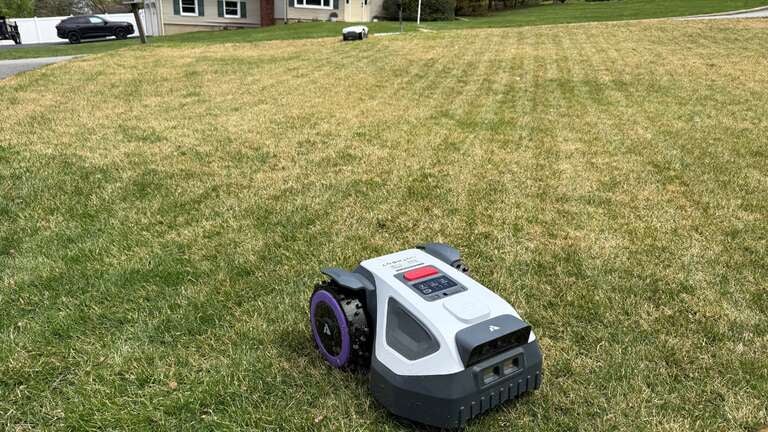
Thanks to the RTK antenna and GPS positioning, the M9 passed beautiful lines across your yard in the direction you chose, resulting in clean, professional cuts. I often switch up the angle of my cuts to keep things even, but the world is your oyster. You can also change the mowing height, number of passes, and, of course, choose your own mowing schedule.
The M9 excels in smaller areas, such as townhomes, side yards, or lawns under half an acre. While it can do larger spaces, it also means more recharging time in between, but you can easily set it and forget it. The app lets you split your yard into zones (I currently have three) and cut each zone with different settings or on a different schedule. You can also manually control the M9 if you want to touch things up, and the edge mowing feature lets you get up close to all your border areas.
App and features
Using the app is very straightforward. There are a few deeper settings for things like rain perception (whether the mower returns to the base during rain), visual inspection settings for obstacles, voice settings, and the option to mow around the base station. If you’re the nerdy type, you can check the RTK signal in the app to make sure everything is up to snuff.
Starting a mow manually or through the schedule is intuitive; just choose your area, tweak your settings, and hit start. The M9 goes about its business and returns to charge as needed or when the task is complete. Should it get stuck or have any hiccups along the way, you will be alerted so you can come to the rescue.
You’ll of course see all the stats as well, including current mow area and time, battery level, and even a map of your yard showing which areas have been mowed already. There’s more history as well if you want to deep-dive into your previous runs.
Bottom line
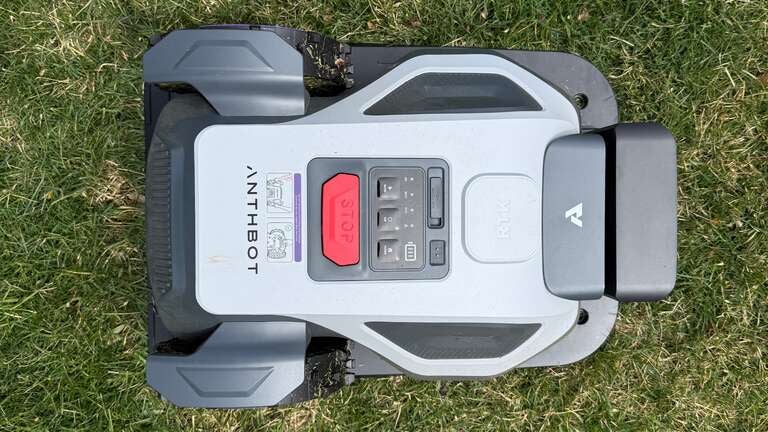
For those with yards under half an acre, the M9 is perfect. Side yards, backyards, pathways, you name it — it does them all. While it will tackle larger spaces like mine, it just needs extra recharging time in between, so you might be better suited with a beefier model like the Genie 3000, which I still love.
It’s quiet, wire-free, and the setup is extremely minimal. You can tweak plenty of settings in the app to get that perfect mow, and your yard will never look better. The best part? You don’t have to mow it yourself, freeing up loads of time for other activities — namely, streaming. Outdoor movie nights will be handled with ease, and you’ll never have to fire up that gas mower again.