Apple TV vs Google TV: Which is right for you?
Apple TV vs Google TV: Which is right for you?
If you’re shopping for a new streaming player, we’ll help you decide which of these premium streaming devices is right for you.

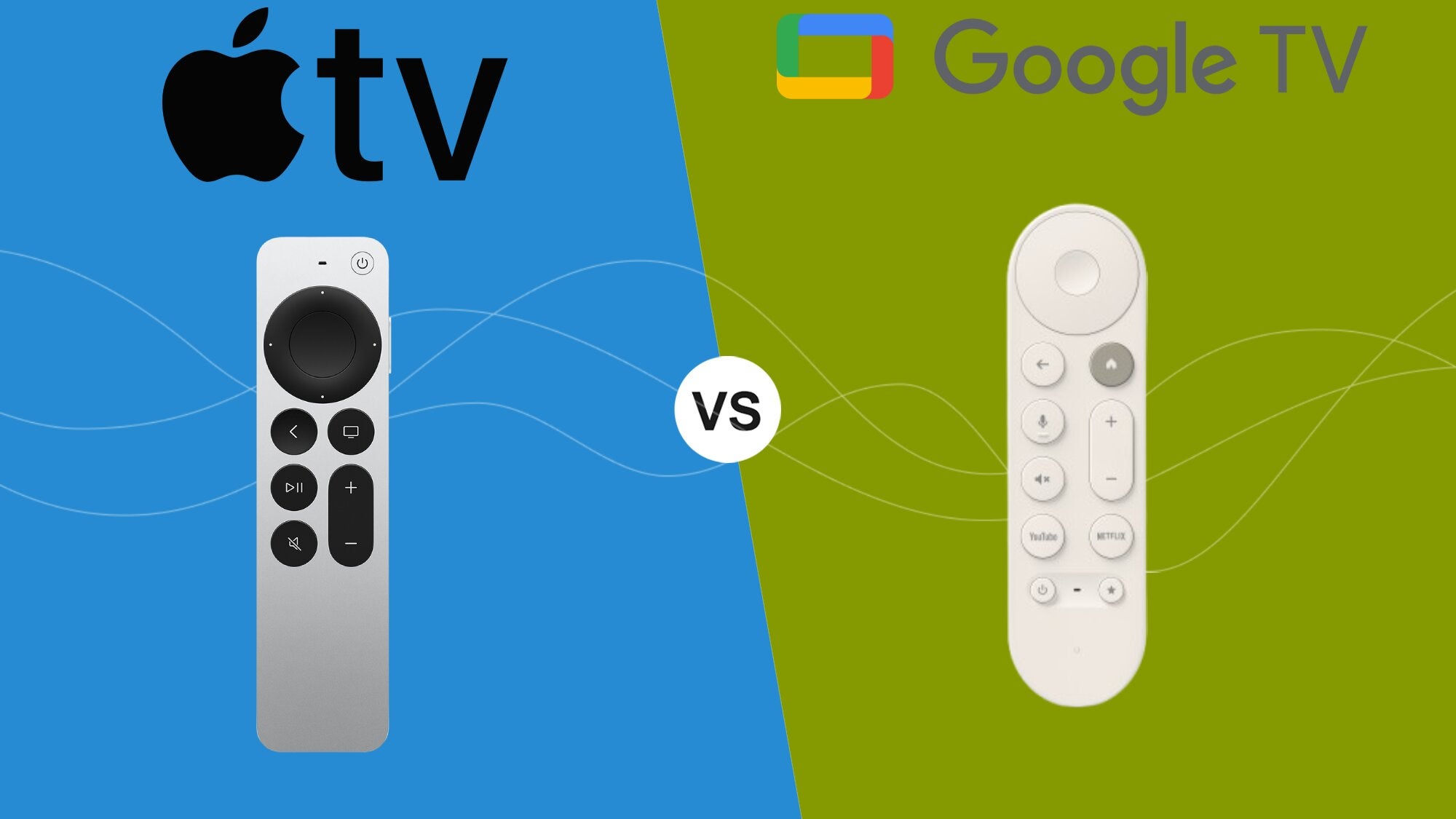
Having a cable plan came with a lot of drawbacks, but one of the advantages of pay TV was the receiver box that organized all your content in one place. Cord cutters who are leaving pay TV for the first time will want to turn to streaming devices like Apple TV and Google TV to replicate that experience, but knowing which to pick is hard.
The choice gets a little more personal when picking between Apple TV and Google TV; after all, Apple versus Android has been the chief battle in smartphone operating systems for years. But is loyalty to a brand the only factor to consider when picking between streaming players?
If you’re wondering whether Apple TV or Google TV is your best path forward, keep reading. We’ll give you all the details you need to know on each device, so you can make an informed choice about which is ideal to deliver your favorite on-demand and live TV streaming subscriptions.
Apple TV vs Google TV: Everything you need to know


2026 device lineups
Apple TV
| Apple TV 4K (64GB) | Apple TV 4K (128GB) | |
|---|---|---|
| Video | 4K Ultra HD | 4K Ultra HD |
| Audio | Dolby Atmos | Dolby Atmos |
| Remote | Siri voice | Siri voice |
| Storage | 64GB | 128GB |
| Connectivity | Wi-Fi | Wi-Fi & Ethernet |
Google TV
| Google TV Streamer 4K | |
|---|---|
| Audio | Dolby Atmos |
| Video | 4K HDR and Dolby Vision |
| Remote | Google voice remote |
| Storage | 32GB |
| Connectivity | Wi-Fi & Ethernet |
Comparing remotes
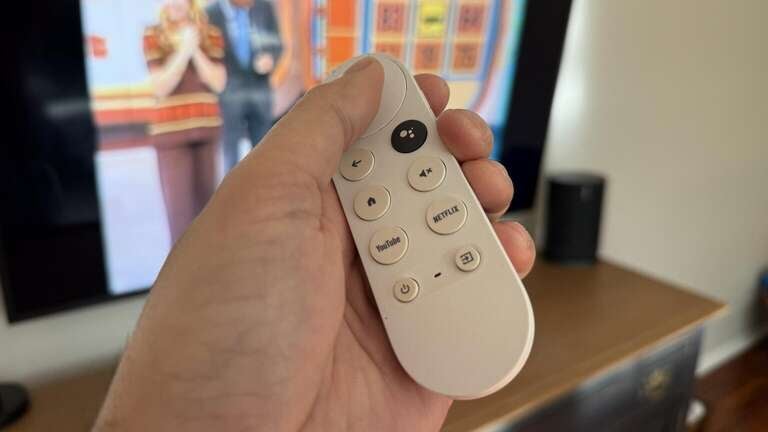
If you’re just coming over to streaming from an old cable box, streaming player remotes may come as something of a shock. They have far fewer buttons than the universal TV remote of old; gone completely is the channel-change rocker, for example, and there are a lot of other differences as well.
The Apple TV remote will feel a lot smaller in the hand, but once you get used to it, you’ll feel more or less at home. It has a D-pad for navigating around the screen at the top, and a button to press in the middle to make a selection. It also features volume controls, home and back buttons, a play/pause button, and a voice assistant activator to browse via Siri.
The Google TV remote is quite similar; the only real difference is a pair of programmable shortcut buttons that allow Google TV owners to open an app, switch inputs, or perform other functions with just a single press. That gives it one advantage over the Apple TV remote, which does not include any programmable buttons.
UI and navigation
Apple TV’s home screen welcomes you to the device with a hero banner that will rotate between new titles — at least one will usually be a show or movie you can stream on the Apple TV streaming service. You can customize the home screen by moving apps around or even sorting apps into folders for quicker access.
Going one layer deeper into your Apple TV app will show you TV show and movie recommendations, recently used apps, and can even display recently watched shows and movies from supported apps. If you’re familiar with the iPhone navigation experience, you’ll be right at home using an Apple TV device; otherwise, the learning curve may feel a little steep.
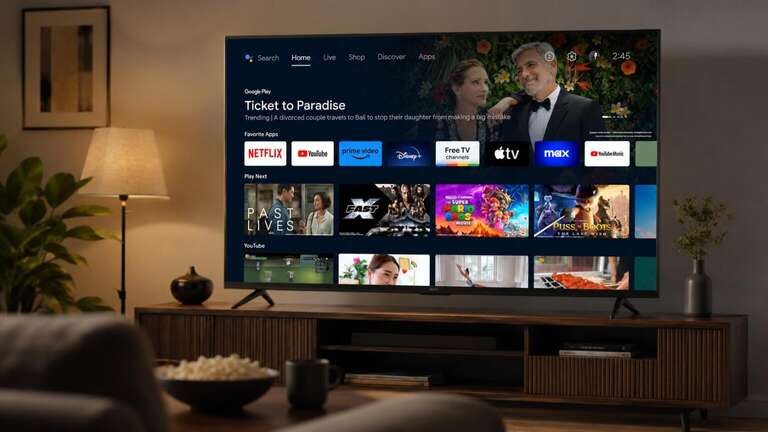
Google TV’s user experience is also very tech-oriented, but it will feel quite different than Apple TV’s. Tabs at the top of the screen help browsers sort their view between live TV channels, downloaded apps, and their library. Customers can also customize their Google TV UX to show only apps, cutting out TV show and movie recommendations that many may feel are overwhelming.
A major difference between the two user interfaces is the Live channel guide offered by Google TV, which assembles free ad-supported streaming TV (FAST) channels from multiple apps in one place. Hundreds of channels are available, and the Apple TV interface doesn’t really have anything that compares.
All in all, the Apple TV user interface can feel a little like riding in a Tesla for the first time; you’re sure it does all the things that a normal car can do, but better, only you’re not really certain how to make it work at first. Google TV’s interface is simpler to wrap your head around, but users may not find it as advanced as Apple TV’s after extended use.
Voice capabilities
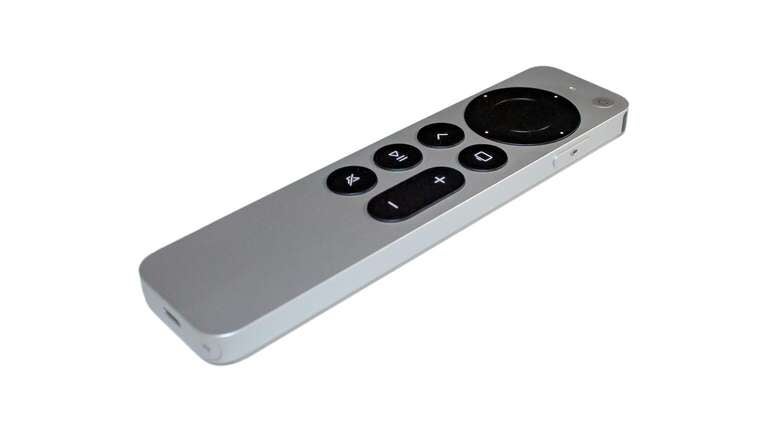
Using your phone’s voice assistant can make you feel like you’re in an episode of Star Trek. Navigating via voice command means fewer button presses and less time meant scrolling, and they can also help you exercise greater control over your various smart home devices.
Apple’s Siri voice assistant is incredibly modern and will help users play music, switch between movie and streaming apps, change inputs, or even locate iOS and macOS devices linked to the owner’s Apple account. Any Apple Home products in the house are also compatible with a Siri voice remote.
The Google Assistant that powers the Google TV remote is no less helpful. It’s powered by AI, so users can ask conversational questions or queries from vague to specific to surface the results they want. And like Siri, the Google Assistant will help users control compatible smart home devices.
Neither of these voice assistants is truly “better” than the other; they both provide all of the same services essentially, and can cut down on clumsy remote usage by allowing the user to navigate easily by voice.
Features
Free TV
This is one area where the advantage is totally one-sided. As mentioned above, Google TV’s Live guide will show you more than 800 FAST channels from various sources like Pluto TV, Tubi, Haystack News, Local Now, and more. You can see them all in one place, and sort the view or favorite channels to more easily find what you’re looking for.
While you can watch free streaming apps on your Apple TV as well, you won’t find a unified live guide that displays them all in a single tab, as you will with Google TV. It’s a layer of convenience that some users will never notice at all, but those who enjoy free streaming channels will want to be aware of the difference.
App ecosystems
Apple TV and Google TV each include thousands of streaming apps, including the major American streaming services like Disney+, Netflix, and others. Apple TV will even incorporate details from your last viewing session into its interface from some apps, although its operating system is notoriously picky about embedding content from Netflix.
The Google TV player can be used as a hub to command all your top smart home devices, and you can sideload apps onto a Google TV much more easily than you can on an Apple TV device. Apple TV devices also require a little more tweaking to work with non-Apple smart devices, while Google TV is a bit easier to integrate with smart home equipment from Amazon and others.
Gaming
While you probably purchased your streaming player to watch TV and movies, you can also use both the Apple TV and Google TV Streamer devices to play games without a console. The Google TV Streamer allows owners to connect a controller via Bluetooth and access cloud gaming subscription services.
Apple TVs also support gaming controller connections, and the Apple Arcade subscription service will allow users to play a great selection of games. Both streaming devices top out at a refresh rate of 60Hz, so while they’re capable gaming devices, they aren’t necessarily good as console replacements for hardcore gamers.
Which should you choose?
It may be a bit cliché to say, but the choice between Apple TV and Google TV may have to come down to your personal preference between Apple TV and Android. If you have a strong belief in the efficacy of iOS or Android on mobile devices, it’s probably going to carry over to your streaming player preferences as well.
Both Apple TV and Google TV offer a highly modern experience while streaming TV shows and movies, but they are highly distinct. Like all Apple devices, Apple TV’s interface is futuristic enough to delight some users and leave others baffled, while Google TV’s is more tailored to those who like the old feel of a cable box — especially with its built-in Live guide.