How to check your Roku device for software updates
How to check your Roku device for software updates
Older software versions can lead to sluggish performance by your Roku device, so we’ll explain how to check for software updates here.

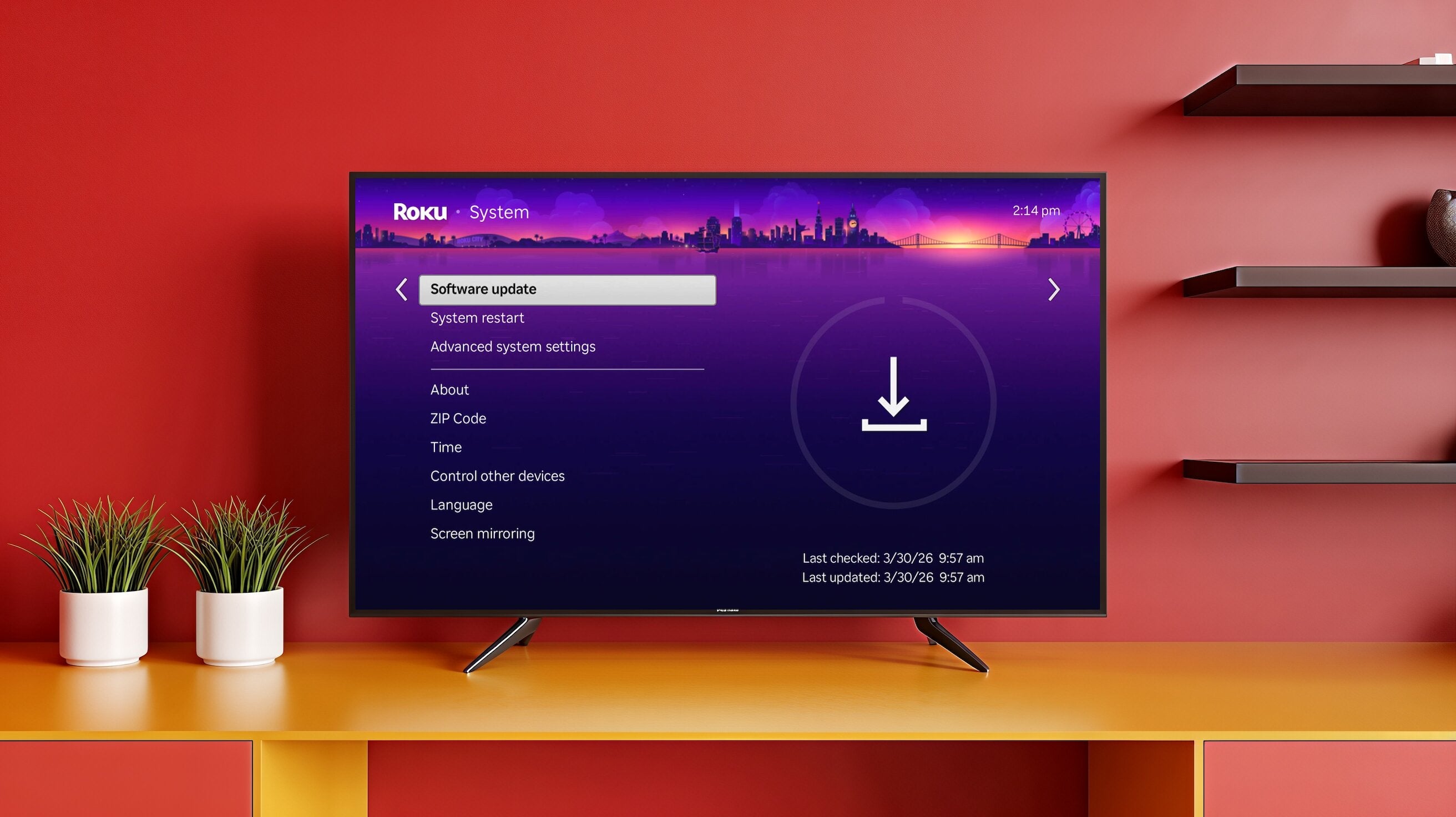
Having a Roku streaming device means you’ve got one of the most reliable and popular streaming devices in the United States. Roku streaming players allow viewers to download and watch their favorite streaming apps on most smart TVs, including live TV streaming services that offer popular cable channels.
But without up-to-date software, your Roku player isn’t going to work the way it should. If you need help updating your Roku’s software, or just want to check to ensure it’s up-to-date, use our easy-to-follow guide below.
How to check for software updates on your Roku player

How to check your Roku’s software version
It’s easy to check the software version your Roku player is currently running on. Doing so takes just a few seconds, and once you have, you’ll get peace of mind that your Roku player is using the correct software version.
To check your Roku’s software version:
- Power up your Roku and TV.
- Navigate to the Home screen.
- Open the Settings menu.
- Scroll to System, then About.
- View your Roku’s operating system version.
How to update your Roku software
If you suspect that your Roku isn’t running the most modern version of software, or you have confirmed it isn’t by checking in your System settings, you can easily perform a manual update check.
All you’ll have to do is:
- Head to the Roku home screen.
- Open the Settings Menu.
- Choose System.
- Select Software Update.
- Click Check Now to see if an update is available.
Can you disable software updates on your Roku?
There is no way to disable automatic downloads on your Roku device. The player checks for updates randomly every 24-36 hours, and any peripheral devices like Roku wireless speakers will be updated as well. Roku Smart Home devices update separately.
Why it’s important to update your Roku software
Without the latest version of the Roku software, your device may experience various issues. Responses to remote button presses can be delayed, making for slow and frustrating navigation around your Roku interface. Using outdated software can also cause buffering and loading issues.
Worse yet, you may not be able to use your apps at all with out-of-date software. Streaming apps are powered by their own software, but they won’t communicate well with older software installed on your streaming device, and could stop functioning altogether without regular updates.
Lastly, using old software can leave your data at risk. Software updates include critically important security programming, and without them, your Roku device could be vulnerable to hackers and other bad actors who want to steal your personal information.