Which apps are must-haves for your Apple TV?
Which apps are must-haves for your Apple TV?
We’ll explain which apps you should download right away with your new Apple TV device once it’s set up.

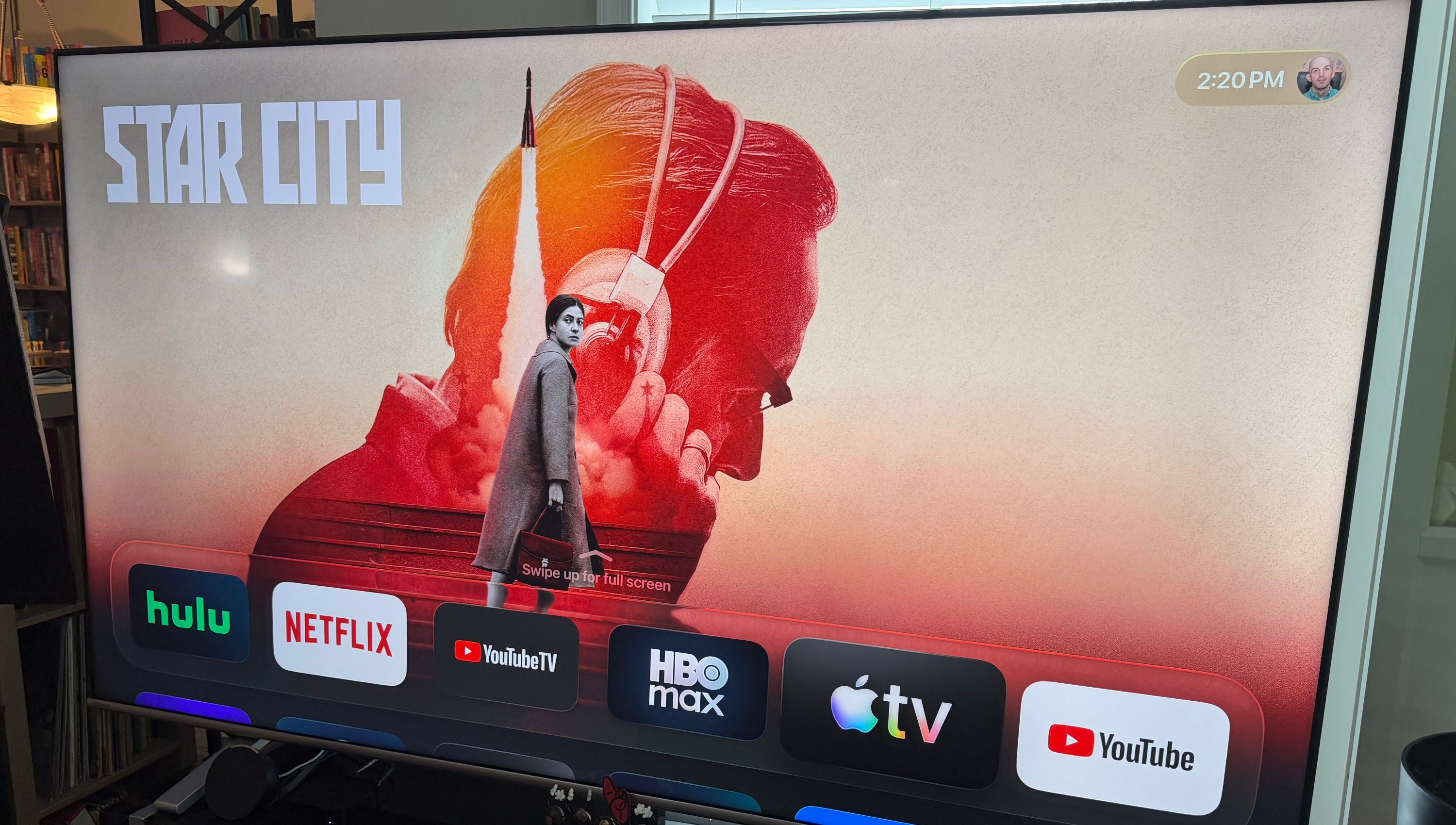
If you’ve just purchased your first Apple TV streaming device, congratulations! You are now the proud owner of one of the most advanced streaming players on the market, packed with great features like the Siri voice assistant, 4K video, and spatial audio support, and more.
But a streaming device with no apps isn’t much of a streaming device at all. The only way to get the most out of your Apple TV is to ensure you have all your top apps downloaded, but what are the must-have apps to keep on your Apple TV at all times? We’ll share our thoughts on essential Apple TV apps below.
Which five apps do we think are essential on your Apple TV?

Your chosen Apple subscription
When you purchase a new Apple TV 4K directly from Apple, the company will offer you three-month free trials of multiple Apple services, such as Apple TV, Apple Music, Apple Arcade, etc. Customers can redeem multiple trials at once to take full advantage of Apple’s subscription suite.
If you power on your Apple TV device and notice the appropriate apps aren’t pre-installed, make sure you download them as soon as possible! Watch original TV and movies from the Apple TV streaming service, listen to hundreds of millions of tracks ad-free with Apple Music, and more, all through your Apple TV streaming player.
Your top streaming app
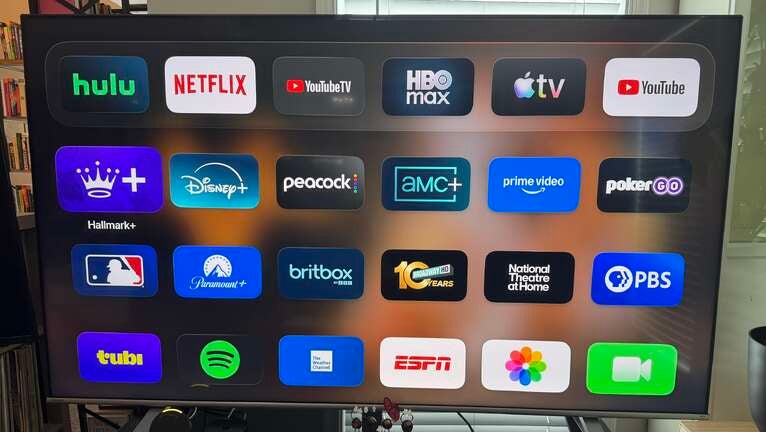
Apple TV supports all the most popular streaming apps in the United States, from on-demand apps like Disney+, HBO Max, and Netflix, to live TV streaming services like DIRECTV and Sling TV. Customers can also find a myriad of free streaming apps in the Apple TV App Store.
Once you’ve got the freebies taken care of, make sure you download your favorite subscription streaming apps and start watching! You’ll love being able to pick up where you left off and browse recommendations from some apps from the Apple TV user interface, and watch all your favorite subscriptions with ease.
YouTube app
Let’s start with the most popular streaming platform of all. YouTube is a free-to-watch, creator-driven video platform that boasts billions of monthly active users around the globe. Viewers can also pay to cut out ads during playback with a YouTube Premium subscription.
Download the YouTube app on your Apple TV to watch videos from the channels you’re subscribed to, browse new creators, and do it all on the biggest screen in your home. Even a casual YouTube watcher will want to have access to the app at any given time on their Apple TV.
Your chosen VPN app
At The Streamable, we recommend using VPNs for security and privacy reasons. Using a VPN can keep your browsing and streaming sessions much more secure, and can also prevent your ISP or any other snoopers from monitoring your web activity.
The Moonlight PC gaming app
If you’re a big-time gamer, you probably already know you can use your Apple TV to download apps like Apple Arcade, connect a controller, and play without needing a console. You may not know, however, that you can play PC games on your Apple TV using the Moonlight app.
Apple TV supports most of the top VPNs on the market with native apps, including ExpressVPN, NordVPN, and SurfShark. While they require separate subscriptions to sign up for, a VPN is a wise purchase for frequent streaming users, and downloading your chosen VPN’s app on your Apple TV should be one of your first moves.
Moonlight will allow you to stream your personal collection of PC games to supported devices. Host your own gaming server, stream at up to 4K, and play any games you can find on your PC with Moonlight on Apple TV, and use the biggest screen in your home as a premium gaming monitor.