See the 5 most essential apps to download for Google TV
See the 5 most essential apps to download for Google TV
If you have a Google TV device, see the five apps we recommend downloading to upgrade your user experience!

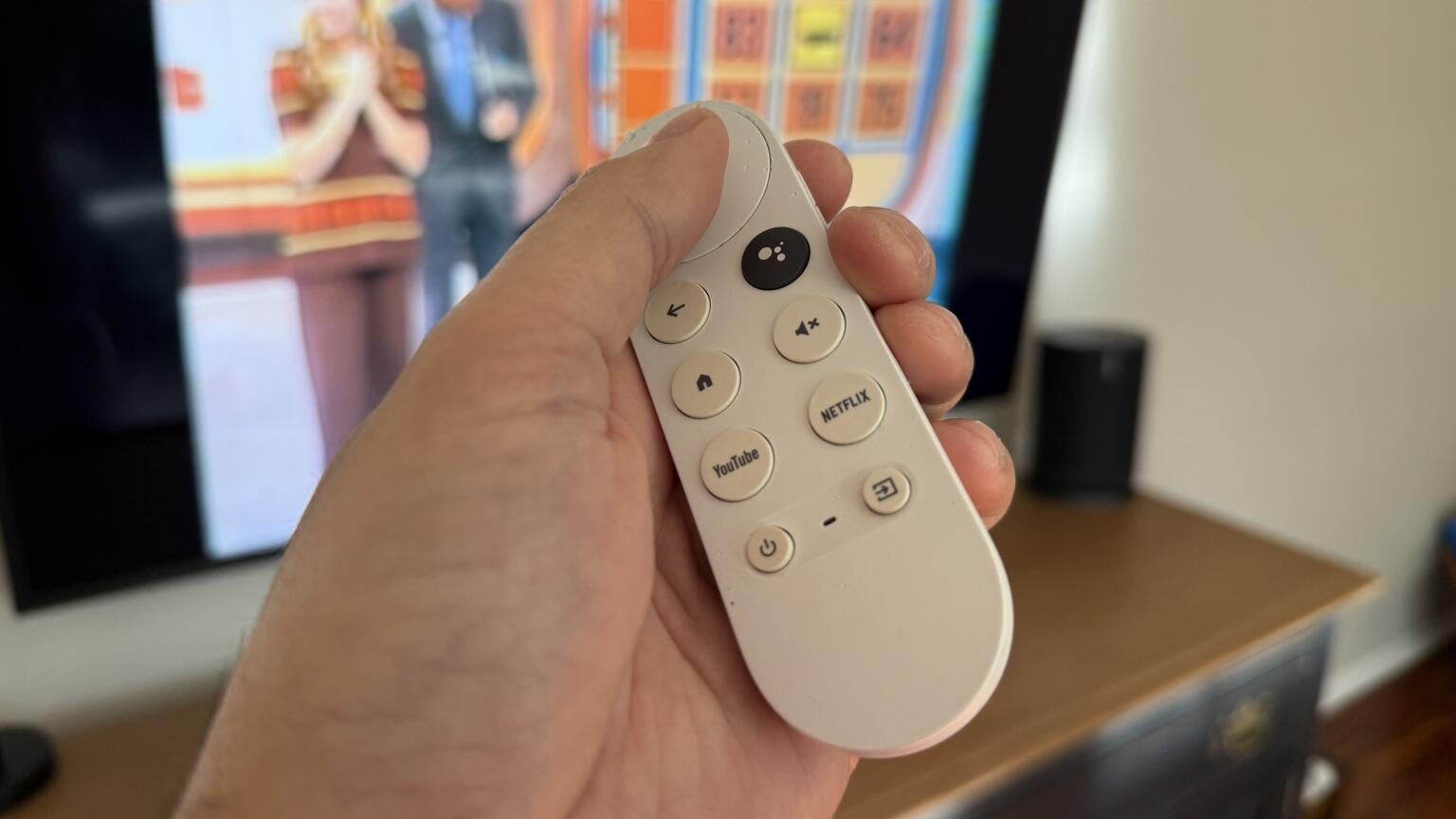
Although Roku grabs more headlines, Google TV is still one of the most-used smart TV and streaming player interfaces in the United States. Devices like the Google TV Streamer 4K help connect people to their favorite video and audio streaming apps, and the Google TV user experience is beloved for its simplicity and ease of navigation.
But if you’re a Google TV neophyte and aren’t quite sure how to get the most out of your device, keep reading. We’ll run through the five most essential apps to have for your Google TV device, creating the most optimized user experience every time you turn it on. Check out our recommendations below!
The essential apps to download for your Google TV device
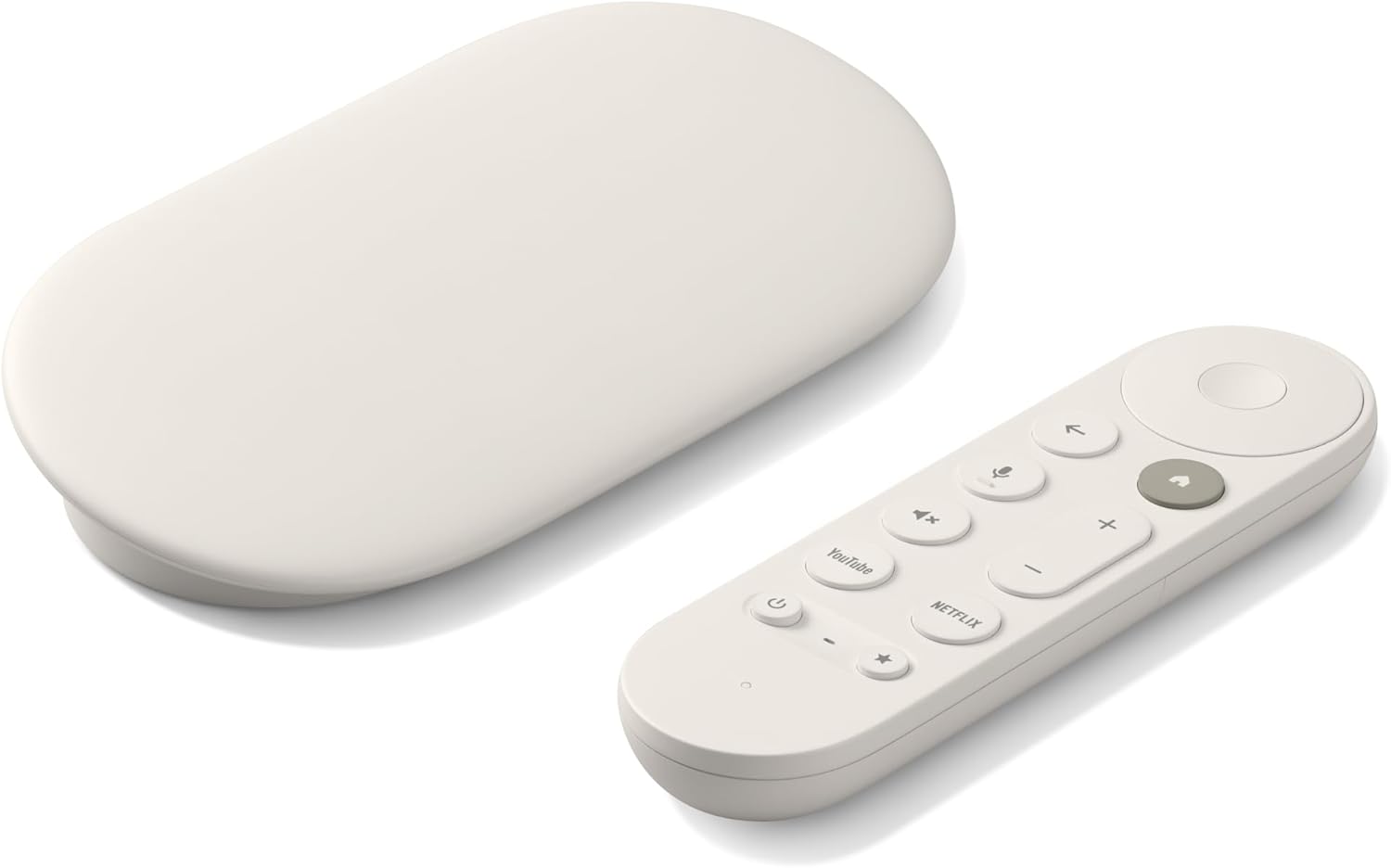
Google TV Streamer 4K
Normally $150
The Google TV Streamer 4K is a high-quality streaming player. It uses the Google TV operating system and allows viewers to download top live and on-demand streaming apps, as well as hundreds of free streaming channels.
Plex
On-demand streaming services are great, but what if there were a service that let you upload your own media — including TV shows, movies, music, and more — and organize it into a streaming interface with automatic artwork, metadata, and more? Such a platform does exist, in the shape of Plex.
Plex allows customers to take mastery over their personal media collection in ways few other services do. Its universal search can turn up new movies and shows to watch, and it also offers a wide selection of free streaming channels and ad-supported on-demand titles. If you love free TV and want to maximize your personal media library on your Google TV device, the Plex app is a must-have.

Plex
Plex is a free streaming service that includes on-demand access to 50,000+ movies and TV shows. The service also offers 1,100+ free-to-stream live TV channels in 193 countries. Users can also connect Plex to their computers to stream and share any media they have on their hard drives.
The Projectivity Launcher
One of the most frequently heard complaints about the Google TV operating system is the number of ads on the streamer’s home page. The OS packs in the advertisements, be they for new movies or products, the interface thinks will be relevant to the viewer, etc.
The Projectivity Launcher can help. It offers an ad-free interface and lets viewers arrange their apps into different categories or channels, set dynamic wallpapers, and even add shortcuts or program parental controls. Projectivity Launcher is free, and is a fantastic way to set up your Google TV home screen your way —without ads.
Button Mapper
The Google TV Streamer remote already comes with a single customizable button, but why stop there? Downloading the free Button Mapper app for your Google TV will allow you to customize your remote in many more ways.
Having the Button Mapper app will allow Google TV owners to reprogram any button on the remote. This is especially handy for viewers who don’t regularly stream on Netflix or YouTube, and want to connect other apps to those shortcut buttons after using the included programmable button for something else.
The Button Mapper also lets users choose what happens when they single-tap, long-press, or multi-tap any button, allowing for multiple layers of customization. Grabbing the Button Mapper is a great move for any Google TV owner who wants to personalize their remote.
TV Bro
TV Bro is a free-to-use, open-source web browser that’s specifically optimized for use with the Android TV and Google TV operating systems. It’s designed to work best with a TV remote, so you don’t have to fumble around with an unintuitive design when browsing the web with your Google TV device.
The TV Bro browser has a built-in ad blocker, and its interface is built for the big screen. It even has a fully functional download manager, so you can pull files directly from the web to your device and access them on your TV with ease.
Your favorite streaming app
This last one may seem a little obvious, but after all, it’s probably one of the main reasons you purchased a Google TV device in the first place! Having one allows you to stream all your favorite video and audio streaming services, from Netflix and HBO Max to [Spotify] and everything in between.
One thing to keep in mind with a Google TV device is that you can easily cast content from any Android phone or tablet, as well as a host of other devices, directly to the smart TV or streaming player. This allows you to instantly transfer your media to the big screen while still using your phone to browse the web, play games, etc.
Google TV Streamer 4K
Normally $150
The Google TV Streamer 4K is a high-quality streaming player. It uses the Google TV operating system and allows viewers to download top live and on-demand streaming apps, as well as hundreds of free streaming channels.