Apple TV got a tvOS update; here’s everything you need to know
Apple TV got a tvOS update; here’s everything you need to know
While there aren’t any dramatic changes to Apple’s operating system, there are a number of quality-of-life updates that should make streaming easier.


Apple has officially released tvOS 27, bringing a collection of new features and quality-of-life improvements to Apple TV 4K devices. While this year’s update isn’t a dramatic overhaul of the Apple TV experience, it does introduce several changes that Apple devotees are likely to appreciate, including easier software updates, customizable text sizes, a revamped Podcasts app, Apple Music upgrades, and general performance improvements. There are also a couple of previously discussed features that aren’t part of the release, so Apple TV owners shouldn’t expect everything that was rumored ahead of launch.
Here’s everything you need to know about tvOS 27:
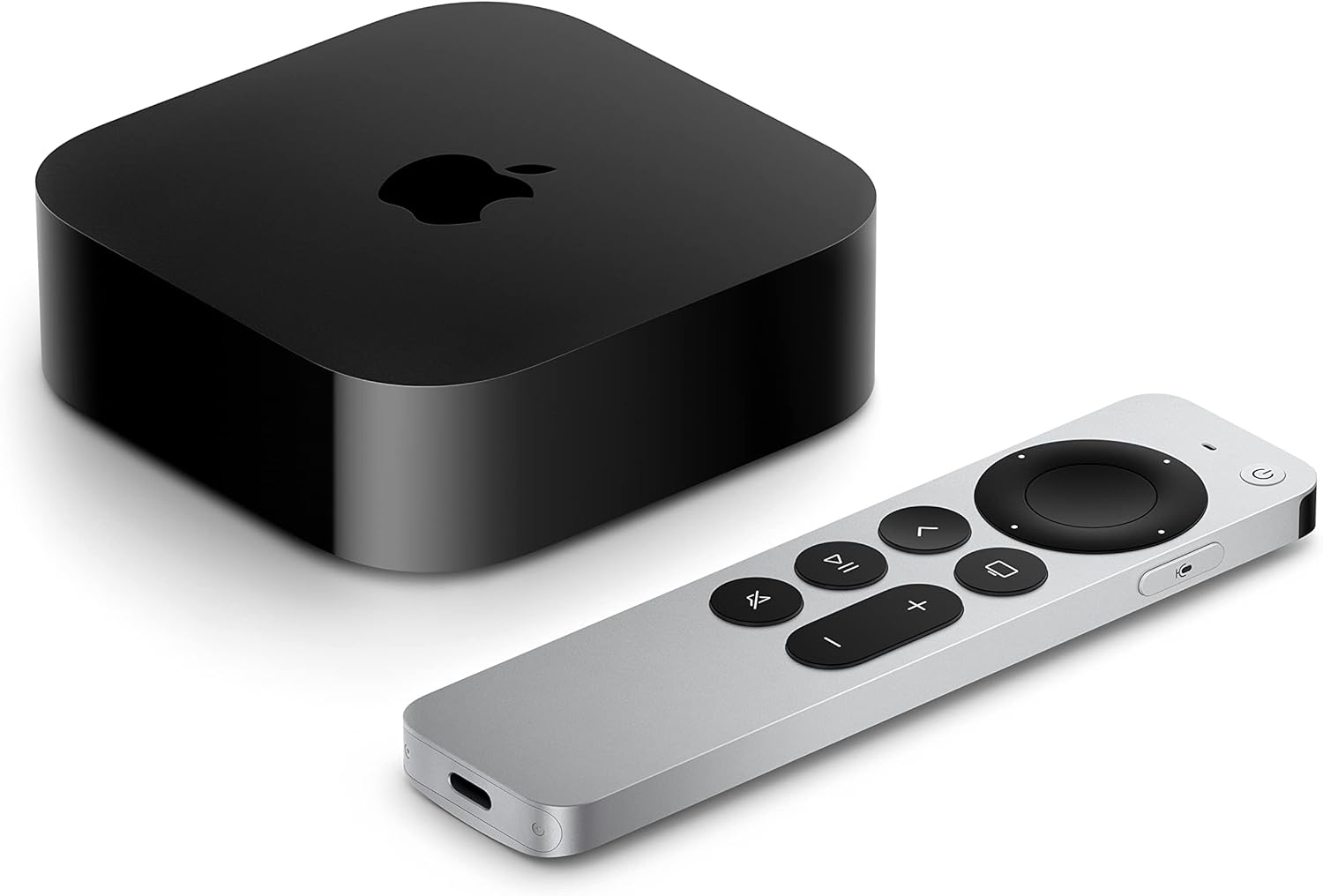
Apple TV 4K devices
Shop now
Which Apple TV devices support tvOS 27?
The first thing Apple TV owners will want to know is whether their streaming hardware can actually run the new software. Apple’s tvOS 27 is available for second- and third-generation Apple TV 4K models. The older Apple TV HD is also not supported by the new operating system. That represents a notable change from tvOS 26, which Apple made available on Apple TV HD and all generations of Apple TV 4K.
So, if you have a relatively new Apple TV 4K, you should be able to upgrade. Owners of older models will need newer hardware if they want access to tvOS 27 and future features built around it. While it is a fairly common practice for streaming device manufacturers to only make software updates available for the most technologically up-to-date devices in their lines, it is somewhat frustrating for Apple TV owners, as the company has always marketed its devices as being easily updatable, long-term investments.
How do you install tvOS 27?
Click image to expand to full size.
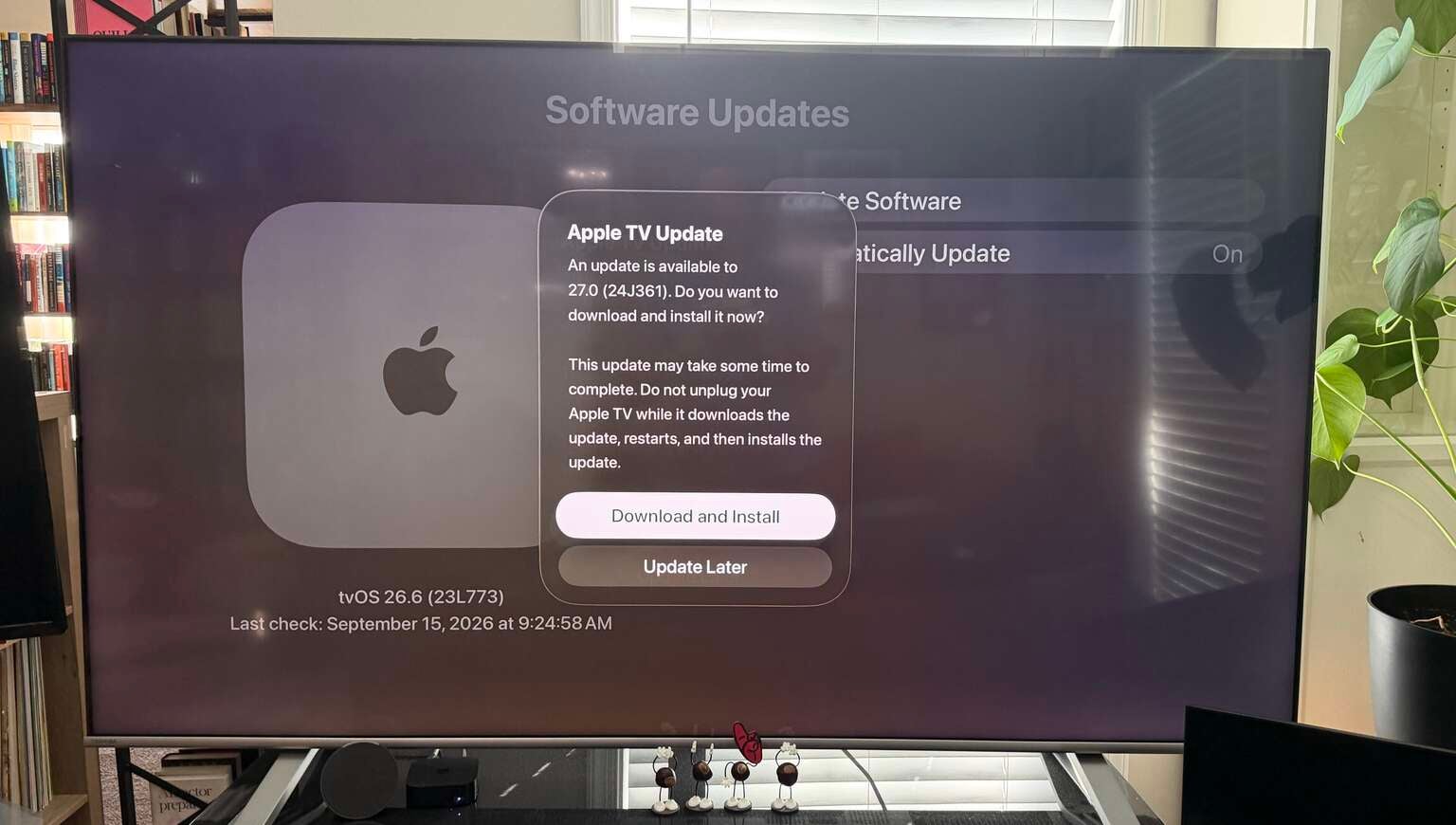
If your Apple TV is compatible, you can install tvOS 27 directly from the device’s Settings app. However, one of the more useful additions this year means that you might not even need to turn on your Apple TV to update it. With an iPhone running iOS 27, users can now install Apple TV software updates through Apple’s Home app.
That means you can update your streaming box from your phone rather than navigating through the television interface every time a new version of tvOS arrives. For households with multiple Apple TVs, that could make keeping every device up to date considerably easier.
You can finally make Apple TV text larger
One of tvOS 27’s most practical improvements may also be one of its simplest. Apple has added support for Dynamic Type, allowing users to adjust text size across the Apple TV interface. That should be especially helpful for users who have a particularly large living room, stream on a smaller screen, or have other difficulties reading Apple TV’s interface text.
Accessibility features aren’t always the flashiest additions to a streaming device, but this is the kind of everyday improvement that should make Apple TV substantially easier to use for many different cord-cutters.
AirPlay and Apple TV performance should be faster
Not every tvOS 27 improvement comes with a new button or menu. Apple says the update will improve the speed of AirPlay connections, make animations and app launches smoother, and improve the responsiveness of Control Center. Those changes will probably be less noticeable individually than something like a redesigned menu or app, but improvements to navigation and loading can have a bigger impact on the overall streaming experience over time.
The responsiveness of a menu and how quickly one is able to navigate through a platform’s interface is one of the most under-appreciated aspects of streaming satisfaction. While Apple TV has always been known for its processing power and speed, an update like this should help make the user experience even more seamless.
Apple Podcasts gets a major Apple TV upgrade
Click image to expand to full size.
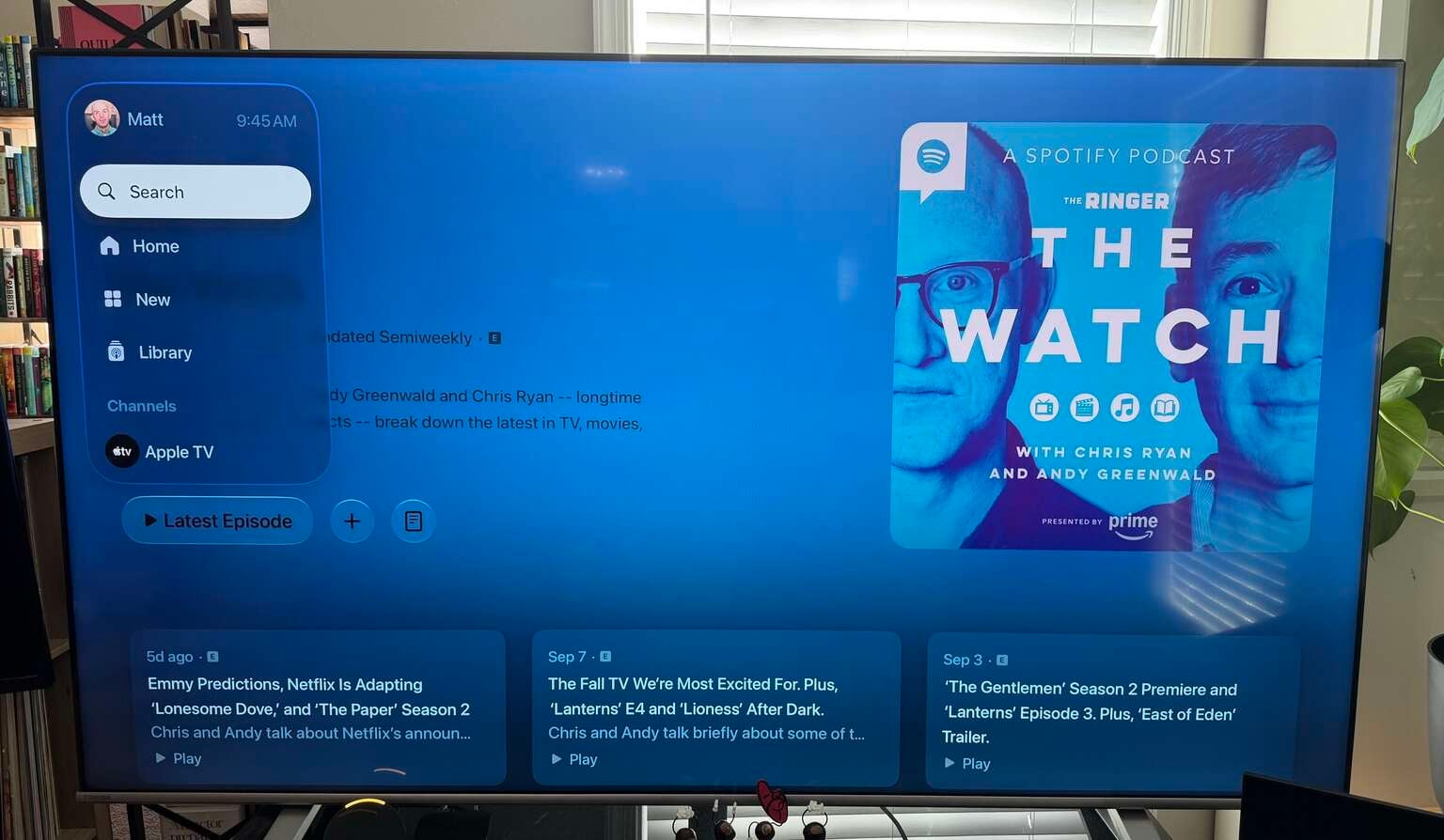
Apple is giving its Podcasts app a more substantial makeover on Apple TV. The redesigned tvOS app now uses sidebar navigation and better supports Apple’s expanding push into video podcasts. That should make Apple TV considerably more useful for people who increasingly treat podcasts as something to watch rather than something to listen to.
With more podcast publishers recording full video versions of their shows, the update also helps Apple TV better compete as a lean-back viewing device for content that traditionally lived outside conventional streaming services. While Apple TV devices and Apple TV aren’t one and the same, keeping podcast viewers inside Apple’s ecosystem could ultimately benefit the company’s flagship streaming service as well.
Recently, we have seen numerous streaming competitors like Netflix and Disney+ add video podcasts to their libraries as a way to compete with social video platforms like YouTube. So by making it easier for podcast consumers to watch and listen to their favorite shows inside an Apple interface, Apple could keep those users from spending more time on competing streamers.
There is one downside to the Podcasts redesign, however. With tvOS 27, Apple has removed support for podcast shows added through a custom URL. That means membership-only or other private podcast feeds that users manually add to Apple Podcasts will no longer work through the app on Apple TV 4K. The feature remains available in Apple Podcasts on iPhone, iPad, Apple Watch, Apple Vision Pro, and Mac, so this appears to be a tvOS-specific limitation for now. It is unclear whether Apple intends to restore custom URL support in a future update.
Apple Music adds AutoMix and Hi-Res Lossless Audio
Apple Music users are getting two potentially significant upgrades with tvOS 27. The first is AutoMix, Apple’s DJ-style transition feature that creates smoother movement between songs using techniques such as beat matching and time stretching. Apple says AutoMix is expanding to tvOS after previously being introduced elsewhere in the Apple Music ecosystem. That could be particularly useful for anyone who regularly uses their Apple TV to provide music during parties or gatherings, as having gaps in between songs on a playlist could disrupt the flow of the party.
Maybe it’s just because I’m old, but when I listen to music, I prefer to just hear one song end and the next one begin without a DJ-style transition between them; however, I am sure I will give it a try eventually.
The second addition is Hi-Res Lossless Audio. Apple says Apple Music subscribers with compatible external audio equipment can now play Hi-Res Lossless tracks through Apple TV 4K, giving listeners access to the service’s highest-quality audio through a home entertainment system. That won’t matter much if you’re simply listening through your television’s built-in speakers, but it could be a meaningful upgrade for Apple Music subscribers with higher-end home audio setups.
What features are missing from tvOS 27?
There are also two notable omissions in the new software update compared to what many Apple enthusiasts were expecting. First, Apple’s newer AI-powered Siri experience is not coming to current Apple TV devices with tvOS 27. Apple TV will continue using the existing version of Siri for now, but as the company continues to expand its AI approach, it seems increasingly likely that AI will eventually become a larger part of the Apple TV experience. There have been reports that Apple is preparing a new Apple TV 4K with upgraded hardware capable of supporting more advanced Siri features, meaning the company could be saving that experience for its next-generation streaming box, whenever that eventually launches.
Apple also previously referenced a “Smart Downloads” feature, but it does not appear to be included in the finished tvOS 27 release. Exactly what Smart Downloads would do on Apple TV remains unclear. Unlike Apple’s mobile devices, Apple TV has historically focused almost entirely on streaming rather than downloading TV shows and movies for offline viewing.
Should you install tvOS 27?
Click image to expand to full size.
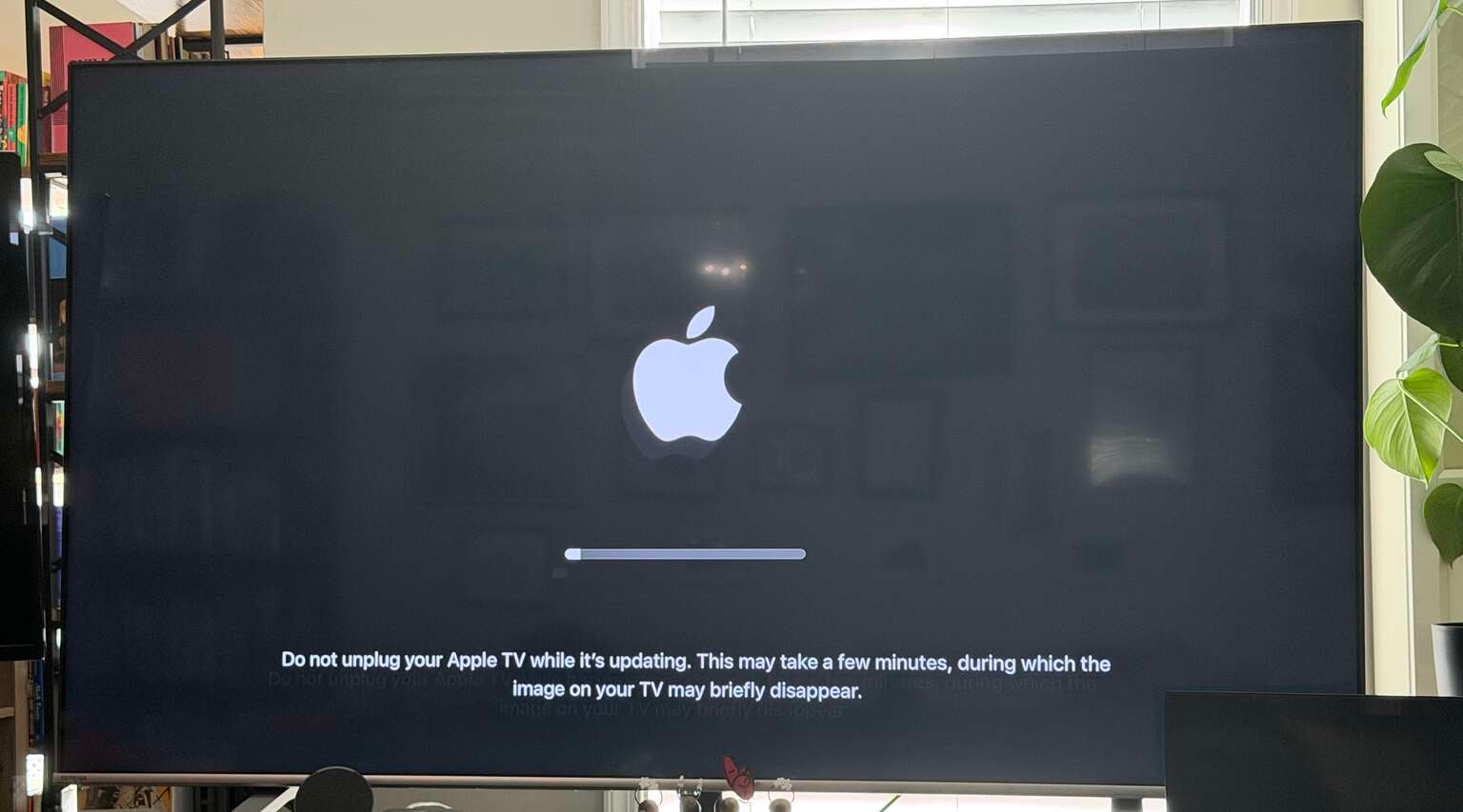
For most people with a compatible Apple TV 4K, there is little reason not to upgrade. This isn’t a situation similar to some early iOS updates where users might have been better served waiting for a few rounds of real-world testing. Unless you rely on the custom URL podcast functionality that tvOS 27 removes, most cord-cutters should feel comfortable installing the update.
tvOS 27 doesn’t completely reinvent Apple’s streaming device, but the improvements are focused on areas that should make Apple TV easier and more enjoyable to use. Bigger text options make the interface more accessible, iPhone-based software updates simplify maintenance, and Apple Music and Podcasts both get meaningful upgrades.
The behind-the-scenes improvements to AirPlay, app launches, and navigation may ultimately be even more useful during everyday streaming. The biggest disappointment is that Apple’s next-generation Siri experience still isn’t here, but that increasingly looks like something Apple may be reserving for its next Apple TV hardware update.
For now, tvOS 27 is less about changing what the Apple TV does and more about making the things it already does a little better.
Apple TV 4K devices
Shop now
The Apple TV 4K streaming player is a highly advanced device that allows owners to watch top streaming apps, navigate using the Siri voice remote, enjoy high-quality video and audio, and integrate seamlessly with other Apple devices. Preorder the 4th Generation Apple TV 4K now; the device becomes available starting Nov. 13.