How to insert, change batteries in your Fire TV remote
How to insert, change batteries in your Fire TV remote
Our easy-to-follow guide on putting the power back into your Amazon Fire TV remote!

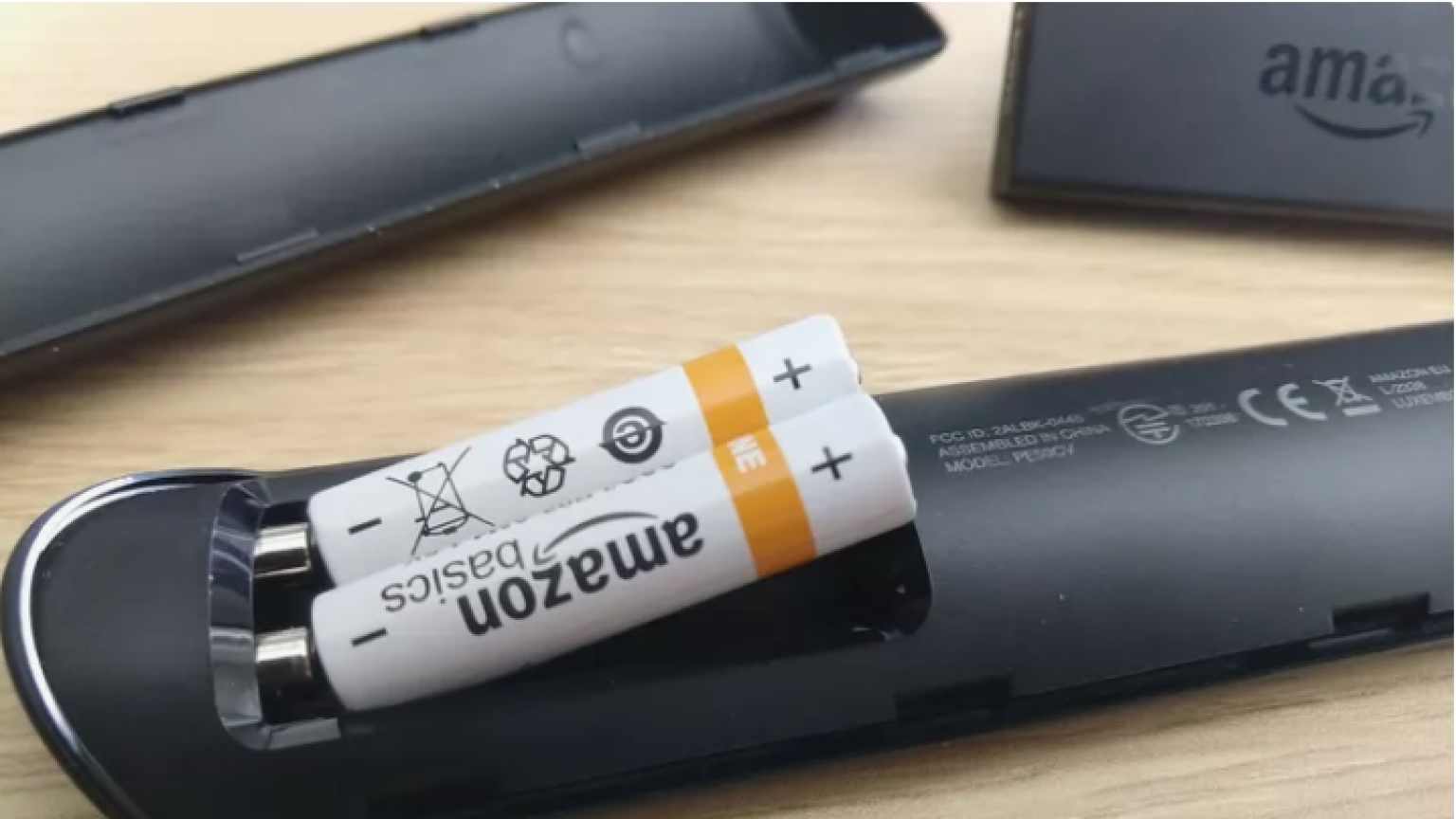
On the one hand, having a remote control that’s still powered by removable batteries means one less charging cord you have to keep track of. There’s no need to fear ruining your remote by accidentally getting something in the charging port, either; as long as you keep the battery compartment cover on your remote, you’re set to go.
But remotes like the Amazon Fire TV voice remote that run on changeable batteries also lose power after a certain amount of time. If your remote’s batteries are pretty old, the time may be coming when you’ll have to replace them! We’ll explain everything you need to know below.
What you need to know about inserting and changing batteries in Amazon Fire TV remotes
What size batteries do Fire TV remotes take?
The good news here is that all Fire TV remotes use the same size battery: AAA. Remotes will require a pair of batteries to operate properly, but as long as you have alkaline AAA batteries available, you won’t need to seek a specific brand of battery.
How to insert batteries into a Fire TV remote
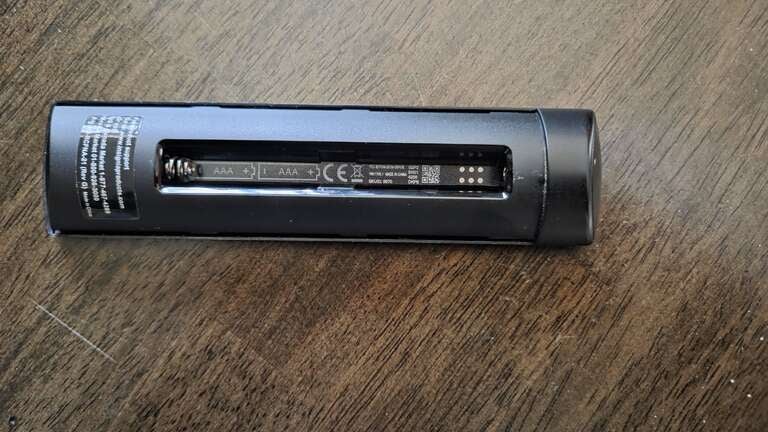
Your Fire TV’s battery compartment may be of a side-by-side configuration, or it may require you to stack batteries on top of each other, as shown. Either way, the process to put batteries into your remote is simple:
- Open the battery compartment on the back of your remote by pressing your thumb and sliding downwards.
- Fit the first battery into its slot — the negative terminal (flat side) should be pressed against the spring, and the positive terminal (side with a bump) opposite the spring.
- Fit the second battery into its slot.
- Push the battery compartment cover back onto your remote. Ensure it’s flush against the remote housing, and press upward gently until you feel it snap into place.
How to know when it’s time to change batteries in your Fire TV remote
With normal usage, a typical pair of AAA batteries will be able to power your Amazon Fire TV remote for at least three to six months, and maybe longer. Of course, battery life can vary depending on how often you use the remote.
If your remote’s buttons are less responsive than normal — taking a longer or more determined press to work, for example — or have stopped responding to your presses at all, it’s a good sign that it’s time to change its batteries.
Another warning sign that your remote’s batteries may be dying is a reduced effective range. If you find yourself needing to be closer to the television to make your Fire TV remote work properly, a swap of batteries could help solve the issue.
Lastly, if your Fire TV remote’s built-in light blinks red slowly, it’s a warning sign that it’s time to replace the batteries.
How to check your remote battery level on your Fire TV
You can actually turn on your Fire TV and TV screen to check the status of the batteries in your remote, if you prefer. This will give you a general idea of the battery life remaining in your remote, though it won’t show you an exact percentage. To do this:
- Turn your Fire TV and TV screen on.
- Navigate to the settings menu.
- Find Controllers & Bluetooth Devices
- Click Fire TV Remotes to see battery level.
Where to purchase new batteries for your Fire TV remote
You can buy AAA batteries at major online and brick-and-mortar retailers, including Amazon, Best Buy, Target, and Walmart. You can also commonly find them at grocery stores, hardware stores, gas stations, corner stores, and many other kinds of retail establishments.