DIRECTV Gemini Air vs. your smart TV: Which streaming experience is actually better?
DIRECTV Gemini Air vs. your smart TV: Which streaming experience is actually better?
Your smart TV is usually fine, but the Gemini Air can supercharge your streaming.

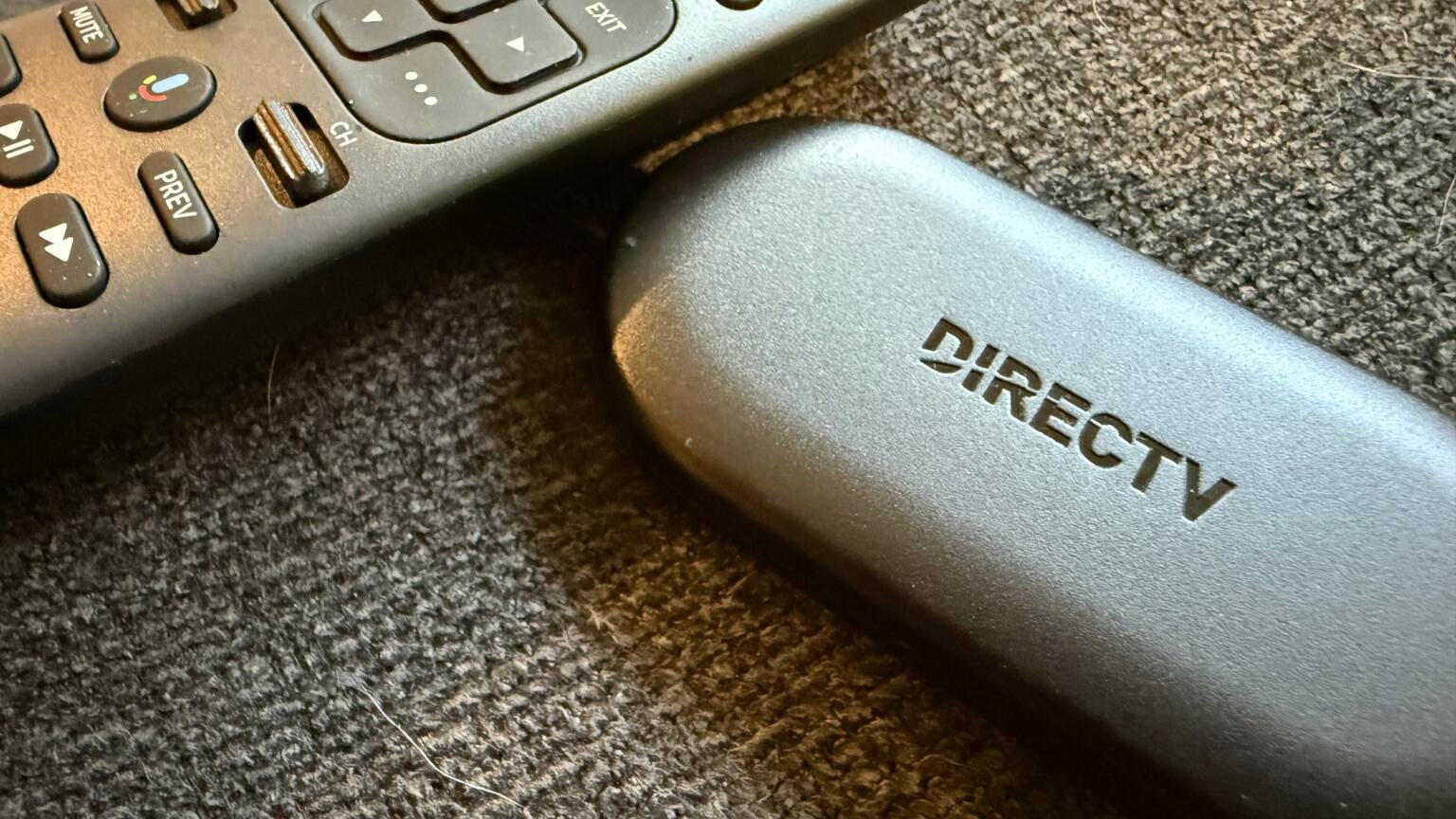
Most smart TVs today come with everything you need to start streaming right out of the box. Whether it’s based on Google TV (Android), Roku TV, Samsung’s Tizen platform, or LG’s webOS, you’ll find popular apps like Netflix, Disney+, Hulu, Prime Video, HBO Max, and Peacock already installed or easily available to download. The barrier to entry is much lower than it used to be, when many TVs still weren’t smart, and you had to buy extra hardware to stream. Now, so much has changed that even the most inexpensive TVs still let you easily find your favorite streaming apps right out of the box.
If you’re a DIRECTV user, though, you might wonder whether it’s worth using the DIRECTV Gemini Air device or if simply installing the DIRECTV app on your smart TV will suffice. While both options will get you access to live TV and streaming apps, the experience is very different. The app will do the job in most cases, sure, but if you want the full DIRECTV experience, then the Gemini Air really takes things to the next level.
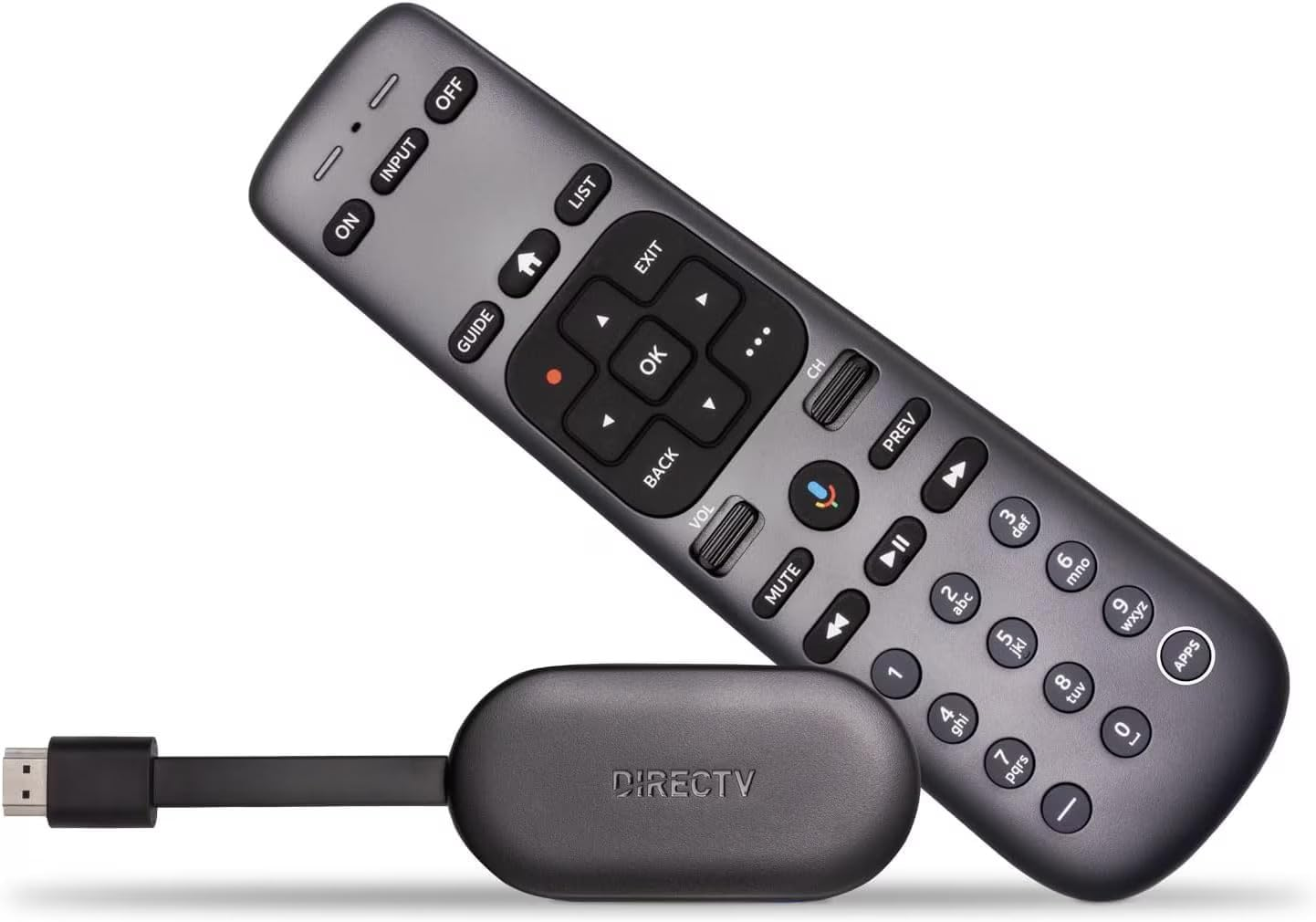
Gemini Air
From DIRECTV
The DIRECTV Gemini Air is a compact streaming device that brings live TV, on-demand content, and popular streaming apps together in one easy-to-use interface.
Gemini Air vs. your smart TV
For many viewers, installing the DIRECTV app on a smart TV is the simplest and quickest option. You can launch the app, watch live channels, browse on-demand content, and access your DVR recordings without adding another device to your entertainment setup. You’ll also have access to the TV’s built-in streaming platform for all your favorite services.
If you’re already comfortable navigating apps and switching between services, there’s nothing wrong with this approach, but keep in mind you could be getting much more from your DIRECTV experience.
The downside to this approach is that every service exists in its own silo. Want to watch live TV? Open the DIRECTV app. Want Netflix? Exit and launch Netflix. Looking for something on HBO Max? Open another app. The experience feels more like managing a collection of apps than watching television.
Gemini Air is designed to feel more like traditional TV
The biggest advantage of the DIRECTV Gemini Air is that it recreates much of the experience people loved about cable and satellite TV. First-time cord-cutters will appreciate the Gemini Air’s cable-like interface, and even the remote is much more cable-like than typical Roku or Fire TV remotes.
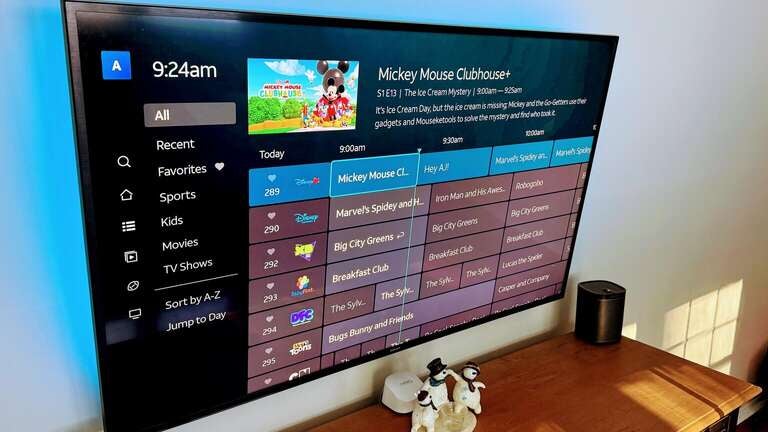
Instead of treating DIRECTV as just another app, the Gemini Air places live TV at the center of the experience. When you turn on the device, you’re immediately presented with channels, programming, recordings, recommendations, and a familiar guide. All of your favorites are front and center, with no bloated ads in your way, including your streaming app subscriptions.
For longtime cable or satellite subscribers, the transition feels much more natural than navigating through app menus on a smart TV. Your third-party services are nestled into the guide, so there’s no back and forth when jumping from live sports to your new Netflix binge. The result is an experience that feels like television first and streaming second.
Everything is built around the guide
One of Gemini Air’s strongest features is its integrated guide. The channel guide makes it easy to browse hundreds of live channels, jump between programs, access DVR recordings, and discover new content without constantly opening and closing apps. When you start the app, the home screen shows you popular channels, letting you jump right into the action.
DIRECTV has also worked to incorporate content discovery from popular streaming services directly into the platform. Rather than hunting through individual apps, recommendations, and search results can surface content from multiple sources in one place. Plus, these recommendations only get better as you stream more, and the Gemini Air learns what you like and what you don’t. That unified experience is something most smart TVs still struggle to replicate.
You still get all your favorite streaming apps
Using Gemini Air doesn’t mean giving up modern streaming services. The device supports all major streaming apps, including Netflix, Disney+, Prime Video, HBO Max, Hulu, Peacock, Paramount+, and more. You can still stream exactly as you would on a Roku, Fire TV, Google TV, or other smart TV platform.
The difference is that these apps exist alongside your live TV experience instead of competing with it. For many DIRECTV subscribers, that creates a more seamless transition between traditional television and on-demand streaming. If you’re paying a lot every month for DIRECTV, you may as well make the most of it, right?
The remote matters more than you think
A surprising advantage of Gemini Air is the remote control — it’s hands-down one of my favorite streaming remotes. Unlike many smart TV remotes that prioritize minimalist designs, the Gemini Air remote includes dedicated channel controls, guide buttons, number keys, DVR shortcuts, and voice controls. There’s really nothing missing that I’ve ever needed and not had, and for viewers accustomed to cable boxes, this familiarity reduces friction and makes navigation feel more intuitive. It’s a small detail, but one that can significantly improve the day-to-day viewing experience.
Performance can be better than built-in TV software
Many smart TVs perform well when they’re new, but built-in software can slow down over time. Dedicated streaming devices like Gemini Air often receive more frequent software updates and are optimized specifically for streaming and live TV navigation. That can lead to faster menu performance, smoother guide browsing, and a more consistent experience over the life of the device.
While premium smart TVs may perform similarly, many mid-range and older models benefit from using a dedicated streaming device. The Gemini Air is responsive and fast and in most cases will be a much better experience than your standard smart TV platform.
Who should just use their smart TV?
Using the DIRECTV app on your smart TV may be enough if:
- You primarily watch on-demand content
- You rarely browse live TV channels
- You prefer using individual apps
- You want to avoid another device connected to your TV
For these viewers, the built-in platform may provide everything they need.
Who should use Gemini Air?
The Gemini Air is often the better choice if:
- You subscribe to DIRECTV
- You watch a lot of live television
- You miss the simplicity of cable or satellite TV
- You prefer channel surfing over app hopping
- You use DVR recordings frequently
- You want streaming apps and live TV unified in a single experience
For DIRECTV customers in particular, Gemini Air feels less like a streaming device and more like the natural evolution of the traditional cable box. You’ll need to note that the Gemini Air comes with a $ 10-per-month lease price, but that may well be worth it if DIRECTV is your go-to streamer.
The bottom line
If your goal is simply to watch DIRECTV, your smart TV can absolutely do the job. But if you want an experience that feels familiar, organized, and centered around live television, the DIRECTV Gemini Air offers significant advantages.
Its integrated guide, cable-like navigation, dedicated remote, and seamless access to both live TV and streaming apps create an experience that many viewers find easier and more enjoyable than relying solely on a smart TV’s built-in software.
For DIRECTV subscribers, Gemini Air isn’t just another streaming device—it’s arguably the best way to experience the service.

DIRECTV
DIRECTV is one of The Streamable’s top choices for the best live TV streaming service overall in 2026, especially for users who want the most channels or want to watch the most live sports. With an unbeatable lineup of local, news, sports, and entertainment channels, three main signature packages, an unlimited DVR, and 20 simultaneous streams at home, DIRECTV remains a premier choice for any cord-cutter.