How to add a new Netflix profile to your account
How to add a new Netflix profile to your account
Using multiple Netflix profiles allows every user of the account to enjoy their own watch histories and personalized recommendations.

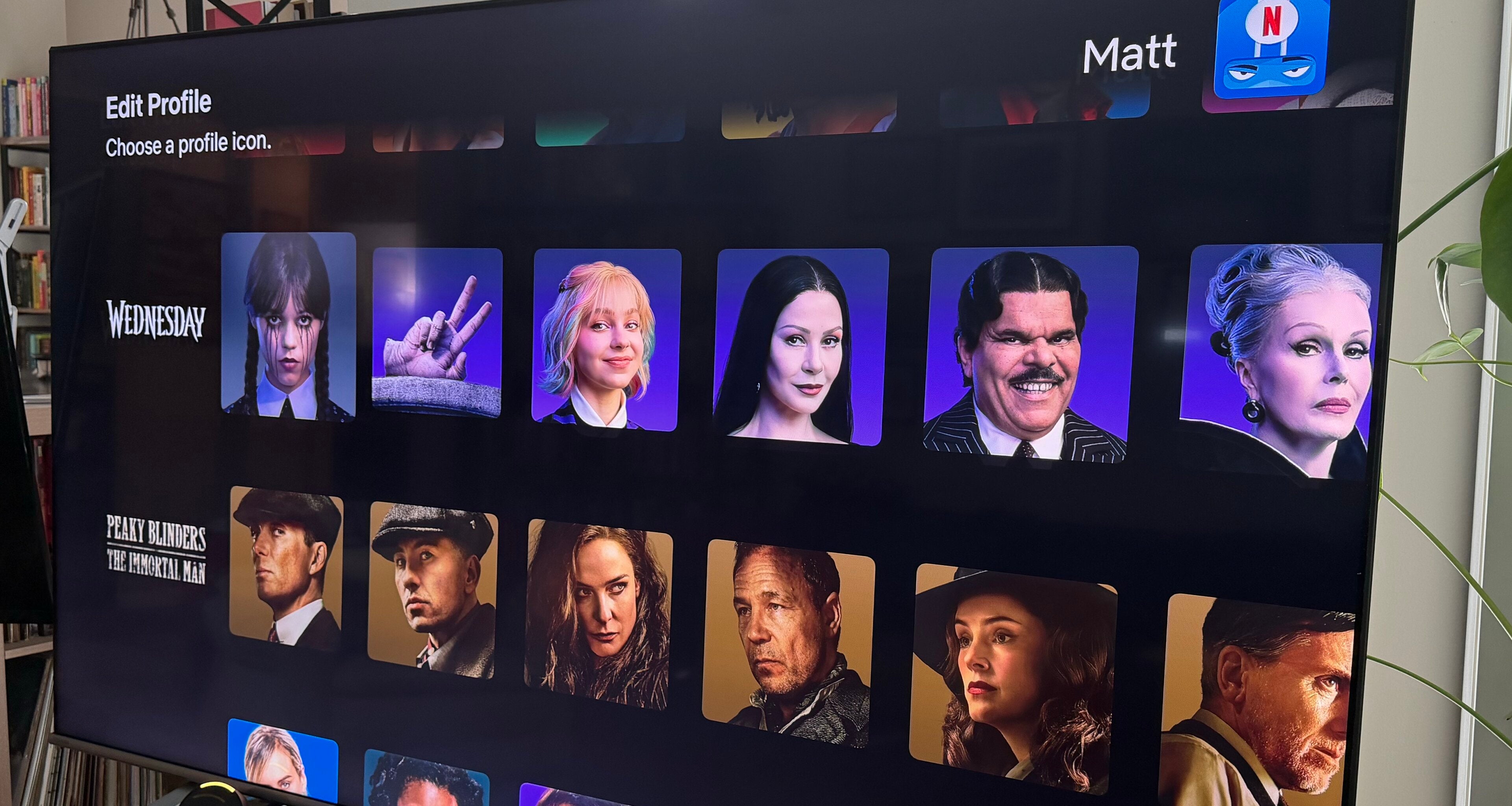
I’ve raved about the Netflix algorithm before, but it’s hard to overstate the quality of this content recommendation engine, especially as compared to other streamers. One of the best things about having your own Netflix profile within an account is that you get to put the algorithm to work for you, using it to deliver recommendations of shows and movies you’ll love, no matter what everyone else in your house is watching.
If you’re a little confused as to how you can set up more Netflix profiles for the members of your household, we’ve got you covered. We’ll give you instructions on how to set up a Netflix profile, and more information on using profiles as well.
What you need to know about Netflix profiles
How many Netflix profiles can you make?
Netflix allows you to make up to five different profiles with each account. This is true regardless of the Netflix plan, so having a higher-cost subscription won’t lead to more profile choices.
How to add a Netflix profile
When you open your Netflix account, the streamer will ask you which profile you want to watch on. This is true regardless of device, and in the list of profiles already created, you will see an Add Profile button (usually denoted by a + icon) if you do not have five profiles established already.
Clicking Add Profile will allow you to create a name, then choose whether you want it to be a kids-only profile and pick an icon.
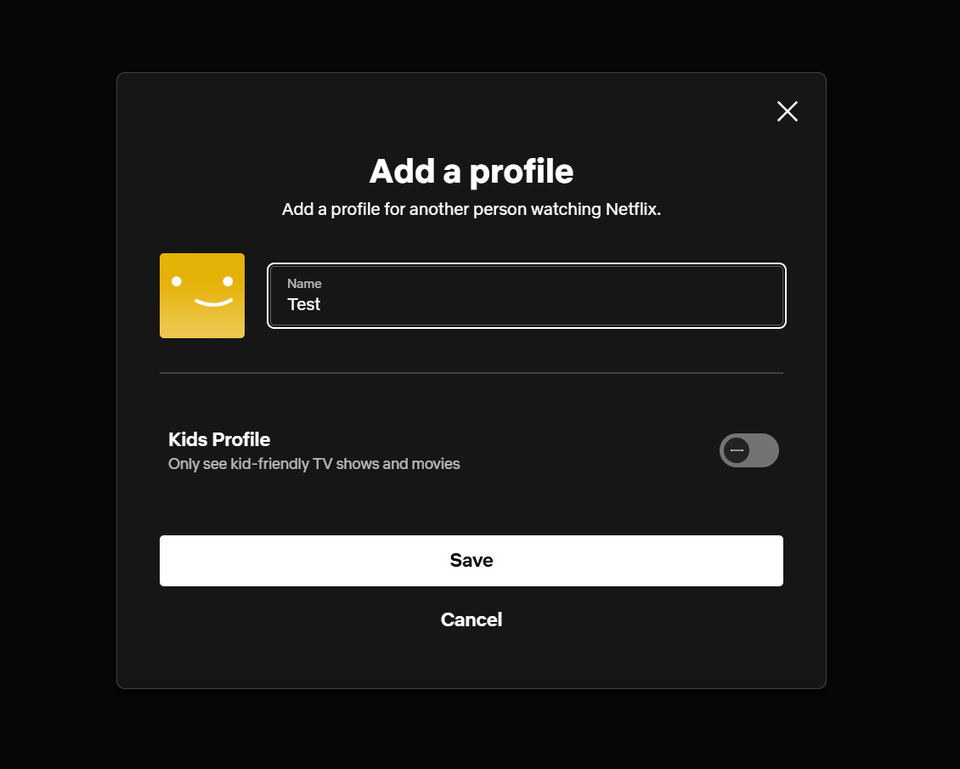
Click to expand.
You will then be asked to choose a language for your profile and choose three titles that you like in the Netflix library to help it learn more about your tastes. From there, you can start to use your Netflix profile and watch anything that comes within your plan.
Can viewers transfer profiles on Netflix?
Yes! If a person living in your home moves out and gets their own Netflix account, they can transfer their profile to a new Netflix subscription as long as the account owner in control of the profile has transfers allowed.
Can you change profile settings?
Yes, you can always navigate to the profile icon at the top-right corner of the screen (on the web) and scroll down to Manage Profiles to change settings like parental controls or profile transfers..
Can you delete a Netflix profile?
Of course. All you have to do is open the Manage Settings menu, then select the profile you want to delete. Click it, then scroll to the bottom to find the Delete button. You can then set up additional profiles, or just leave the ones you have as they are.
Can you adjust parental controls on all Netflix profiles?
Yes, you can change parental controls on any Netflix profile after setting them up. Within the Manage Profiles menu, the account owner can set maturity ratings to ensure all titles exceeding that rating are blacked out, or block specific titles on any profile they wish.
Alternatively, a user can set up a kids’ profile with all the parental controls they like, and never risk a young viewer in their home coming across a show or movie with too many adult themes.
Why make profiles with a Netflix subscription?
Using the profiles feature on Netflix is basically a must for viewers who share their subscription with others in the same household. Using one profile means everyone in the home is using the same watchlists, continue watching row, and the same algorithm to try to recommend shows based on inputs from people who might have vastly different tastes.
But using individual profiles on Netflix helps viewers keep their recommendations personalized exclusively to their own preferences. Viewers who use their own profile on Netflix can also save titles to their unique watchlist and see only their own history in the continue watching row.

Netflix
Netflix is a leading subscription-based video streaming service that offers on-demand access to an extensive library of over 3,000 movies, 2,000+ TV shows, and a growing collection of acclaimed Netflix originals. Renowned for producing groundbreaking content, Netflix has become a cultural powerhouse with hit originals like “Stranger Things,” “Wednesday,” “Squid Game,” “The Crown,” “Tiger King,” “Bridgerton,” “The Witcher,” and “Black Mirror.”