How to easily cancel your Hulu subscription
How to easily cancel your Hulu subscription
When you’re ready to cancel Hulu, follow our guide and learn what you should watch next.

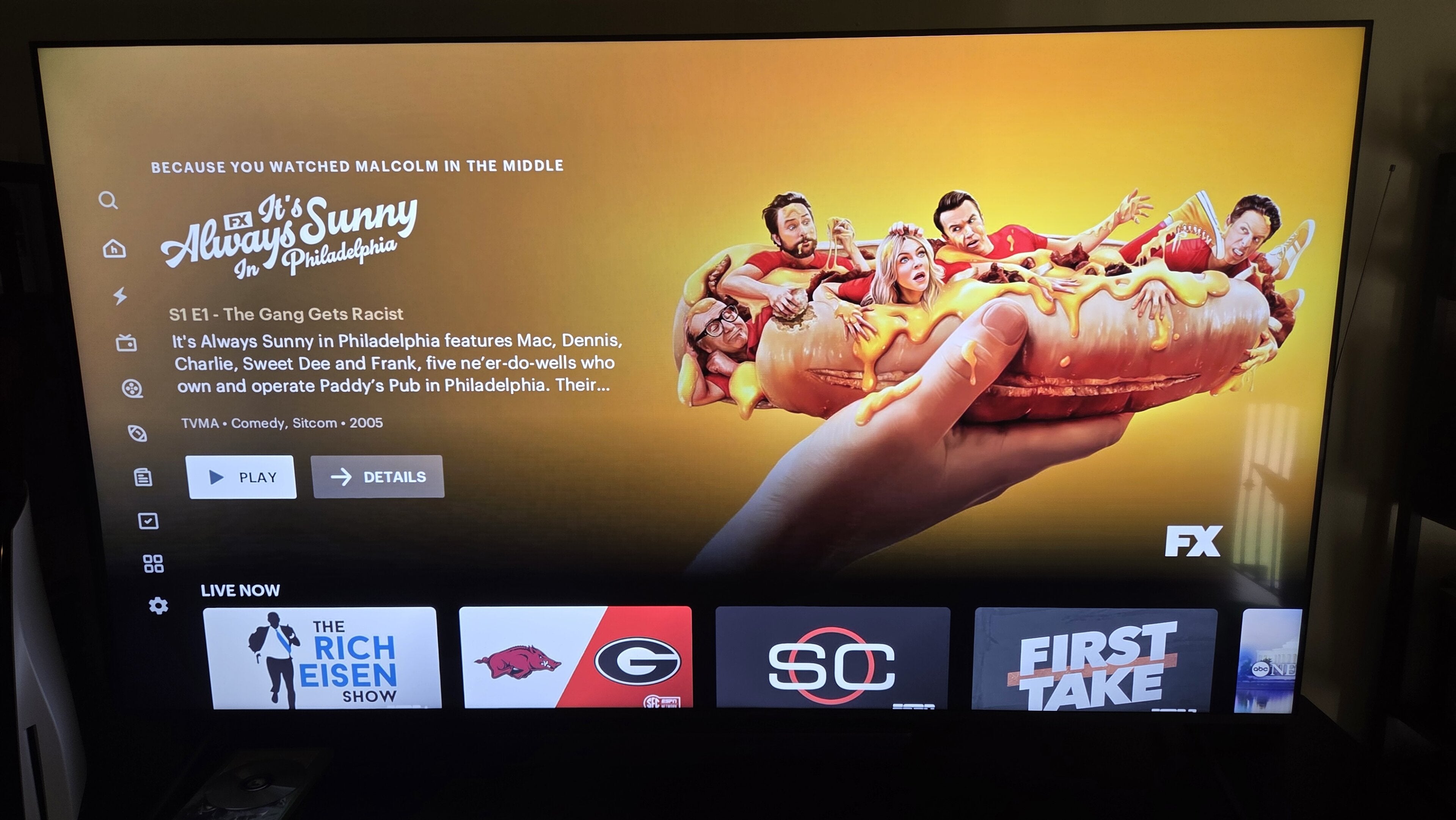
Hulu has one of the most generous free trials of any streaming service. New customers who sign up to Hulu’s ad-supported plan without Disney+ can watch free for 30 days, but the sheer volume of commercials on the service can be maddening at times. If the ads on Hulu are driving you to cancel your subscription, or you’ve simply finished the latest season of “The Bear” and are ready to try something else, it’s easy to move on from Hulu.
We’ll give you easy-to-follow instructions on how to do just that below! We’ll also answer some questions about canceling Hulu, and give you a couple of alternative streamers to try when you’re done with the service.
Everything you need to know about canceling Hulu
How to cancel Hulu
- Click here to be taken to your Hulu account.
- Navigate to the Account page using your profile avatar.
- In the Your Subscription section, click the Cancel Your Subscription button.
How to cancel Hulu if you subscribe to it as part of the Disney Bundle
If you get Hulu as part of a subscription to the Disney Bundle, you will have to cancel all services at once in order to cancel one. You cannot keep part of the Disney Bundle and cancel just one service within it, unfortunately.
To cancel a Disney Bundle subscription:
- Click here to be taken to your Disney+ account.
- Head to your profile avatar, then click Account.
- Find the section headed Subscriptions & Billing, then click your bundle.
- Scroll down and click Cancel Subscription.
Does canceling Hulu lock you out of the streamer immediately?
No, you will still be able to log into your Hulu account and watch until the end of your current billing cycle once you cancel your subscription. After that billing cycle concludes, however, you will be locked out.
Will Hulu save your account settings if you cancel?
Yes, if you decide to resubscribe to Hulu later, your MyDisney account will save your viewing history and profile settings when you cancel a subscription. You also have the choice of pausing your subscription for up to 12 weeks with Hulu, giving you another way to preserve your history on the service if you need a temporary break.
What are the best alternatives available to Hulu?
If you’re seeking a new general entertainment streaming service once you’ve left Hulu behind, you should check out a subscription to Prime Video. This service starts at $9 per month for an ad-supported service, or $14 for ad-free. It has a little bit of everything, from “The Boys” to “Fallout” to “Lord of the Rings: The Rings of Power,” and even unscripted shows like “Beast Games.” Prime Video also comes with live sports like “Thursday Night Football” in NFL season, and NBA games come to the streamer in fall 2025.

Prime Video
Prime Video is a subscription video streaming service that includes on-demand access to 10,000+ movies, TV shows, and Prime Originals like “The Lord of the Rings: The Rings of Power,” “Jack Ryan,” “The Marvelous Mrs. Maisel,” “The Boys,” and more. Subscribers can also add third-party services like Max, Showtime, STARZ, and dozens more with Prime Video Channels. Prime Video also offers exclusive live access to NFL Thursday Night Football.
If your streaming budget needs a little bit of a break, but you’re still looking to supplement your lineup with more general entertainment, check out the free ad-supported streamer Pluto TV. You’ll find every genre under the sun on Pluto, from kids to romance to sci-fi, and you won’t have to pay a dime for access. All you need to sign up for Pluto TV is a valid email address and a password.
