How to cancel subscriptions through Prime Video
How to cancel subscriptions through Prime Video
If you signed up for an add-on subscription or channel through Prime Video and want to cancel, we’ll explain how to do it here.

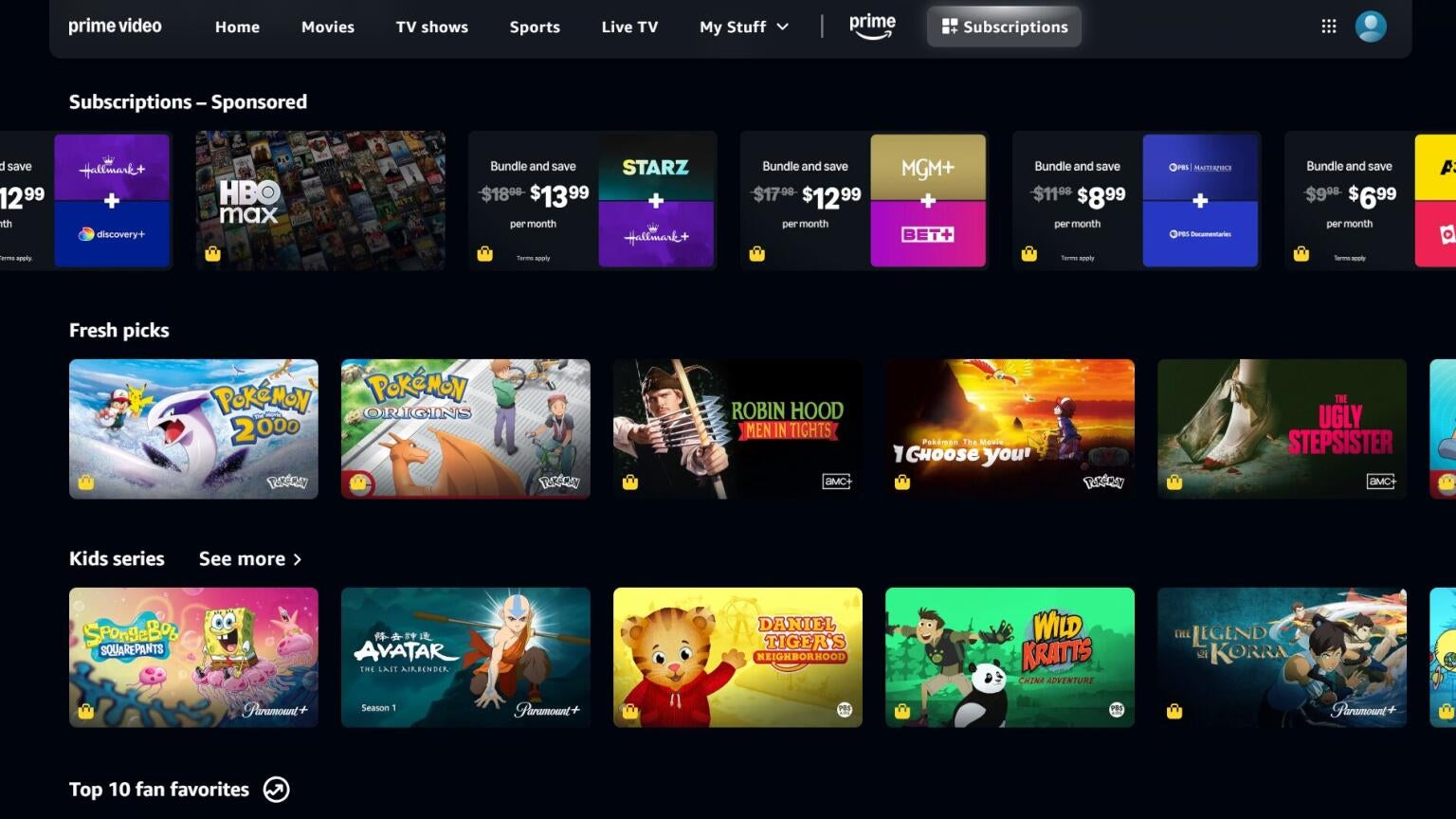
One of the best things about having a Prime Video subscription is the sheer amount of content that comes along with it. Prime Video itself has a huge library of TV shows and movies, and customers can rent or buy new titles if they want access to the latest blockbusters or an old favorite that they want to return to time and again.
Prime Video also allows subscribers to sign up for additional streaming services and channels, as well. This adds a new layer of convenience to the streaming platform, but it also means that anyone who wants to cancel an add-on from Prime Video has to go through the service itself to do so. We’ll explain what you need to know about canceling subscriptions made through Prime Video here!
What you need to know about canceling subscriptions made through Prime Video
How to cancel Prime Video subscriptions
How to cancel Prime Video subscriptions through the Amazon website
- Click here to log in to your Prime Video account.
- Hover the cursor over your profile icon in the top-right corner of the screen.
- Click Account & Settings.
- Click the Subscriptions tab.
- Locate the subscription you want to cancel, and use the button to the right to do so.
How to cancel Prime Video subscriptions through the Prime Video mobile app
- Open the app on your Android or iOS device.
- Tap your profile icon at the bottom of the screen.
- Click the gear-shaped Settings icon.
- Click Prime and subscriptions to see and manage subscriptions.
Why use Prime Video as your subscriptions hub?
Prime Video is a highly useful tool, especially for viewers who are tired of trying to keep track of their various streaming subscriptions. Signing up to add-on channels through Prime Video instead of signing up for these services directly makes things much easier on the consumer, since there is just one platform needed for canceling or making other changes.
Viewers can watch all their Prime Video subscriptions and channels through the Prime Video app on smart TVs and mobile devices, negating the need for so much switching between apps to watch chosen content. And the selection is huge; Prime Video carries top services like Apple TV, HBO Max, Paramount+, and Peacock, as well as niche streamers beyond count.
Watch, track, and manage more of your streaming subscriptions in one place with Prime Video, and make it easier on yourself to watch the TV shows, movies, and sports you love. And when you’re ready to cancel a subscription made through Prime Video, just use our guide and get it done in a few seconds.

Prime Video
Prime Video is a subscription video streaming service that includes on-demand access to 10,000+ movies, TV shows, and Prime Originals like “The Lord of the Rings: The Rings of Power,” “Jack Ryan,” “The Marvelous Mrs. Maisel,” “The Boys,” and more. Subscribers can also add third-party services like Max, Showtime, STARZ, and dozens more with Prime Video Channels. Prime Video also offers exclusive live access to NFL Thursday Night Football.