How to manage premium subscriptions through Fire TV
How to manage premium subscriptions through Fire TV
If you’ve signed up for a streaming subscription through Prime Video or the Amazon Appstore, you can manage these subscriptions easily with a Fire TV device.

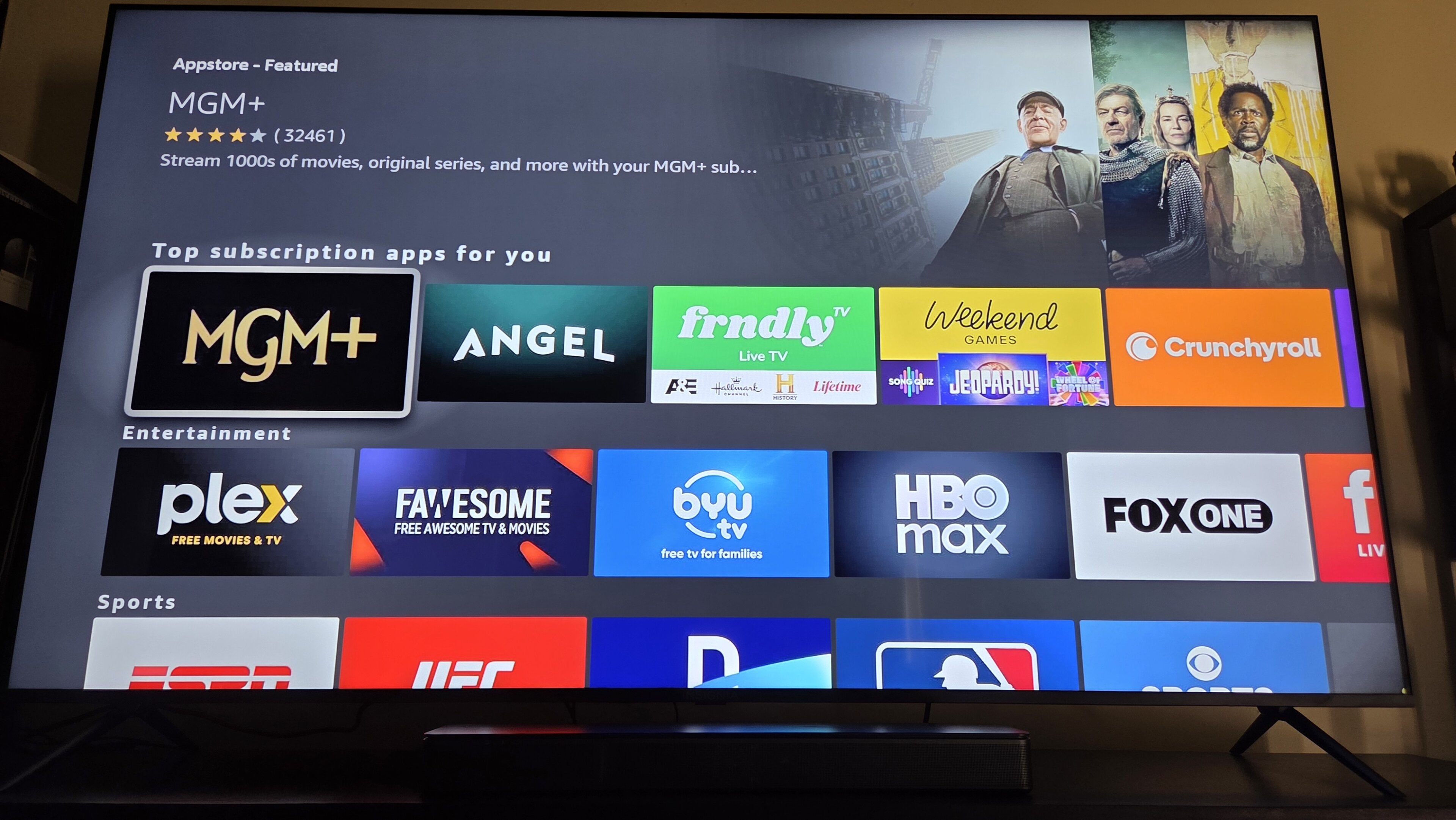
If you have an Amazon Fire TV smart TV or streaming device, you already know you can use it to download top streaming apps, connect with other devices that use the Alexa home assistant, and enjoy personalized recommendations from top subscription services all on the Fire TV home page.
But you may not know just how deeply your Fire TV-equipped device can interface with the greater Amazon ecosystem. You can use your Fire TV player to not only browse the Amazon Appstore, but also to sign up for a selection of new subscription services available there. But can you manage subscriptions purchased through the Amazon Appstore or through Prime Video Subscriptions with your Fire TV device? We’ll explain here.
Everything you need to know about managing premium subscriptions with your Fire TV device
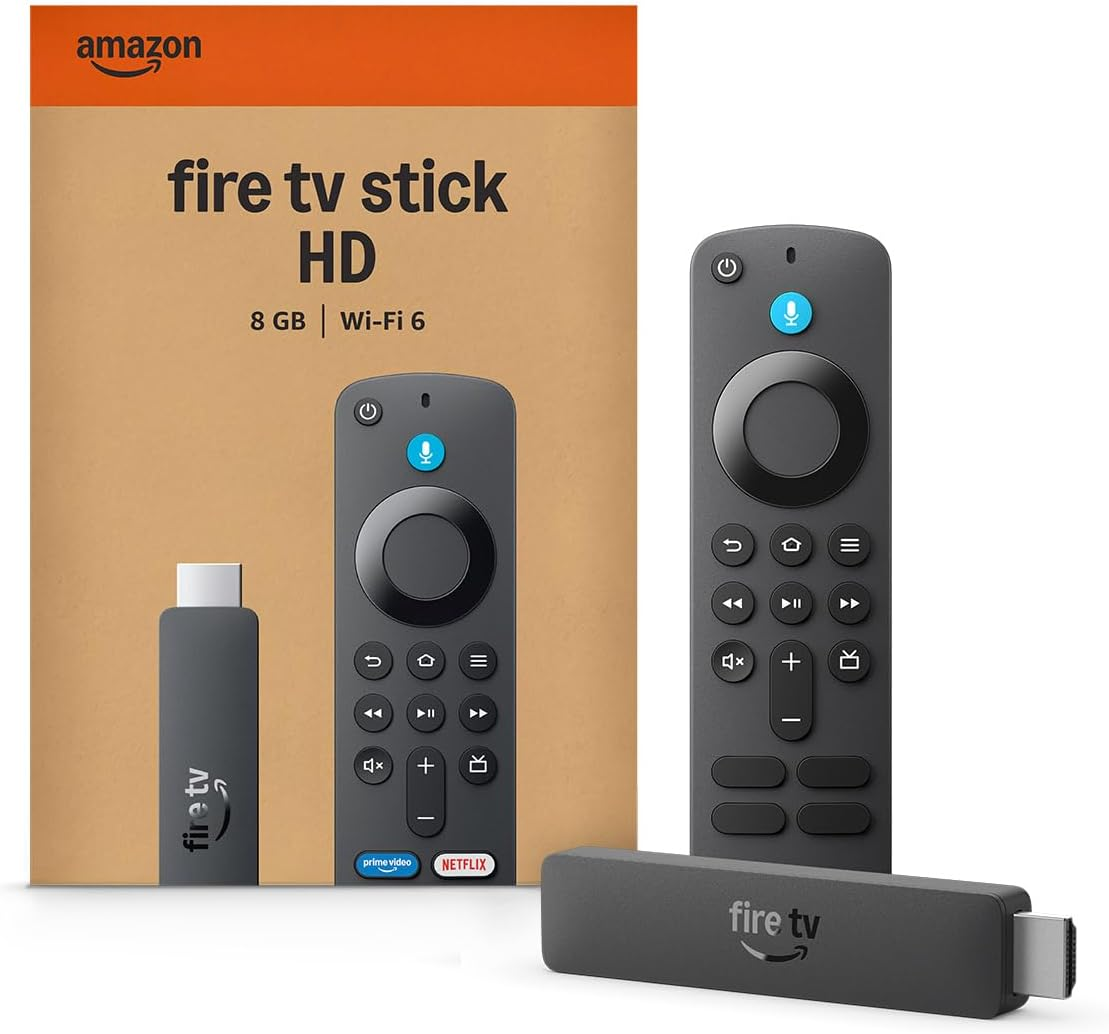
Fire TV streaming players
From $40
Fire TV streaming players bring together your favorite apps, live TV, and Alexa voice controls in one convenient device. Available in HD and 4K models, Fire TV offers options to suit a variety of entertainment needs and budgets.
Which subscriptions can you manage through Fire TV?
Fire TV allows customers to access subscriptions purchased through Prime Video, and compatible apps that are billed through the Amazon Appstore. These subscriptions can often be viewed, managed, or even canceled with a Fire TV device.
Keep in mind, simply downloading an app through the Amazon Appstore on your Fire TV doesn’t necessarily mean Amazon is handling the billing. Many apps, such as Disney+ and Netflix, use their own payment systems and are not billed through Amazon.
How to manage subscriptions through Fire TV
To manage available subscriptions through a Fire TV device:
- Power up your Fire TV device.
- Scroll to the gear-shaped Settings icon.
- Choose Account and Profile Settings.
- Choose Prime Video or App Store to view relevant subscriptions.
Fire TV user experiences can vary slightly depending on operating system version, device manufacturer, and other factors. If you don’t see the specific options described in the process above, look in your Account and Profile settings for any menus labeled Applications or Subscriptions.
Subscriptions that you can manage on your Fire TV may have different management options from service to service. Appstore subscription management choices will vary depending on whether Amazon handles billing.
If you signed up through Prime Video, choose this option to view any active add-ons. For Appstore subscriptions, select Applications > Managed Applications. Then, follow on-screen instructions to manage billing, auto-renewal, or cancellations when applicable.
Can you manage Amazon premium subscriptions any other way?
Yes, you can also manage a premium subscription made through Amazon with a web browser as well as your Fire TV device.
To manage Amazon Appstore subscriptions through the Prime Video website:
- Follow this link to see subscriptions made through your Fire TV Appstore.
- Choose the subscription you want to manage.
- Click Actions to cancel, update payment methods, etc.
To manage Prime Video add-ons through the Amazon website:
- Click here to see your Prime Video subscription add-ons.
- Click the channel you want to manage to review your options.
Why can’t you manage all subscriptions through Fire TV?
Just because you’ve installed a streaming app on your Fire TV doesn’t mean Amazon is managing that subscription. There will inevitably be subscriptions that you watch with your Fire TV device that you cannot manage with that device.
This includes some apps that can be purchased through the Amazon Appstore. Not all apps available in the store bill through Amazon, and if they don’t, you will not see them in your Fire TV management options. To manage or cancel those subscriptions, you will have to go directly through the streamer’s website or app.
Fire TV streaming players
From $40
Fire TV streaming players bring together your favorite apps, live TV, and Alexa voice controls in one convenient device. Available in HD and 4K models, Fire TV offers options to suit a variety of entertainment needs and budgets.