How to rent or buy movies on DIRECTV Gemini air
How to rent or buy movies on DIRECTV Gemini air
Watch the latest releases at home with easy rental and purchase options.

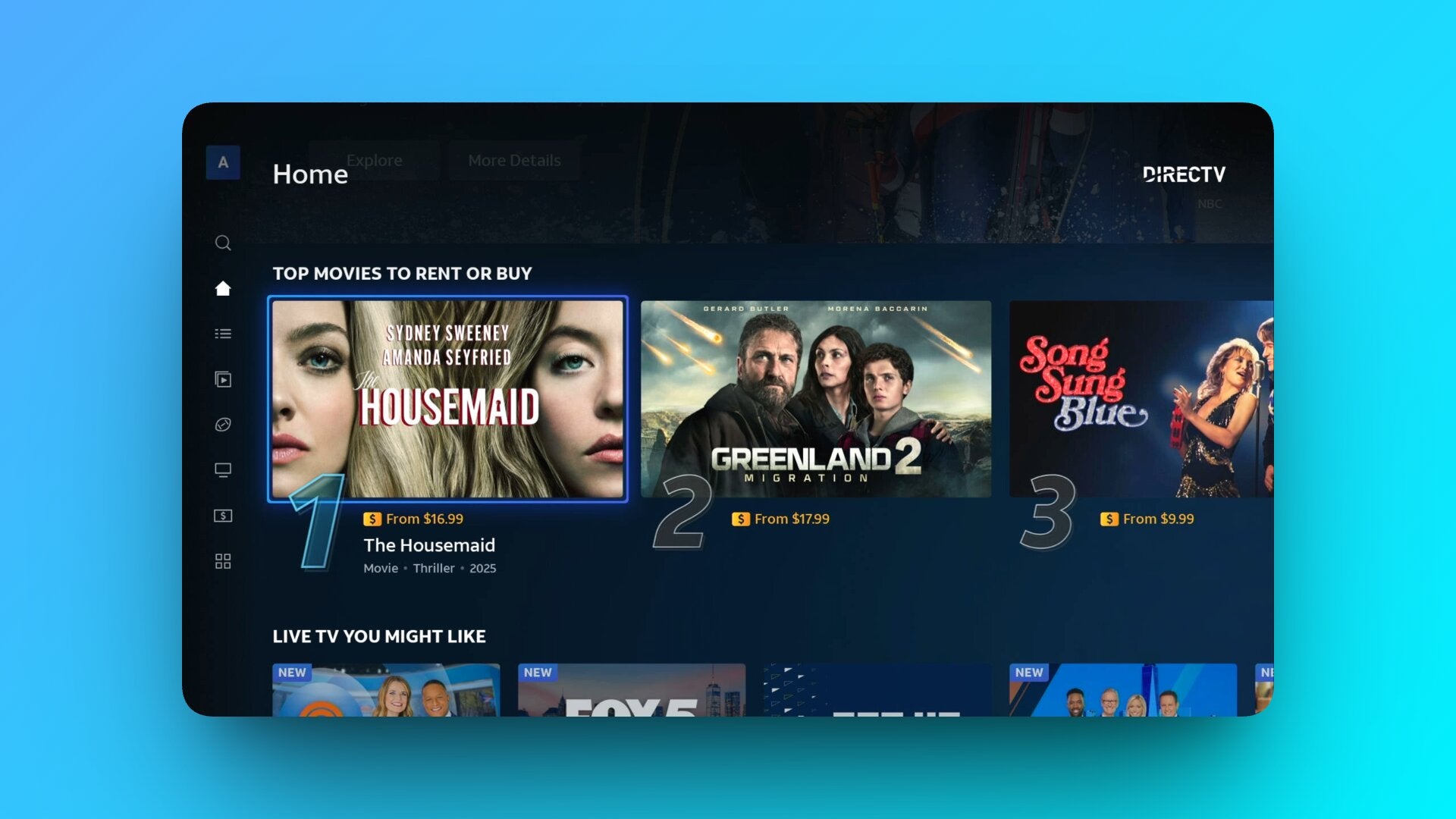
One of the beautiful bonuses of streaming via a DIRECTV Gemini Air is that you aren’t just limited to watching live TV or on-demand content from the apps that you subscribe to. In addition, you are able to rent or buy movies, making it feel like you have a digital video store right in your living room, allowing you to access a slew of new titles right from your home screen. Whether you’re hunting down a brand-new release or revisiting an old favorite that you can’t find elsewhere, the Gemini Air pulls all of your options into one place so you don’t have to bounce between apps.
Everything you need to know about renting and buying movies with a Gemini Air
Start in the Video Store
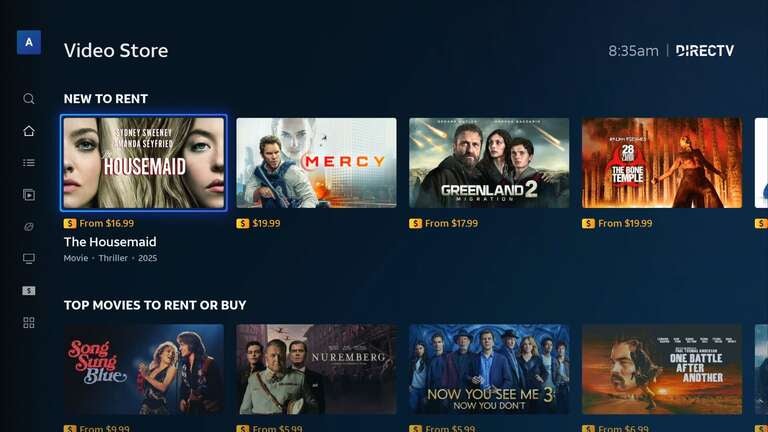
Just like we used to years ago, your first stop when looking for the latest and greatest should be a trip to the video store — only now it’s virtual. The easiest way to find all of the movies available to rent or buy is through the Video Store tab on the left-hand side of the main navigation. Think of this as your on-demand marketplace, where you’ll find the top titles available to rent or purchase, as well as some hidden gems that may not be available to stream elsewhere.
From there, you can browse featured titles, new releases, trending rentals, and curated collections. It’s organized to feel familiar — like scrolling a modern version of a traditional movie rental wall (if you’re old enough to remember those).
If you already know what you want, skip the browsing and simply use the Universal Search feature. All you have to do is type in a title manually or use the voice search on your Gemini Air remote. From there, your search will surface results from live TV channels, on-demand libraries, and connected streaming services — all in one results page. If you don’t already pay for a service that streams your chosen title, you’ll be presented with rental and purchase options if available.
How to tell what’s for rent or purchase
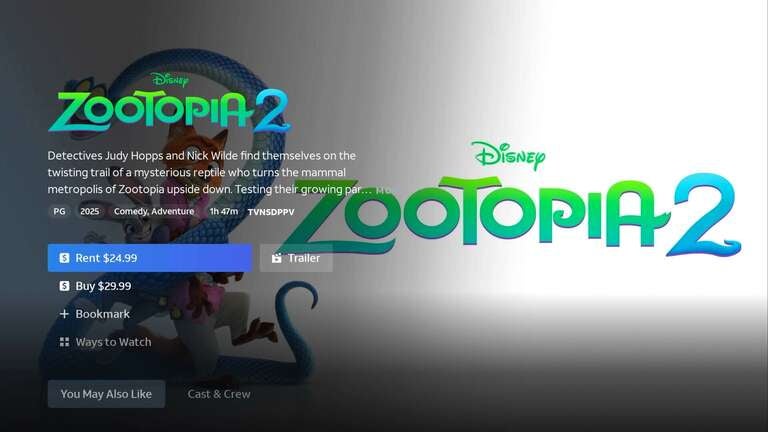
When a movie is available to rent or buy, you’ll see pricing directly on the title card — typically marked with a “$” underneath. Selecting the movie brings up a detail page that clearly lays out your purchase options, including:
- Rental price (usually with a viewing window, such as 24 or 48 hours once you start playing)
- Purchase price for permanent access in your library (you know, for the kids)
- Available video quality (SD, HD, or 4K, when supported)
If a title is available across multiple services, the Gemini Air shows every viewing option in one place, and whether that’s included with a subscription you already have or available as a standalone rental or purchase. That makes it easy to compare before you spend anything, and you’ll know if a title is already available to you.
Renting vs. buying — What’s the difference?
Renting is ideal for one-off movie nights, especially for titles you won’t watch more than once. Once you confirm the rental, you’ll typically have a set window to start watching and a limited time to finish after playback begins (usually 24 to 48 hours). It’s often the lower-cost option and perfect for new releases you don’t necessarily need to own.
Buying a movie adds it to your digital library for long-term access — great for titles you or your family will watch over and over. Purchased titles remain available in your account, making it a better fit for rewatch favorites, kids’ movies, or anything you want on standby without worrying about expiration.
Payment and confirmation
Before completing a rental or purchase, Gemini Air will prompt you to confirm the transaction. Depending on your account settings, you may need to enter a PIN or your full payment info. Charges are billed as separate transactions directly through your DIRECTV account, keeping everything centralized in one place.
Accessing your purchases
Once you’ve rented or bought a title, you can easily find it again in your library or by searching. You won’t have to pay again for the titles you’ve purchased and can access them at any time. Rentals will be available during the set viewing window.
If you’re browsing a TV series instead of a movie, search results will also let you navigate by season and episode. You can purchase individual episodes or full seasons when available, and even bookmark titles to watch later.
Why it works so well
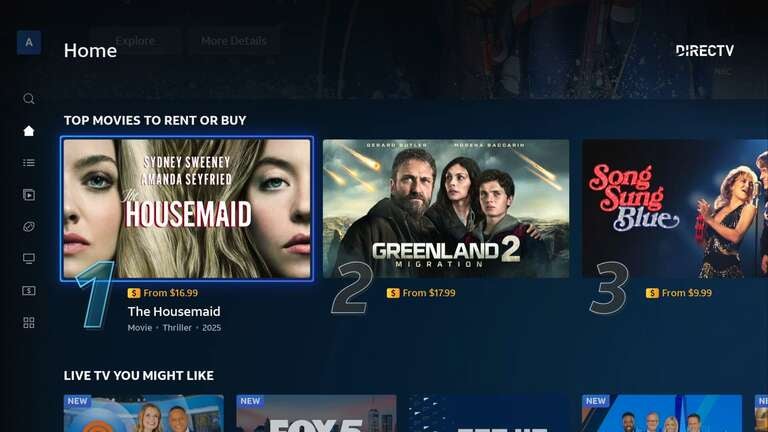
What makes renting or buying on Gemini Air stand out is how unified it feels. While it builds upon the already awesome Universal Search by surfacing even more content, you’re not jumping between half a dozen apps trying to remember where something lives. The system shows you what’s included, what’s rentable, and what’s purchasable — all in a single search result.
In short, if you want a quick rental for tonight, a permanent digital copy for your collection, or just a smarter way to see all your options at once, Gemini Air turns your TV into a streamlined, all-in-one movie storefront.

DIRECTV
DIRECTV is one of The Streamable’s top choices for the best live TV streaming service overall in 2026, especially for users who want the most channels or want to watch the most live sports. With an unbeatable lineup of local, news, sports, and entertainment channels, three main signature packages, an unlimited DVR, and 20 simultaneous streams at home, DIRECTV remains a premier choice for any cord-cutter.