How to set up profiles on Apple TV 4K devices
How to set up profiles on Apple TV 4K devices
We’ll give you all the details you need to know about using profiles with Apple TV.

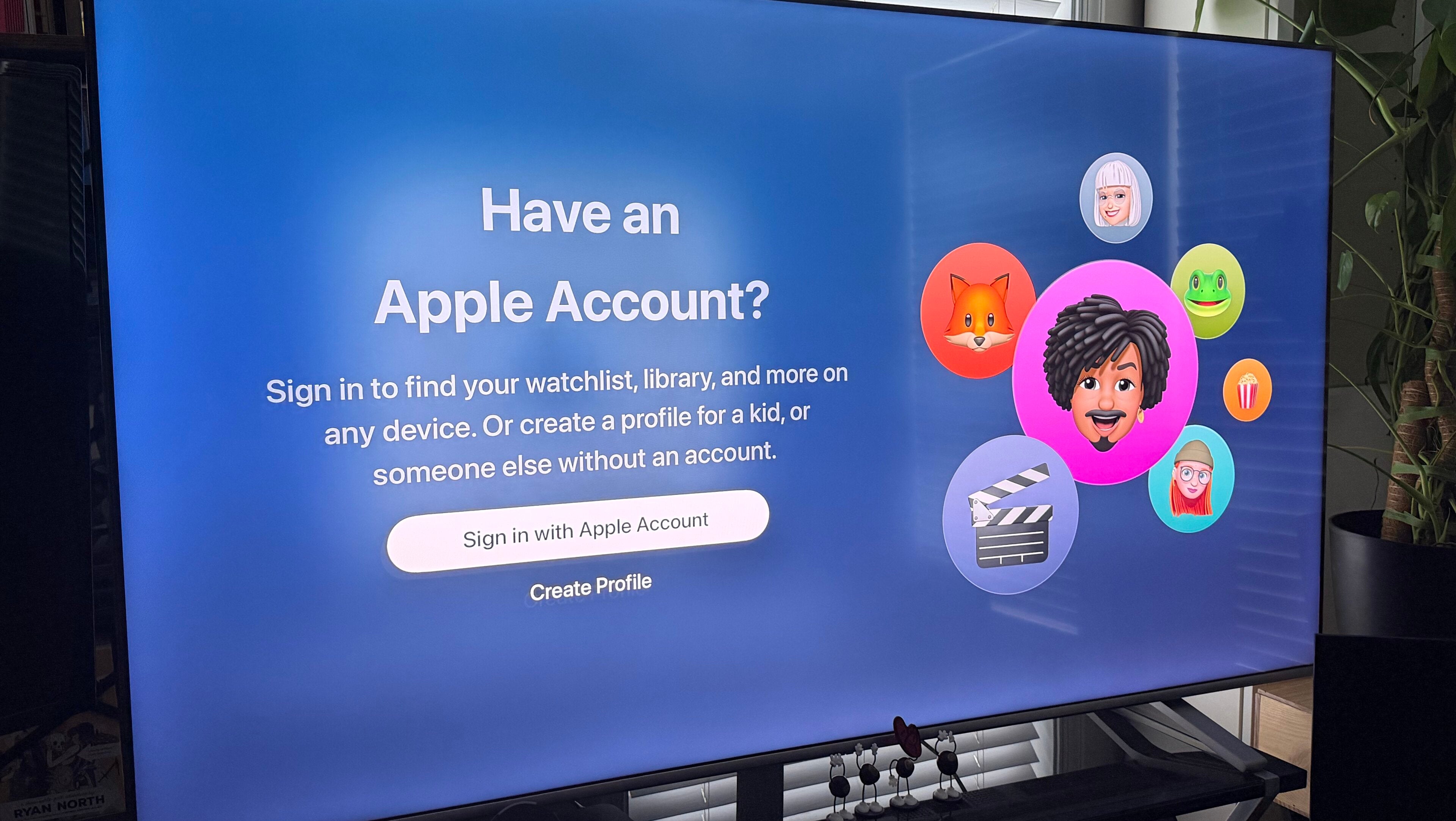
Having the ability to set up multiple profiles on the main smart TV or streaming device in the household can be a crucial peacekeeping maneuver. Offering everyone in the home the ability to keep their recommendations and watch histories separate from others’ can save time, effort, and silly skirmishes about buried watchlists. But not every streaming device allows users to establish multiple profiles on the same piece of hardware, leaving it up to viewers to create distinct profiles on streaming apps instead. What about the Apple TV 4K device? We’ll explain everything you need to know about using profiles with an Apple TV 4K player below.
Everything you need to know about setting up profiles on an Apple TV 4K

Apple TV 4K devices
Shop now
Can you set up multiple profiles on an Apple TV 4K?
Yes, every viewer in a given household can set up a profile on Apple TV 4K devices. The Apple TV supports multi-user functionality, giving owners the chance to keep personalized settings, watchlists, and more custom settings sequestered from others in the home.
How many profiles can you use on Apple TV 4K devices?
The current generation of tvOS software supports up to six distinct user profiles on a single device — one default profile plus five additional ones.
How to set up a new profile on an Apple TV 4K
- Open Settings on your Apple TV 4K.
- Choose Users and Accounts.
- Click Add New User, or select someone listed under your Family Sharing group.
- Choose Add Existing Apple ID, then follow on-screen prompts to finish creating a profile.
Does the Apple TV 4K have kids’ profiles?
No, Apple TV does not offer system-level profiles for children that include automatic parental controls. However, viewers can set restrictions on a system-wide level, including PIN codes that will restrict purchases, as well as lock out content ratings for movies and TV shows.
To set parental controls on the Apple TV device:
- Open the Settings app on the device.
- Choose General, then Restrictions.
- Enter a four-digit PIN, and confirm it to continue.
- Block or limit purchases, age ratings for content, etc.
How to switch profiles on an Apple TV 4K
The easiest way to switch profiles on the Apple TV 4K is to press the Siri button on the device’s remote and ask to switch to the profile you want. Alternatively, Apple TV owners can hold the TV button on the remote to open the Control Center sidebar overlay, then choose the avatar of the profile you want to switch to.
Why use separate profiles on the Apple TV 4K?
Using separate profiles on an Apple TV 4K is the best way for each member of the household to customize their viewing experience every time they watch TV. Each profile keeps watch histories, customized Up Next lists, and other tailored recommendations completely separate by using profiles, and can also tie home screen layouts across multiple devices to the same account.
How to use Family Sharing to create profiles on the Apple TV 4K
Owners can use Apple’s Family Sharing feature to set up and start using profiles more quickly on the Apple TV 4K. However, users will need to create a Family Sharing group on an iPhone, iPad, or Mac first.
Once done, the main account holder can enable those family members to appear on their Apple TV 4K using the Apple Home app.
- Open the Home app on an iPhone, iPad, or Mac that’s connected to the same Wi-Fi network as the Apple TV 4K.
- Choose the three-dot More button in the top-right corner.
- Tap Home Settings.
- Under the People section, choose a family member.
- Click Show Me on Apple TV 4K.
- Turn on the Apple TV 4K.
- Open the Settings app, then Users and Accounts.
- Under Family Members, browse invited family names.
- Choose a name, then click Add to This Apple TV.
Apple TV 4K devices
Shop now
The Apple TV 4K streaming player is a highly advanced device that allows owners to watch top streaming apps, navigate using the Siri voice remote, enjoy high-quality video and audio, and integrate seamlessly with other Apple devices. Preorder the 4th Generation Apple TV 4K now; the device becomes available starting Nov. 13.