How to set up user profiles on DIRECTV
How to set up user profiles on DIRECTV
What you need to know about creating profiles on DIRECTV, and why you should!

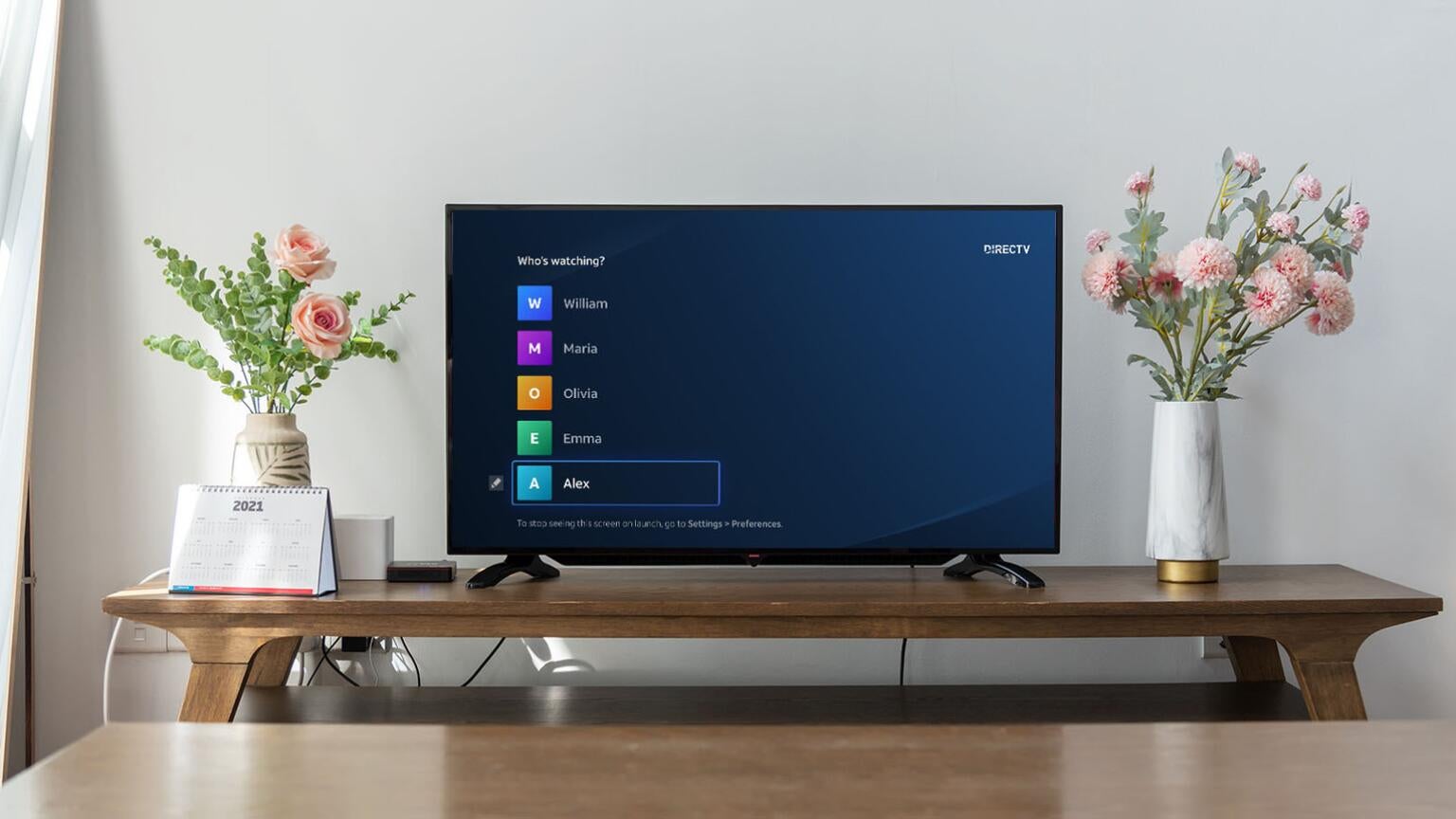
DIRECTV offers an incredible amount of choice and variety in its channel packages. In 2026, customers can choose from one of four DIRECTV Signature channel plans that offer sports, news, and entertainment channels all in the same package, or they can focus in on a particular category of channels with DIRECTV Genre Packs. A DIRECTV subscription also includes the ability to create multiple user profiles on one account, which allows each family member to track their own viewing histories, select favorite channels, and even track different sports teams. We’ll explain everything you need to know about creating and using profiles on DIRECTV below!
Everything you need to know about profiles on DIRECTV
How many profiles can you set up on DIRECTV?
DIRECTV allows you to set up five profiles per account, allowing everyone in the household to have a much more customized experience while watching. Profiles help track viewer history, as well as recommendations for new shows and movies that are specifically tailored for the individual user. Customers can also use profiles to track individual sports teams, getting alerts when they go live and updates about scores and highlights.
How to create a profile on DIRECTV
Viewers using DIRECTV streaming plans need only follow a few simple steps to create new profiles. Follow the instructions listed below to get started:
- Open the DIRECTV home screen.
- Locate the icon of the original DIRECTV profile created when setting up the account.
- Add a new profile by clicking the + icon, and follow on-screen prompts to create a new one.
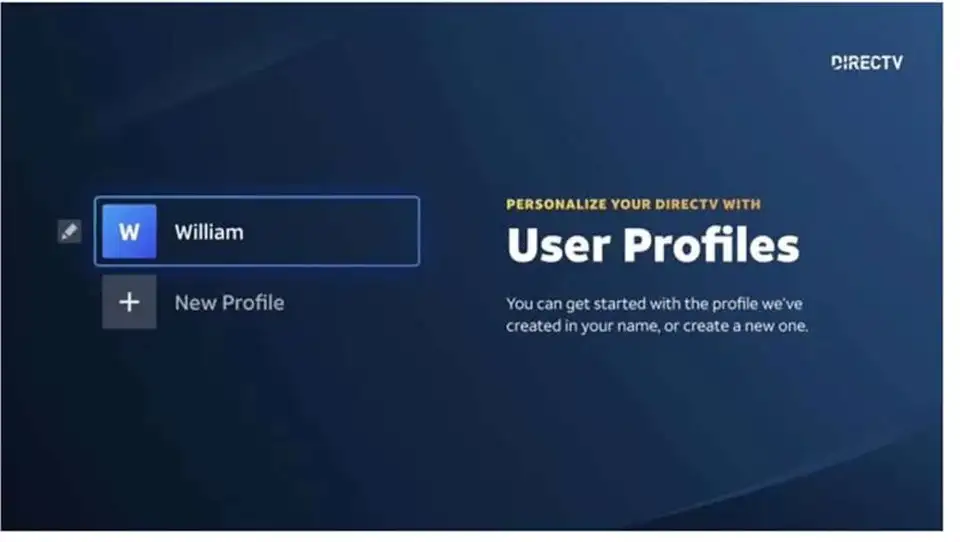
The profile creation screen is easy to find on DIRECTV. Click to expand.
When creating a new profile, users will be asked about their favorite sports teams and TV shows, as well as streaming services, so DIRECTV can get a better idea of what titles to recommend. You can also skip these steps if you prefer, in order to speed up the process.
How to switch between profiles on DIRECTV
It’s quite simple to switch profiles on DIRECTV. Just boot up the app or your Gemini device, find the profile icon, and use it to switch to whichever profile you want to use.
Can you set parental controls with DIRECTV profiles?
Yes, it’s easy to set up parental controls on a DIRECTV profile if viewers want it set aside as a kids-only profile. To do this:
- Go back to the profile icon.
- Open Settings, then Preferences, and then Parental Controls.
- Enter your four-digit PIN to turn parental controls on or off on that profile. If this is your first time, you will be prompted to create a PIN.
Can all profiles make purchases with DIRECTV?
Kids’ profiles are barred from making supplementary purchases on DIRECTV, meaning you won’t have to worry about the kiddos buying movies or subscriptions when watching unsupervised. Other profiles can subscribe to additional streamers through DIRECTV, as well as rent and purchase movies digitally.
Can you create new profiles on MyFree DIRECTV?
The MyFree DIRECTV platform is a free, ad-supported streaming service that allows viewers to watch on-demand content and free ad-supported streaming TV (FAST) channels with no need for a paid DIRECTV subscription of any kind. All customers can use MyFree DIRECTV, regardless of whether they’ve ever purchased DIRECTV service.
You can set up multiple profiles on MyFree DIRECTV using the same basic directions as for paid DIRECTV services. It’s a simple process, though viewers can also set up multiple MyFree DIRECTV accounts in the same household if they wish, since the streamer is free.
Can you delete profiles on DIRECTV?
Certainly. Just go back into the profile editing screen and click the pencil icon on the profile you wish to delete. Find the delete button, and you’re all set to consign that profile to digital oblivion.

DIRECTV
DIRECTV is one of The Streamable’s top choices for the best live TV streaming service overall in 2026, especially for users who want the most channels or want to watch the most live sports. With an unbeatable lineup of local, news, sports, and entertainment channels, three main signature packages, an unlimited DVR, and 20 simultaneous streams at home, DIRECTV remains a premier choice for any cord-cutter.