How to sign up for Apple Music
How to sign up for Apple Music
Decided it’s time to grab yourself an Apple Music subscription? We’ll give you all the details on how to acquire one here.

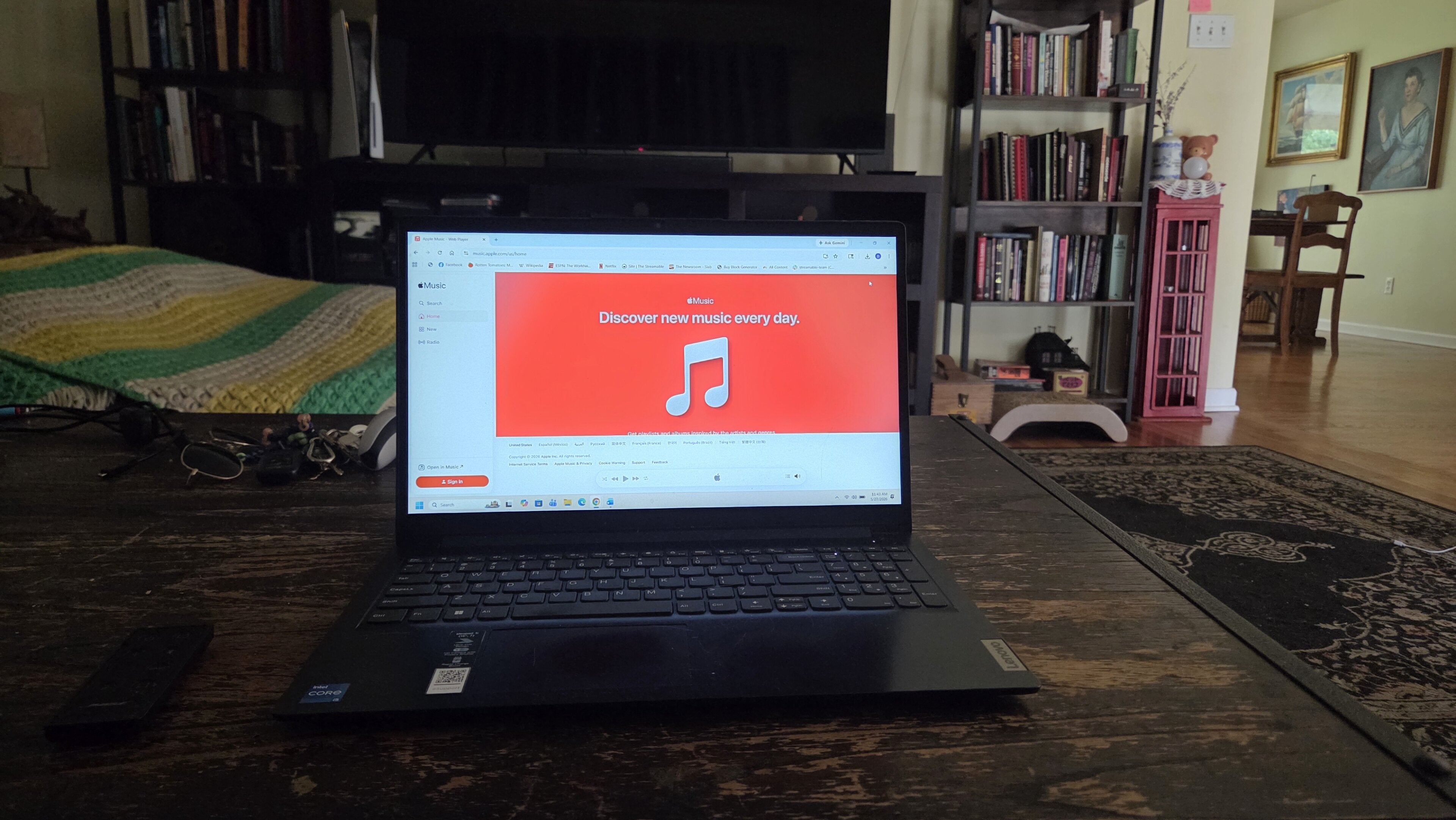
Here at The Streamable, we love to keep our customers informed on how to do just about everything related to streaming services. And it’s not just video streamers — we also want our audiences to be as knowledgeable as possible on music streaming services, too.
So, if you’ve made the choice to grab an Apple Music subscription, but you’re not sure where to go to get one, read on. We’ll break down all the most important details for a first-time Apple Music subscriber to know when they sign up for an account!
Everything you need to know about signing up for Apple Music
What is Apple Music?
Apple Music is a music streaming service with a library of over 100 million songs. It’s a subscription-only service, so unlike Spotify, there’s no ad-supported free tier to take advantage of. While that may disappoint some readers, Apple Music comes with great features like lossless audio, the ability to upload hundreds of thousands of personal songs to its iCloud Music Library, and original programming that can’t be found anywhere else.
How much are Apple Music plans?
| Plan name | Price per month | Number of simultaneous streams |
|---|---|---|
| Individual | $11 | 1 |
| Student | $6 (verified students only) |
1 |
| Family | $17 | 6 |
How to sign up for Apple Music
You can sign up for an Apple Music account on a variety of devices. Below, we’ll give you instructions for subscribing to the streamer on your Android or iOS mobile device, the Apple Music app on supported smart TVs and streaming players, or on a web browser.
Web browser
To subscribe to Apple Music on a web browser:
- Click here to be taken to the Apple Music website.
- Click Try It Free at the bottom of the screen.
- Enter your email to create an Apple account, or sign into an existing one.
- Choose your Apple Music plan.
- Follow on-screen prompts and enter payment details to finish signing up.
Connected TV app
Apple Music is supported on a variety of connected TV operating systems, including Apple TV, LG, Roku, and Samsung, as well as the PlayStation and Xbox gaming consoles. To download the app on a connected TV device:
- Download Apple Music from your device’s app store.
- Open the app.
- Select the trial offer.
- Create your Apple Music account, or log in with an existing Apple ID.
- Pick the Apple Music plan right for you.
- Enter payment details and finish signing up.
Mobile app
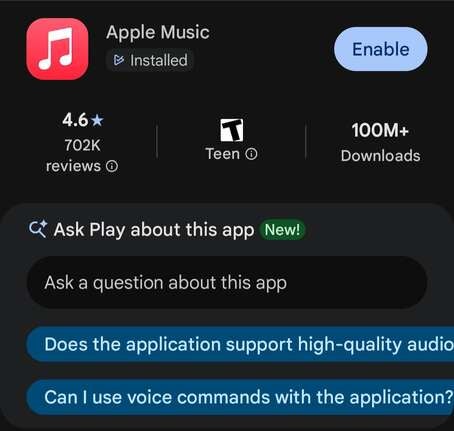
Apple Music offers native apps for both Android and iOS mobile phones and tablets, and customers on both types of devices can subscribe to an account directly through these apps. To do so:
- Download the Apple Music app from the Google Play store or Apple App Store.
- Select your trial offer or plan.
- Follow on-screen prompts to sign in and set up a payment account.
Does Apple Music have a free trial?
Yes, Apple Music does offer a free trial to new subscribers. Customers who sign up for Apple Music directly can enjoy a 30-day free trial of the service, but those who purchase a new Apple device can often enjoy a three-month free trial of Apple subscription services, including Apple Music.
Do you have to make an account to use Apple Music?
Yes. As mentioned, Apple Music does not have a free tier. If you want to listen to the service, you’ll have to either create a new Apple ID to sign in with or link your Apple Music subscription to an existing Apple ID.
What are the top features of Apple Music?
Apple Music has an awesome list of features, including curated playlists to fit every mood, highly specific recommendations crafted for each user, and high-quality audio. Its Apple Music Sessions library includes studio recordings from major artists like Sheryl Crow, Billy Strings, Carrie Underwood, and many more.
Additional features of Apple Music include:
- Ad-free music
- Lossless and Hi-Res audio
- Spatial Audio and Dolby Atmos tracks
- Artist-led radio shows
- Early access to music
- Downloads for offline listening
- Smart library tools like pinning, playlist folders, etc.
- SharePlay group listening sessions with friends over FaceTime
How to modify existing Apple Music subscriptions
If you ever want to change your existing Apple Music subscription to a different plan, the easiest way is to do so with a computer on a web browser. Just power up your computer, open any browser, and use the following instructions:
- Go to account.apple.com
- Sign in with your Apple Account.
- Choose your Apple Music subscription.
- Select your new plan and follow on-screen prompts
Where is Apple Music available?
Apple Music is available in more than 167 countries around the world. If you travel frequently and are searching for a service that has wide availability around the globe, Apple Music will certainly fit the bill. Remember, however, that some regional content restrictions may apply due to licensing agreements or local laws.