Update your Apple TV with these 5 easy steps
Update your Apple TV with these 5 easy steps
Even though Apple TV is one of the best streaming devices on the market, it still can use a little refresh every once in a while.


Apple TV is a great streaming device, but like any piece of tech, it needs occasional updates to keep running smoothly. Apple regularly releases software updates that can bring new features, improve performance, and fix bugs. If you have ever had an issue with an app crashing or your remote acting up, a software update might be the fix.
The good news is that keeping your Apple TV updated is effortless, and you can even set it to update automatically so you never have to think about it. If you prefer to handle updates yourself, there is an easy way to do that too. Here is everything you need to know about updating an Apple TV.
Manually update your Apple TV
If you prefer to update your devices on your own or just want to check for a new update, you can manually update your Apple TV in a few simple steps.
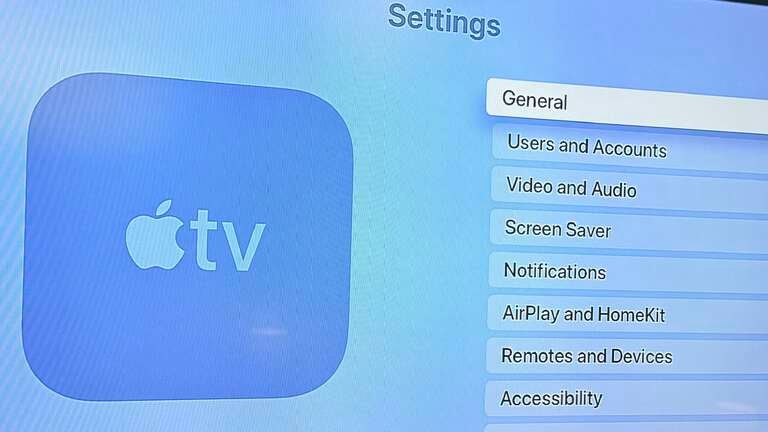
- Open Settings
![Settings menu of Apple TV]()
- Go to System
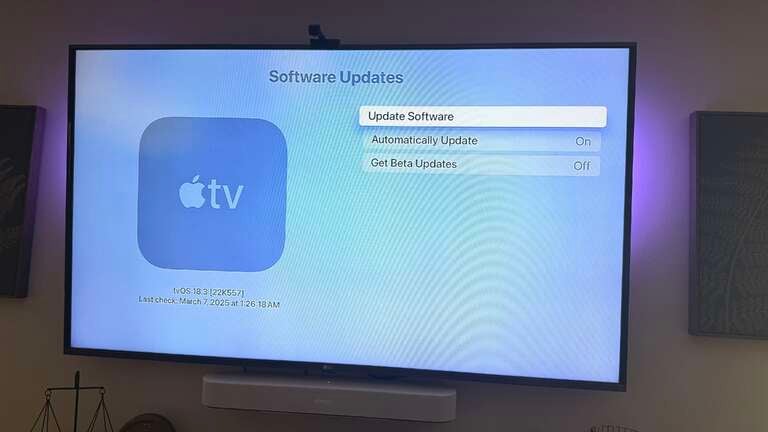
- Scroll down to Software Updates
- Select Update Software
![Apple TV software update screen]()
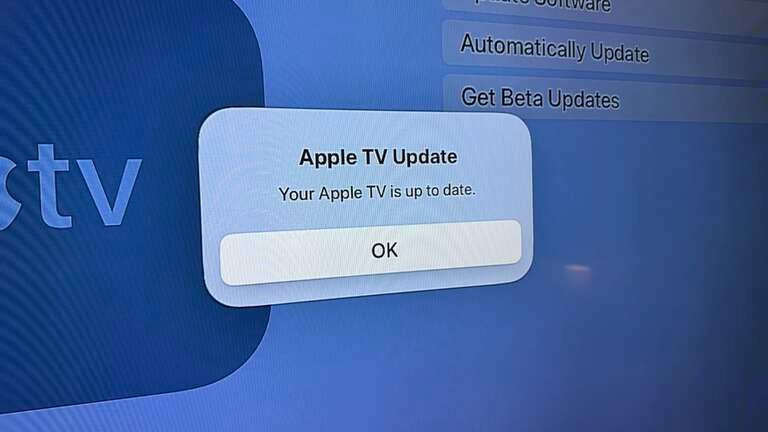
- If an update is available, choose Download and Install
Once the update starts, your Apple TV will download the new software, restart, prepare the update, and install it. When it is finished, your Apple TV will restart again, and you will be running the latest version of tvOS.
If you would rather not think about updates at all, turning on automatic updates is the best way to go.
Set up automatic updates for Apple TV
If you do not want to manually check for updates and would rather let your Apple TV update itself whenever Apple releases new software, you can turn on automatic updates. Here is how:
- Open Settings
- Scroll to System
- Select Software Updates
- Turn on Automatically Update
With this setting enabled, your Apple TV will update itself whenever a new software version is available. This is the easiest way to ensure you always have the latest features and fixes without having to do anything.
Why you should update tvOS
Keeping your Apple TV software up to date ensures that you get the best performance and the latest features. Apple often includes bug fixes and security patches in updates, which help keep your device running smoothly.
Beyond just fixing issues, Apple occasionally adds new functionality. Recent updates have introduced features like FaceTime on Apple TV, a Siri Remote locator, and the addition of Apple Fitness+. If you use a VPN with your Apple TV, updating may also improve compatibility.
Updating is quick and easy and can help prevent problems before they start. Whether you choose to update automatically or manually, keeping your Apple TV on the latest version of tvOS is always a good idea.