How to use Audible on Alexa devices
How to use Audible on Alexa devices
Want to listen to Audible on Amazon Echo speakers or other Alexa-equipped devices? We’ll explain how to do it here!

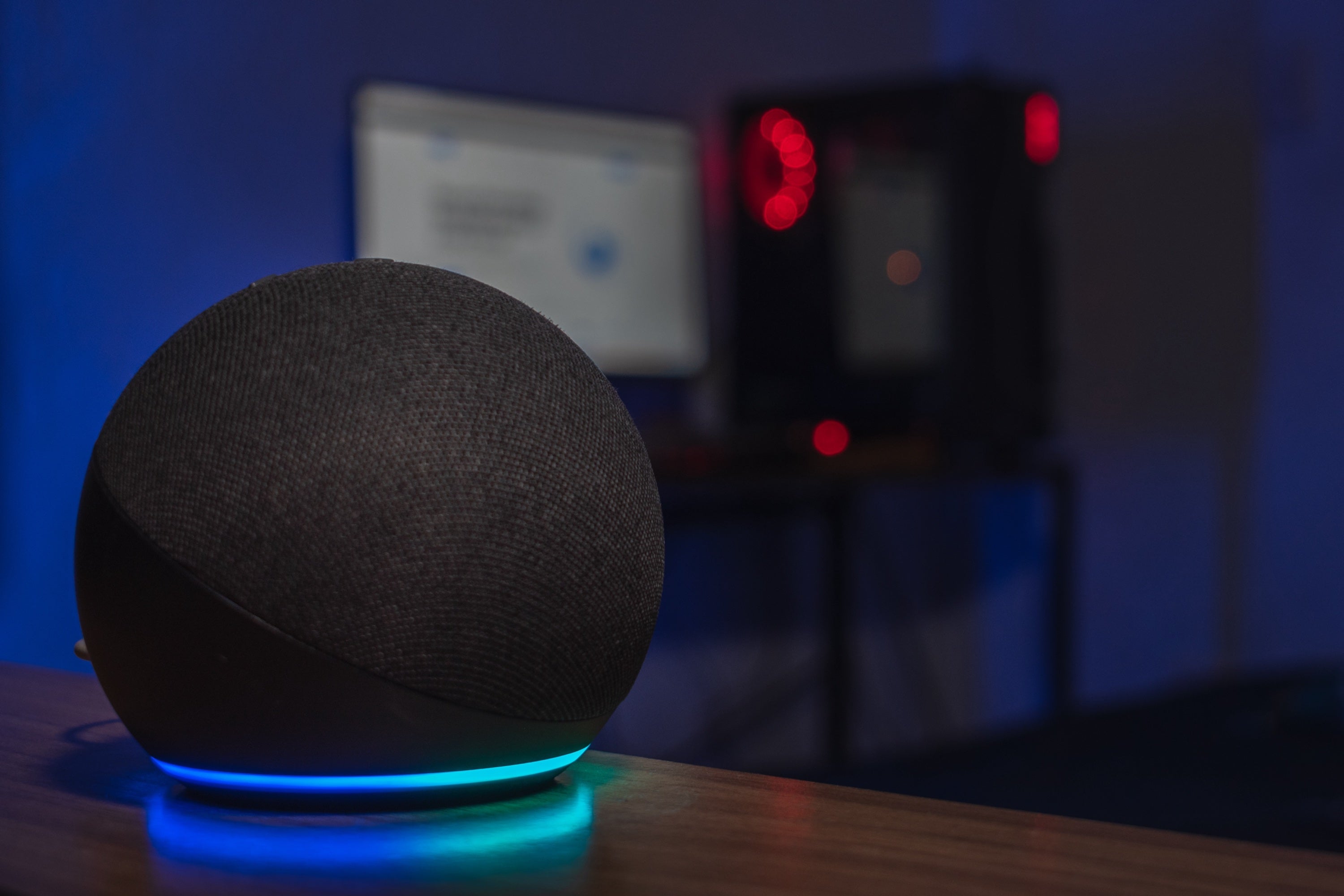
Having a suite of Alexa-powered smart home devices allows users to control their lighting, temperature, and even smart locks with nothing but voice commands. Users can also access media with Alexa, including powering on and launching apps with their Fire TV. But what about audio streaming services like Audible? We’ll explain everything you need to know about using Audible with Alexa devices below so you can bring your favorite audiobooks to life in any part of your home.
Everything you need to know about using Audible with Alexa
How to connect Audible to Alexa devices
It only takes a few minutes to connect Audible to your Alexa devices. First, make sure that your Audible and Alexa-enabled devices are signed into the same account; this will ensure your library links automatically, without the need to teach Alexa a separate skill.
You can also use Alexa in the Audible mobile app for both Android and iOS, if you grant Audible microphone access and have Alexa enabled in your app settings.
- Open the Audible app on your phone.
- Select the Settings icon.
- Choose Alexa.
- Toggle Hands-free with Alexa.
- Confirm your choice and grant microphone access if prompted.
What commands can you give Alexa when using Audible?
Once you’ve connected your Audible account to your Alexa devices, you can give a host of commands to control audiobook playback, browse your library, and more.
Available commands include:
- Listening to an audiobook.
- Listening to Audible Stories.
- Rewinding and fast-forwarding.
- Pausing and resuming.
- Skipping chapters.
- Setting a timer.
- Accessing your library.
- Switching profiles.
- Buying new books with credits or cash.
- Learning more about books.
In addition, Audible subscribers can use Alexa to seek out and listen to podcasts on the streamer. Customers can ask for specific podcasts, control playback, and browse for episodes using Alexa voice commands. Note: asking Alexa to play specific podcast episodes isn’t available with Audible for iOS.
Can you play Audible on multiple Alexa devices at once?
Yes, it’s possible to listen to Audible on multiple Alexa-equipped devices. You’ll have to set up a Group to play your audiobook on multiple speakers at once.
- Open the Alexa app.
- Locate Devices.
- Tap the plus icon, then Add Group.
- Add the devices you want in this speaker group.
From there, you can start playback of the audiobook you want to listen to within the Alexa app, then select your speaker group as the playback destination. Alternatively, you can say “Alexa, read my audiobook everywhere,” or say the name of the speaker group you want to play on.
Can you make Audible your default audio app on Alexa?
No, the default service setting only applies to music apps. Even though Audible has a large podcast library, it cannot be used as the default audio app for Alexa devices.
Do you need a subscription to use Audible on Alexa?
Yes, you will need to sign up for an Audible subscription to use it with Alexa devices. Audible has several subscription tiers, starting with the Standard plan at $9 per month. All plans include access to Audible’s podcasts, as well as a wide range of audiobooks, and the ability to purchase books for an additional fee.
You will also have to use the same Amazon account to with Audible and Alexa to listen to your audiobook library on Alexa devices with Audible.