How to use the My List feature on Netflix
How to use the My List feature on Netflix
We’ll explain how to add shows and movies to your saved titles list on the streamer, and how to watch them later here.

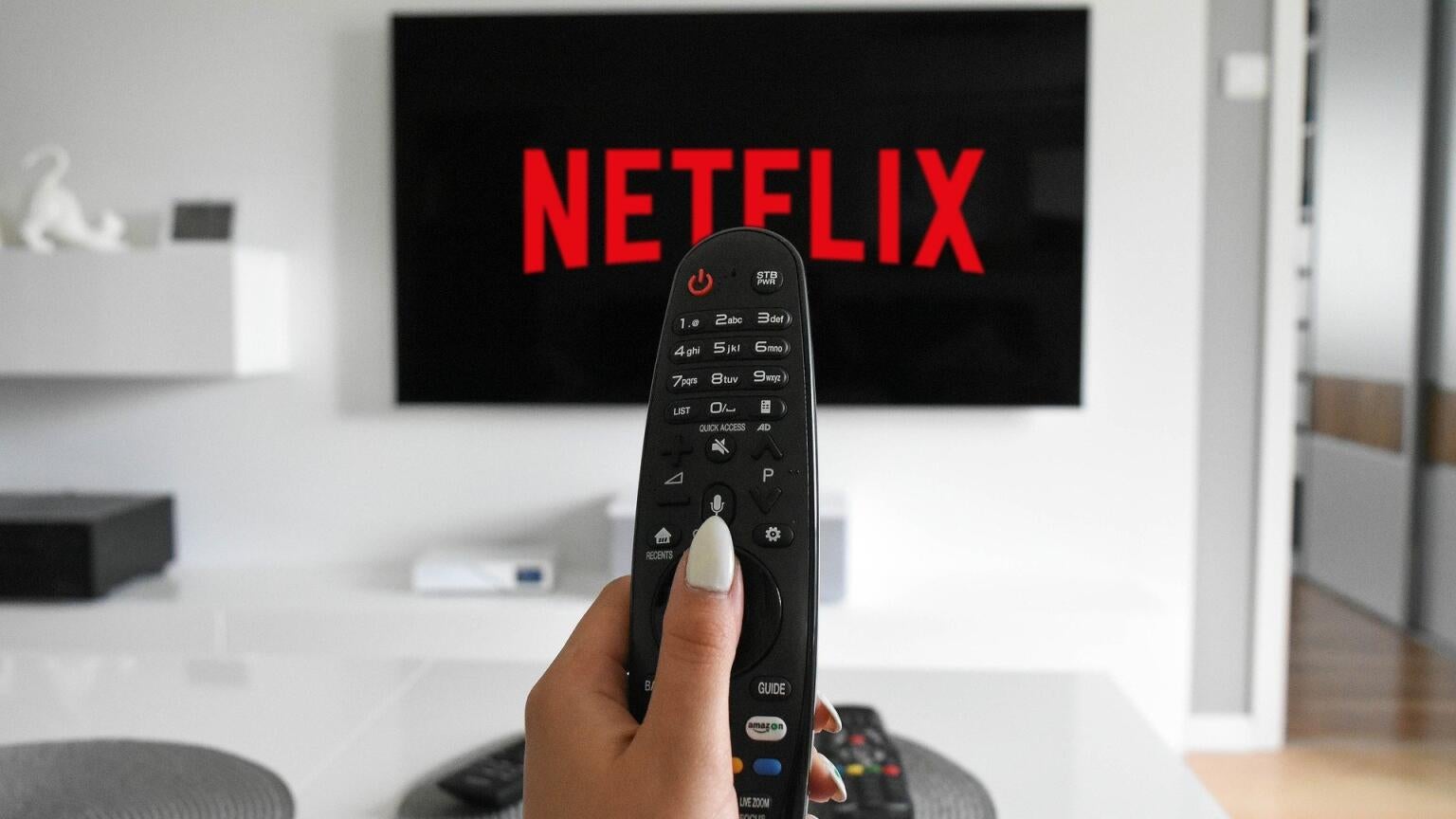
Being able to bookmark a title and save it to watch later on a streaming service the size of Netflix is a must-have feature. There’s simply too great a chance that the series you wanted to see gets lost in the shuffle otherwise, and fortunately, Netflix offers a feature called My List that allows you to reserve a title for future viewing.
If you’ve never used My List before and you want a little help, keep reading. Our experts will have you using the Netflix My List feature like a pro, so see our step-by-step instructions for using the feature below!
What you need to know about using My List on Netflix
How to save titles to My List on Netflix
When trying to use My List on Netflix, you’ll want to keep an eye out for the + icon on a show’s detail page. This is the way to add a TV show or movie to My List, whether you’re trying to do so on the streamer’s mobile or connected TV apps, or on a web browser.

The Add to My List button is easy to find on Netflix platforms if you know what to look for. Click to expand.
On a connected TV device, select the TV show or movie you want to watch, then scroll to the + button to add it to your list. On a mobile device, this process is essentially the same, and on a web browser, you need only hover your cursor over the title you want to save to pull up the My List button.
How many titles can you add to My List?
Netflix allows you to put up to 2,000 TV episodes and movies in My List. These titles are listed in order by the title most relevant to you, and you can filter titles on Android and iOS mobile devices to see views like TV Shows, Movies, Haven’t Started, or Started.
How to remove titles from My List on Netflix
On a connected TV device, the Netflix mobile app, or on a web browser, navigate to the My List section of the Netflix user interface. Find the title you want to remove.
On a connected TV device, click Remove from My List, then select the title you want deleted.
On Netflix’s mobile app, tap Edit in the upper-right corner, then delete any show or movie you want gone.
On a web browser, just hover your cursor over a show or movie to delete it from my list.
Can all Netflix plans use My List?
Yes, all Netflix subscribers are allowed to save TV shows and movies using the My List feature.

Netflix
Netflix is a leading subscription-based video streaming service that offers on-demand access to an extensive library of over 3,000 movies, 2,000+ TV shows, and a growing collection of acclaimed Netflix originals. Renowned for producing groundbreaking content, Netflix has become a cultural powerhouse with hit originals like “Stranger Things,” “Wednesday,” “Squid Game,” “The Crown,” “Tiger King,” “Bridgerton,” “The Witcher,” and “Black Mirror.”