How to use Pandora on a Roku device
How to use Pandora on a Roku device
If you want to stream your Pandora account on a Roku player, we’ll explain how below!

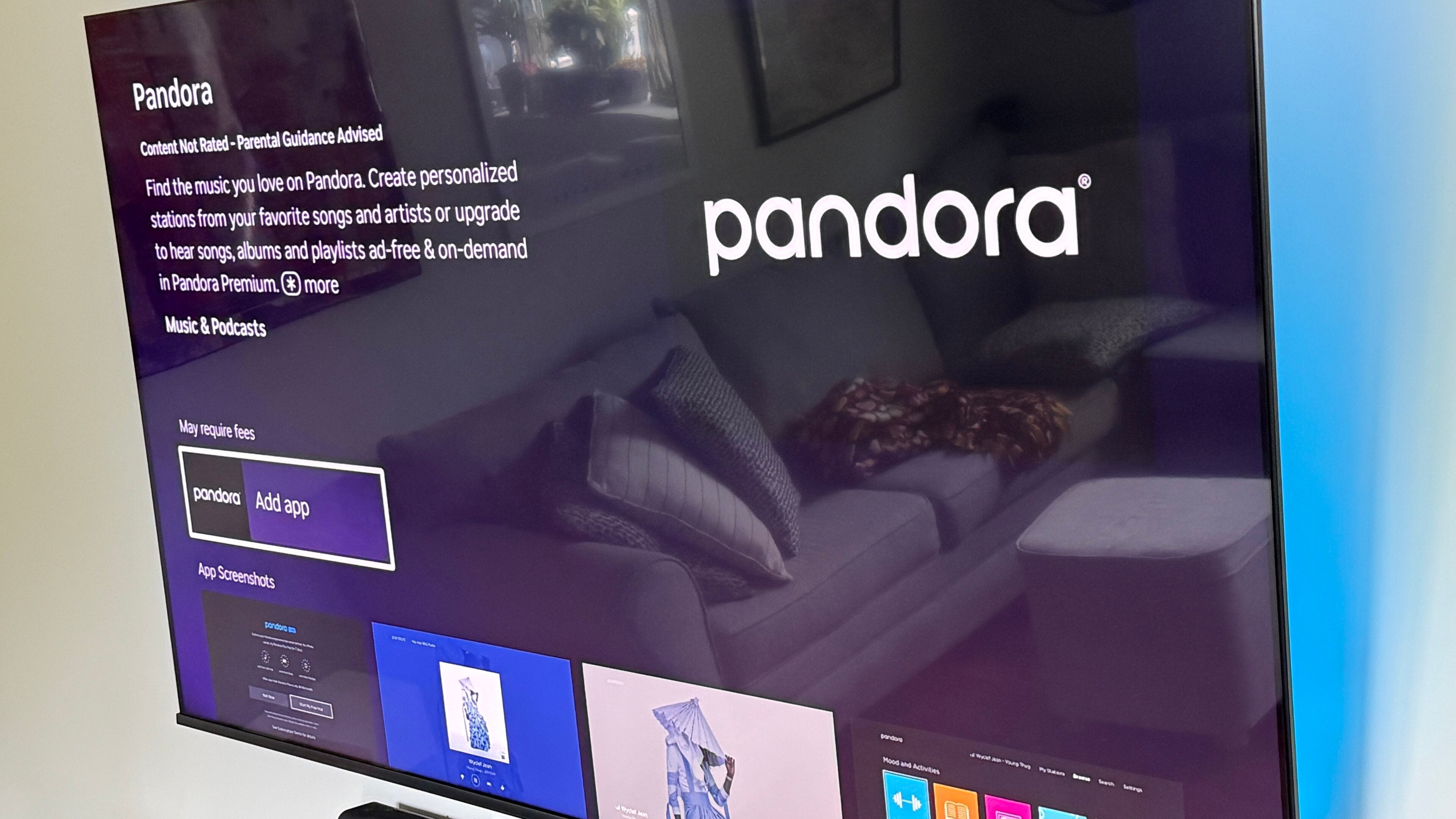
For many early adopters, Pandora is likely one of the first audio streamers they ever used. Pandora was revolutionary when it first came to market, offering listeners a way to discover new music alongside old favorites through app-generated “radio” stations with no need for physical media.
Now that music streaming is more the rule rather than a new way to listen, some of the novelty of Pandora has worn off. But it’s still a popular music listening platform, and one reason for that popularity is the high number of devices it’s available on. Does that device list include smart TVs and streaming devices using the Roku operating system? Learn everything you need to know below.
Everything you need to know about using Pandora on your Roku player
Can you use Pandora on Roku?
Yes, you can absolutely listen to your Pandora account on a Roku device. Not only can you use Pandora to listen to songs and personalized radio, but you can also upgrade your account directly through your Roku device if you’re ready to level up your subscription.
How to listen to Pandora on Roku
To start listening to your Pandora subscription on a Roku device:
- Navigate to the Roku home screen.
- Open the App Store.
- Search for Pandora by typing in the name or speaking it into your Roku voice remote.
- Download the Pandora app.
- Open the app, and select Sign In.
- Link your account with your phone, or type in your credentials with your remote.
Can you control Pandora with voice commands on Roku?
Yes, you can use your Roku voice remote to open the Roku app, play music, and more. Using voice commands to control apps on Roku can negate the need for using clunky interfaces and trying to fumble around with buttons that may be too small for the owner’s hand.
It’s important to note that Pandora’s app has different voice control functionality depending on how you choose to open it. If you open the app from the Roku menu with your remote’s buttons, you’ll only be able to skip tracks, play, or pause using voice commands. But if you open the Pandora app with a voice command instead, your device will automatically open the second version of Pandora: a voice-integrated Now Playing screen with limited features but plenty of voice commands.
Are there any Roku models that don’t support Pandora?
Yes, there is a short list of Roku models that no longer support the Pandora app, including:
- N1000
- N1050
- N1100
- N1101
- 2000C
- 2050N
- 2050X
- 2100N
- 2100X
If you aren’t sure which Roku device model you have, the easiest way to check is to open Settings, then navigate to System > About. This will display key details about your Roku device, including its model number.
Can you play Pandora on multiple Roku devices at once?
Listeners with a Pandora Family Plan can listen to Pandora Premium on up to six separate Roku devices at a time. Customers cannot sync their Rokus to play the same Pandora stream across different devices at once, however.
Do you need a Pandora account to listen on Roku?
While you do not need to create an account to listen to Pandora’s free tier on a web browser, you will have to create one to listen on Roku. Otherwise, the Pandora app will have nothing to link to when you download it.
Why you should use your Roku to listen to Pandora
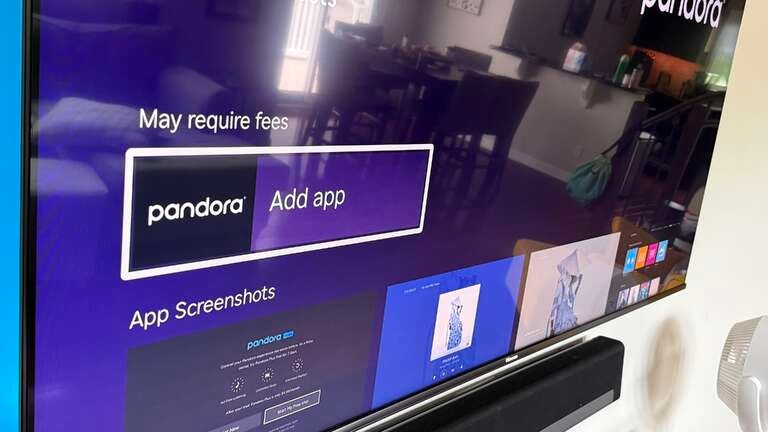
Listening to your Pandora subscription on a Roku device allows you to take advantage of your TV’s built-in or connected speakers, taking your audio quality (and volume) to the next level to make your listening session a private concert. Blast audio into every corner of your home, or focus the dance party in your living room.
Streaming music on your TV instead of your phone also allows you to save battery, and frees you up to text, browse your apps, or even video call your friends to ask them why they aren’t joining the fun. Download Pandora on your Roku today and start listening!