How to use Roku’s voice search
How to use Roku’s voice search
We’ll give you all the details you need to know about using Roku’s voice assistant here.

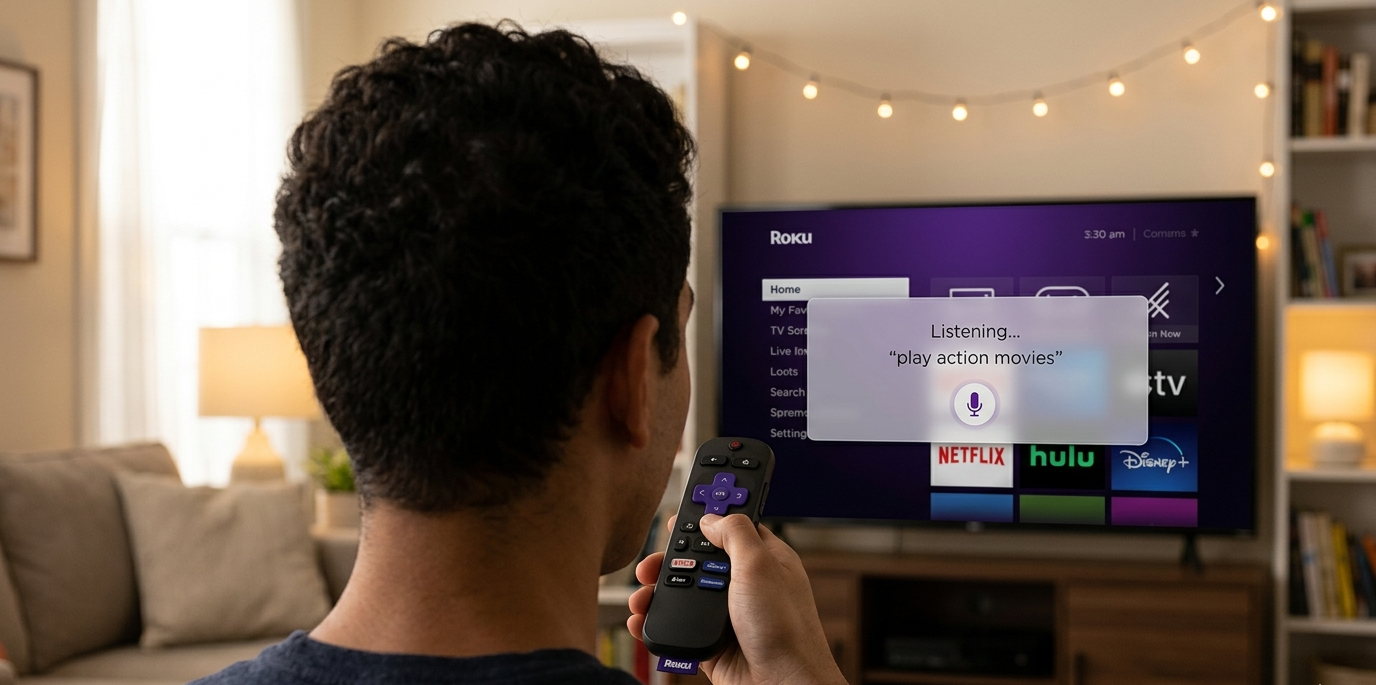
A Roku streaming device can make streaming all of your favorite TV shows and movies incredibly easy. With just a few button taps on your Roku remote, you can download your favorite app, open it, and start streaming an old favorite title, or you can browse the Roku Channel store to see if you can’t find something new to watch.
Most modern Roku remotes also come with a voice assistant feature that allows users to speak into the microphone instead of manually navigating around the Roku operating system. But how does Roku’s voice assistant work, and what can you use it for? We’ll explain everything you need to know here!
What you need to know about using Roku’s voice assistant

Which Roku devices offer a voice assistant?
All modern Roku devices come with a Roku Voice Remote. Most are the standard Voice Remote offering, with a D-pad, buttons for top streaming services, and playback and volume controls, along with the microphone button.
The Roku Ultra is the exception; this device includes a Roku Voice Remote Pro, which allows the owner to use the Roku voice assistant hands-free. It’s the only streaming player in the Roku line that includes the Voice Remote Pro in the box; otherwise, viewers will have to purchase one separately if they want to upgrade.
| Roku device | Remote type |
|---|---|
| Roku Streaming Stick HD | Roku Voice Remote |
| Roku Express Spanish Edition | Roku Voice Remote |
| Roku Express 4K+ | Roku Voice Remote |
| Roku Streaming Stick 4K | Roku Voice Remote |
| Roku Streaming Stick Plus | Roku Voice Remote |
| Roku Ultra | Roku Voice Remote Pro |
| Roku Streambar | Roku Voice Remote |
How to use the Roku voice assistant
It’s incredibly easy to use the Roku voice assistant.
All you’ll have to do is:
- Power up your Roku and TV.
- Press and hold the microphone button on the Roku remote.
- Speak your command or question into the remote’s microphone.
To use hands-free voice with the Roku Voice Remote Pro:
- Move the slider on the side of the remote to green.
- Give Roku your voice command.
What commands can you give your Roku voice assistant?
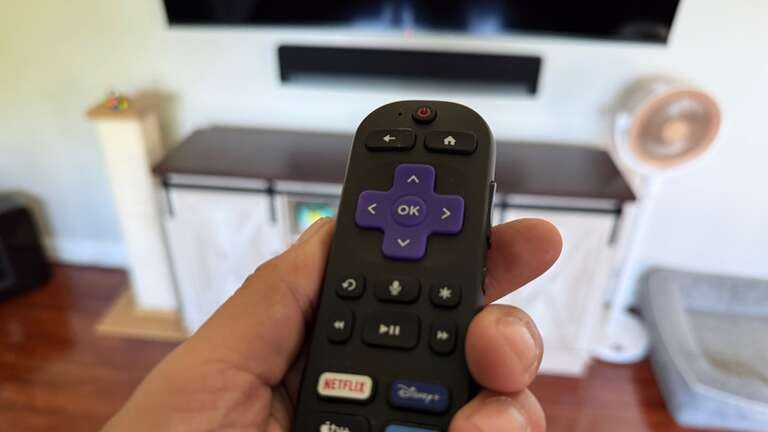
The Roku voice assistant will allow viewers to search for and play TV shows and movies. Searching by title is the method customers will probably use most often, but they can also enter queries like “search for crime thrillers with Clint Eastwood” or “find Star Wars movies.”
Viewers can also use the Roku voice assistant to launch their favorite apps, like Netflix or Disney+. Playback controls are also available via voice assistant, and viewers can even control their TV’s volume, switch inputs, or perform other functions with their voice as well.
Music fans will love the ability to interact with their favorite music streaming apps via voice, as well. Listeners can command their Roku to play specific stations or groups, or even ask the assistant details about the song they’re listening to.
Supported devices can even ask Roku’s voice assistant to help them find their remote, which can be triggered through the Roku mobile app.
Does Roku’s voice assistant use AI?
In October 2025, Roku launched a new, AI-upgraded voice assistant that allows users to ask specific questions about TV shows, movies, and performers, such as “Is ‘Stranger Things’ really scary?” It’s meant to help viewers discover content more quickly and surface more relevant recommendations and answers when interacted with.
Can Roku’s voice remote be used with smart home devices?
You sure can. Roku makes its own line of smart home devices, but you can also pair it with Apple HomeKit and Siri, Amazon’s Alexa, and Google Assistant to exercise control over your suite of smart home devices.
As soon as your devices are connected to your Roku player, you’ll be able to use your voice remote to control volume and power on smart speakers, manage input settings, and more. Devices must support voice control to be used in conjunction with Roku.
Can you disable Roku’s voice assistant?
There is no way to completely disable your voice assistant with Roku, but the microphone will only listen to your commands if you press and hold the button on your remote. If you don’t, Roku’s voice assistant is inactive, unless you are using a hands-free Roku Voice Remote Pro.
To turn off hands-free voice with the Roku Voice Remote Pro, find the slider switch on the side of the remote and turn it off. Once the colored dot is no longer showing, the microphone is off.