Is it time to upgrade your Apple TV?
Is it time to upgrade your Apple TV?
Even a high-quality streaming device like the Apple TV has to be replaced from time to time. We’ll explain the signs to look for here.


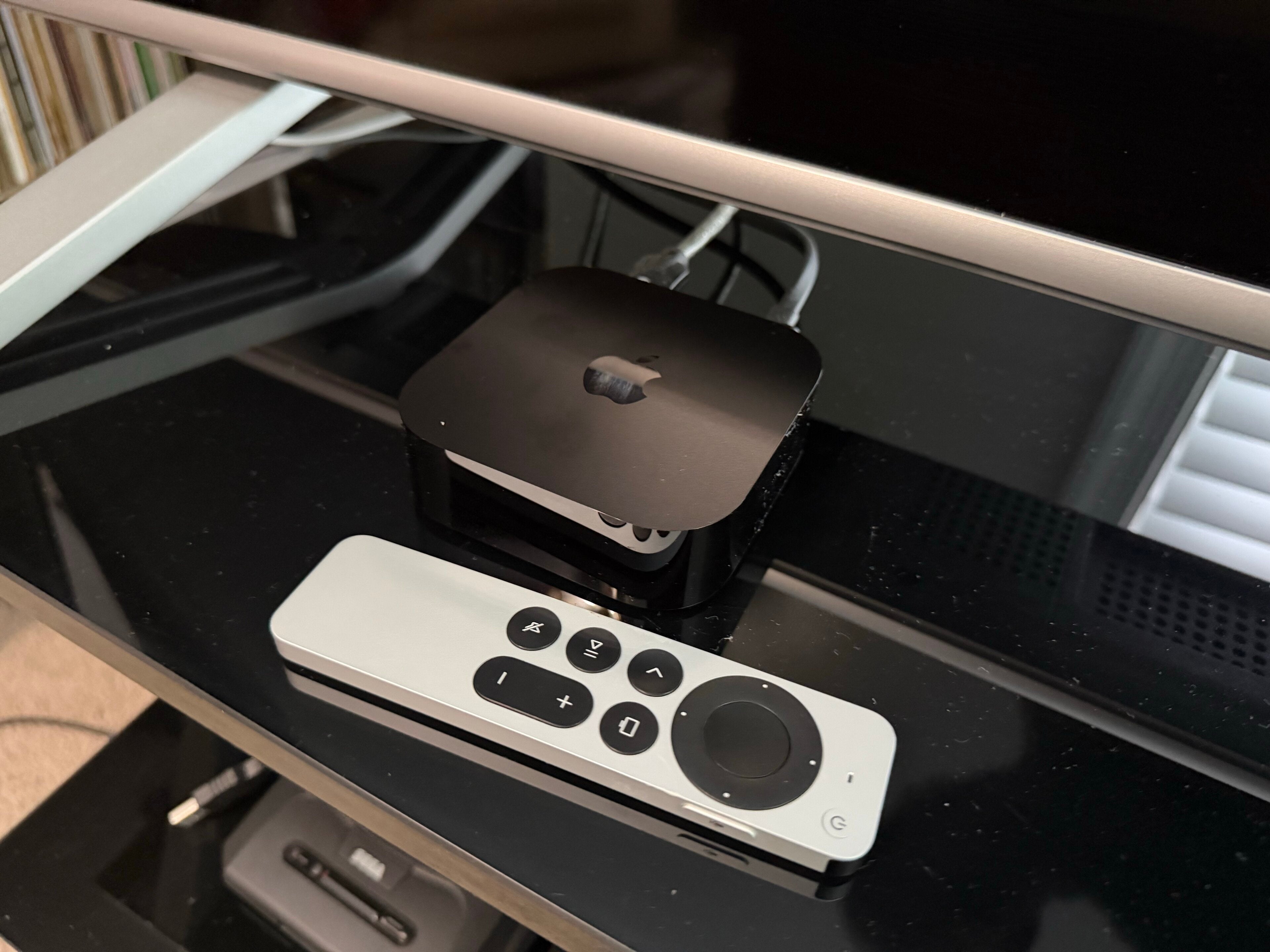
When you think of a premium-quality streaming player, the Apple TV is one that likely vaults to the top of the list for most. The Apple TV streams in Ultra-High-Definition 4K and offers an intuitive and tech-forward interface that shoppers have become accustomed to from Apple.
How often does a device like the Apple TV need to be replaced? Does your model need to be upgraded? We’ll help you see the signs of an Apple TV that’s on its way out, and give you the details you need to know to replace your Apple TV below.
What you need to know about upgrading your Apple TV
Does the Apple TV streaming player need to be replaced regularly?
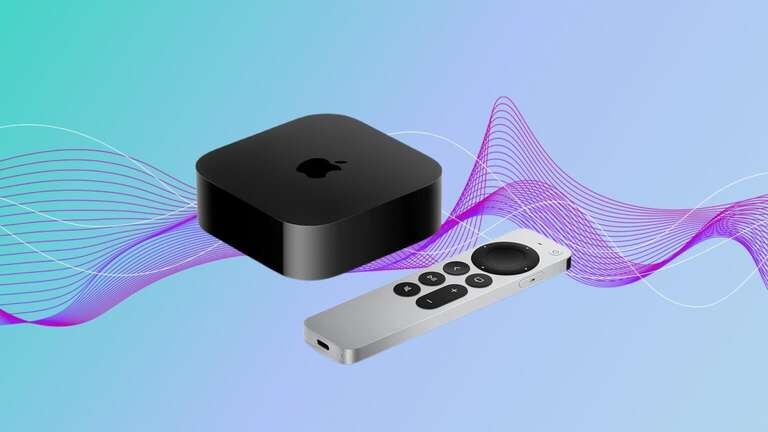
Unlike the iPhone, an Apple TV streaming player isn’t intended to be replaced every time a new model is released. Apple TV hardware is updated much less frequently, and the streaming players are built to last. You don’t need to rush out and buy a new one every time an updated model is released. To that point, Apple TV’s release schedule is far different than that of the iPhone and many of its streaming competitors.
In fact, in the nearly 20 years that Apple has been producing Apple TV devices, they have only released seven different models, roughly one every three years. Analysts expect the latest model to be released sometime in late 2026, likely in September, in order to have time to build up for the holiday season.
So, unless you feel that your Apple TV is no longer working properly, or the latest version has a feature that you desperately want to have, there is no need to regularly replace your Apple TV device.
Recognizing the signs of a failing Apple TV
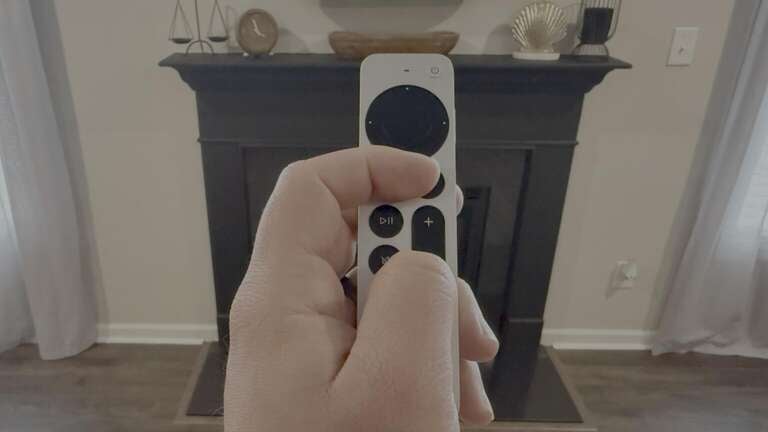
As the person who uses it most often, you will be the person best qualified to know whether or not your Apple TV needs to be upgraded. However, there are certain signs that appear when streaming players, or really any piece of electronic equipment, need to be replaced.
First and foremost, if your Apple TV suffers physical damage that renders it inoperable, it’s time to get a new device. If an issue occurs with your device’s housing or ports that prevents you from connecting to the TV, powering it on, or using it effectively, that obviously means it’s time to upgrade. While this is unlikely to happen just through normal usage, if it is damaged in a move or falls off the shelf you have it on, keep an eye on how things fit together in case you need to purchase a replacement.
Outside of such recognizable signs, your Apple TV will tell you if you need to upgrade. Slow booting, long loading times, app crashes, and delayed navigation around the Apple TV user interface are sure signs that your player is losing its edge and may need to be replaced. Likewise, if your player warns you that you can no longer download or update apps because it’s out of storage space, even after a new software update, that’s a sure sign it’s on its way out.
Since Apple TV devices are intended to be used for years, the tech company regularly updates the software and builds them to be as future-proof as possible. The technology around streaming changes faster than just about anything else you likely have around your home. But Apple TV devices are built with as much forethought as possible, so that they can accommodate as many changes as possible without becoming obsolete earlier than the company intended.
Now, while Apple wants you to keep your Apple TV devices for many years to come, there are some older models that are no longer supported. So, you may also need to upgrade your Apple TV if the company no longer supports it with software updates. Like any streaming device, Apple TV’s operating system software needs to be updated with the latest tech from time to time, as do the apps that streaming platforms create to work on Apple TV devices. Older players eventually become incompatible with the newest software — also known as being “bricked.”
Currently, the first three Apple TV generations — the ones released between 2007 and 2012 — have mostly become unusable as either Apple or the majority of streaming apps no longer supply updates for them. So, if you are still running an Apple TV HD or a first-generation Apple TV 4K, there may come a time when the devices stop getting certain updates, necessitating a move to a newer model.
Why do Apple TVs fail?
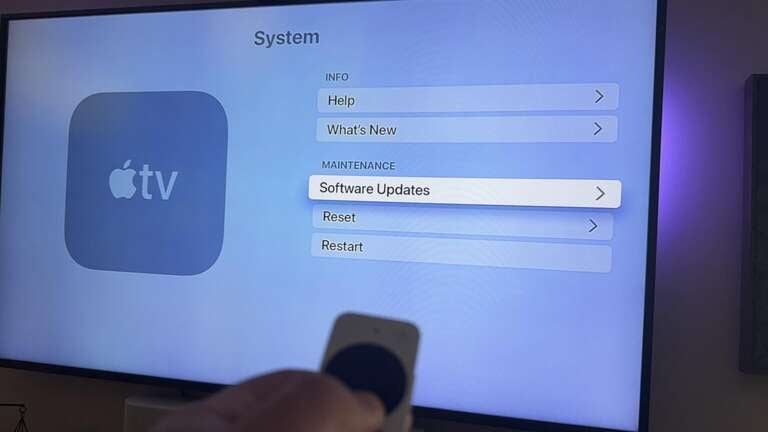
As touched on above, new software updates to both streaming players and apps mean that older players eventually don’t have the technology to be compatible. These software updates become necessary as streamers and programmers try to increase the number of features on user interfaces and apps, incorporate AI, and make other changes to boost customer engagement.
While this is far less frequent with Apple TV devices than nearly any other streamer, it does eventually happen to all technology; they simply aren’t modern enough to keep up with the software requirements of the day. Physical degradation can also cause Apple TV players to fail, even if a customer takes immaculate care of their device — even the best-built machines will break down eventually.
What’s the newest generation of Apple TV device?
The latest generation of Apple TV is the Apple TV 4K 3rd Gen device. Apple no longer sells an HD model; its last-generation HD streaming player was discontinued in 2022. The company still supports the last generation of Apple TV HD player, as well as all models of Apple TV 4K.
As noted above, it is expected that the Apple TV 4K Gen 4 will be released later this year. The device is reportedly ready, but the delay is apparently tied to the integration of the company’s new Apple Intelligence AI system.
Which Apple TV should you upgrade to?
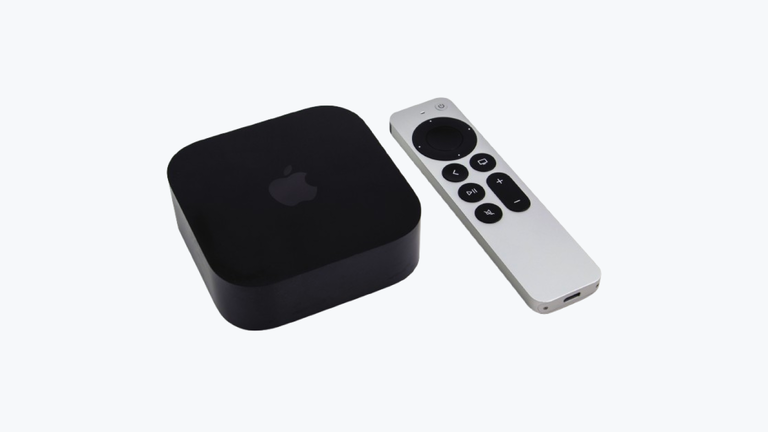
You’ll have to scrounge around used electronics outlets and private sellers to find older models of the Apple TV player. At the moment, the Apple TV 4K 3rd Gen is the only model of Apple TV player officially sold new by retailers. It has two versions: the 64GB model that connects via Wi-Fi only, or the 128GB model that includes an Ethernet port in its housing as well.
You can purchase Apple TV devices from third-party retailers like Amazon and Best Buy, or directly from Apple. Prices start at $129.
The bottom line
Apple doesn’t brick its streaming devices with regularity; the company’s final-generation HD model was first released in 2015, but the device is still supported with new software updates. As long as you treat your Apple TV well and don’t abuse it, you can expect it to last a good long while.
But if your Apple TV doesn’t get software updates any longer, or can’t stream your favorite TV shows and movies smoothly, it may be time to start thinking about an upgrade. Fortunately, Apple won’t make upgrading to the newest model of Apple TV difficult, since it only has one model to offer!