When should you upgrade your Fire TV device?
When should you upgrade your Fire TV device?
Check out our handy guide on how to know when you should get a new Fire TV device, and which you should choose.

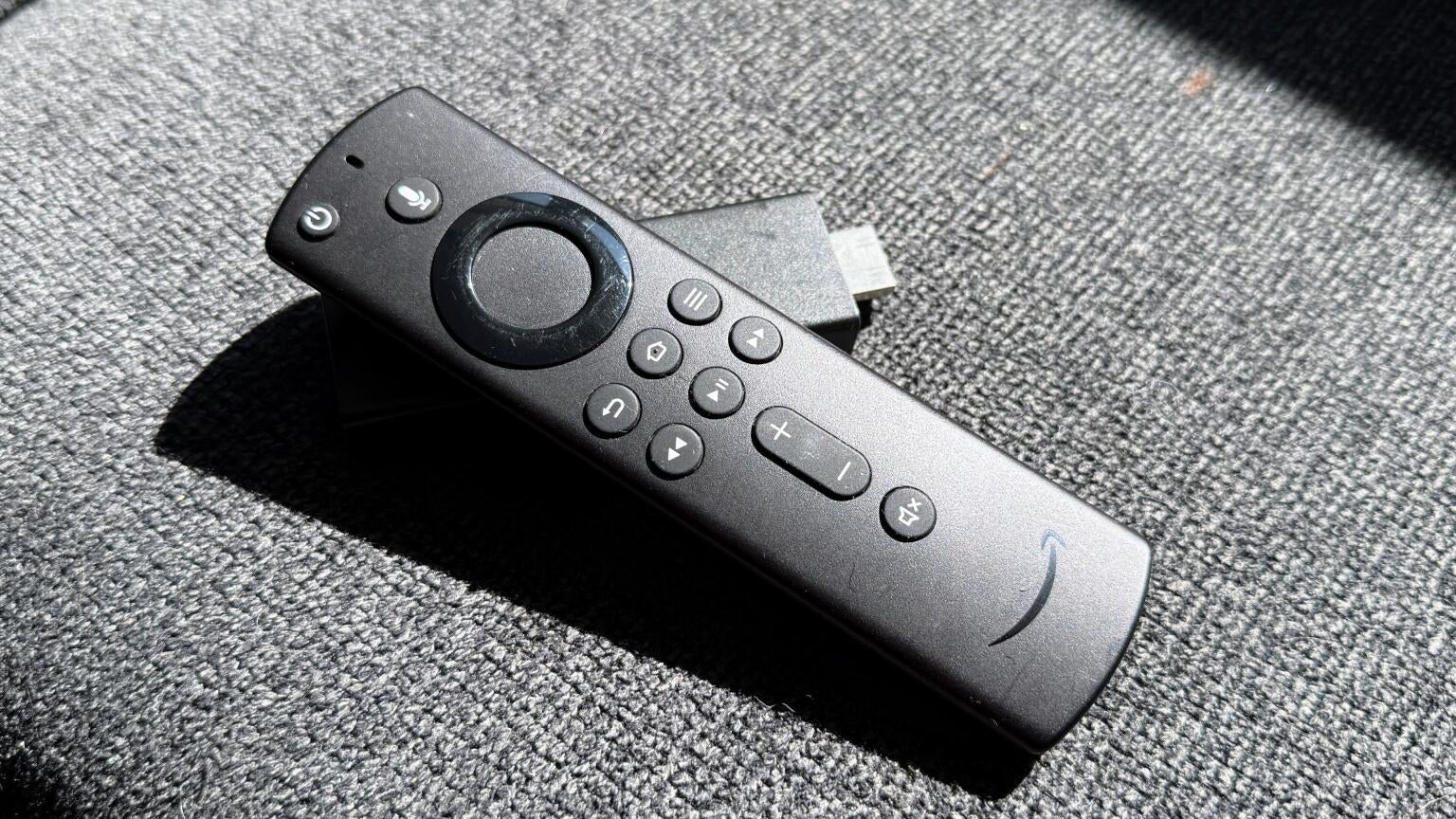
As an Amazon Fire TV owner myself, I know how reliable the devices are, but I also know what it looks like when one reaches the end of its usefulness. Amazon Fire TV streaming players are built to last for more than just a few months, but even the most hearty devices lose their ability to stream effectively sooner or later.
If you’re wondering whether or not it’s time for you to upgrade your Amazon Fire TV device, we’ll provide you with some details about how to recognize the signs that your current device is dying, and let you know which devices you should be considering as replacements!
What you need to know about upgrading your Amazon Fire TV device

How regularly should you replace your Fire TV device?
There’s no specific calendar to follow when replacing your Fire TV streaming player. Fire TV dongles aren’t meant to be cycled through like batteries in a remote control, so the best rule of thumb to follow is that if your player is still delivering your TV shows and movies at speeds you’re comfortable with, keep it.
The reasons to replace your device are more about functionality than any pre-determined time period. Fire TV devices will last for years, and as long as you are satisfied with the speed and quality of your streaming experience, there is no need to replace them just for the sake of replacing them.
Of course, depending on how much you use it, the lifespan of any piece of hardware, including Fire TV devices, will vary. So the best advice is to keep using the one you have until you notice a decline in its performance, or until a new model offers an updated feature or capability you want.
Recognizing the signs of a declining Fire TV player
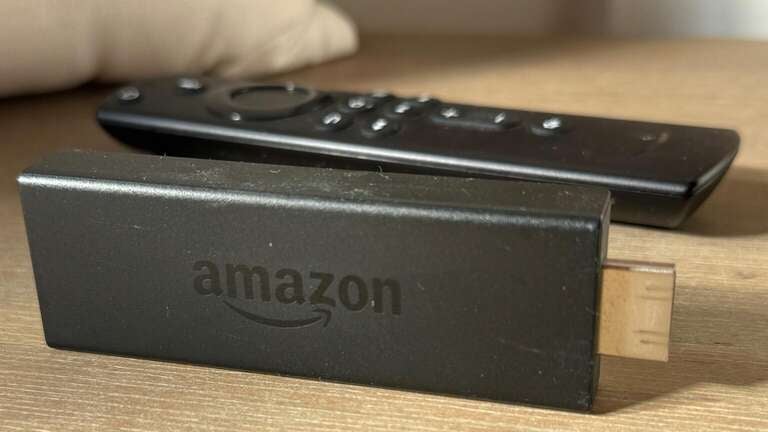
Let’s start with the most obvious sign that your Fire TV player is due for an upgrade: a break or some other kind of hardware failure. If your Fire TV stick is too physically damaged or decayed to work for whatever reason, it’s time to get a new one.
However, unless you are putting your device through an unusual amount of wear and tear, that is not likely to be the case. The more common reasons that Fire TVs might need to be upgraded include increasingly slower boot-up times, frequent app crashes, and long waiting periods to get a page or app to load. If your Fire TV takes forever to start, can’t load apps at a reasonable speed, or suffers from crashes to the home screen, it is most likely time to consider buying a new device.
One issue I’ve experienced personally with a faltering Fire TV device is being told that I would have to delete apps to make room for new ones. Running out of storage space can not only prevent you from installing new apps, but it can also keep you from being able to update existing apps, making them unusable as well.
In fact, as time goes by and streaming services continue to update their apps’ technology, the software within them could become incompatible with that of older streaming devices. This can lead to streamers simply ending support for their apps on previous generations of streaming devices — including Fire TVs — at a certain point.
If your Fire TV streaming player is a few years old, just keep an eye on how it’s working. If it stops working the way you’re used to, even if it’s just once or twice, pay close attention. You may notice more performance issues in the near future, and if you do, getting a new device is a wise idea.
| Reasons to upgrade your Fire TV device |
|---|
| Physical damage, degradation |
| No more storage for apps |
| Slow booting, loading times |
| Frequent app crashes |
| General poor performance |
Why do Amazon Fire TV devices fail?
The answer to that question is layered, but some consumers are convinced that Fire TV devices fail by design. In 2026, a class-action lawsuit was filed against Amazon for “bricking” Fire TV streaming players by removing functionality from them in order to force viewers to upgrade to new devices.
We’ll let the court decide whether or not the case has merit, but we do know that there are several reasons Fire TV players — and streaming devices in general — stop working after a period of time. In general, streaming players are designed to work with the smart TV technology available when it is released, with a slight eye towards the future. However, device manufacturers can’t predict every evolution in their field in the coming years, so they cannot anticipate every future change their streaming devices will need to remain effective.
Streaming apps are constantly adding new features to their platforms, such as AI, vertical video, etc. Every time they launch a new version of their apps, it requires updates to be compatible with the streaming player’s software, and apps change so frequently that eventually, the hardware can’t keep pace.
Like most other electronic devices, streaming players are meant to last a given period of time, not forever. Even Fire TV streaming players can’t last a lifetime and do need to be replaced from time to time.
What are the newest Amazon Fire TV models?
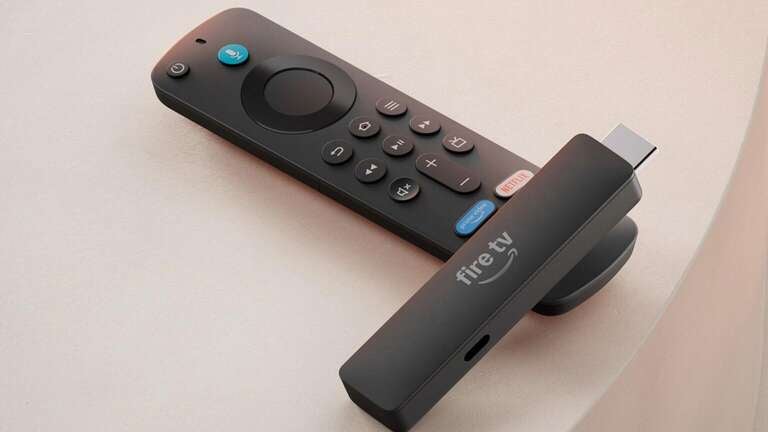
- Amazon Fire TV Stick HD
- Amazon Fire TV Stick HD 2026 (launches April 29)
- Amazon Fire TV Stick 4K Select
- Amazon Fire TV Stick 4K Plus
- Amazon Fire TV Stick 4K Max
- Amazon Fire TV Cube 4K
Which Fire TV stick should you upgrade to next?
Amazon has mostly kept its Fire TV device lines consistent as it produces new models, offering a stick that tops out at 1080p HD streaming, several dongles that include Ultra-High-Definition 4K streaming, and a more expensive, higher-powered device.
If you want to stick with a Fire TV model that only offers full HD streaming, you can upgrade to the new 2026 Fire TV Stick HD. It’s the most streamlined device ever offered by Fire TV, and it fits in even the tightest, behind-the-TV spots, allowing viewers to stream all their favorite apps with ease, regardless of their TV configuration.
Fire TV offers three distinct 4K models: the 4K Select, 4K Plus, and 4K Max. The 4K Select includes the ability to stream in UHD 4K with HDR10+, Alexa+ for Prime subscribers, and an Alexa voice remote. The 4K Plus offers an ultra-fast connection over WiFi, 4K HDR and Dolby Vision support, plus everything found on the 4K Select stick. The 4K Max offers everything found in the 4K Plus model, plus TV channel controls with the remote, and ultra-fast Wi-Fi connection with wider coverage. All of these players can be integrated with other smart home devices, such as the Echo smart speaker or Ring doorbell cameras.
Finally, the Fire TV Cube is the most powerful Fire TV player, with 4K HDR, Dolby Vision, and Dolby Atmos support. Its processor is twice as powerful as the Fire TV Stick 4K Max, and includes hands-free access to Alexa. If your old Fire TV device was top-of-the-line, but it’s time to move on, the Fire TV Cube is the way to go.
The bottom line
The Fire TV operating system is quite popular, thanks to the ease of use, the inclusion of the Alexa home assistant, and the numerous devices available for essentially every budget. Having a Fire TV device offers easy access to top streaming services, and it can last for years with proper care.
But even the most reliable electronics have to be replaced sooner or later. If your Fire TV device isn’t performing the way it used to, hopefully our guide has helped you narrow in on the problem and decide which player to choose next.