Which streaming players have HDMI extenders?
Which streaming players have HDMI extenders?
We’ll offer specifics on what an HDMI extender is, and why you might want one for your streaming device.

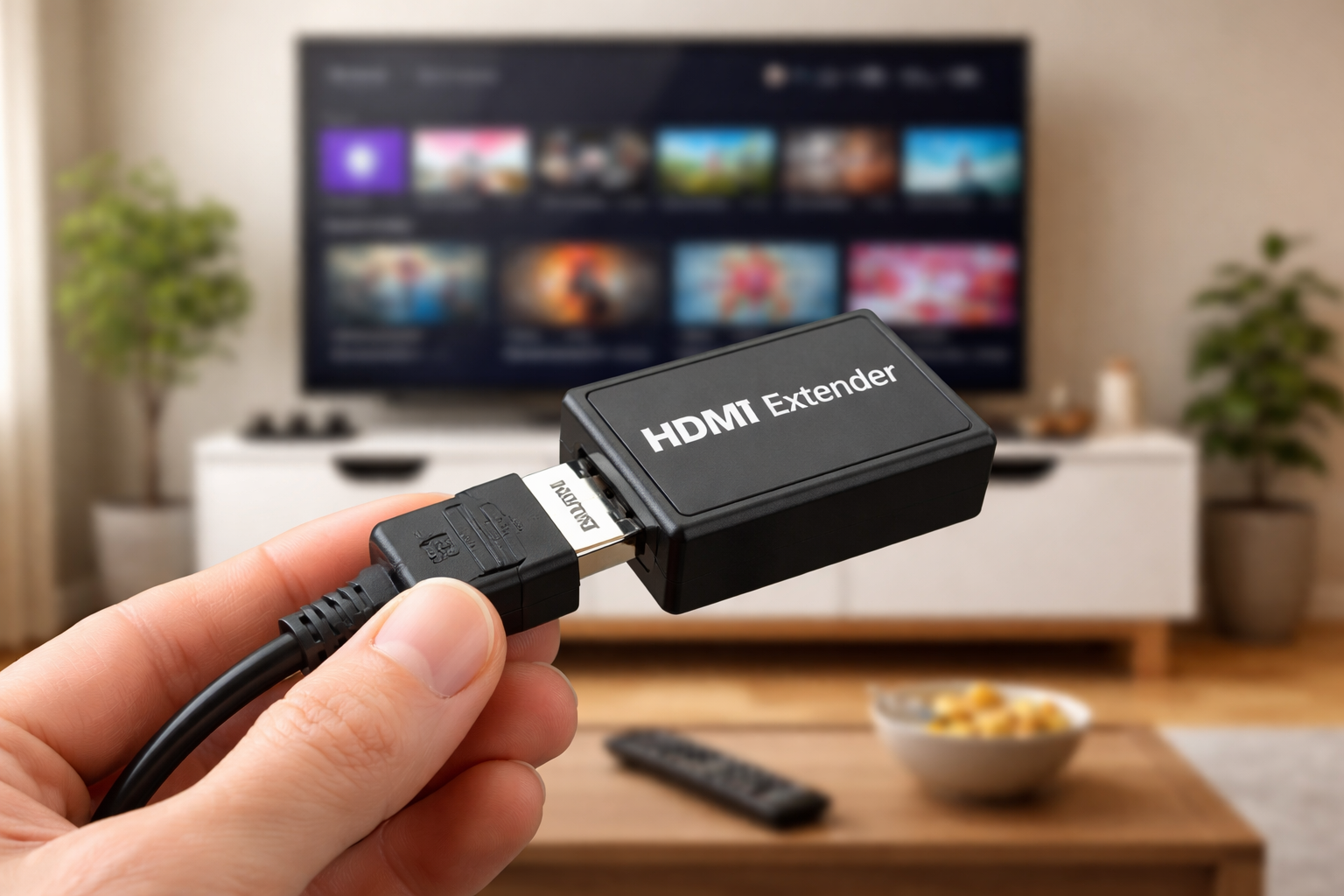
Are you getting the best possible visual quality when streaming at home? It may surprise you to know that, even with an HDMI cable, you may not be seeing the best picture that your streaming setup is capable of if your chosen device isn’t plugged directly into your TV’s HDMI port.
If you bought an Apple TV 4K, or a similar high-end streaming player like the Roku Ultra or Fire TV Cube, you likely did so specifically because you wanted to watch your favorite movies and TV shows in the best visual quality possible. And if you’ve got a subscription to top-tier streaming plans like the top-end plans on Netflix or HBO Max that cost more than $20 per month to access premium visual formats, losing resolution due to an overworked HDMI cable is unacceptable.
HDMI extenders can help fight resolution degradation and unlock those hard-to-reach spots in your home where you’d like to station your streaming device. We’ll explain what you need to know about HDMI extenders, who they’re ideal for, and which streaming devices still include one in the box below.
Everything you need to know about using HDMI extenders with streaming devices
What is an HDMI extender?
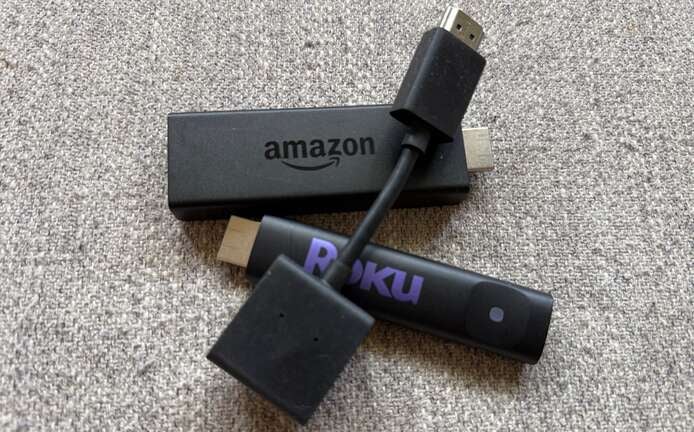
An HDMI extender is a device intended to help overcome any distance limitations in using a standard HDMI cable. One trouble with HDMI cables is that the longer the distance between the video’s source and the display screen, the higher the chance that the video resolution will degrade as it travels the cable’s length. The extender helps to mitigate those issues by literally extending how far the higher-quality video can travel.
Of course, there are different kinds of HDMI extenders; some simply help viewers connect two HDMI cables together while maintaining the integrity of the video being transmitted. This helps owners connect a streaming player or game console across longer distances than would be accommodated by the standard HDMI cable.
However, more expensive HDMI extenders can take the HDMI connection from the source and convert it into an Ethernet connection. This allows the signal to be transmitted as far as the user wants, with no loss of resolution; compatible extenders can even transmit Ultra-High-Definition 4K or 8K video without degradation. You can use an HDMI extender to wire a high-quality video signal to any room in your house from a single source, as long as you have a long enough Ethernet cable.
Who should use an HDMI extender?
An HDMI extender is ideal for anyone who wants to keep their streaming device in a place that’s not immediately near the TV, projector, or other display device they intend to use. If you don’t have a way to conveniently connect your streaming device to your TV without using a long HDMI cable, an HDMI extender is a great alternative.
What is an HDMI extender useful for?
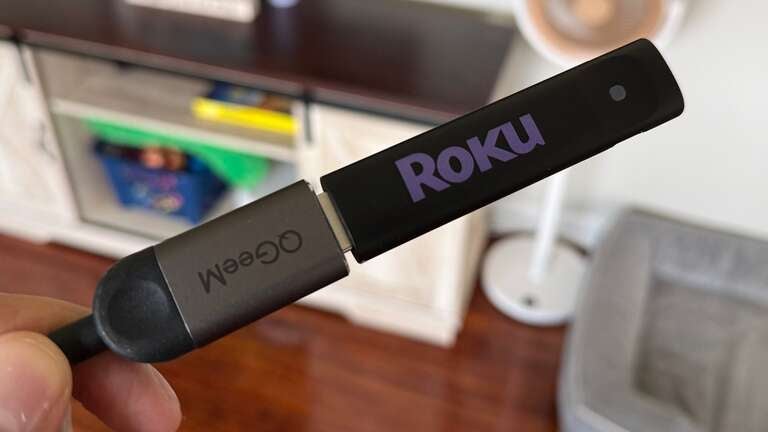
An HDMI extender is very useful for anyone who wants to set up an audio/visual system in a large house, office, or business without feeling constrained by the length of the standard HDMI cable. It’s also helpful for those who want to connect their TV and streaming suite in a hard-to-reach spot in the home.
Those who want to keep their streaming device out of sight for decorative reasons should also consider an HDMI extender, as it will let the user put their device essentially anywhere in the room that can be reached by an Ethernet cable or multiple HDMI cables. Anyone who wants to transmit a higher-quality video signal over a longer distance than HDMI cables normally permit owes it to themselves to check out an HDMI extender.
To sum up, you can use your HDMI extender to:
- Connect your A/V systems easily in a big house.
- Set up your streaming theater in any nook you like.
- Hide your streaming player anywhere in the room.
- Connect a streaming device to a TV with a tight connection port.
- Transmit 4K video over longer distances than HDMI cables can.
- Connect multiple TVs to one extender for watch parties.
- Set up an outdoor projector to screen movies in your backyard.
This is just a small sample of the reasons that might make it beneficial to use an HDMI extender, but there are undoubtedly countless more that could come up in your day-to-day streaming life. It’s a versatile and helpful device for just about anyone who likes to watch TV and movies via streaming.
Do any streaming devices include HDMI extenders?
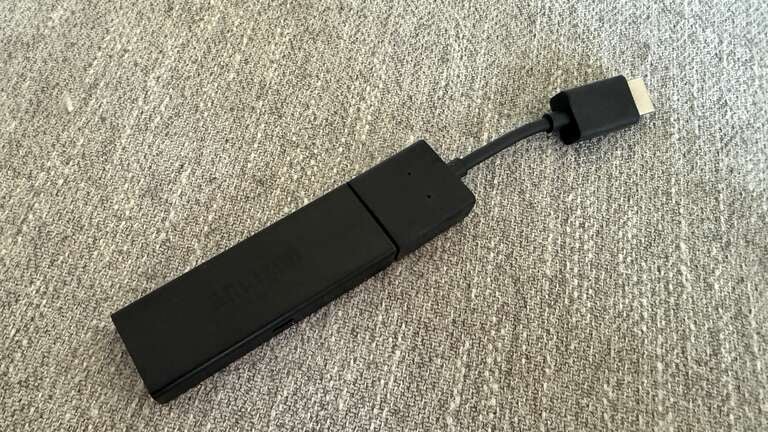
Yes! Amazon Fire TV includes an HDMI extender in the box with its newest-generation devices. Older devices from the company may or may not include an extender, particularly if you buy from a third-party vendor.
Roku does not include an HDMI extender in the box with its streaming players, but you can get a free one from Roku by filling out this form after purchasing one of the company’s devices.
Apple TVs do not include an HDMI extender in the box. However, customers may purchase one separately if they want to use one.
The Google TV Streamer 4K, the latest generation of Google TV device, does not include an HDMI extender.
Despite its well-earned reputation as a high-quality streaming device, the NVIDIA Shield also does not offer an HDMI extender in the box.
| Streaming device | HDMI extender included in the box? |
|---|---|
| Amazon Fire TV | Yes |
| Roku | No, but available for free |
| Apple TV 4K | No |
| Google TV Streamer | No |
| NVIDIA Shield | No |
Browse HDMI extenders
Even if your streaming device included an HDMI extender in the box, you may want to upgrade to an extender that provides
If you’re looking to purchase an HDMI extender, we’ve found several great options for under $20, as well as a few more expensive options for customers who want to convert their HDMI signal to Ethernet.
- Highwings 8K 4K HDMI Extender | $6
- Silkland 8K HDMI Extension Cable (3.3 feet) | $12 (normally $14)
- HDMI Extender Male to Female, Extension Cable (5 feet ) | $14, normally $16
- HDMI Extender Over CAT5e/6, 1080p Ethernet connection | $38