How to cast from Android to Fire TV
How to cast from Android to Fire TV
Is there any way to cast video from an Android mobile device to a Fire TV? What you need to know.

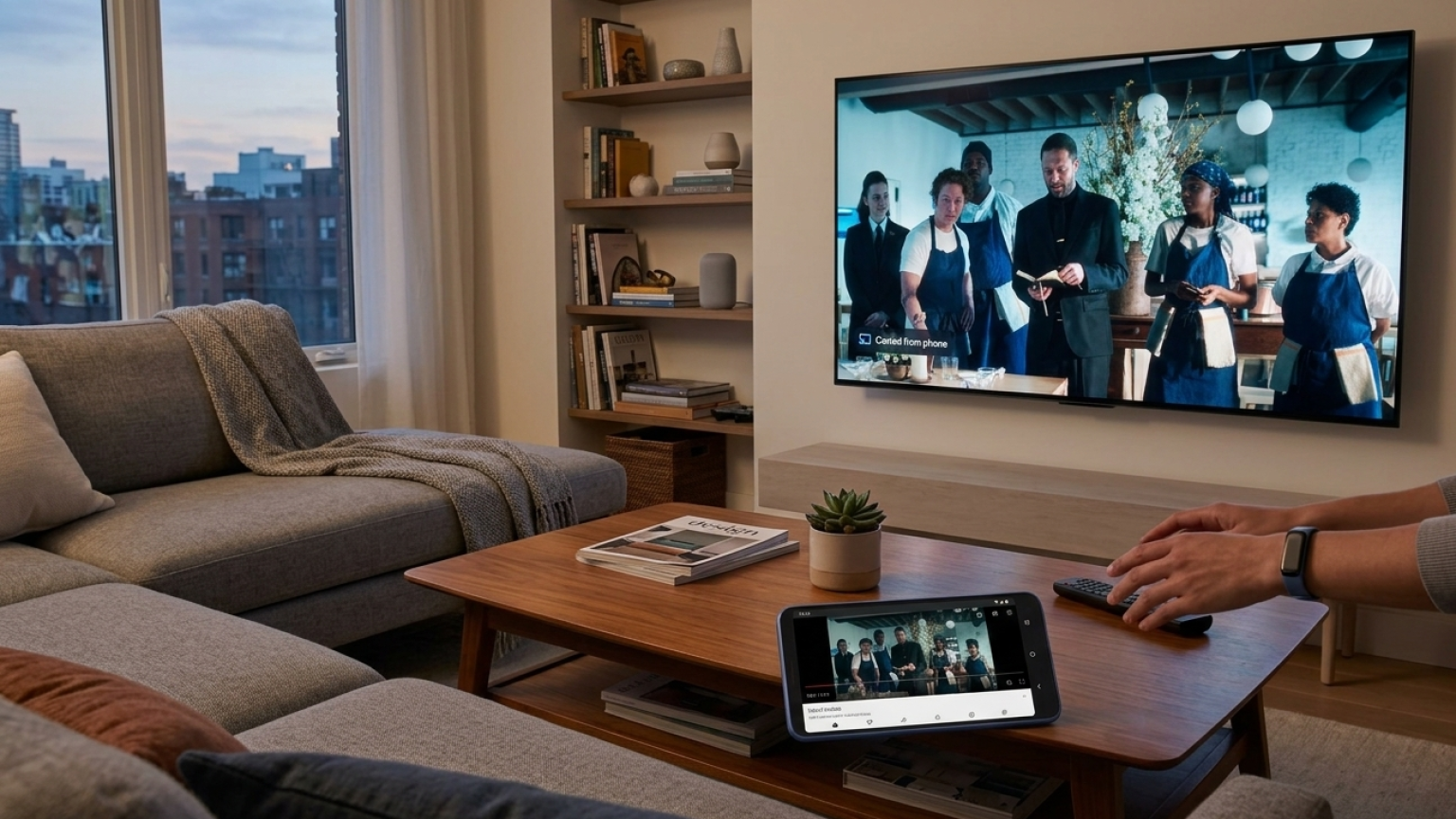
Casting video from your mobile device to the TV screen is a quick and easy way to switch the action from the palm of your hand to the biggest screen in the house. It helps remove the need to log into apps or use a TV remote to search for TV and movie titles, and nearly all modern smart TV and streaming device operating systems support casting in one form or another.
But the apps used to transmit video wirelessly from screen to screen aren’t always consistent across devices; Google devices, for example, use Chromecast, while Apple uses its AirPlay protocol. So, how do you cast video from an Android mobile device to a smart TV or streaming player equipped with Fire TV? Find out below!
What you need to know about casting from Android to Fire TV
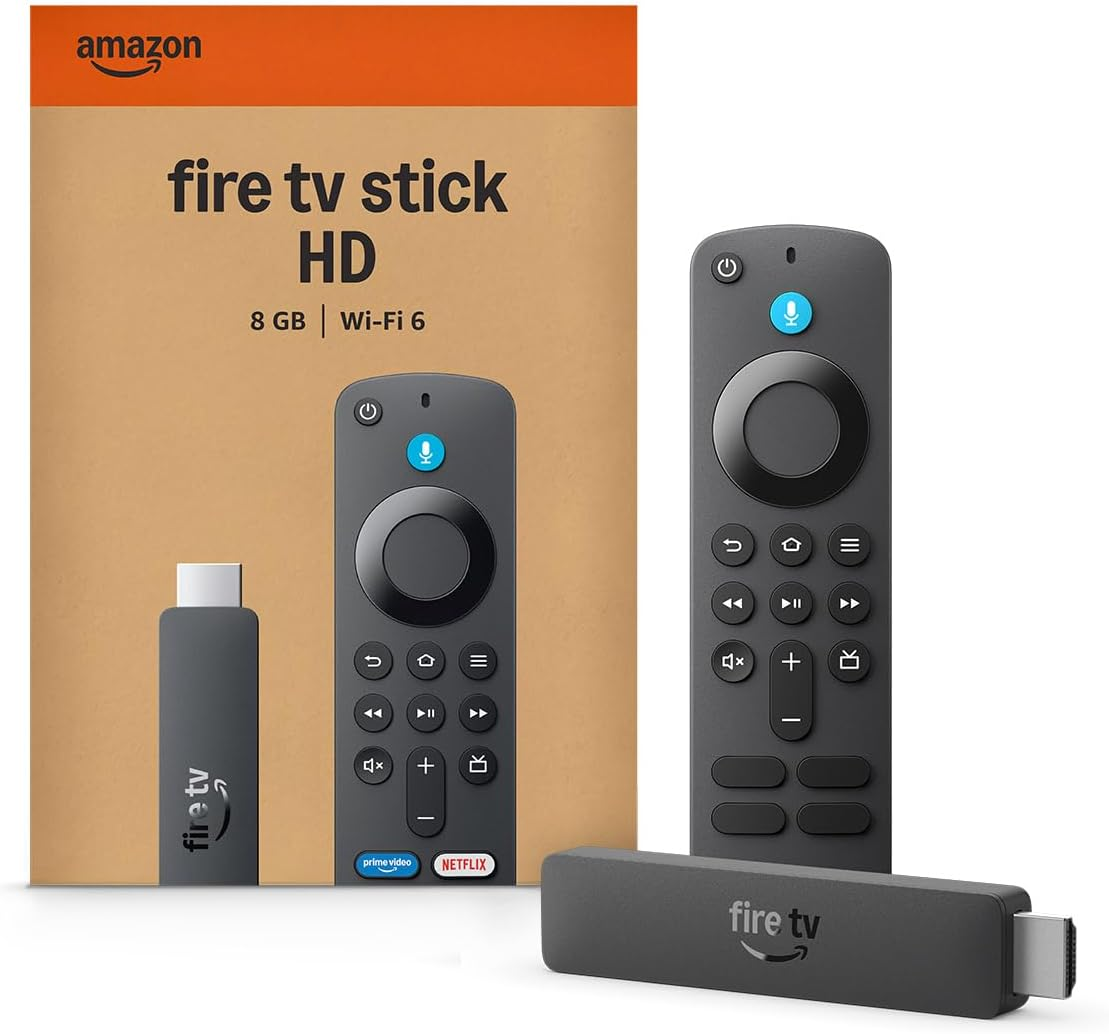
Fire TV streaming players
From $35
Fire TV streaming players bring together your favorite apps, live TV, and Alexa voice controls in one convenient device. Available in HD and 4K models, Fire TV offers options to suit a variety of entertainment needs and budgets.
Can you use Chromecast with Fire TVs?
No, Fire TV devices do not support Google’s Chromecast. Android devices have native support for Chromecast, which would make it a simpler process to stream to Fire TV devices if they, too, supported the protocol. However, there are still ways to stream video wirelessly from an Android phone to a Fire TV device.
What is Miracast?
Miracast is one way for Android phones to cast video to a Fire TV. Created by the Wi-Fi Alliance, Miracast lets viewers mirror their phone, tablet, or computer screen onto a TV or monitor. It’s basically an HDMI over Wi-Fi connection, letting customers connect devices without external cables.
Fire TV devices have native Miracast support built in, but not all devices that use the Android operating system support it. Many do, including Samsung, Motorola, and LG, but users should check with their device manufacturer. It’s also important to note that Miracast provides a true screen mirroring experience, meaning users will not be able to use their phone in the background while streaming video during a mirror session.
How to use Miracast with Android and Fire TV
If your Android device supports Miracast, you can use the following steps to mirror your phone’s screen on your Fire TV device.
- Press and hold the Home button on your Fire TV remote.
- Select Display Mirroring.
- On your phone, open your connection settings.
- Tap Cast or Smart View.
- Choose your Fire TV from the list.
What other methods can you use to cast from Android to Fire TV?
Although Fire TV lacks native support for Google Cast, customers can find third-party apps for their Fire TV device that will allow it to receive data cast from an Android device. Apps like AirScreen and PigeonCast can give users a more Google Cast-like experience, but this process may not be as smooth or reliable as Miracast.
What content can you cast from Android to Fire TV?
While using Miracast, Android users can stream any video or audio that can be played on their mobile device on their Fire TV instead. That includes content from top apps like Apple TV and Apple Music, Disney+, Netflix, Spotify, YouTube, and more.
Can you still use your Android phone while casting to Fire TV?
Not while using Miracast. As noted above, Miracast is a screen mirroring feature, so while you will be able to transfer the contents of your screen from one device to another wirelessly while using it, you will not be able to send texts, browse the web, or perform other background functions without seeing those actions on the TV screen, as well.
What are the advantages of casting from Android to Fire TV?
Using Miracast or third-party apps to cast video from Android to your Fire TV negates the need for connecting via an HDMI cable, not to mention the adapters that would be needed. In addition, it spares the user the need to log into streaming apps on their Fire TV with a remote, wiping out all that tedious scrolling to find letters on a clumsy keyboard on the TV display.
Fire TV streaming players
From $35
Fire TV streaming players bring together your favorite apps, live TV, and Alexa voice controls in one convenient device. Available in HD and 4K models, Fire TV offers options to suit a variety of entertainment needs and budgets.