Which apps are essential for Fire TV owners to have?
Which apps are essential for Fire TV owners to have?
As a longtime Fire TV owner, I’ll break down the apps you should make sure you always have installed on your Fire TV-equipped smart TV or streaming player.

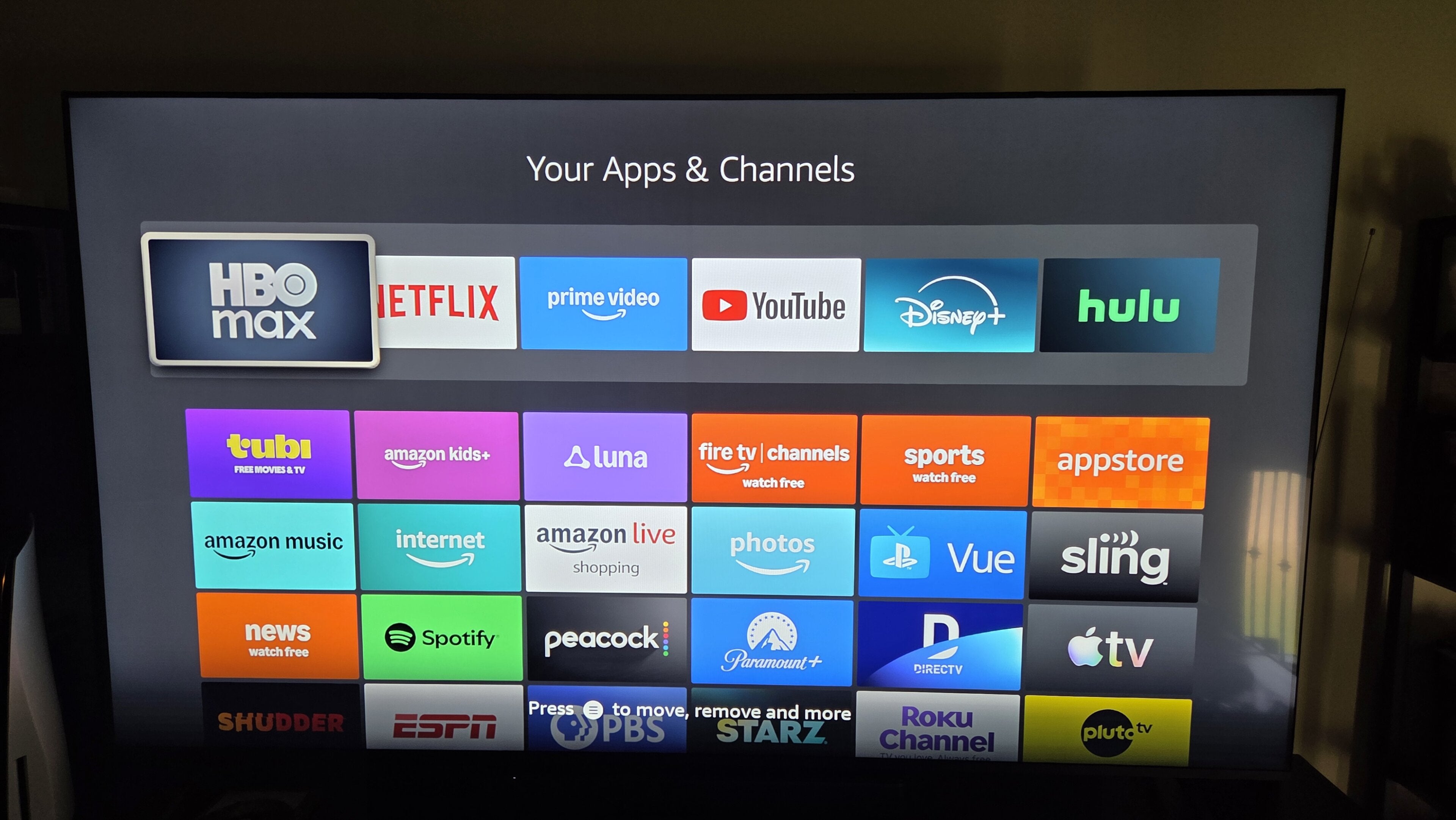
Once you’ve pulled a new Amazon Fire TV streaming player out of the box and configured it to your liking, it’s time to start choosing the apps you want to download to the device to make it your one-stop entertainment hub.
Of course, you’ll want to start with your top subscription on-demand or live TV streaming services. After all, you bought your new Fire TV to play TV shows and movies on the biggest screen in your home, so having all your top video apps will naturally be your first priority.
But what comes next, after you’ve downloaded apps for Netflix, Disney+, or any other streaming services you’re already subscribed to? As a longtime Fire TV owner, I thought it would be a good idea to run through a few essential apps that all Fire TV customers should have downloaded to their device. Check out which apps you should always keep on your Fire TV below!
What are the essential apps to download on an Amazon Fire TV device?

The Fire TV app on mobile
Once you’re a Fire TV owner, you’ll want to make sure you have the Fire TV app available on your mobile device. The Fire TV mobile app is incredibly handy, allowing viewers to turn their phone into a remote control to navigate their Fire TV interface if they have misplaced the device’s remote.
Having the Fire TV mobile app also makes logging into your top streaming apps much easier. The app allows you to use your phone’s keyboard to type in login credentials, and also lets you use the Alexa voice search function built into your Fire TV remote for even faster browsing.
The Fire TV mobile app also allows viewers to turn their phone into a second screen for browsing content and managing their watchlist while their TV is devoted to their chosen stream. Make sure you grab the Fire TV mobile app for Android or iOS as soon as your Fire TV player is all set up!
Your favorite music streaming app
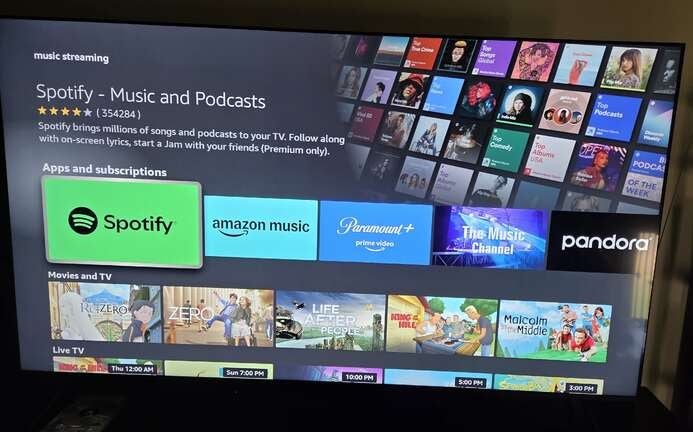
Video streaming is the main function that most users probably think of when they picture a Fire TV device, but a Fire TV player can be used as a music streaming platform as well. Owners can download music streaming apps, log in, and play their favorite available songs or podcasts using their TV’s speakers, or connect speakers or headphones via Bluetooth to listen.
The Fire TV app store has a variety of popular music streaming apps available, including Amazon Music, Apple Music, Pandora, Spotify, and Tidal. These apps are always free to download, and many of them offer a free listening tier supported by ads for viewers who don’t have a premium music subscription in their budget.
If you’re a big music fan, make sure to download your top music streaming service and keep it handy on your Fire TV. Doing so will help you turn your Fire TV into a TV and stereo all in one, and you can even transform it into a tuner by downloading radio streaming apps like iHeart or SiriusXM.
The YouTube app
Creator-driven content is every bit as popular as the TV shows and movies on top streaming services these days — if not more so. YouTube has nearly 3 billion monthly active users and is consistently one of the most popular video platforms in the United States.
Viewers don’t have to restrict themselves to watching YouTube on mobile or desktop, however. The service makes a dedicated app for Fire TV devices, allowing owners to watch any and all of their favorite YouTube channels on their TV screen.
This is especially handy as YouTube continues to branch out into more marquee live events, such as NFL games, that it will offer to all viewers with no subscription fees. Even if you’re just a casual enjoyer of YouTube, having the YouTube app on your Fire TV will become a must sooner or later.
As many free streaming apps as you can
One of the coolest things about owning a Fire TV device is its live guide. This grid-style channel guide allows viewers to browse hundreds of free streaming channels from Prime Video, and owners of smart TVs with the Fire TV operating system can also attach an over-the-air antenna to their set and see local channels in the guide as well.
What you may not know is that the Fire TV Live guide will also display free ad-supported streaming TV (FAST) channels from apps such as Local Now, Pluto TV, Tubi, Sling TV, and more, without having to switch to the respective apps from those services. As long as you have the apps downloaded, these channels will be available to browse in the guide.
Since these ad-supported streaming services are all free, there’s really no downside to adding as many of them as you can to your Fire TV device. Once you do, your Live guide will automatically populate with all channels from supported apps, making them much easier to scroll through by aggregating them all in the same place and allowing you to select your favorites.
Do you need to download Amazon apps on your Fire TV device?
Your Fire TV player won’t come with a ton of apps already downloaded, but you will be able to use apps like Prime Video, Amazon Music, Amazon Photos, and Amazon Kids as soon as you pull the stick out of the box. This means you can instantly connect your Fire TV player to your Amazon account and get access to any subscription benefits you have without having to download anything extra.