What are the top apps to download for Roku devices?
What are the top apps to download for Roku devices?
We’ll give you details on all the essential apps to make sure your Roku player has at all times below.

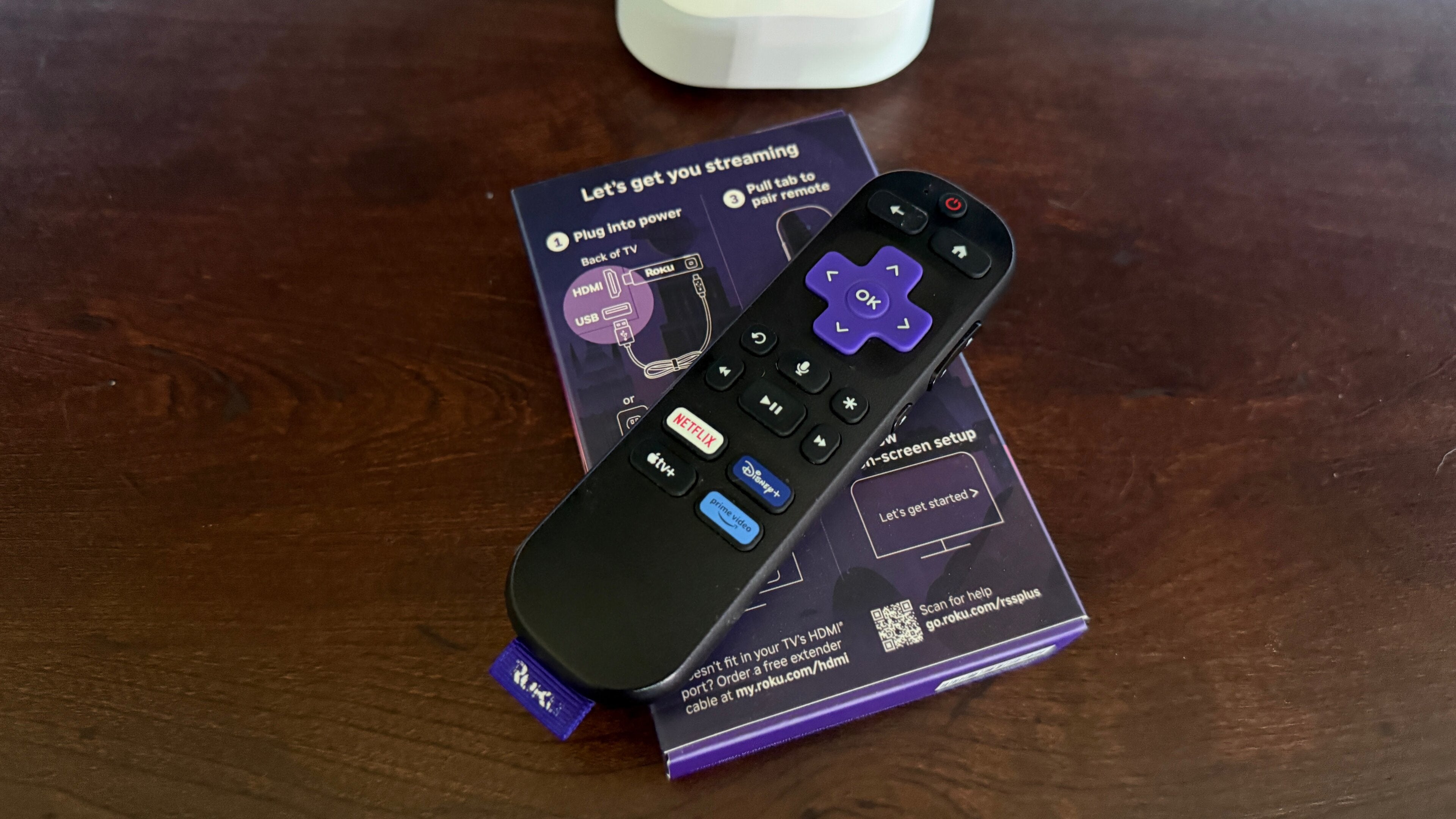
When you own a Roku device, you have much more than just a way to stream your top on-demand streaming apps like Apple TV, Disney+, Netflix, and Prime Video. Your Roku allows you to watch live TV channels with live TV streaming subscriptions, and can connect you to creator-driven video platforms, music streaming services, and more.
When you’ve got your Roku device set up, it’s time to start thinking about the apps you want to add to your home screen. The good news is, you won’t be hard up for choices; Roku’s app store has thousands of options available, including all of the top streamers in the United States.
But with all of those choices, it can be hard to know which apps are truly essential to have on your Roku streaming player. We’ll explain which apps you should always have handy on your Roku device to ensure you’re never without something to watch or listen to.
What are the essential apps on Roku?

Streaming subscriptions with shortcut buttons
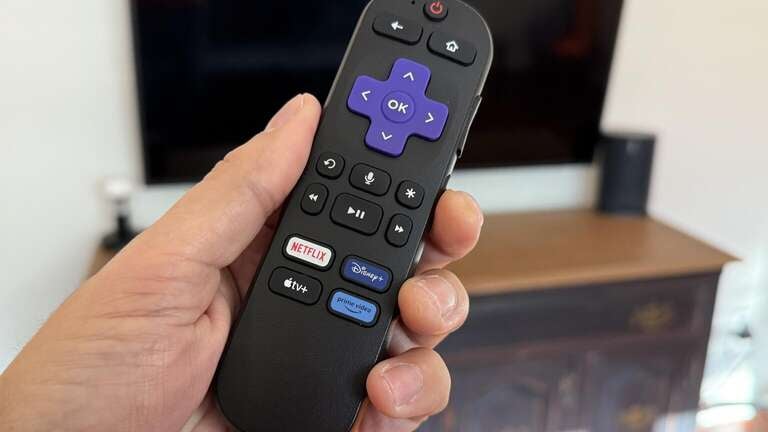
Current and past generations of Roku streaming players include remotes with dedicated shortcut buttons that will open a streaming app with a single push. These make it much easier to start watching your favorite subscription, if your remote comes with a shortcut button for it.
Modern Roku voice remotes usually have buttons for Apple TV, Disney+, Netflix, and Hulu, but the specific buttons on your remote can vary by generation, model, etc. If you have a subscription to the services with shortcut buttons on your Roku remote, you should always keep their apps downloaded.
This allows you to open these apps and start playing with a single press of your remote’s button, even if your Roku device is turned off. One-touch play is a time-saving feature that can help prevent your getting distracted by a different streamer when you turn on your Roku player, so make sure you have the apps tied to your Roku remote’s shortcut buttons downloaded if you’re subscribed to them.
The audio streaming app of your choice
All modern Roku devices allow users to connect a wireless headset to listen to their TV privately. It’s a great way to ensure your watching session doesn’t disturb sleeping housemates or sensitive pets by keeping the audio all to yourself.
Roku devices support not only TV and movie apps; they also allow users to download music streaming apps such as Amazon Music, Apple Music, Pandora, Spotify, and even streaming radio apps like iHeart. With these apps, you can use your TV speakers, or any connected speakers and soundbars, to bring your favorite song to every corner of your home.
Alternatively, you can take advantage of the private listening mode on your Roku, and even plug headphones into your Roku Voice Remote Pro if you have that model. Having the music streaming app of your choice is always a must on a Roku device.
The Roku mobile app
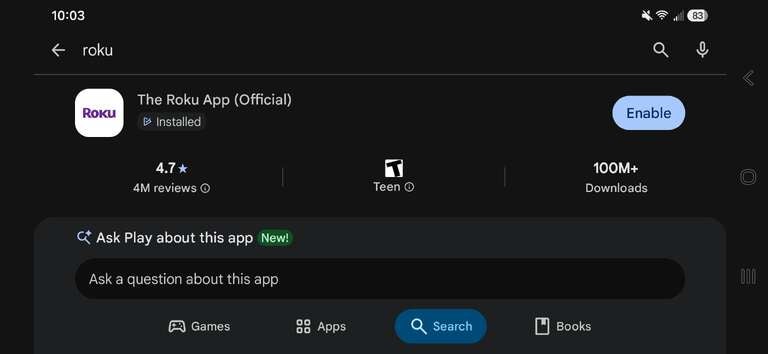
Every Roku device owner will want to make sure they have the Roku mobile app downloaded to their phone. Roku makes a mobile app for Android and iOS devices, and it’s always free to download. Sign in with your Roku account credentials, and you’ll find all the devices linked to your account.
Using the Roku mobile app allows owners to turn their phone into a command center for their streaming player. For example, viewers can add and remove channels from the Roku Channel Store with ease using the Roku mobile app and manage any subscriptions they purchase.
The app also allows users to set up their phone as a remote. This allows customers to control their Roku in all the ways they can with the standard voice remote, including navigating the interface, opening apps, using voice commands, and more. It’s perfect for anyone who doesn’t relish typing things into their Roku interface one letter at a time with the standard remote, or for when the actual remote is lost.
Mirror for Roku
Screen mirroring is a convenient way to stream video on your phone and have your Roku device display it on screen with only a minor lag. It’s a great way to watch movies, display photos, and even give presentations with your Roku device.
While mirroring won’t give you the same functionality as casting will, it’s an option in cases where casting is not available on your Roku device. Find the Mirror for Roku app in the Roku app store, as well as the Google Play and Apple app stores.
Is the Roku Channel installed automatically on Roku devices?
The Roku Channel app is built into the Roku operating system, and thus is automatically available on all Roku smart TVs and streaming players as soon as they’re powered on. That means all the free streaming content that’s included in The Roku Channel, including live sports and Roku originals, is ready to watch as soon as you want it.
There’s no need to download The Roku Channel app, so you won’t have to worry about whether it’s available on your device or not. It’s every bit as essential as paid streaming apps on your Roku device, however, since it grants access to hundreds of free ad-supported streaming TV (FAST) channels and thousands of on-demand titles at no cost.