How do you borrow media with a Hoopla subscription
How do you borrow media with a Hoopla subscription
Can you borrow TV episodes and movies with Hoopla? How do you do it? We’ll explain everything here.

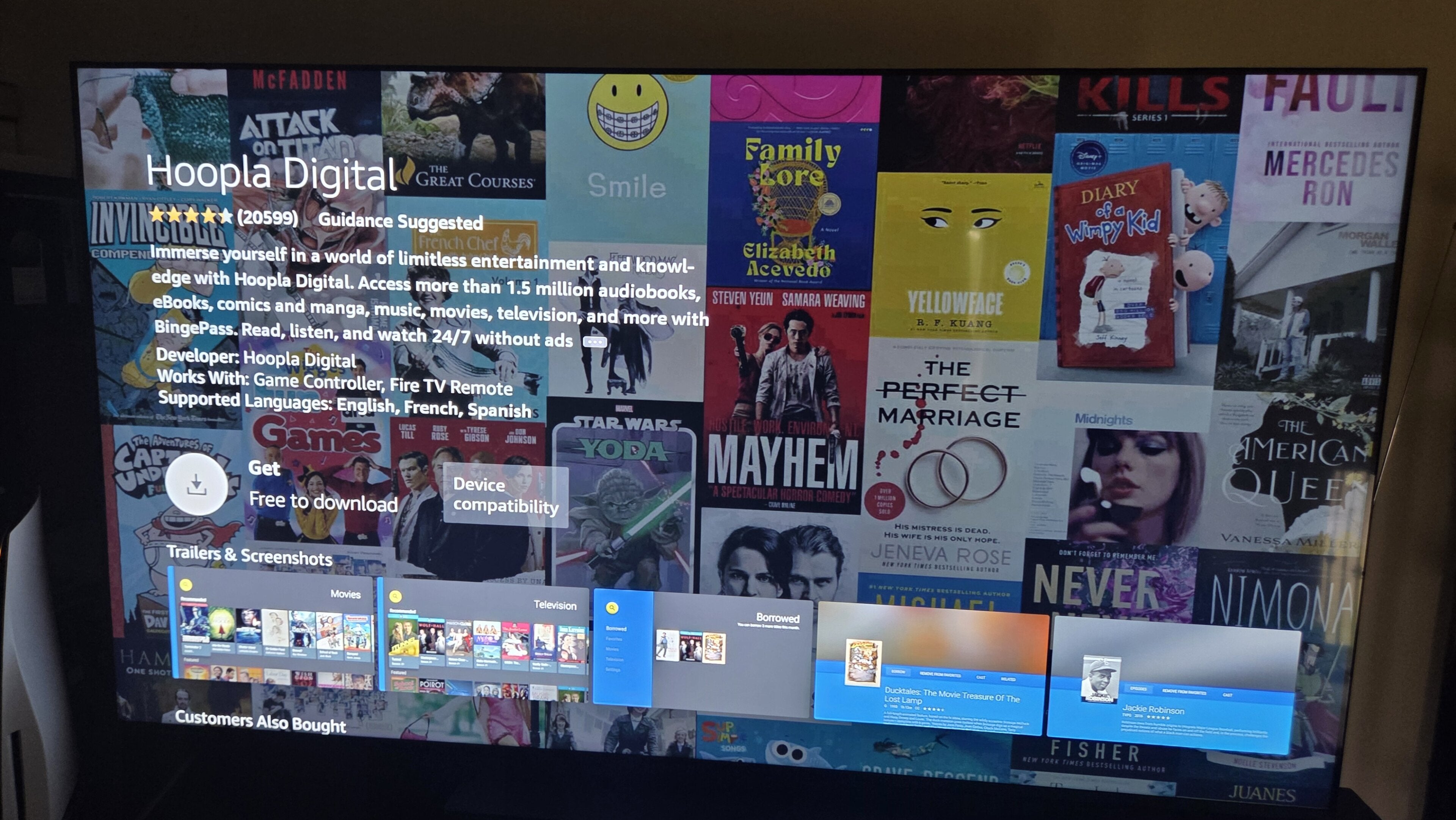
Having a Hoopla subscription is a little like bringing all the historical benefits of having a library card into the 21st century. Hoopla allows account holders to watch ad-free TV shows and movies, read e-books, listen to audiobooks, and much more.
If you’re considering signing up for a Hoopla account, but you’re worried you won’t know how to borrow and use media with your subscription, read on. We’ll offer a beginner’s guide to borrowing TV episodes, movies, and other media with your Hoopla subscription.
Everything you need to know about borrowing media with Hoopla
What you need to borrow media with Hoopla
To borrow media to watch, read, or listen to with a Hoopla subscription, you will need a library card and an active Hoopla subscription. Click here for more information on how to sign up for a library card, and click here to learn how to subscribe to Hoopla once you’ve got one.
How to borrow media with Hoopla
Borrowing a piece of media on Hoopla is incredibly easy.
- Log into the Hoopla mobile app or website.
- Search for the title you want to borrow.
- Click that title to arrive on its details page.
- Click the Borrow button to check it out.
Once you’ve borrowed a TV show or movie, you can immediately begin streaming it on the Hoopla app. Likewise, any borrowed e-books or other media will be immediately available to access once you’ve borrowed it.
Does Hoopla have borrowing limits?
Hoopla users will have daily borrowing limits set by their local libraries. Every library has a different limit; some allow for as many as 10 pieces of media to be borrowed every day, but others may set it as low as three per day.
The borrowing limit resets at midnight local time, so if you run out of check-outs on a given day, your reset button will be pushed by the time you wake up! Many libraries also have a monthly borrowing limit with Hoopla, so check with a local branch to see what your limits are.
How long do you have to use your media on Hoopla?
Hoppla has specific time periods allotted to every piece of media checked out with a subscription.
The respective time limits are:
- 21 days for eBooks, comics, and audiobooks.
- 7 days for music albums.
- 72 hours for movies and TV shows.
- 7 days to specific collections for BingePass holders.
Can you download titles on Hoopla for offline use?
Yes, you can download media from Hoopla using the service’s mobile app. Users cannot download titles onto desktop or laptop computers with a Hoopla subscription, however. Download as many titles as your library allows you to borrow at one time with a Hoopla subscription.
What devices can you watch borrowed TV shows and movies on with Hoopla?
The Hoopla app is available in the Google Play Store, Apple App Store, and Amazon App Store. That means you can download the app on Amazon Fire TV, Roku, Samsung TV, and Google TV, and watch it on your smart TV or streaming device.

Hoopla
Hoopla is a free streaming service accessible with your library card. The service features movies and TV shows, along with millions of audiobooks, ebooks, comics, and more. The BingePass feature also allows free access to services like Curiosity Stream, iNDIEFLIX Hellosaurus, and Hallmark+.