How to cancel an ESPN Unlimited subscription
How to cancel an ESPN Unlimited subscription
If you’re done watching ESPN Unlimited’s live sports, we’ll explain how to cancel your subscription and what to do next here!

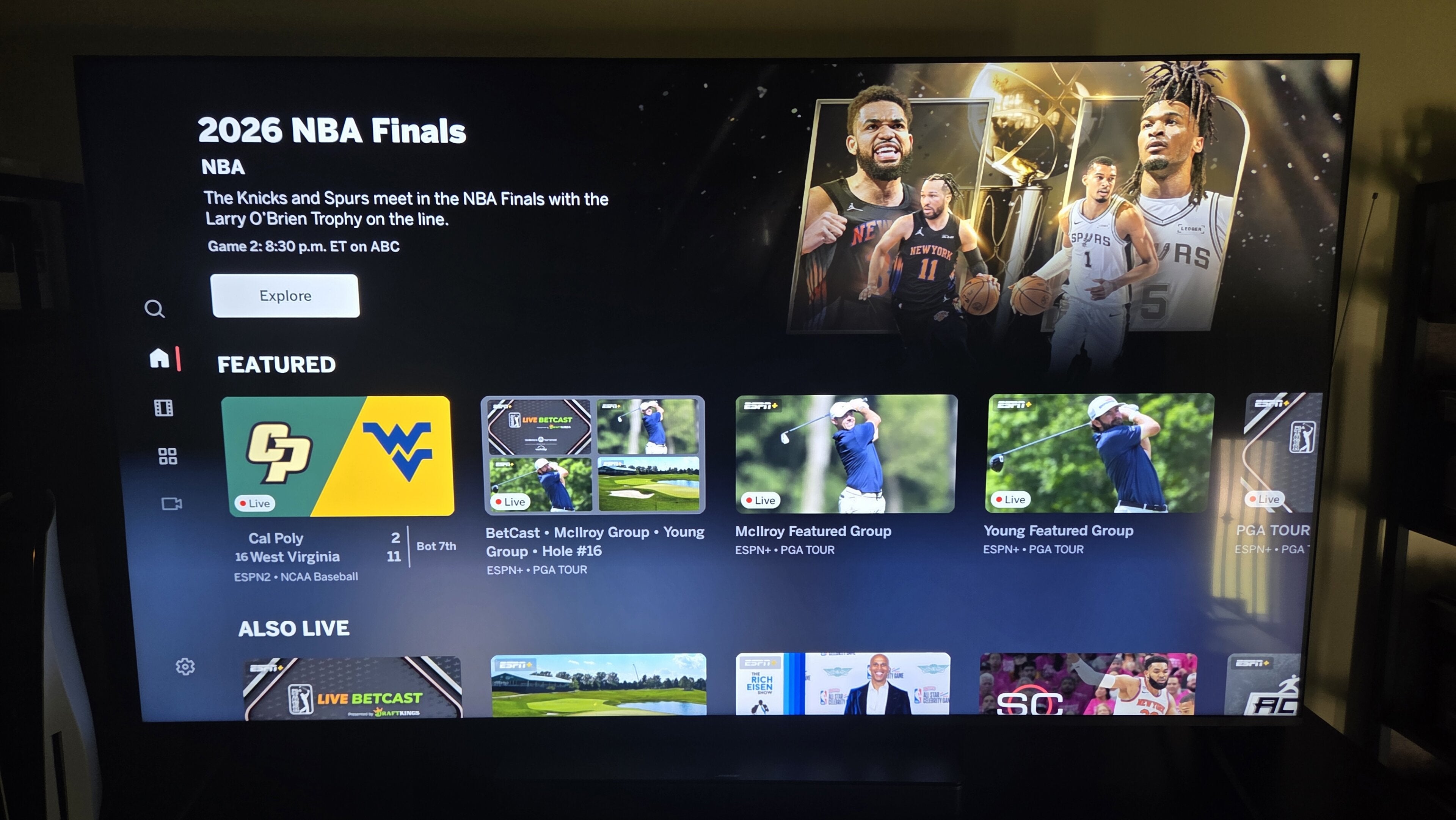
ESPN Unlimited has been a revelation for some sports fans. The direct-to-consumer streaming service allows customers to watch all live sports appearing on ESPN cable channels without a pay-TV subscription for the first time, and many fans (including myself) jumped at the chance to welcome the Worldwide Leader in Sports to our living rooms.
But at a price point of $30 per month, it’s difficult to argue that ESPN Unlimited is cheap. If you’re ready to cancel the service and try a new sports outlet, we’ll explain everything you need to know about moving on from ESPN Unlimited below.
What you need to know about cancelling ESPN Unlimited
How to cancel ESPN Unlimited
Before we give you step-by-step instructions on how to cancel ESPN Unlimited, it’s important to note that if you have access to the streamer through the Disney Bundle or another third-party biller, you will have to cancel through them, not through ESPN.
To cancel a directly billed ESPN Unlimited subscription:
- Log into your ESPN Unlimited profile on a web browser on a computer or mobile device.
- Find your profile icon and click it, then click Account.
- Choose Manage Subscription.
- Click Subscription under Plans and Billing.
- Choose the plan you want to cancel, then click Cancel.
Does cancelling ESPN Unlimited lock you out right away?
No, you will still have access to your ESPN Unlimited account until the end of your current billing cycle if you cancel your account. You’ve already paid for the rest of the month — you might as well use it until you can no longer do so!
Will ESPN Unlimited save your viewing history if you cancel?
Your viewing history, followed teams, and other details will still be available to you as long as you do not delete your ESPN account entirely. Doing so will wipe out all history of your use of the service, so make sure to plan accordingly when canceling an ESPN Unlimited subscription.
What alternatives to ESPN Unlimited should you try?
Peacock
If you want to access many of the same sports you can watch on ESPN Unlimited for a lot less money, you should check out a subscription to Peacock’s Premium plan for $11 per month. To be sure, Peacock doesn’t carry all the sports ESPN Unlimited does, but it has a large inventory to its name.
Events on Peacock include “Sunday Night Football” NFL games, NBA regular season and playoff games, MLB regular season and Wild Card games, Big Ten and Notre Dame college football, Big Ten and Big East college basketball, Olympics during even-numbered years, auto racing, golf, horse racing, cycling, and more.

Peacock
Peacock is a subscription video streaming service from NBCUniversal that includes original shows, blockbuster movies, and classic television series. Peacock is home to “Yellowstone,” “The Office,” and original hits like “Poker Face” and “Bel-Air.” You can also watch live sports and NBC programming, including the NFL, MLB, WWE, the Olympics, the Premier League, NASCAR, the French Open, college football and basketball, and the PGA Tour. Premium Plus subscribers can stream their local NBC feed in all 210 markets.
Sling TV
If you really need access to ESPN, but not more than once or twice per month, Sling TV can be a big help. The streamer offers short-term access to its Orange plan, which includes ESPN and ESPN2, via Passes, which cost $5 per day, $10 for three days, or $15 per week. Sling Passes are a great way to stream one must-watch game on ESPN without having to pay for a monthly subscription.
Sling also offers a monthly package including ESPN and ESPN2 called the Essentials plan, costing $20 per month. Sling Essentials doesn’t carry ABC or other ESPN networks available in ESPN Unlimited, such as ACC Network and SEC Network. But if you can do without those extra channels, it’s a good way to preserve all-the-time access to the flagship ESPN channel for less than ESPN Unlimited.

Sling TV
Sling TV is The Streamable’s choice for cord-cutters on a budget. Sling is a live TV streaming service with multiple channel packages. The $45.99/month Sling Orange plan offers about 30 channels, including Disney Channel and ESPN. The $45.99/month Sling Blue plan offers about 40 channels, including ABC, Fox, and NBC in major markets.
You can combine Orange+Blue for a total of $60.99 / month. Sling also offers many channel add-on packages starting at $6/month.