How to cancel a Spotify Premium subscription
How to cancel a Spotify Premium subscription
If you’re ready to end your Spotify Premium subscription, we’ll tell you everything you need to know below.

Every subscription eventually runs its course, even one as useful as Spotify Premium. With ad-free music playback, unlimited skips, a huge selection of podcasts, and even limited audiobook access, Spotify is one of the most diverse music streamers of all, and has hundreds of millions of users around the world.
But if you’re through with Spotify Premium for any reason, keep reading. We’ll explain what you need to know about canceling your account, and give you a couple of options for alternatives if you’re curious about trying something else.
Everything you need to know about canceling Spotify Premium
Which devices can you use to cancel Spotify Premium?
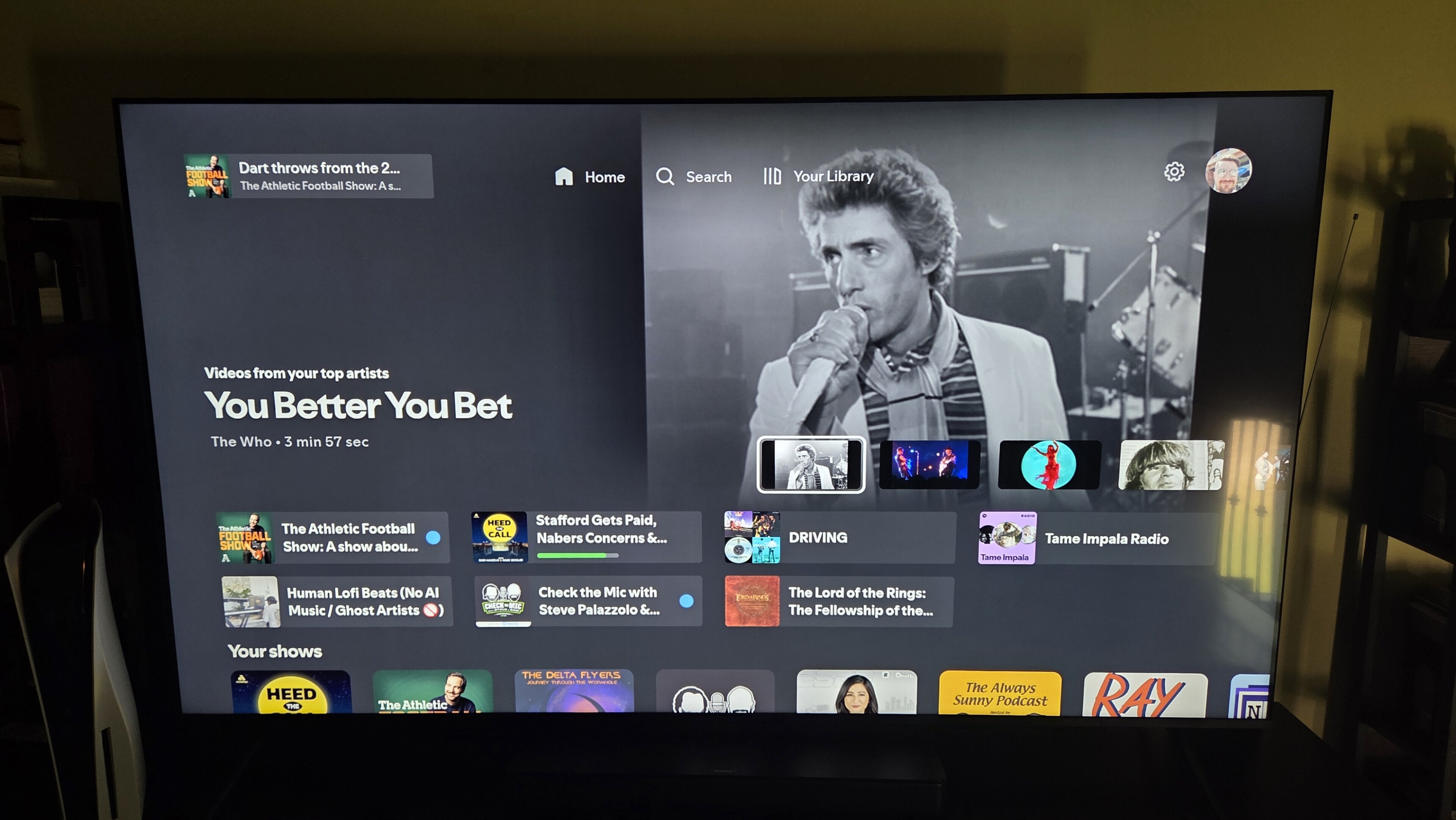
You can cancel a Spotify subscription on the streamer’s app for mobile devices or on a web browser. Customers will not be able to cancel a Spotify Premium account by attempting to use the service’s connected TV app for Apple TV, Fire TV, Roku, or any other device.
How to cancel a Spotify Premium subscription
Spotify mobile app
- Open the Spotify app on your Android or iOS device.
- Click your profile icon.
- Tap Your Premium.
- Select Manage.
- Click Cancel Subscription.
Web browser
- Head to the Spotify website and log in.
- Click your profile icon in the top-right corner.
- Choose Account in the drop-down menu.
- Scroll down to Subscription, then click Manage your subscription.
- Click Cancel Subscription.
Will you be kicked out of Spotify Premium immediately if you cancel?
No. While canceling Spotify Premium turns off the auto-renewal that charges your card every month for continued access, you will still be able to log in and use your Spotify Premium subscription until the end of your current billing cycle after canceling.
Does Spotify save your account if you want to resubscribe?
Yes! Canceling a Spotify Premium account will transfer your account back to the streamer’s free tier, meaning your account settings, listening history, playlists, and features that are available to Spotify listeners on both tiers will be preserved.
You can also delete a Spotify account from your settings menu if you’re using a free tier. You must cancel any existing Premium subscriptions before deleting a Spotify account; you cannot do both at the same time.
Can you pause a Spotify subscription instead of canceling?
No, Spotify Premium does not have a pause feature. Viewers who want to stop being charged for Spotify, even temporarily, will have to cancel their account.
What alternatives should you try when canceling Spotify Premium?
Pocket Casts
If you listened to Spotify mostly for podcasts, you should consider a subscription to Pocket Casts as an alternative once you cancel. Pocket Casts has a huge selection of the most popular podcasts available, including “Behind the Bastards,” “The Joe Rogan Experience,” “Pod Save America,” “Stuff You Should Know,” and many more shows.
Like Spotify, Pocket Casts has a free tier that offers a large variety of episodes with ads during playback. But customers can also subscribe to Pocket Casts Plus to use features like folders, bookmarks, and 20GB of cloud storage for $4 per month. Pocket Cast Patron includes everything in Pocket Casts Plus, an upgrade to 100GB of cloud storage, and early access to new features for $10 per month. Annual subscription options are also available.
Apple Music
Apple Music will only help you save a couple of dollars per month over Spotify, but as lateral moves go, it’s a good one. An individual subscription to Apple Music starts at $11 per month, with family plans available as well. The service includes a huge ad-free music library, exclusive recording sessions with world-famous artists, and a one-month free trial for new subscribers.
The main advantage of Apple Music is its huge catalog of lossless audio tracks, with Spatial Audio available on many. It also includes live radio stations with real human DJs, and anyone familiar with the Apple ecosystem already will love the futuristic feel of an Apple Music subscription.