How to cancel your YouTube Music Premium subscription
How to cancel your YouTube Music Premium subscription
If you’re ready to call it quits with YouTube Music Premium, we’ll explain how, and offer a couple of alternative streamers to try below!

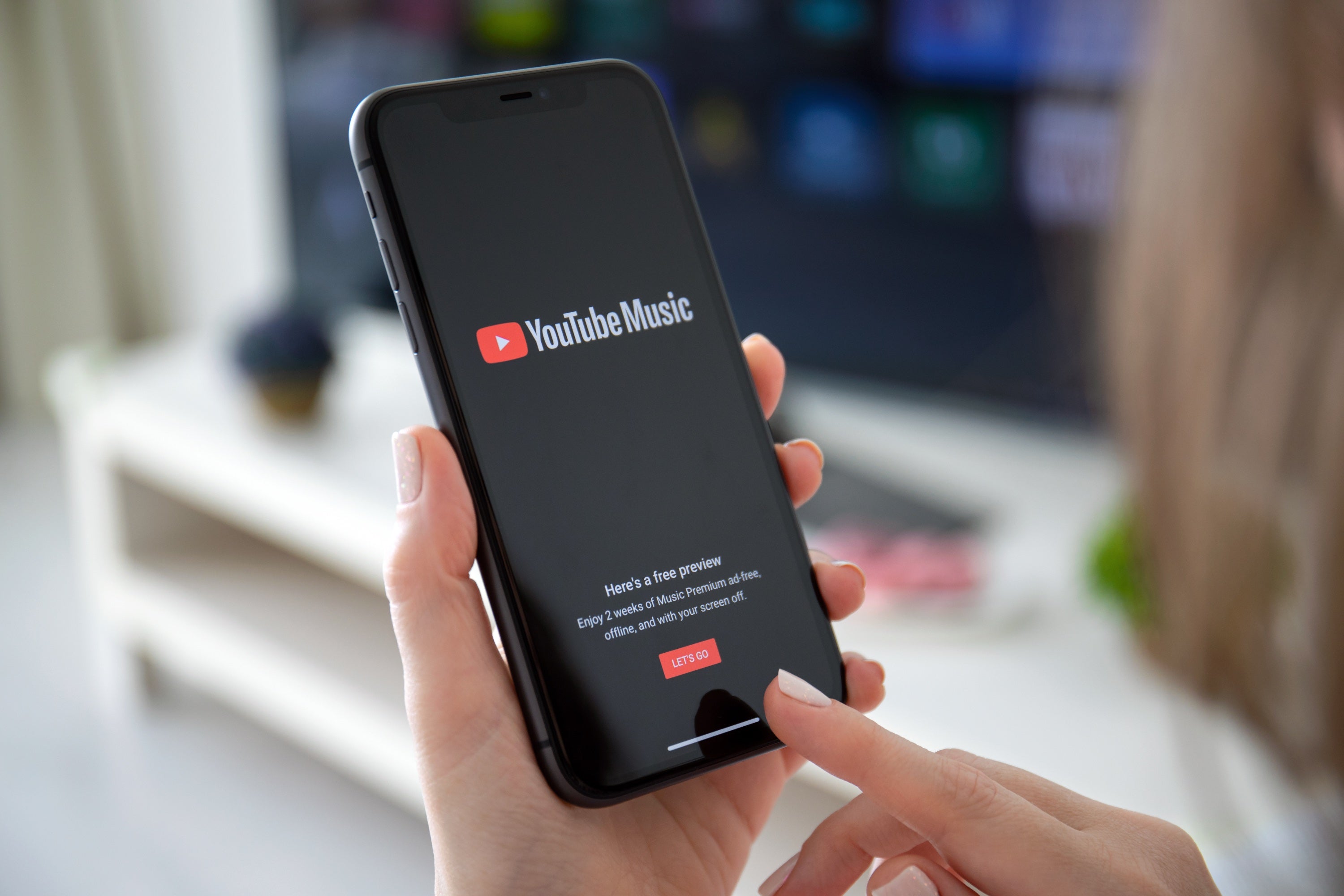
YouTube Music is one of the most-used music streaming services on the marketplace. The platform’s library of hundreds of millions of tracks and podcast episodes, plus its popular features like downloads for offline listening, make it user-friendly, and the ability to listen at home or on the go gives subscribers the power of choice.
But if you need to cancel your YouTube Music Premium subscription, we can help. We’ll explain how to end your YouTube Music subscription and offer a couple of recommendations for new music streamers to try once you’ve left it behind in our guide below.
Everything you need to know about canceling YouTube Music
How to cancel YouTube Music Premium
On an Android device
- Open the YouTube Music app.
- Tap your profile picture.
- Choose Paid memberships.
- Select the membership you want to cancel, and click Continue.
- Choose a reason for cancelling.
- Tap Yes, cancel.
On an iPhone or iPad
- Tap Settings.
- Choose Purchases and memberships.
- Click Manage Apple Subscriptions.
- Select your YouTube Music subscription.
- Tap Cancel.
On the YouTube website
- Click here to see your YouTube memberships.
- Click Manage membership.
- Choose Deactivate.
- Click Continue to cancel.
- Pick your reason for canceling, then hit next.
- Click Yes, cancel.
Will you lose YouTube Music access immediately if you cancel?
No, you will be able to use your YouTube Music subscription until the end of your current billing cycle after canceling. Once you reach the end of that cycle, you will lose access, and your subscription will not be renewed.
Does YouTube Music offer a free listening tier?
Yes! YouTube Music has a strong free offering, complete with millions of tracks and podcast episodes, as well as music videos. It won’t have all the features of YouTube Music Premium, and it’s supported by ads, but it’s still a good way to stay with YouTube Music without having to pay for a subscription if your budget needs a break.
Will YouTube Music remember your account settings if you cancel?
Yes, YouTube Music will preserve your listening history, playlists, and library if you cancel a Premium account. As mentioned, canceling will simply downgrade you to the YouTube Music free tier, so your history and settings will be preserved. You will lose access to any downloaded content, however, as this is a feature reserved only for YouTube Music Premium customers.
What are some alternatives to try after canceling YouTube Music?
Spotify Premium
Spotify Premium is a great choice for YouTube Music subscribers who value music discovery, playlist construction, and cross-device listening. Features like Discover Weekly, Release Radar, and the AI DJ make Spotify Premium an industry leader in connecting listeners to new music, and it has strong social features, like the beloved Spotify Wrapped. A Spotify Premium Individual plan costs $13 per month, and customers can also opt for the Premium Duo or Premium Family plans to add more listeners at the same address.
Apple Music
Apple Music is the ideal YouTube Music replacement for listeners who value high-quality audio. Its library includes a huge selection of tracks with lossless audio and Dolby Atmos or Spatial Audio support, and its huge catalog overall rivals those of Spotify and YouTube Music. If you already use other Apple subscription services, or simply love high-quality listening sessions and want your streamer to deliver as much superior audio as possible, Apple TV is a good choice.