How to find and install apps on Roku devices
How to find and install apps on Roku devices
Need a little help adding a new app to your Roku smart TV or streaming player? We’ve got you covered.

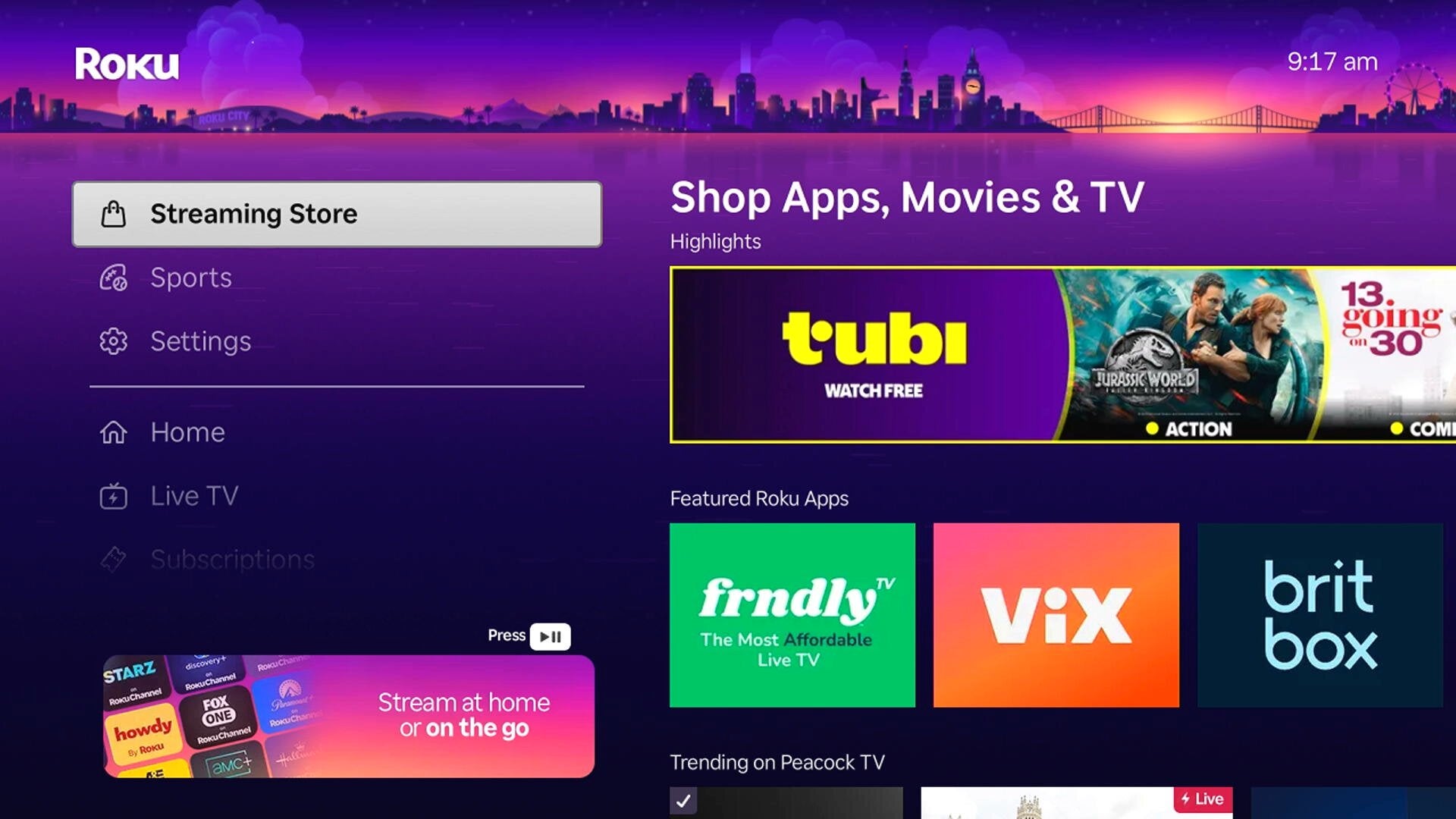
A Roku device is a conduit to all your favorite video and music subscription streaming services. Having a Roku player connected to your smart TV — or a smart TV with the Roku operating system pre-installed — makes it simple to watch favorite streamers like HBO Max and Paramount+ or listen to the likes of Apple Music and YouTube Music.
But to consume this content with a Roku device, you’ll need to download an app first. Most app downloads are free, though the services contained therein usually require subscriptions — but how does one add an app to their Roku device? We’ll offer all the details you need to know about adding and deleting apps from your Roku device here.
Everything you need to know about adding, deleting apps on Roku devices
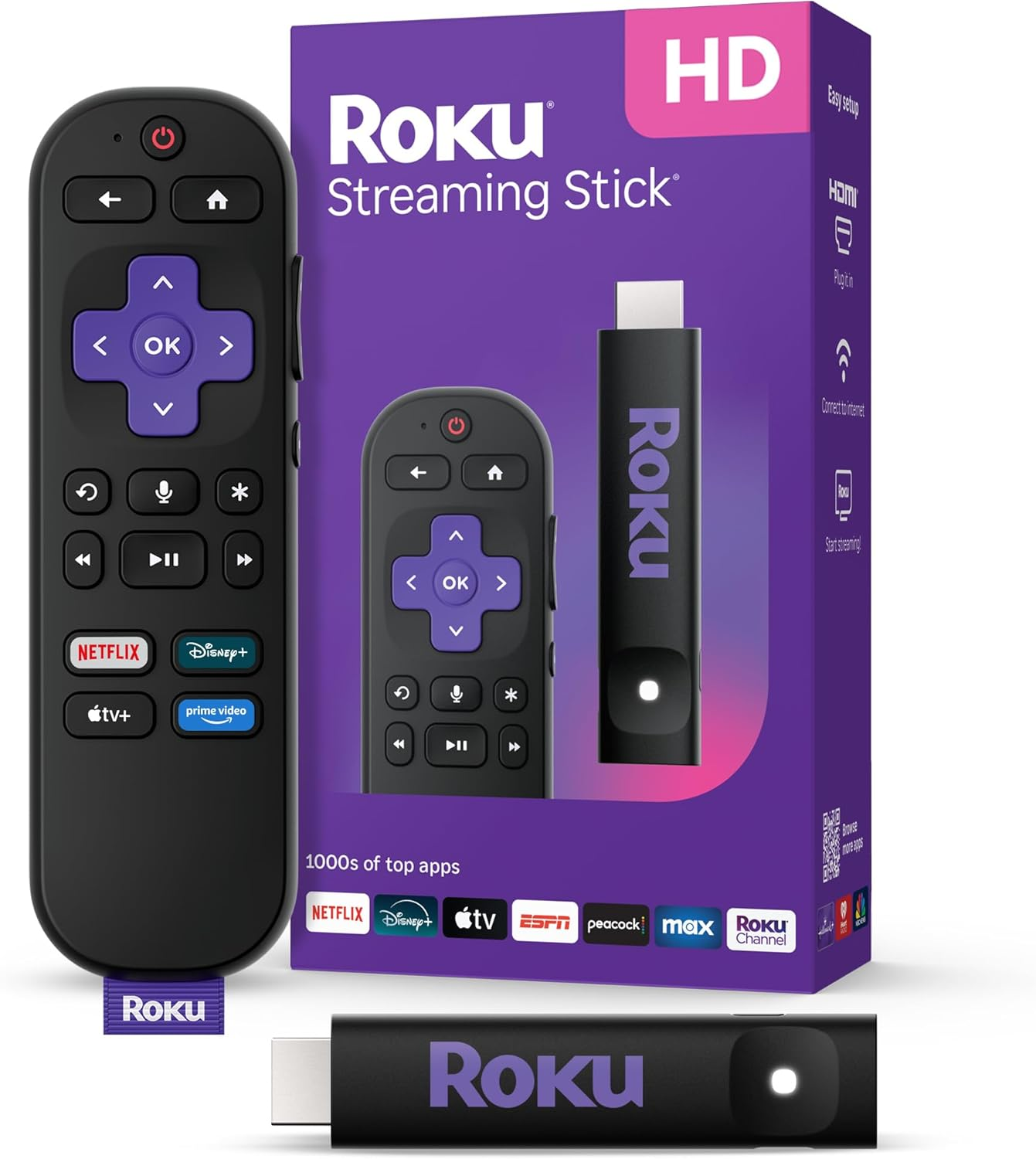
Roku streaming players
From $40
How to search for apps on Roku
There are a couple of ways to search for apps on the Roku device itself. You can always press the microphone button on the Roku remote and speak the name of the app you want to download to have the Roku voice assistant search for it.
- Press the Home button on the Roku remote.
- Scroll and select Store.
- Select Apps.
- Browse by genre, recommended, free, and other categories, or search for a specific app.
How to add an app on Roku
Once you’ve found the app you want after searching for it on your Roku streaming device or smart TV, simply click the app badge to be taken to its details page. Then, click Add app to begin downloading.
Add apps from the Roku mobile app
You can download apps to your Roku streaming player or smart TV from the Roku mobile app if you prefer the phone interface to that on your TV screen.
- Open the Roku app on your phone.
- Type an app name in the search bar, or go to the Store.
- Tap the app you want for more information.
- Select Add app to start downloading on your device.
If the app does not appear on your Roku device, go to your Roku device and select Settings > System > System update > Check now.
Add apps from the Roku website
Finally, Roku owners can add apps to their device or TV from the Roku website on a desktop or mobile browser using the following instructions.
- Navigate to channelstore.roku.com
- Sign in to Roku.
- Browse categories, or search for the app you want.
- Select Details to learn more about the app.
- Click Add app to install on your Roku device.
If the app does not appear on your Roku device, go to your Roku device and select Settings > System > System update > Check now.
How to check for app updates on Roku
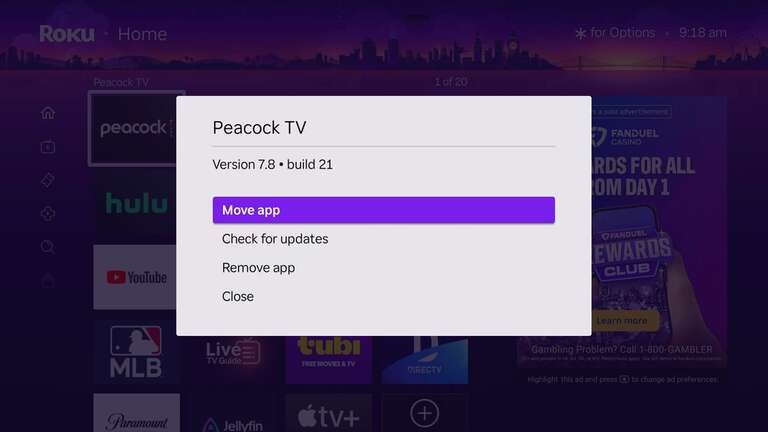
A Roku device will automatically update your video, music, and other apps as long as you keep it connected to the internet. However, you can check for updates on each app individually if you prefer.
- Turn on your Roku device and navigate to the Home screen.
- Find the badge for the app you want.
- Highlight the app, and press the Star button on the Roku remote.
- Select Check for updates, then press OK.
How to delete apps on Roku
Just as Roku offers multiple methods of adding apps to a device or TV, there are also a couple of different ways to delete apps from the Roku operating system.
To do so directly from the TV or streaming player:
- Power up the device and head to the Home screen.
- Highlight the app you want to remove.
- Press the Star button.
- Scroll to Remove app.
- Confirm your choice.
Delete apps from Roku using the mobile app
- Open the Roku mobile app on your device.
- Tap Devices at the bottom of the screen.
- Select Apps on Roku.
- Tap and hold the app you want to delete.
- Click Remove, then confirm.
Keep in mind, deleting an app does not necessarily mean you will no longer be charged for the subscription that app distributes. If you don’t cancel that subscription before deleting the app, you will still be charged any applicable fees by the programmer.
Can you clear app caches on Roku?
Roku devices do not offer a pathway to clear app caches, but viewers do have a workaround: uninstall and reinstall the app in question. Use the steps above to do so if you need to clear the cache of a specific app on Roku.
Roku streaming players
From $40
Roku streaming players make it easy to access your favorite streaming apps in one simple interface. With options for HD and 4K viewing, there’s a Roku device for every budget and setup.