Skip to Content

Add The Streamable as a preferred source on Google to see more streaming news and deals.

How to manage your Disney+ devices and detect intruders

How to manage your Disney+ devices and detect intruders

We’ll give you step-by-step instructions on how to see how many devices are using your Disney+ account, and how to log out of unauthorized ones.

Known for breaking major streaming stories, he’s covered everything from Netflix policy shifts to Peacock’s ad-tier changes. A sci-fi fan and Toshiba Fire TV user, he brings sharp analysis and a love for the genre to his reporting.

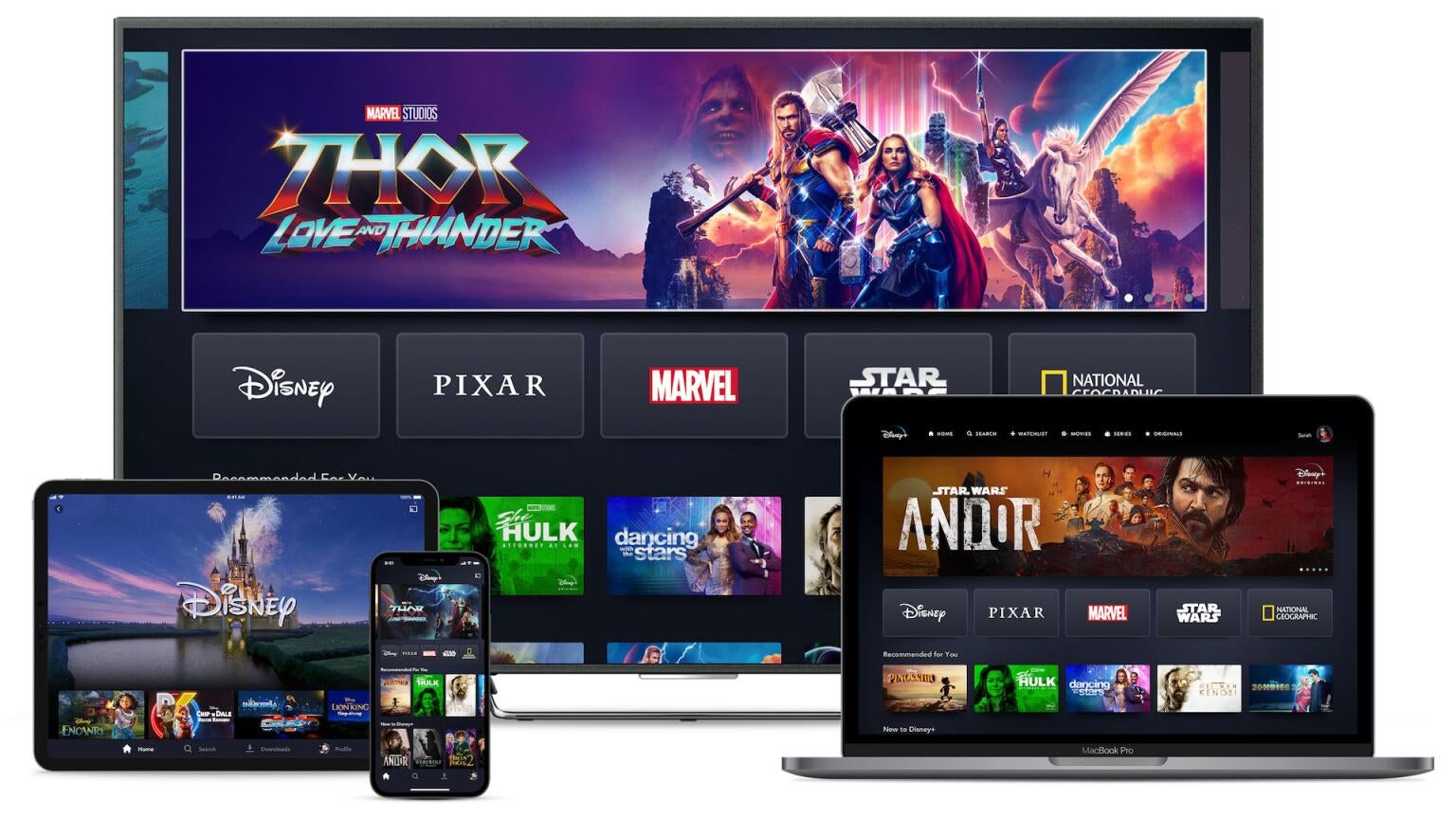
The Disney+ app has become the focal point of all things entertainment streaming from Disney. The app hosts all Disney+ originals, movies from big-name franchises like Marvel and Star Wars, decades’ worth of animated classics, and favorites from the Disney vault, as well as TV shows and movies from Hulu.

If you’re a Disney+ subscriber and you want to make sure your account is only being used by authorized devices, keep reading. We’ll let you know how to see which devices are watching your Disney+ account, and how to restrict unauthorized use below.

Everything you need to know to manage your devices on Disney+

How to see which devices are using your Disney+ account

You’ll want to make sure to log into the Disney+ website on any browser to make this process as simple as possible. Then:

  1. Hover over your profile icon, and click Account.
  2. Scroll down to Access & Security.
  3. Click Manage Devices.
  4. Browse the list of devices using your Disney+ account.

How to log devices out of your Disney+ account

Using the steps above to get to the device screen, click the Log Out button under any device you do not want to have access to your Disney+ account. You can also use the log out of all devices button at the top of the screen to lock out all devices using your Disney+ until they log in again.

What to do if someone unauthorized is using your Disney+

The best thing to do if someone has obtained access to your Disney+ account without your consent is to change the username and password associated with the account — also known as your MyDisney ID. For instructions on how to do so, click here.

Can you share your Disney+ account?

You may well want to give permission for your Disney+ account to be used by a friend or family member outside your home. However, the Disney+ terms of service do not allow this, and the streamer enforces restrictions to stop password sharing. Subscribers can add an extra viewer outside their home with Disney+ for an additional fee, however.

Disney+

Disney+ is a video streaming service with over 13,000 series and films from Disney, Pixar, Marvel, Star Wars, National Geographic, The Muppets, and more. It is available in 61 countries and 21 languages. It is notable for its popular original series like “The Mandalorian,” “Ms. Marvel,” “Loki,” “Obi-Wan Kenobi,” and “Andor.”

…

Disney+ has several plans with or without ads. Disney+ Basic with Ads costs $11.99 / month. If you don’t want ads, you can choose Disney+ Premium with No Ads, which costs $19.99 / month.

The Premium plan also offers an annual option for $189.99 / year ($15.83/mo.).

If you’d like to add Hulu, you can bundle the two services as well, but Disney+ is also continuing to integrate the two, which will soon be an all-in-one offering.

Sports fans can also bundle ESPN Select or ESPN Unlimited, with or without ads.

Disney+ most recently raised prices on September 23, 2026 — the fourth time in as many years.

The app supports unlimited downloads (on their Premium Plans), four simultaneous streamers, up to 7 profiles, 4K streaming, and includes hundreds of avatars.

The service includes 25+ original series, 10+ original movies, 7,500 past episodes, 100 recent movies, and 400 library titles, including the entire Disney Vault.

You can see the full list of available Disney, Disney Channel, Star Wars, Pixar, Marvel, Nat Geo shows and movies, or all available Disney+ content by checking out our Disney+ streaming movie listings.

Sign Up

Get Disney+, Hulu, and ESPN+ for just $16.99 a month ($14 savings).


David Satin has been a dedicated News Writer at The Streamable since 2022, covering a wide range of stories in the entertainment and streaming industries. With years of experience writing online, David previously worked as a list writer for Screen Rant, where he gained recognition for his extensive coverage of sci-fi and fantasy genres. His ability to break and analyze major stories has made him a trusted voice in the streaming world. Over the course of his career, Satin has become an integral part of The Streamable team, contributing to some of the most impactful stories in the industry.

Add The Streamable as a preferred source on Google to see more streaming news and deals.

DIRECTV Cash Back

Let us know your e-mail address to send your $50 Amazon Gift Card when you sign up for DIRECTV STREAM.

You will receive it ~2 weeks after you complete your first month of service.

Sling TV Cash Back

Let us know your e-mail address to send your $25 Uber Eats Gift Card when you sign up for Sling TV.

You will receive it ~2 weeks after you complete your first month of service.

Hulu Live TV Cash Back

Let us know your e-mail address to send your $35 Amazon Gift Card when you sign up for Hulu Live TV.

You will receive it ~2 weeks after you complete your first month of service.