This Peacock feature is so frustrating I’m considering canceling
This Peacock feature is so frustrating I’m considering canceling
I shouldn’t have to confirm that that I am still watching after a single 22-minute episode of ‘The Office.’

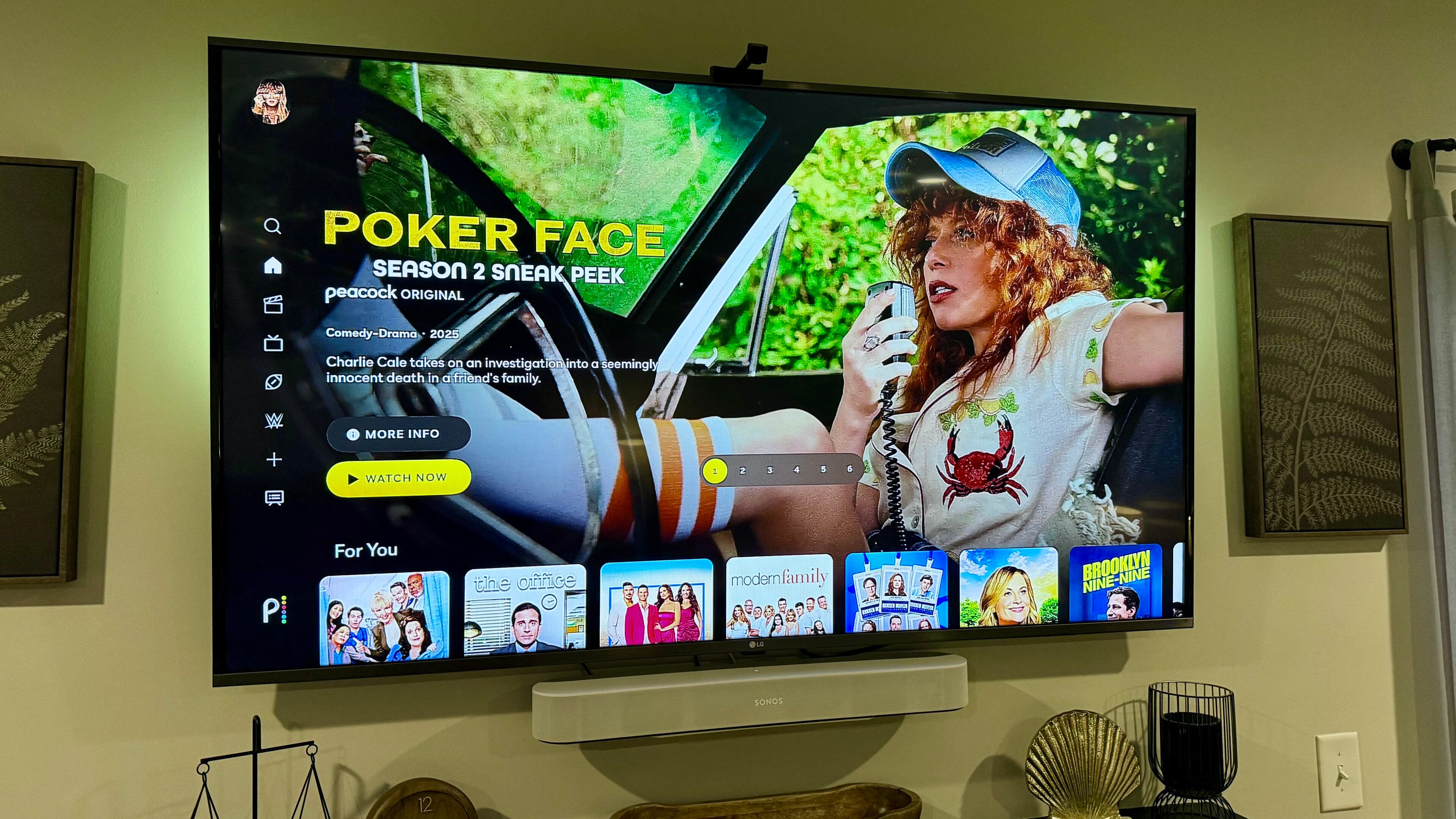
Peacock has become one of the most-watched streaming services in my house as of late, but there’s one “feature” that has become so overwhelmingly annoying that I’ve considered giving up on the streamer altogether. From reruns of “The Office” to “Modern Family” to newer releases like “St. Denis Medical,” there is a ton of content that my family and I love to watch on Peacock, especially considering the price. As we’ve been using the streamer more, we’ve found that its interface is extremely user-friendly; navigating around and accessing the shows is very intuitive, and at first, it was truly a breath of fresh air in what can be a complicated streaming world.
During the late afternoon and early evening, we tend to keep our Apple TV on with shows running as background noise. No one is usually sitting down in front of the TV actively watching, so it’s not unusual for it to go through a few episodes of the same show without any interaction with the remote. Most streaming services have some type of “Still Watching?” functionality that pops up every now and then to make sure people are still actively watching the shows, which is something you’ve probably seen a time or 10 before.
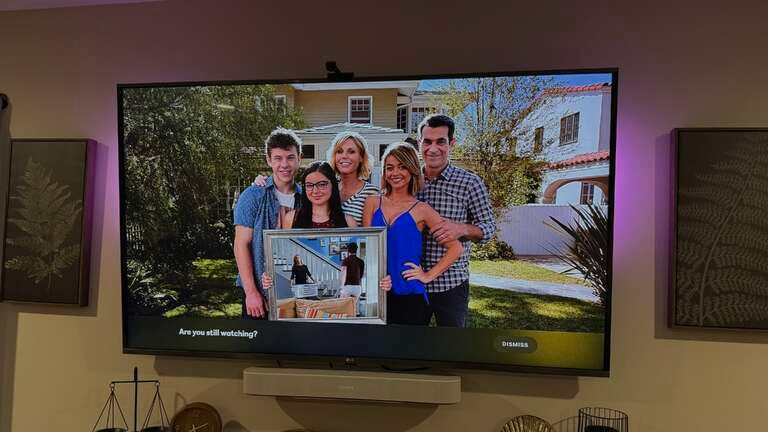
This has become standard operating procedure for streaming services, so it has also become a known and expected part of how people stream. However, there’s something about the way that Peacock has implemented the functionality that has made it beyond frustrating at this point. The prompt that asks “Are you still watching?” is super aggressive, to the point where we’ve literally seen it appear after completing a single episode of the show. Now, I can understand if you’re a few hours into a binge session and haven’t interacted with the TV at all, it should absolutely ask to confirm. After a single episode, and then again two episodes later, though? That’s a little over the top.
One may argue that it’s easy to just confirm that you’re still watching, which, yes, it’s VERY easy, but that’s not the point. If we’re in the kitchen cooking dinner, listening to the TV as background, we shouldn’t have to walk over to our remote after every 22-minute episode to confirm that we are indeed still using the TV. If the streamer is going to actively make it more difficult to use the platform, then it significantly lowers the value proposition involved in my family’s decision to pay to use the service.
We also subscribe to other services, like Netflix, YouTube TV, and Prime Video. Each of these has its own prompt that appears, but it’s never been as aggressive or annoying as the way that Peacock does it.
Unfortunately, there’s no way to turn this “feature” off or change the interval at which it appears. We are not alone in wanting to be able to turn it off, though odds are this isn’t something that will be made available from Peacock.
If you’re a Peacock subscriber, have you noticed the same? Drop us a comment and let us know what your experience is, and which device you primarily use to stream Peacock.

Peacock
Peacock is a subscription video streaming service from NBCUniversal that includes original shows, blockbuster movies, and classic television series. Peacock is home to “Yellowstone,” “The Office,” and original hits like “Poker Face” and “Bel-Air.” You can also watch live sports and NBC programming, including the NFL, MLB, WWE, the Olympics, the Premier League, NASCAR, the French Open, college football and basketball, and the PGA Tour. Premium Plus subscribers can stream their local NBC feed in all 210 markets.