How should you be powering your streaming device?
How should you be powering your streaming device?
Which streaming players do you need to plug in, and which can you power through your TV’s USB port safely instead?


So you’ve purchased a new streaming player, and you’re eager to pull it out of the box and start downloading your favorite apps. All it takes is plugging the dongle’s power source into your TV’s USB port and getting started, right? After all, it’s a lot more convenient than trying to dedicate precious outlet space to your new streaming player, not to mention trying to reach all the way from your TV to the power strip buried behind your entertainment center.
But there can be major advantages to plugging in your streaming player to a wall outlet or power strip instead of a TV’s USB port — especially if you’ve purchased a high-end device like an NVIDIA Shield or Roku Ultra. Using a traditional outlet to power your new player can actually be crucial for getting the highest performance.
So, why specifically should you think about plugging your streaming device into the wall, and which devices are fine in the TV’s USB port? We’ll explain everything you need to know about plugging in your streaming player in this guide.
What you need to know about plugging your streaming player into a power outlet
What are the advantages of plugging your streaming player into a power outlet?
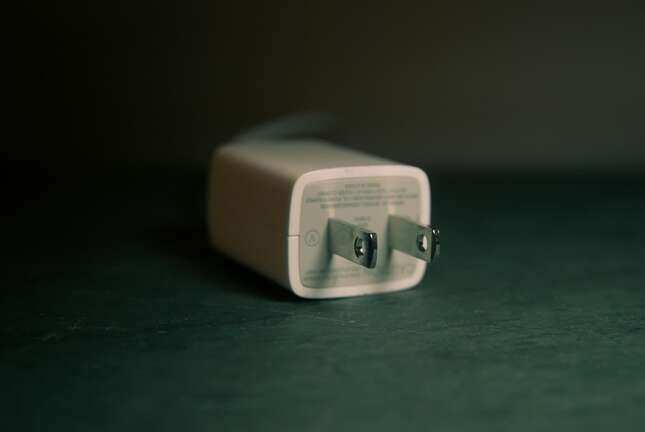
While it may be a trifle less convenient to plug your streaming player into a wall outlet or power strip instead of a USB port on your TV, it can actually be a key step if you want to maximize the performance of your device.
Using an outlet or strip to power your streaming player ensures it always has enough juice to operate properly. Just using your TV’s USB port may not provide sufficient power to properly run the device; newer devices need as much as one amp or more to work; older TVs’ USB ports provide only half that power.
And, if you have a high-end streaming player that you use to watch Ultra-High-Definition 4K video, you risk not having enough power to stream while using your TV’s USB port. This can result in slower loading, buffering issues, freezes, and even crashes if your device isn’t receiving enough power.
If you’ve ever been stuck in a boot loop, where your streaming player starts, begins to wake up, then crashes and starts again, you know the dangers of not having enough power for your streaming device.
Which streaming devices are safe to power with your TV’s USB?
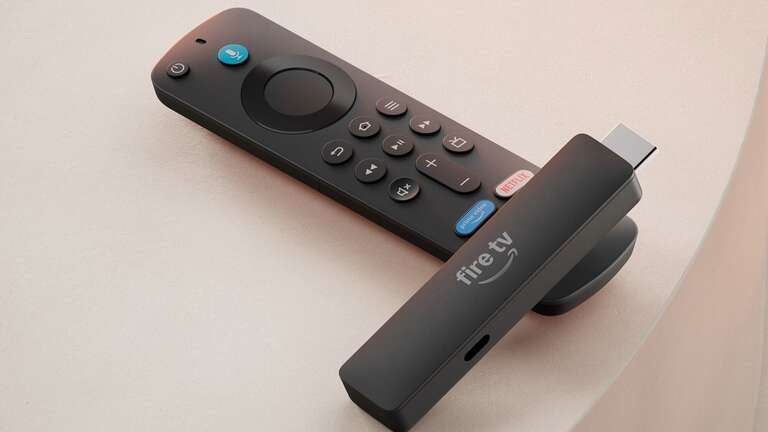
First, you’ll want to ensure your TV’s USB ports are able to provide enough power to support a streaming device. You will need a port that can offer at least 1 amp of power, and even then, you’ll want to check your streaming device to see if it’s safe to power with the TV’s port.
Some newer model streaming devices are advertised as able to plug safely directly into the TV, such as the new Fire TV Stick HD, which was released in April. This model comes with Direct Power and includes a USB-C cable to eliminate the need for a wall adapter. The new Amazon Fire TV Stick 4K, which dropped this fall, also omits a wall adapter in favor of a USB connection directly to the TV.
The Roku Streaming Stick HD can also run on 1 amp of power, allowing it to plug in to a USB port and go. In general, only lower-powered streaming sticks, such as models that top out at 1080p HD resolution, should be powered through most TV USB ports. Some newer Roku 4K sticks can also be powered through the TV, but the Ultra still requires a wall adapter.
Which streaming devices come with wall adapters in the box?
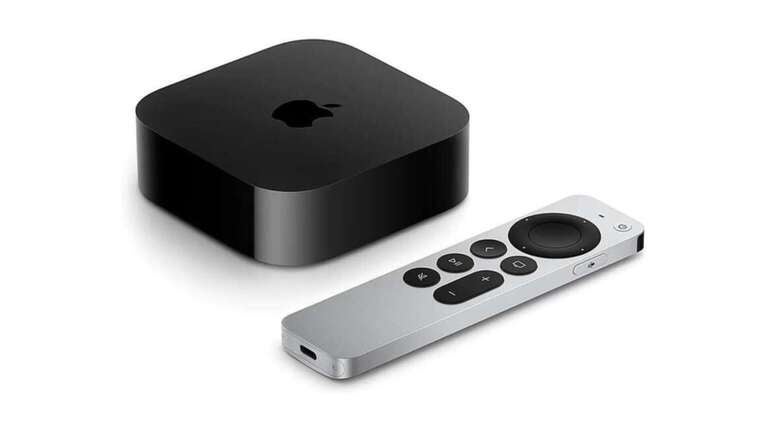
- Amazon Fire TV Stick 4K Select
- Amazon Fire TV Stick 4K Plus
- Amazon Fire TV Stick 4K Max
- Amazon Fire TV Cube 4K
- Roku Ultra
- Google TV Streamer
- Apple TV 4K (newest model ships Nov. 13, 2026)
Can you purchase an external wall adapter for your streaming device?
If your streaming device did not include a wall adapter in the box, you can easily find Micro-USB and wall adapter sets at online retailers like Amazon for less than $10. Double-check the required power on your device against any wall adapter/power cord you purchase first, however!
Is there any benefit to powering your streaming device via USB?
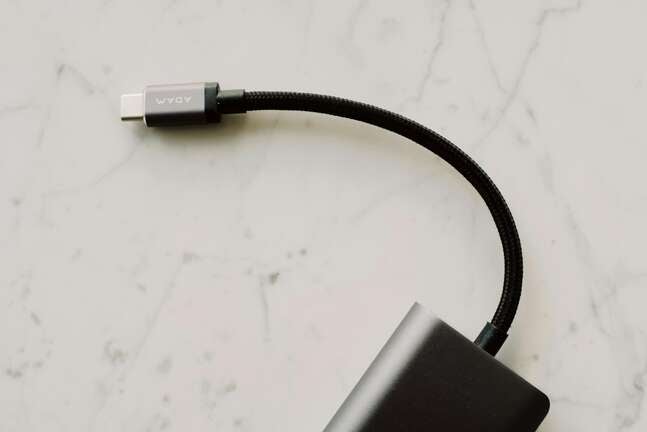
If you can get peak performance out of your streaming player while plugged into a USB port on your TV, it’s a great way to reduce clutter. Just plugging the stick into the TV means you don’t have to devote one of your power strip’s outlets to it, and your streaming device will always be hidden out of sight.
Being able to power your streaming player through your set’s USB is a particularly handy convenience in tighter quarters, where moving the TV stand and set out to plug in a new device to the wall isn’t easy or desirable.
So, what’s the best choice for your streaming player?
To sum things up a bit, streaming players that require less power for lower performance can get away with being plugged directly into a TV’s USB port. More and more streaming players are being optimized to do just that; the new-generation Fire TV Stick HD and 4K, for example, as well as many current Roku models.
Higher-performance streaming players like the Apple TV should almost always be plugged into the wall or power strip, however, and many don’t even provide an option to plug into the TV for power instead. If you own a top-of-the-line streaming player — even from budget-first lines like Roku and Amazon Fire TV — you should be plugging it into the wall.