Which streaming players can connect via Ethernet?
Which streaming players can connect via Ethernet?
We’ll explain which devices have Ethernet connectivity built in, the advantages of using Ethernet, and more here.


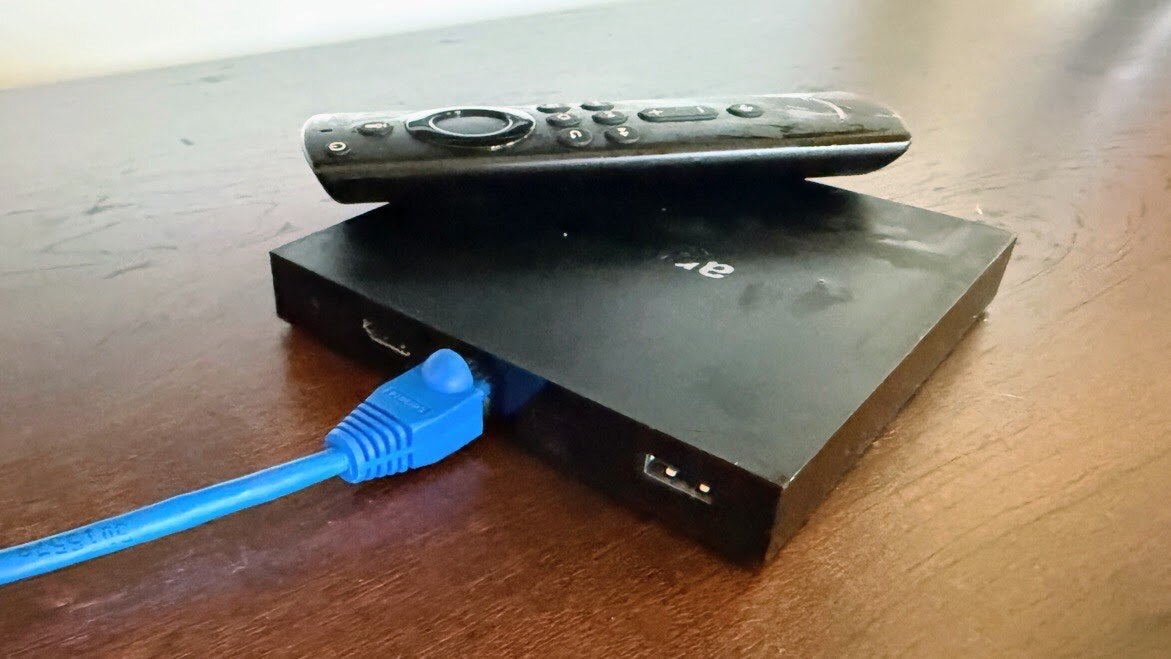
These days, a Wi-Fi connection is the most common way to connect a streaming device to the internet, and it’s no wonder why. Most people can get along fine with a wireless connection, even if it can be a little slower to download a new app or include some buffering issues if the TV is far from the router.
But an Ethernet cable can provide viewers with a stronger and more reliable connection than Wi-Fi, even if it is slightly less convenient to set up. While many streamers would rather get online via a wired connection, not all streaming devices provide Ethernet connectivity, complicating things for these viewers.
If you would like to hardwire your setup for a smoother streaming connection, we will run through which streaming devices come with Ethernet connectivity options, what equipment you need to connect, and everything else you need to know.
What you need to know about connecting your streaming device via Ethernet
What are the benefits of connecting your streaming device via Ethernet?
While a wireless connection is often the most convenient way to get your streaming device online, there are definite advantages to connecting with an Ethernet cable when available. Wi-Fi signals can be obstructed by all kinds of things, from physical obstacles like walls to signal interference. Poor router placement, network congestion, and even using the microwave can also slow down your Wi-Fi.
Using an Ethernet cable helps overcome all that difficulty, wiring you directly into your internet gateway for a more stable and reliable connection. One tester at CNET found that using Ethernet tripled her download speeds as compared to using Wi-Fi.
When streaming video, the advantages of a faster, more stable connection are obvious. Using Ethernet can help viewers avoid buffering and loading issues when booting up streaming apps, browsing, and watching content — especially if you want to stream in Ultra-High-Resolution 4K or other premium video formats. It can also help avoid extra latency issues while watching live events, keeping the action they see on their screen closer to when it occurred in real time
Which streaming devices can you connect to Ethernet cables?
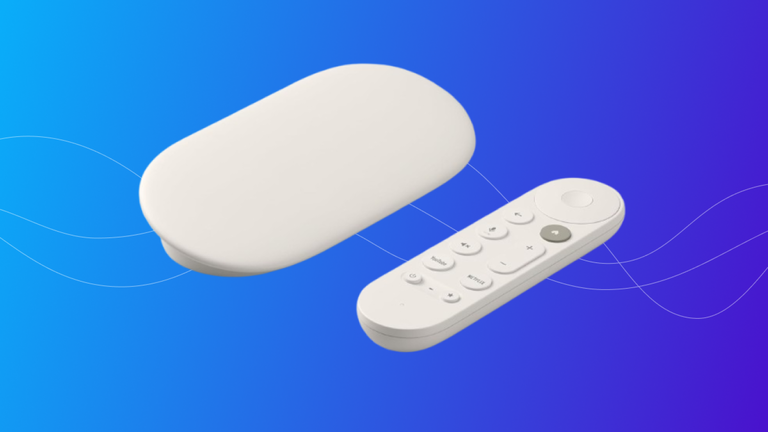
Most streaming sticks don’t include any kind of Ethernet connectivity; streaming sticks are built to be compact in order to fit behind TVs and in tight places; therefore, adding an Ethernet port would be counterproductive. However, the larger, more expensive streaming devices often include such connection options, because companies assume that if you are going to spend more on the higher-end device, you likely care more about your connection as well.
What devices have an Ethernet port?
As mentioned above, in today’s market, the number of streaming devices that come with an Ethernet port is shrinking. However, the higher-quality devices from each manufacturer are the ones most likely to provide the flexibility, since they are generally focused on providing the best streaming experience possible, irrespective of price and size.
The following streaming devices come with Ethernet ports built into their housing:
Can you buy an adapter to connect a streaming device to Ethernet?
Yes! You can grab an adapter to connect an Ethernet cable to just about any streaming device that does not have an Ethernet port. Amazon makes such an adapter for Fire TV devices, but there are multiple models available that can wire your streaming player to your home internet as long as it has a USB-C port.
The nice thing about the adapters for the Fire TV devices is that when you get the Amazon product, you know they are compatible. However, not all adapters will work with all streaming devices, even if all of the pieces fit together. There are some devices, for example, that work with a variety of devices, but specifically say that they are not compatible with Roku products. So, while adapters are a possibility, make sure that you stick within a device manufacturer’s universe of products, or do your research before making a purchase.
How to connect a streaming device via Ethernet
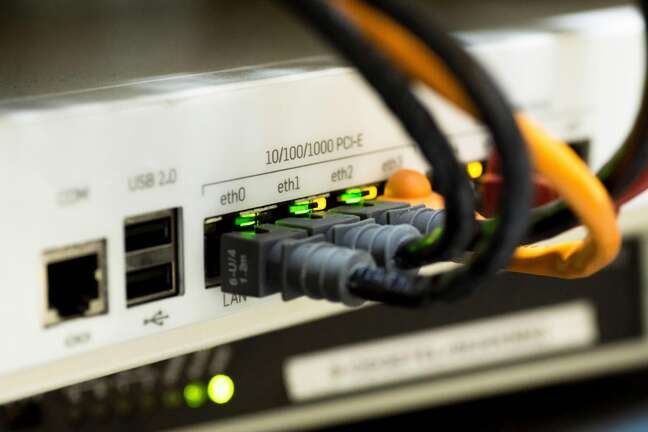
It’s very simple to connect a streaming player to Ethernet. If you have a device with a built-in Ethernet port, simply plug a cable into the port, with the other end connected to an Ethernet port on your gateway. Then, turn on your TV, navigate to settings, and check your network connection.
Note, if your router and modem are contained in separate devices, wire your devices into your router’s Ethernet ports.
There is an extra step to follow if you have a Roku or Fire TV stick that doesn’t have an Ethernet port.
- Attach your Ethernet adapter to your streaming dongle via the USB-C port on the dongle.
- Plug the Ethernet port into the adapter and the router.
- Turn on your device and TV, and open the Settings menu.
- Ensure your connection is set to Wired.
What equipment is needed to connect a streaming device via Ethernet?
There are only three to four main pieces of equipment needed to wire your streaming device into your home internet connection:
- A gateway/router with a free Ethernet port.
- A streaming device with an Ethernet connection.
- An adapter for devices with no Ethernet connection.
- An Ethernet cable long enough to bridge devices.
Adapters usually cost around $10 to $15, and shoppers can get 50 feet of Ethernet cable for $20 without much trouble.
That’s it! Once you have those things, you are ready to set up a wired connection to your streaming device and start downloading apps, livestreaming sports, and more. If you’re tired of suffering through Wi-Fi-related streaming delays, this could be the perfect way to overcome them.