How to tell which devices are using your Netflix acccount
How to tell which devices are using your Netflix acccount
Suspect someone unauthorized is using your Netflix subscription? Find out how to tell for sure, and put a stop to it here.

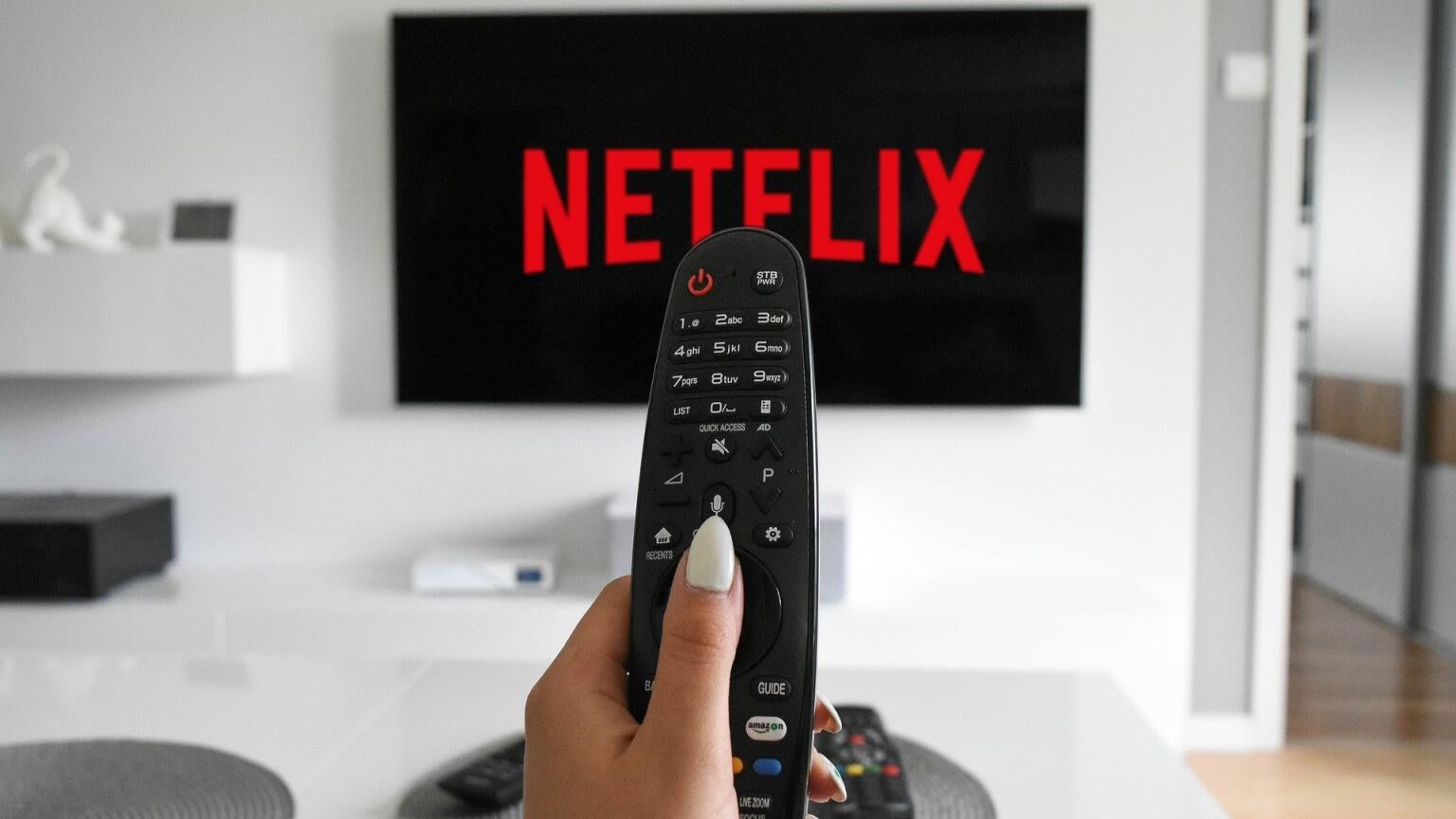
Having a Netflix subscription helps you keep up with the latest TV and movie releases, grants you access to a huge library of originals and licensed titles, and, increasingly, provides access to live sports. The number of titles available on Netflix will only grow in the future, as well.
If you get the sneaking suspicion that someone may be using your Netflix account without your permission, however, we can help you find out for sure! Learn how to put a stop to unauthorized access to your Netflix account, and what to do if your account has been compromised, below.
How to see which devices are using your Netflix account
See which devices are streaming your Netflix account
To find out which devices are streaming your Netflix account, open the streamer's website on any web browser. Then:
- Click your profile icon to make the drop-down menu appear.
- Click Account.
- Choose Security on the left-hand side of the screen.
- Scroll down to Access and devices.
- See the devices signed into your Netflix account.
How to sign devices out of your Netflix account
Once you’re in the Access and devices section of Netflix, you can either choose to sign connected TV devices out of your Netflix account individually or scroll to the bottom of the screen and click Sign Out of All Devices. To sign out device by device, click the arrow to the right of each device’s name.
What to do in case of unauthorized Netflix access
If your Netflix account has been compromised, the first thing to do is change the email and password associated with your subscription. Click here to read The Streamable’s guide on how to do so.
Can others use your Netflix account with permission?
Netflix enforces strict password-sharing rules, which are intended to keep viewers from sharing their login credentials. Netflix will detect your attempts to allow someone to use your account, and take measures to prevent it.
Netflix will allow customers to pay to allow someone outside their home to watch their subscription with permission, starting at $7 per month to add a viewer to the Standard with Ads plan.

Netflix
Netflix is a leading subscription-based video streaming service that offers on-demand access to an extensive library of over 3,000 movies, 2,000+ TV shows, and a growing collection of acclaimed Netflix originals. Renowned for producing groundbreaking content, Netflix has become a cultural powerhouse with hit originals like “Stranger Things,” “Wednesday,” “Squid Game,” “The Crown,” “Tiger King,” “Bridgerton,” “The Witcher,” and “Black Mirror.”