Here’s how to sign up for a Spotify profile
Here’s how to sign up for a Spotify profile
We’ll explain everything you need to know about subscribing to Spotify for the first time.

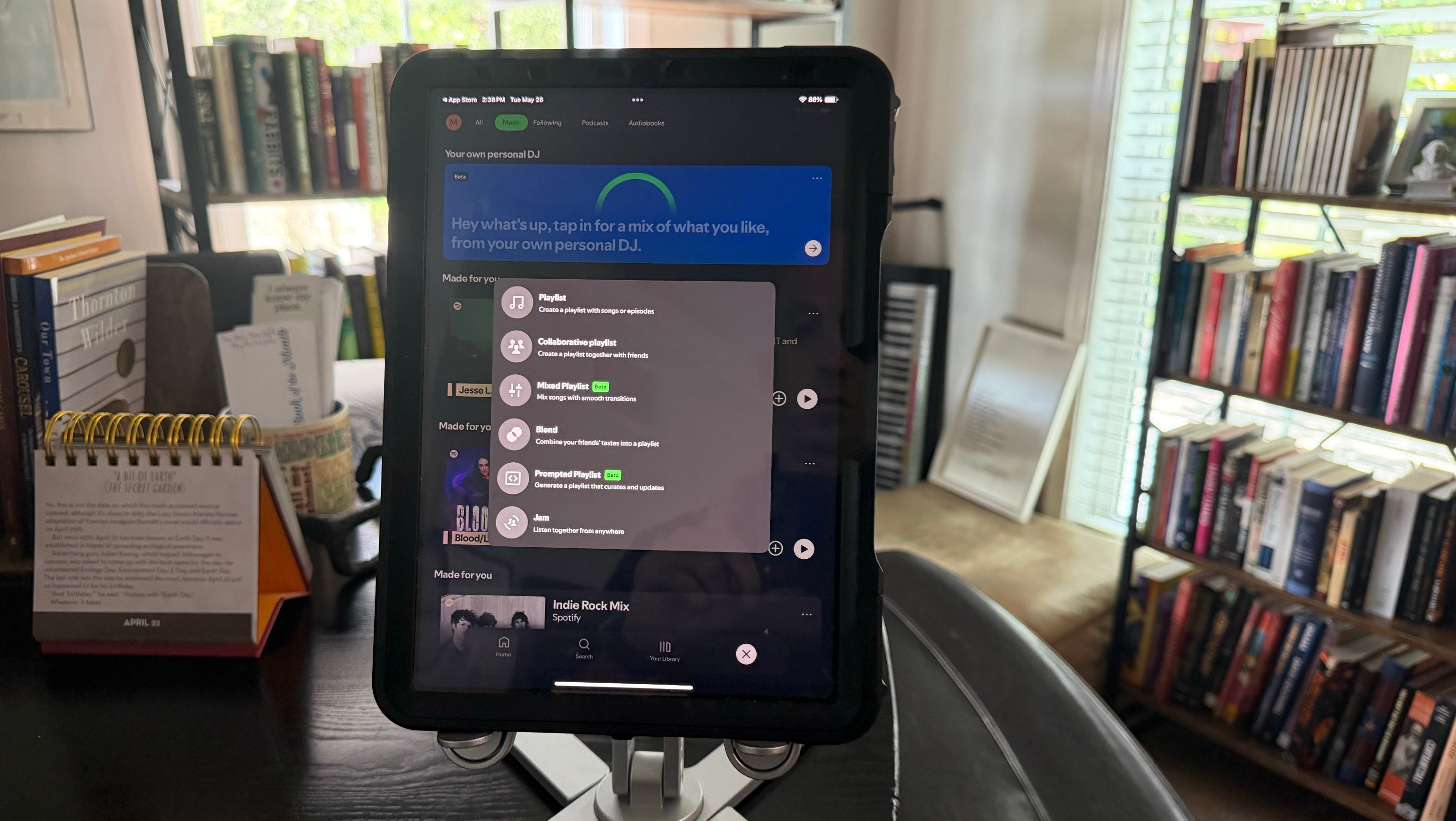
We aren’t just experts in the world of video streaming here at The Streamable — we also love to share our voluminous knowledge about music streaming services! Music streamers are great for listening to millions of songs from thousands of artitsts on a single platform, and can be listened to at home or on a wide range of mobile devices.
If you’ve narrowed down your music streaming choice to Spotify, but aren’t sure how to actually get yourself a subscription, read on. Our simple guide will help you choose a Spotify plan, sign up, and even upgrade an existing plan if you’ve already got an account.
Everything you need to know to sign up for a Spotify subscription
What is Spotify?
Spotify is an audio streaming service that gives listeners instant access to millions of songs, as well as a long list of podcasts, and even some audiobooks. Subscribers can create custom playlists, view personalized recommendations, and listen on a variety of devices, including Android and iOS mobile devices, smart TVs and streaming players, smart speakers, computers, tablets, and even smartwatches.
How much are Spotify plans?
Spotify has a free listening tier that allows users to listen to millions of songs and podcast episodes supported by ads. It also has several Premium subscription options, including individual, family, and student plans that include ad-free playback and other benefits (more below). Check out the various options in the table:
| Plan name | Price per month | Number of Premium accounts |
|---|---|---|
| Individual | $13 | 1 |
| Student | $7 (verification required) |
1 |
| Duo | $19 | 2 |
| Family | $22 | Up to 6 |
How to sign up for Spotify
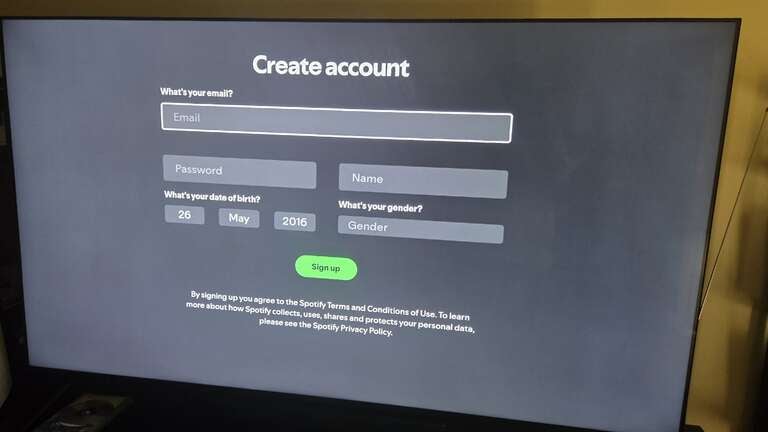
Web browser
- Click here to sign up for a Spotify Premium account.
- Scroll to the plan you want, and click Get.
- Click Sign Up at the bottom of the screen.
- Create an account with a username and password, or sign up with your Apple or Google account.
- Enter payment details and follow on-screen prompts.
Connected TV app
The Spotify app is available on smart TV and streaming device operating systems, including Amazon Fire TV, Apple TV, Roku, Google TV, Samsung Tizen, and LG webOS, as well as game consoles like Xbox and PlayStation.
To use Spotify on your smart TV:
- Download the Spotify app on compatible smart TVs and connected TV devices.
- Open the app, and click Sign Up.
- Create an account with Spotify.
- Follow on-screen prompts to finish setting up your account.
Mobile app
While you can create a free Spotify account on a host of mobile devices, you should be aware that you cannot upgrade to a Premium Spotify subscription through the Spotify app on an iPhone or iPad. You’ll need to open a web browser to upgrade to Spotify Premium, set up your subscription, then head back to your Spotify app on mobile and access Premium features.
To sign up for a free Spotify account on your Android or iOS device:
- Download the Spotify app from Google Play or the Apple Store.
- Open the app, and tap “Sign up” for free.
- Fill in the requested details to create your free account.
To upgrade to a Spotify Premium account on an Android phone or tablet:
- Open the app.
- Click the Premium tab in the bottom navigation plan.
- Choose your plan and follow on-screen prompts.
Does Spotify have a free trial?
Yes, first-time Spotify Premium subscribers can sign up for a three-month free trial to give the service a thorough test before committing their money. This 90-day trial is one of the most generous in all of music streaming, so if you haven’t tried Spotify before, make sure you do.
Do you have to make an account to use Spotify?
As we mentioned, Spotify includes a free tier that offers a ton of songs and basic features. While there’s no subscription fee for this plan, listeners must create an account to use it. A Spotify account is also needed to listen to all Premium plans.
What are the benefits of Spotify Premium?
Spotify Premium comes with a host of great benefits for subscribers. You may not need to pay to sign up for Spotify Premium if you’re only a casual listener or have become accustomed to ads during your music and podcast playback. But if you’re serious about your playlists or podcasts, you should make sure to give a Spotify Premium subscription a serious look.
Benefits include:
- Add-free playback
- Download up to 10,000 tracks for offline listening
- Up to 15 hours of monthly audiobook listening
- Group listening sessions with other Spotify Premium subscribers
- Unlimited skips
- A three-month free trial
How to change or upgrade an existing Spotify subscription
If you’re already a Spotify subscriber who wants to upgrade to Premium or change a Premium subscription from one to another, you can do so with ease at any time.
From any device:
- Log in to your Spotify account.
- Go to your Account menu, and click Manage your plan.
- Select Change plan, and choose a new subscription.
Where is Spotify available?
Spotify is available in 184 markets around the world, including all of North America, most of Europe and Africa, a huge percentage of Asia-Pacific territories, and more. This ensures you can take your Spotify subscription with you wherever you go once you’ve got an account.