How to use voice search with Fire TV
How to use voice search with Fire TV
Everything you need to know about operating your Fire TV with voice commands.

The death of the old cable remote has been something of a mixed blessing for TV watchers. While the relatively tiny number of buttons on the modern streaming remote has made using them much less complicated, it also leaves viewers with less functionality and control over their set.
Many smart TVs and streaming devices try to compensate for this with the use of voice assistants. Amazon Fire TV devices are equipped with Alexa, which allows owners to search for new titles and apps, control playback, and more with voice controls. But how do you use voice search on Fire TV devices, and can you really use voice control for anything on Fire TV? Find out what you need to know here.
Everything you need to know about using voice search on Fire TV
Fire TV streaming players
From $16
How do you use voice search on Fire TV?
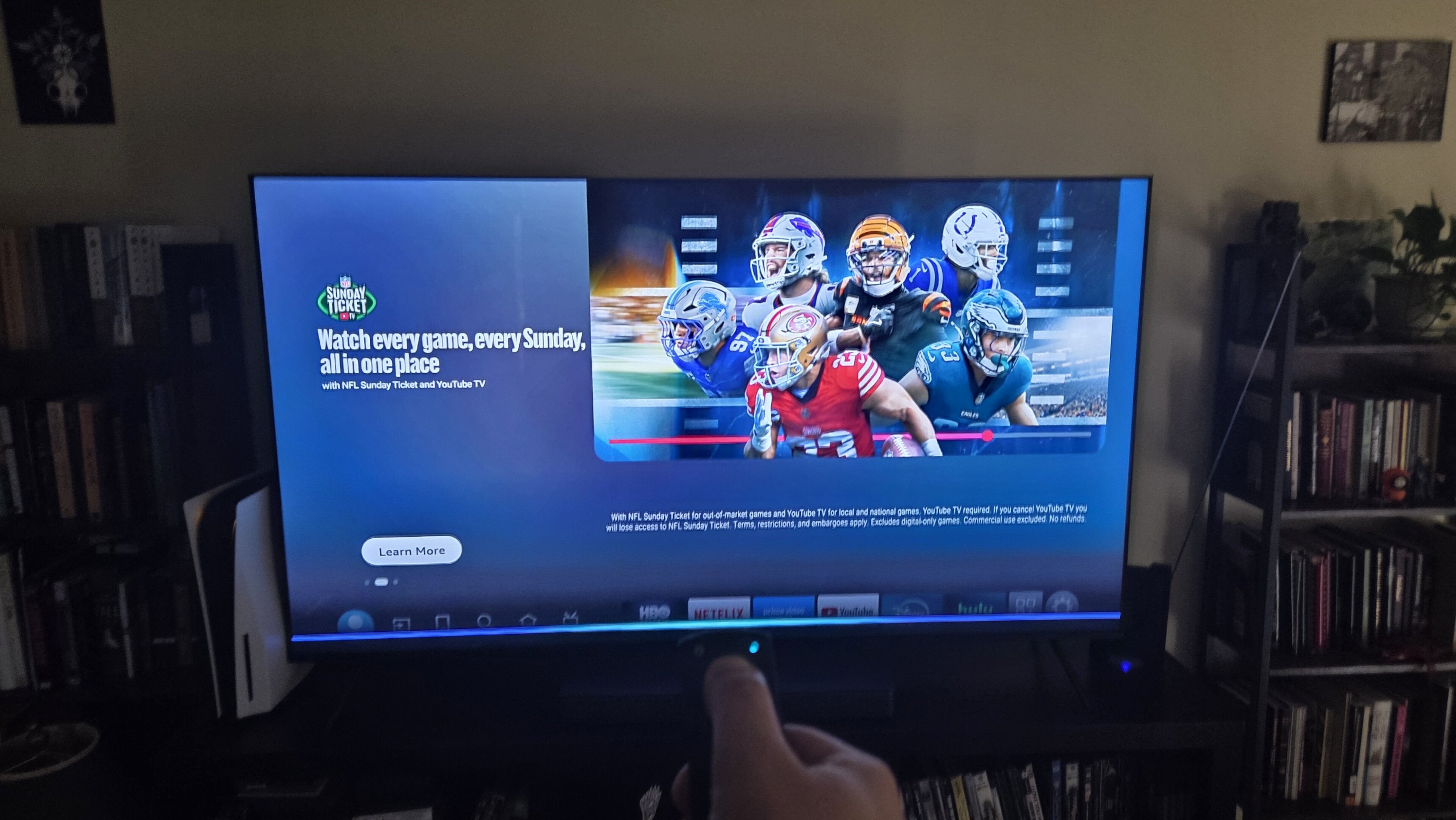
Using voice search on Fire TV is a very simple operation. To do so, simply press and hold the Alexa or microphone button on your Fire TV remote until a tone plays on your TV and you see a blue line appear at the bottom of the screen. The LED on your remote will also emit a solid blue light when holding the button. It all means Alexa is listening for your query and is ready to respond.
If you have a Fire TV Cube, you’ll also be able to use Alexa hands-free thanks to the device’s built-in microphone. Just say “Hey Alexa” to start your command or query.
Can you use voice search on Fire TV’s mobile app?
Yes, the Fire TV mobile app allows viewers to use their phone as a remote if they want a more hand-friendly experience, or if they can’t find their physical remote. The Fire TV mobile app’s digital remote also includes a voice search button to allow viewers to use Alexa to control the device, just as they could with a standard remote.
What can you search for with Alexa on Fire TV?
The Alexa home assistant that’s built into modern Fire TV devices has a ton of functionality. You can speak a host of commands into your Fire TV device to find new content or new apps, control playback, or even switch inputs on your TV provided you have such controls
enabled.
Use Alexa on your Fire TV to:
- Search for specific shows, movies, or apps.
- Search for titles with particular actors.
- Look up broad categories or specific themes.
- Describe a plot or mood you want to see.
- Look up free shows and movies.
- Find specific artists and tracks.
- Search for playlists or radio stations.
- Ask for sports scores, player stats, or news headlines.
- Ask general questions
- Interface with smart home devices.
What is Alexa+?
Alexa+ is the next-generation virtual assistant from Amazon, which has been upgraded with AI to allow for more conversational interactions. Alexa+ can handle multi-step commands with ease, and integrates with third-party services like Spotify, Uber Eats, and others.
Originally, Alexa+ was paywalled in the Prime bundle, or viewers could enjoy a separate subscription for $20 per month. But in August 2026, Amazon decided to make Alexa+ free for all current-gen Fire TV owners. Using Alexa+ with Fire TV allows owners to enter even more vague or more conversational search terms to find what they’re looking for with ease.
How does voice on Fire TV work with smart home devices?
A huge number of smart home devices that are compatible with Alexa can be controlled via voice with your Fire TV remote. This includes items like Ring doorbell cameras, Philips Hue lights, smart plugs, and even thermostats and door locks.
Devices that support Matter, the universal smart home standard, can also connect with Alexa. Smart home devices that are exclusively compatible with other ecosystems like Apple HomeKit or Google Home won’t work with Alexa, but you can still connect a huge number of devices and use them with your Fire TV overall.
Fire TV will act as a digital dashboard for your connected smart home devices. Just say “Alexa, show me my Smart Home Dashboard” to see your connected lights, plugs, thermostats, cameras, and more, and adjust any settings using your remote without leaving the comfort of your couch.
Why voice search on Fire TV is handy
Using voice commands and search on Fire TV instead of using the remote can be a much easier way to control just about everything. Scrolling for an app badge can be tiresome — particularly if it’s an app I haven’t used for a while, but with Alexa I can just speak the name of the app into the remote and call it up in seconds.
I especially appreciate how easy it is to use the voice assistant in the dark. The physical Alexa button on my Fire TV remote is light blue, which makes it easier to see in low-light environments. That means I don’t have to worry about pressing the wrong button when watching a movie with cinematic lighting; I just press the Alexa button to control playback with voice commands instead.
I can’t remember the last time I scrolled to the inputs button on the Fire TV home screen, either. Alexa makes switching inputs the matter of a spoken word, and the assistant makes adjusting most settings a fast process, obviating the need to root around various menus to adjust what I’m looking for.
I don’t use Alexa for recommendations often, but when I do, I’ve been pleasantly surprised by the results. Not only will Alexa show you options on Fire TV, but the platform also makes it simple to know where that title is available to stream.
Where voice search on Fire TV could use some work
The most common complaint I have about using Alexa on my Fire TV is that voice search can easily get overwhelmed when the device is being used to stream a show or movie. The relatively small amount of RAM used in smart TVs and streaming devices means executing complex voice commands while performing other tasks can lead to slowdowns.
There are also occasional latency issues with Alexa that have nothing to do with your personal hardware. If Amazon’s servers encounter a slight hiccup, those minor delays can cause major headaches for users, causing Alexa to slow down or simply time out.
And of course, no discussion of home assistant technology would be truly complete without discussing privacy concerns — especially with hands-free Fire TV devices that some customers may fear are always listening to them. There is no evidence to suggest that Fire TV devices are snooping on customers nefariously, but the concern is hard to shake for privacy rights advocates in general.
Fire TV streaming players
From $16
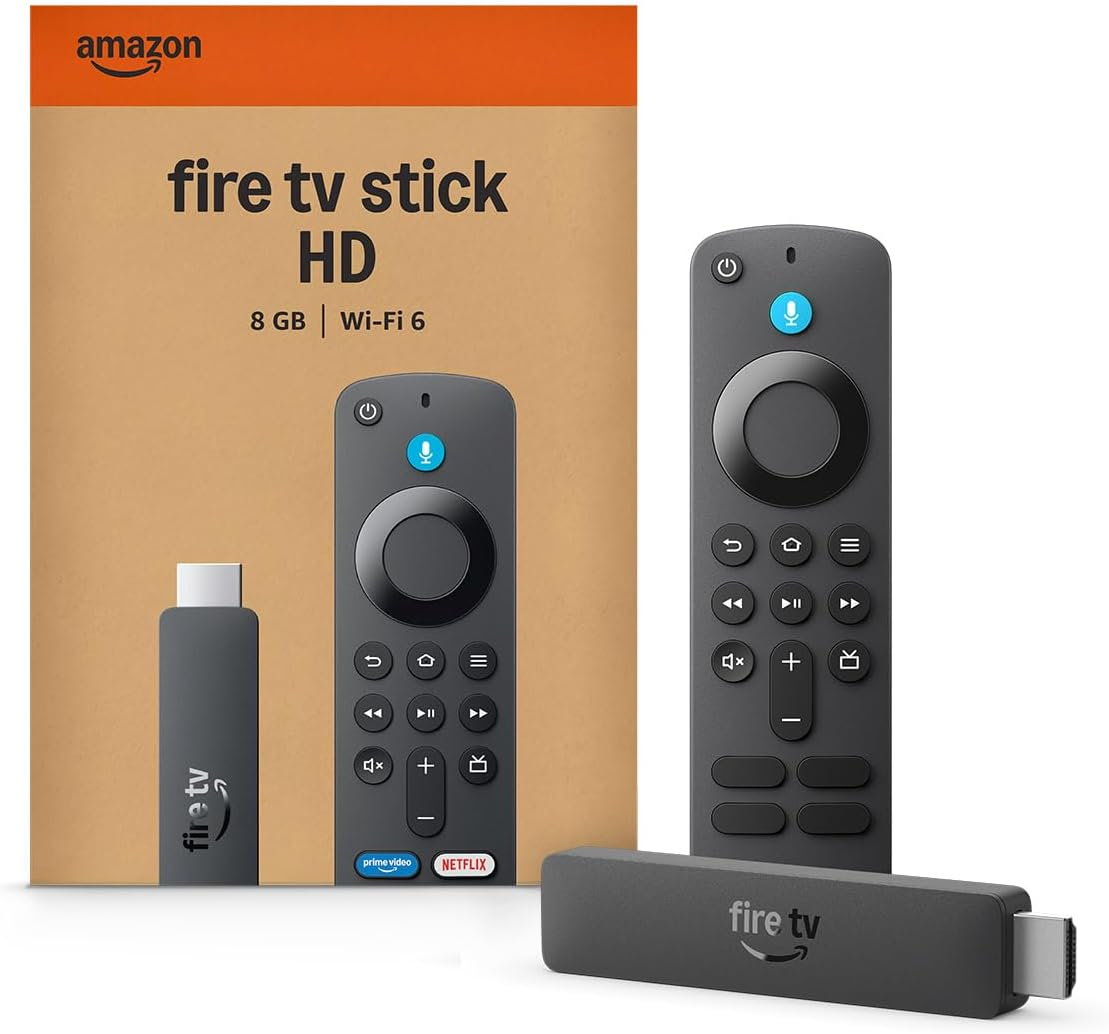
Fire TV streaming players bring together your favorite apps, live TV, and Alexa voice controls in one convenient device. Available in HD and 4K models, Fire TV offers options to suit a variety of entertainment needs and budgets. Save up to 67% on a new Fire TV for Black Friday!