How to turn your Gemini Air into a home audio hub
How to turn your Gemini Air into a home audio hub
Create a relaxing, home audio oasis in just a few easy steps.

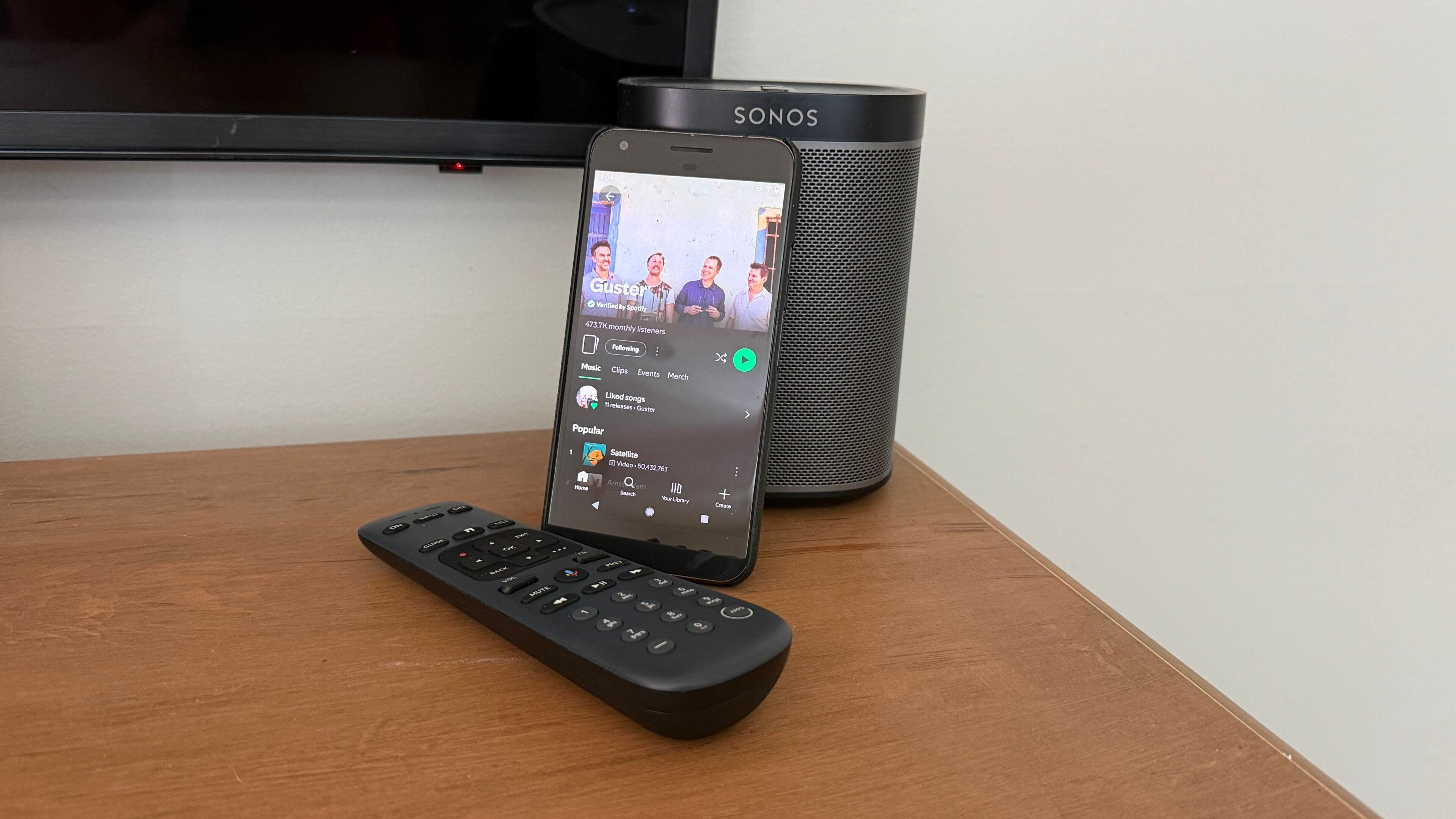
The DIRECTV Gemini Air is a solid investment for DIRECTV users. Not just from a hardware standpoint, but also on many other levels. I’ve talked at length about how good a transition it is from traditional cable, as well as all of the integrations and how well everything performs, but the fun doesn’t stop at streaming your favorite movies and shows — you can also create an amazing home audio experience as well with just a few extra accessories.
Most people don’t think of audio streaming when it comes to the Gemini Air, but it can, in fact, unlock a whole new level of home entertainment for many people. You put so much time into finding the right TV for your space, or maybe even a projector, as well as a great soundbar or surround-sound system. So wouldn’t it make sense to stream your music on the best speakers in the house as well?
How to turn your Gemini Air into a home audio hub
Gemini Air
From DIRECTV
The setup
To get going with streaming audio from the Gemini Air, you really don’t need too much extra. In most cases, the speakers you already use for your TV will be great for streaming audio as well. If you’re like me, you may even have a full surround setup — complete with a subwoofer — that’s just begging for some high-quality audio at your next dinner party.
But even just using your TV speaker can be better than some smaller, ill-sounding speakers. Plus, it can also save you space if you’re already tight on it, like in an apartment or a smaller room in your house. You can also easily pair Bluetooth headphones to the Gemini Air for more private listening, or even a speaker if you want to move things beyond your TV.
Once you have the hardware ready to go, you just need a reliable way to play the audio you want to listen to. Thankfully, there are various options, both free and paid, available on Gemini Air.
Music apps
Once the hardware is out of the way, you just need to choose a streaming platform if you’re not already invested in one. Many of the most popular services, like Spotify and Pandora offer free tiers, but you may already be using something like Amazon Music. Apple Music or even SiriusXM. You can even take advantage of the music channels within DIRECTV for genres like pop, country, rock, rap, and jazz — all included with your DIRECTV plan.
Finding the app you want to use is really just a matter of personal preference. You can easily try out a few, as many have free tiers or trials, then decide fully which one you want to invest your time in. For me, I’ve been a Spotify user for years and know that it just works. I also have a server with a bunch of music I’ve acquired over the years, which I can easily stream to the Gemini Air as well.
If you don’t want to clutter your Gemini Air homescreen with even more apps, you can also cast music from most Android devices or even your PC. Casting lets you use the music app you probably already have on your phone to easily cast to the Gemini Air, without any extra apps.
Whichever you choose, just fire up search from the Gemini Air homescreen, install your app of choice, and you’re off to the races.
Gemini Air
From DIRECTV
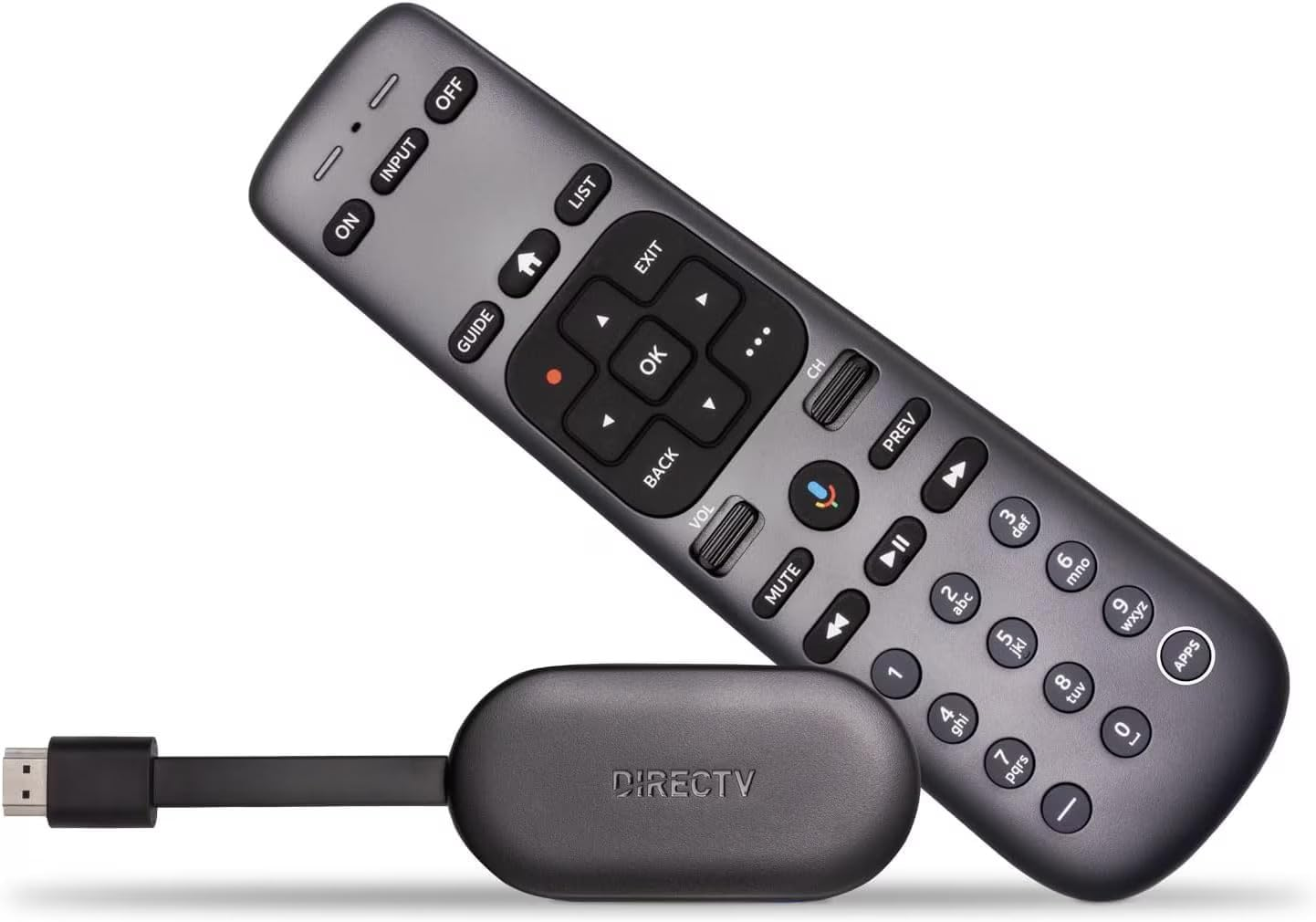
The DIRECTV Gemini Air is a compact streaming device that brings live TV, on-demand content, and popular streaming apps together in one easy-to-use interface.
Optimize your setup
You can easily just open a music app on the Gemini Air, find something to play, and stream away, but you can also tweak a few easy settings to optimize your audio streaming setup. There are a few settings on the Gemini Air — and oftentimes your TV or even soundbar app — that you may want to change to get the most from your audio.
Settings like Audio pass-through, HDMI-CEC, and even setting an ambient screen saver to prevent burn-in when streaming only audio will help take things to the next level. You can even make sure your TV remote is paired with your soundbar, so you don’t have any extra hardware to manage, and everything is fully integrated.
Sit back, relax, and enjoy!
While most people think the Gemini Air is only for streaming movies and TV, you can easily turn it into a home audio hub in just a few minutes. You probably already own most of what you need to get started, and you can upgrade your TV or speakers down the road if you choose to.
Regardless of your hardware setup, the Gemini Air is ready-made for streaming your favorite movies, TV shows, music, podcasts, and more so you can easily create the ultimate streaming hub right out of the box.

DIRECTV
DIRECTV is one of The Streamable’s top choices for the best live TV streaming service overall in 2026, especially for users who want the most channels or want to watch the most live sports. With an unbeatable lineup of local, news, sports, and entertainment channels, three main signature packages, an unlimited DVR, and 20 simultaneous streams at home, DIRECTV remains a premier choice for any cord-cutter.