Modern streaming meets old hardware — make any screen a smart TV
Modern streaming meets old hardware — make any screen a smart TV
Turn dated TVs into smart streaming hubs with simple adapters and plug-and-play devices.


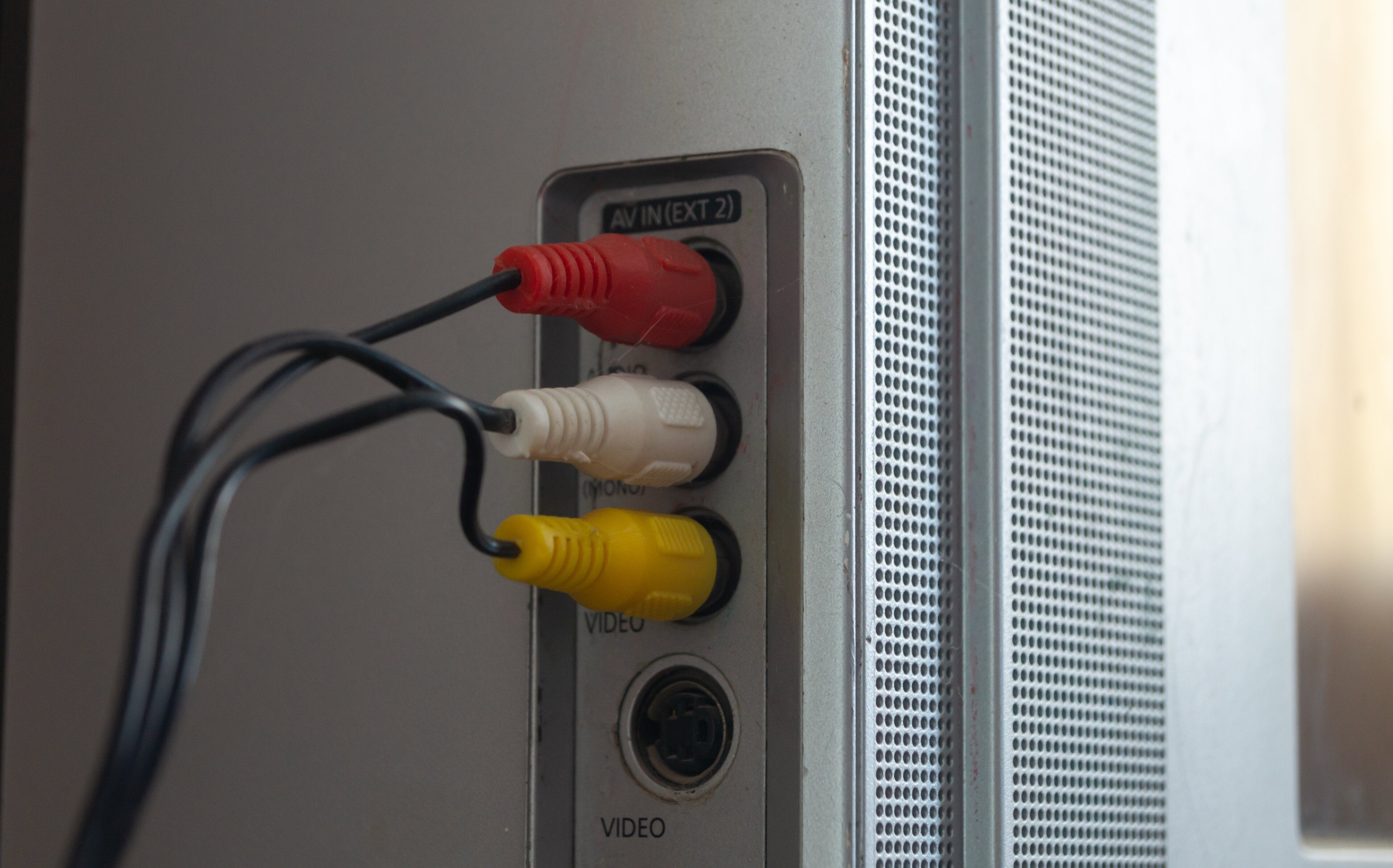
Older televisions may feel like they belong in a different era, but modern streaming devices can breathe new life into any screen. Even a TV with only RCA cables or component inputs can become a hub for movies, TV shows, music, and live news. This guide makes it easy to connect streaming devices to older hardware, showing how adapters work, which devices fit best, and even highlighting budget-friendly smart TVs that can replace an outdated set. With a little know-how, any TV, old or new, can deliver endless entertainment without a costly upgrade.
How to connect HDMI streaming devices to old TVs
Check what ports the TV has

The first step is to identify the types of ports available. Most older TVs include one or more of these:
- RCA (red, white, yellow cables) — An array of three cables, two for audio and one for video
- Component (red, green, blue with red and white audio) — Slightly better than RCA, with three cables for higher quality video and two for audio
- Coaxial — What most have from existing cable connections or antennas
Knowing which ports are available helps determine which adapters or devices are needed.
Using an HDMI to RCA adapter
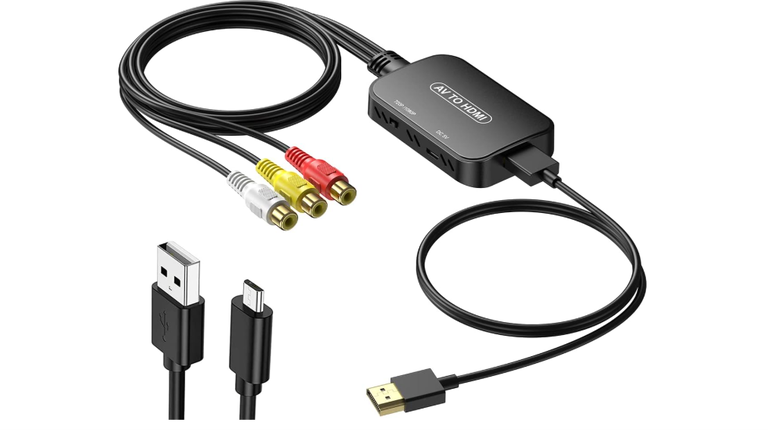
Most modern streaming devices, such as Roku, Fire TV, or Chromecast, utilize HDMI. Older TVs often lack HDMI ports. An HDMI to RCA converter allows these devices to connect easily.
How it works:
- Plug the streaming device into the HDMI side of the converter
- Connect the RCA cables from the converter to the TV
- Power the converter using a USB or wall outlet
- Switch the TV to the correct input channel
This solution works with most older TVs and is affordable, typically under $20. It provides a simple way to enjoy streaming without buying a new TV.

Component cables as an alternative
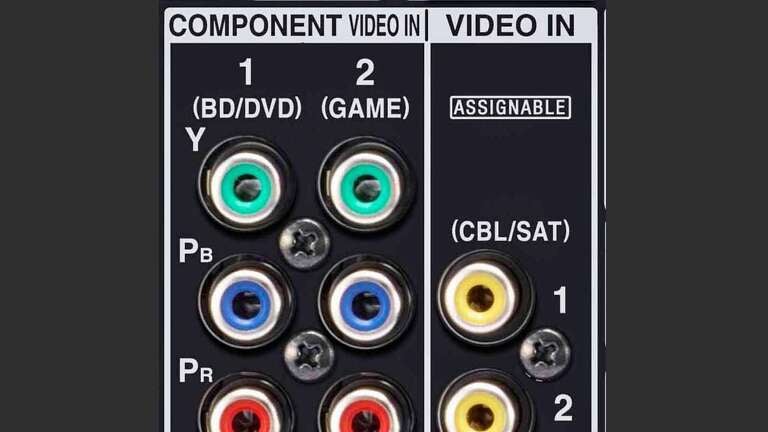
Some TVs support component inputs. If the streaming device or adapter supports HDMI to component, this can provide slightly better video quality than standard RCA due to its expanded connections.
The setup is similar: connect the HDMI to the adapter, then the component cables to the TV, and ensure audio is connected properly.

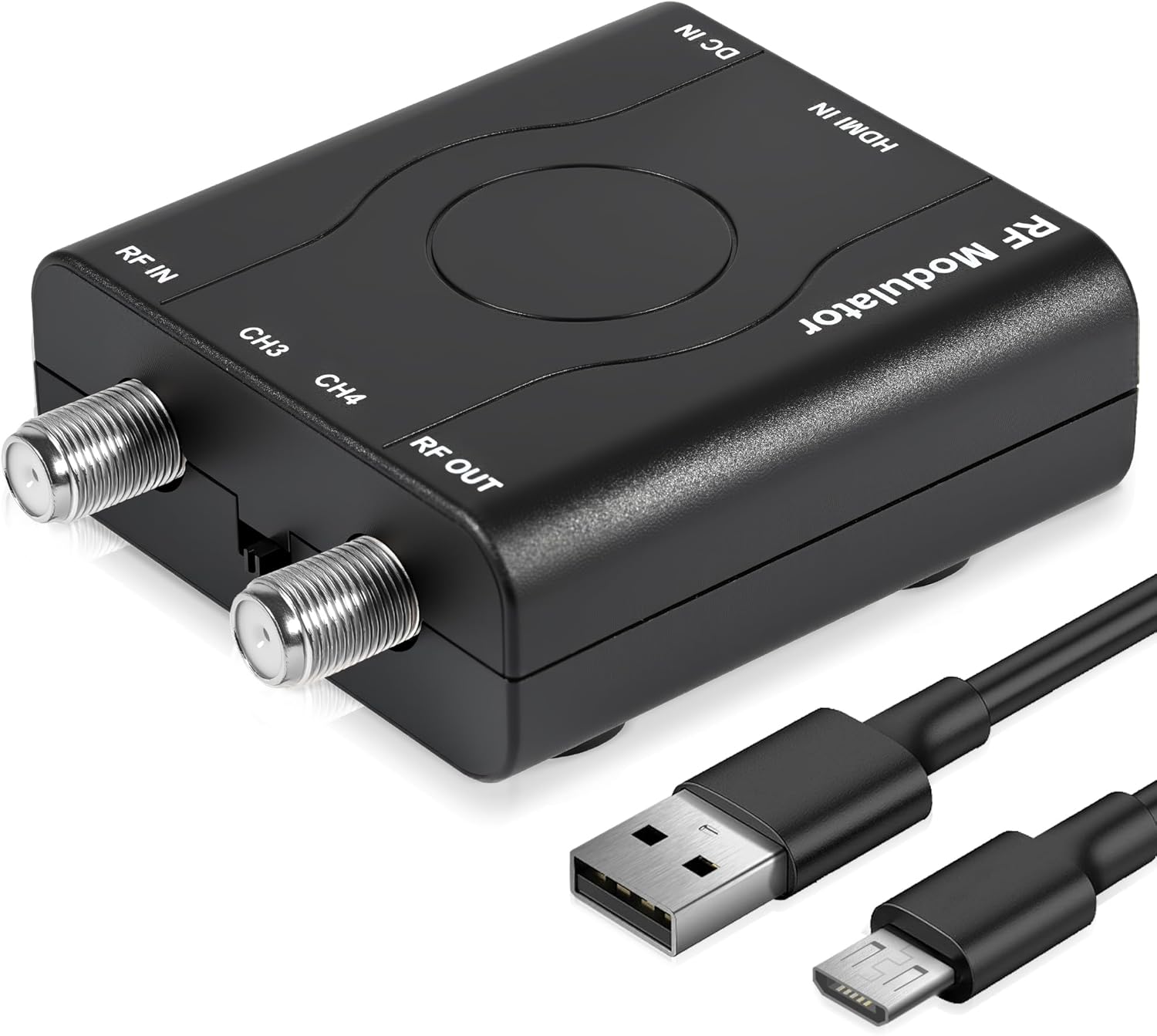
Coax might be your last option

While it’s not our favorite choice for conversion, a coaxial connection might be your only option (though it’s rare to not have RCA or component connections unless your TV is super old). You can still use an HDMI adapter to get the job done, though.
Simply connect your HDMI streaming device, wire up your coax, and stream away.
Streaming device recommendations
One of the great things about having an older TV is that you don’t have to worry about the latest technologies like 4K pictures or Dolby Atmos sound. You can easily get away with an older, lower-powered streaming device and be just fine. Some of our favorites include:
- Roku Streaming Stick Plus: Compact and reliable, perfect for older TVs using an HDMI to RCA converter
- Amazon Fire TV Stick: Works well with adapters and includes Alexa voice control
- onn Full HD Streaming Device: Affordable and compatible with RCA or component adapters
All of these devices provide access to Netflix, Hulu, Disney+, and plenty of free live TV channels.
Consider cheap smart TV alternatives
If your TV is really old or adapters feel too complicated, an inexpensive smart TV can be a great upgrade that will last for years to come. Many budget-friendly models come with built-in streaming apps and modern ports:
- TCL 32-inch Roku TV: Affordable, full HD, and ready to stream out of the box
- Insignia Fire TV 32-inch: Full HD, easy setup, Alexa compatible, and low cost
- Hisense 32-inch Smart TV: Compact, budget-friendly, and comes with major streaming platforms
A small investment in a new TV can remove the need for complicated adapters and make your streaming experience much smoother.
Tips for smooth streaming
- Use a stable Wi-Fi connection to prevent buffering
- Label adapters and cables to avoid confusion when connecting multiple devices
- Keep streaming device remotes and voice remotes handy for more straightforward navigation
- Check that converters are powered adequately, as some require separate power sources
Streaming made simple for every TV
Old TVs no longer have to limit modern entertainment. With the proper adapters, devices like Roku, Fire TV Stick, or Chromecast can bring HD shows, movies, and live channels to even the oldest screens. Compact, affordable, and surprisingly easy to set up, these solutions let any TV join the streaming era without fuss or frustration.
For those ready to go all-in, budget-friendly smart TVs provide a plug-and-play upgrade that keeps everything tidy and intuitive. Modern streaming no longer requires a new television or complicated setups; it just requires a few simple connections, and any screen can deliver endless entertainment.